
A product page gets steady traffic, but visitors leave without asking anything. Your support inbox stays quiet, yet sign-ups remain flat. Adding a human chat team may not fix the problem if visitors need reassurance while they're deciding, not another way to contact support.
The right live chat alternative depends on the job you need done. Some tools help agents handle customer questions. Others capture sales leads, automate routine support, or surface answers and objections directly on a landing page. A 2024 meta-analysis of 29 studies found that live-chat capability consistently improved behavioral intentions and relationship quality, while effectiveness varied by audience and product type. That's a useful reminder: choosing a channel matters, but so does matching it to the visitor's situation (the 2024 meta-analysis). For a practical shortlist of live chat for websites, start with the job on the page rather than the longest feature list.
This guide compares 10 options by price model, features, and practical trade-offs, so you can choose between staffed support, sales follow-up, budget chat, and conversion-focused social proof. If you're weighing chat against other conversational formats, this explanation of business chat by Recepta.ai offers useful context.
Conversion-focused social proof
1. FOMOchat
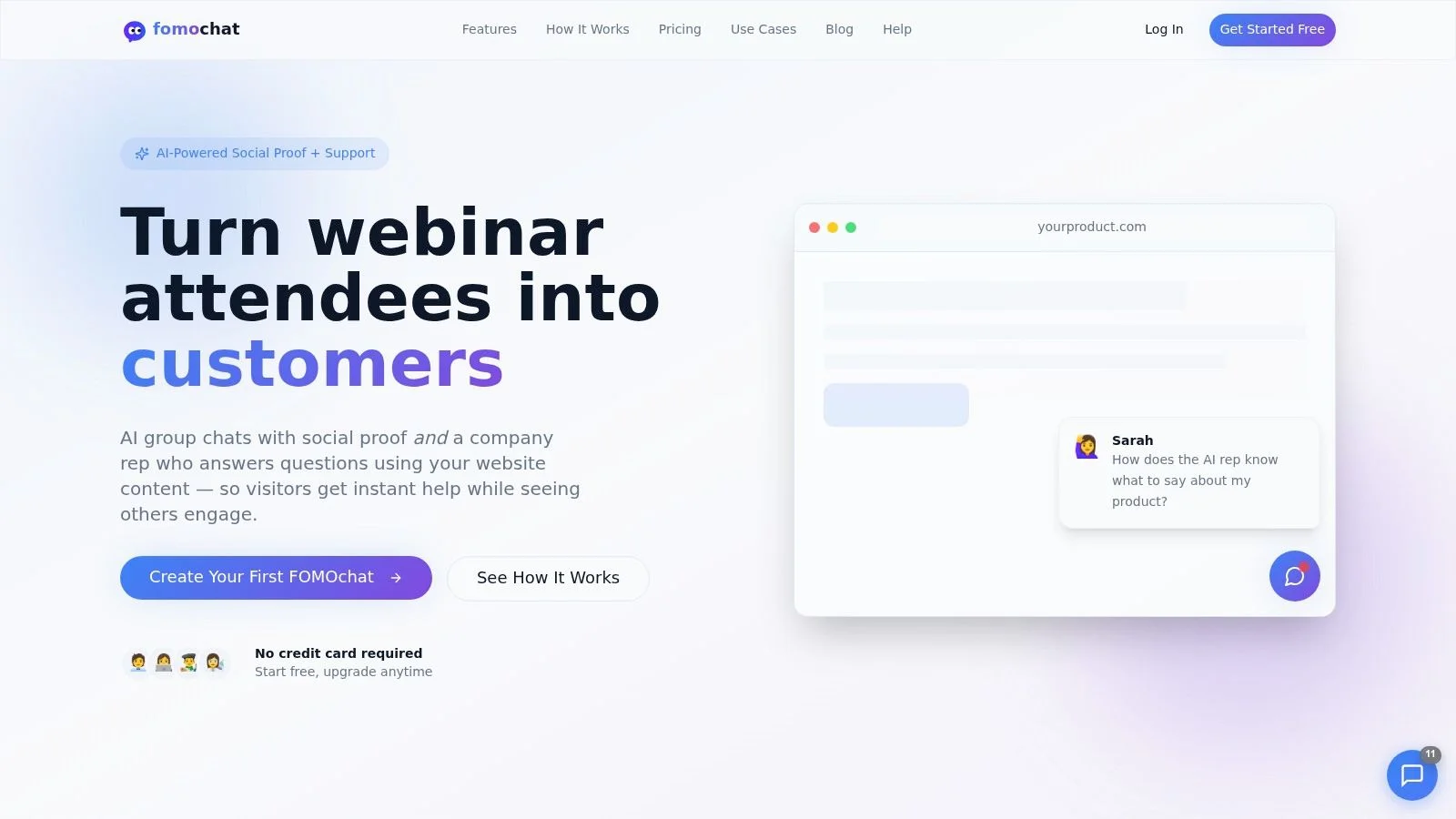
FOMOchat is built for pages where unanswered questions may be holding back a purchase, signup, or registration. It combines an AI company representative trained on your website content with a simulated group chat that visitors can join to ask questions. That makes it a different kind of live chat alternative: instead of relying only on a visitor to start a private support conversation, the widget can put common questions and responses in view on the page.
For video and webinar pages, conversations can sync with the video timeline. Teams can also import real chat logs from platforms such as Zoom or eWebinar and replay them verbatim. The chat widget can be customized, and it's added to a site by embedding a code snippet. FOMOchat offers a free plan for 100 visitors per month. Paid plans include Platinum at $89 per month for 5,000 visitors and Diamond at $129 per month for 15,000 visitors. Pricing is based on unique visitors who see the widget, with each visitor counted once per month.
A social-proof format needs transparent presentation. Some group chats are AI-generated, so don't let visitors mistake simulated participants for real customers. A 2025 survey found that 69% of U.S. adults said brands should always disclose AI use, while 22% said companies clearly disclosed it (the Liveops 2025 Holiday AI Customer Service Report). Label the AI representative clearly, distinguish imported real conversations from generated dialogue, and give visitors a way to ask their own questions.
Best fit: A product, course, launch, or webinar page where visitors need fast answers and visible discussion before taking action.
The trade-off is straightforward. FOMOchat is designed for on-page support and social proof, not as a replacement for a shared support inbox or a staffed customer-service operation. Keep website content accurate, set facts the AI must follow, and review conversations to catch unclear answers. Treat any conversion improvements published by the company as company-reported results, not independently verified outcomes.
Sales follow-up
2. HubSpot Live Chat
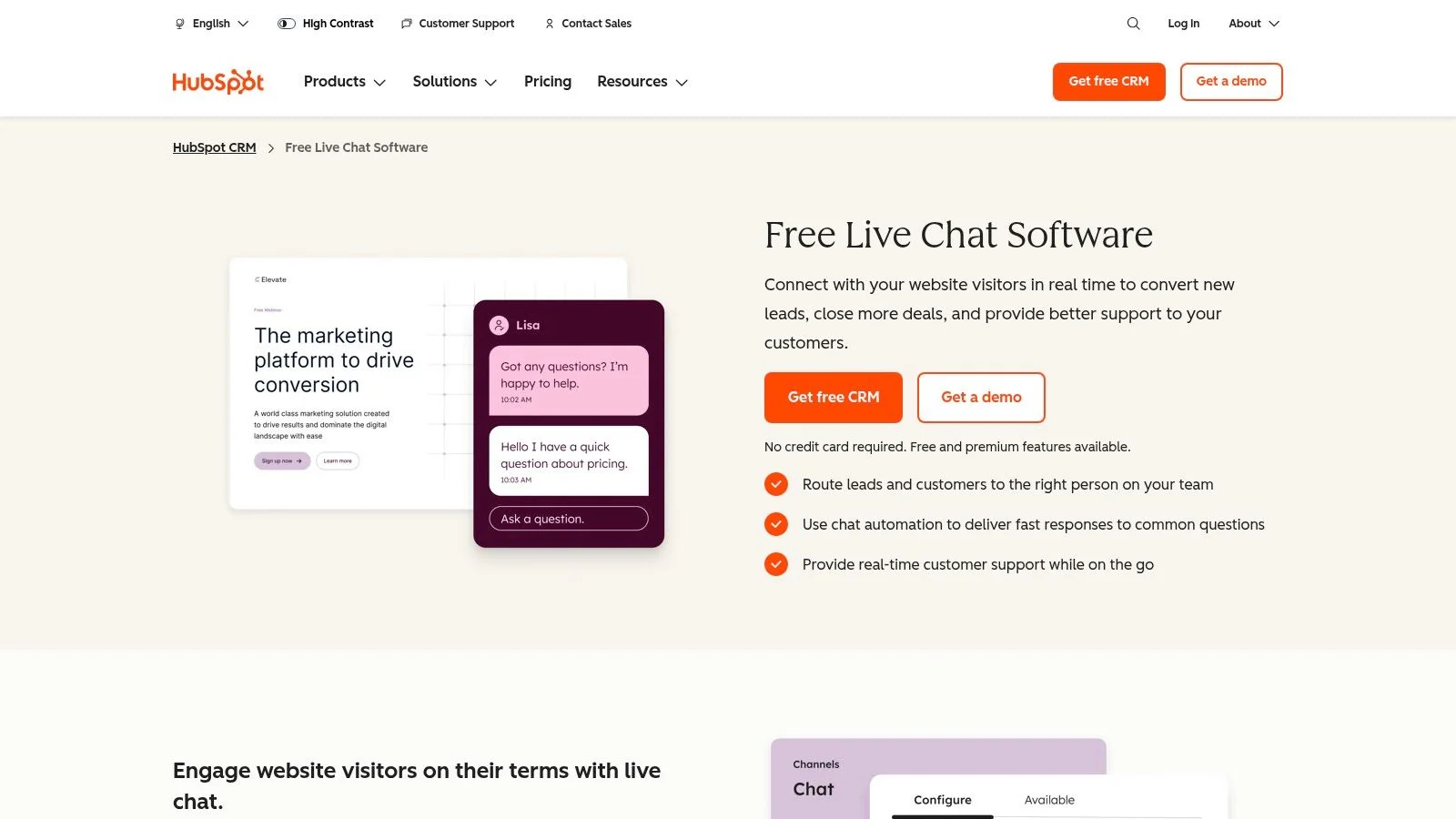
HubSpot Live Chat makes sense when a conversation should lead to a follow-up, not just an answer. Website chat and chatbot tools connect with HubSpot CRM, so sales and marketing teams can use contact and chat history when they qualify a lead or plan the next step. You can route conversations to a team member and customize the widget and welcome message for different pages. If you mainly need an on-page AI chatbot for sales that answers product questions before the CRM handoff, weigh that job separately from inbox routing.
The free option gives teams a way to start without first committing to paid Service Hub features. That's useful for a small team already using HubSpot, especially when a product page needs a simple prompt such as “Need help choosing a plan?” rather than a full support operation.
- Useful for: Capturing visitor questions and keeping conversation history with CRM records.
- Watch for: Advanced service features and the strongest value depend on using the HubSpot ecosystem.
HubSpot can also connect chat activity to sales workflows, but that doesn't automatically make every visitor a qualified lead. Keep your welcome message specific and route high-intent questions to someone who can respond. For more context on products in this family, see this comparison of HubSpot Conversations alternatives.
3. Zoho SalesIQ
Zoho SalesIQ combines visitor monitoring with chat, proactive outreach, and chatbot tools. It's a good fit when a sales team wants to see what a visitor is viewing and decide whether to offer help, rather than waiting for every prospect to open the widget first.
The tool can show current-page and traffic context, support chatbot creation, and route conversations across departments. Paid plans add options such as lead or company scoring, advanced bots, reporting, and routing. That breadth can help a team build a more deliberate lead-generation process, especially if it already uses Zoho products.
The downside is configuration. SalesIQ has more moving parts than a basic chat box, and the features and usage limits depend on the plan. Set clear rules for when to trigger an invitation. A visitor reading a pricing page may welcome a timely offer to help, while repeated prompts across every page can feel intrusive.
Zoho SalesIQ works best when someone owns the outreach logic and checks whether it's generating useful conversations. If the team only needs to answer incoming support questions, its visitor engagement and scoring features may be more than necessary. You can explore the tool on the Zoho SalesIQ website.
Budget chat
4. Tidio
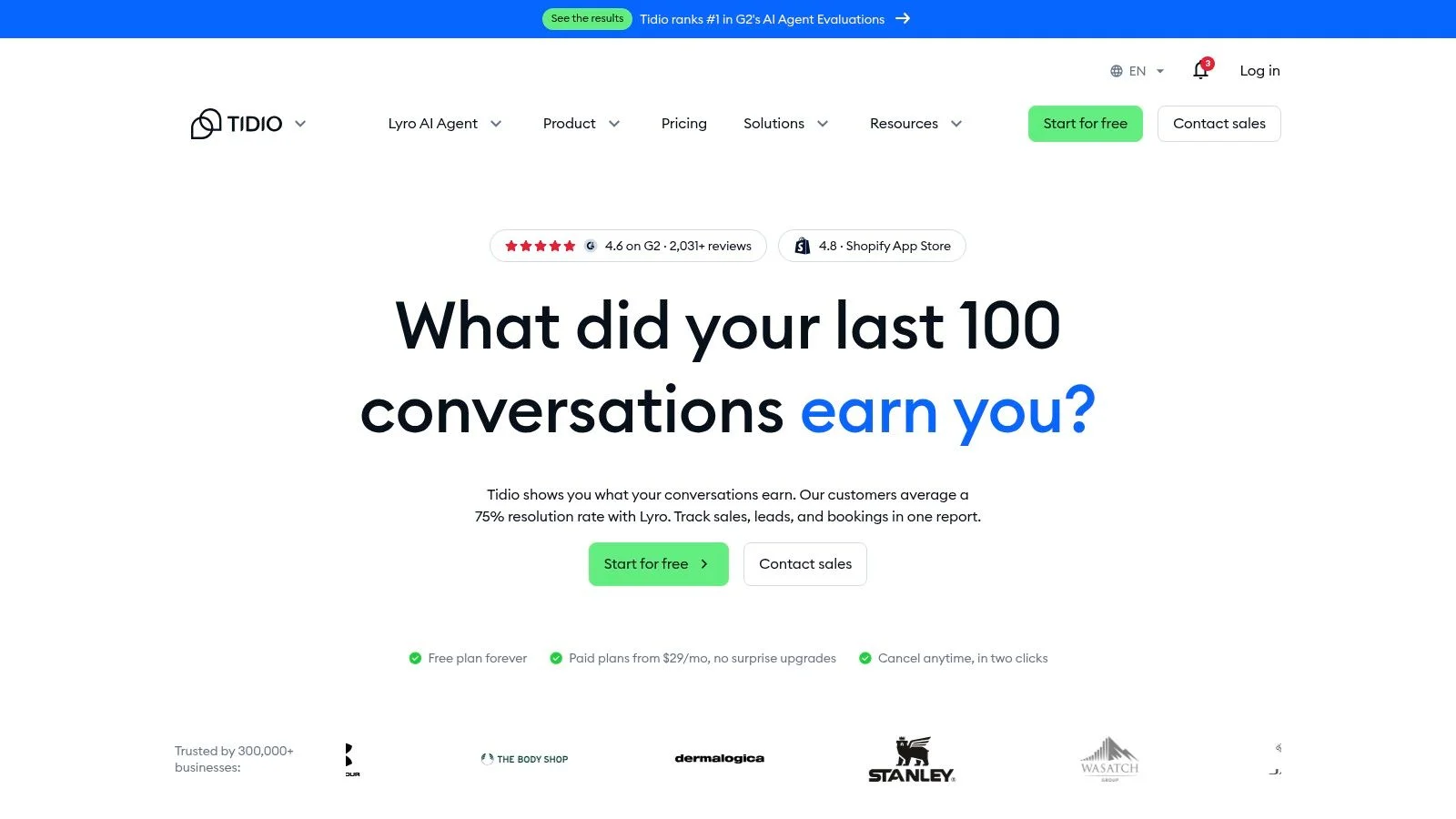
Tidio bundles website chat with ticketing and AI-assisted support, making it a practical starting point for smaller teams that want more than a standalone widget. A free or entry-level option can help a team test chat and automation before taking on a larger service platform.
The main question is whether the plan's conversation allowances match your actual demand. A low-cost starting tier may work well when visitors ask repeatable questions, but it can become a constraint as volume grows or support needs become more specialized. Check how the plan counts conversations and which automation features it includes before making the widget a central support channel.
Don't judge a budget plan by its starting price alone. Check what happens when the team or conversation volume grows.
Tidio can handle repeat questions and keep support conversations organized, but it isn't designed around simulated group discussion or on-page social proof. Choose it when visitors need a private support exchange, not when your main goal is to let prospects see objections answered in a shared conversation. For a closer look at options for lean teams, read this guide to live chat software for small businesses. Tidio's plans and current features are listed on the Tidio website.
5. Crisp
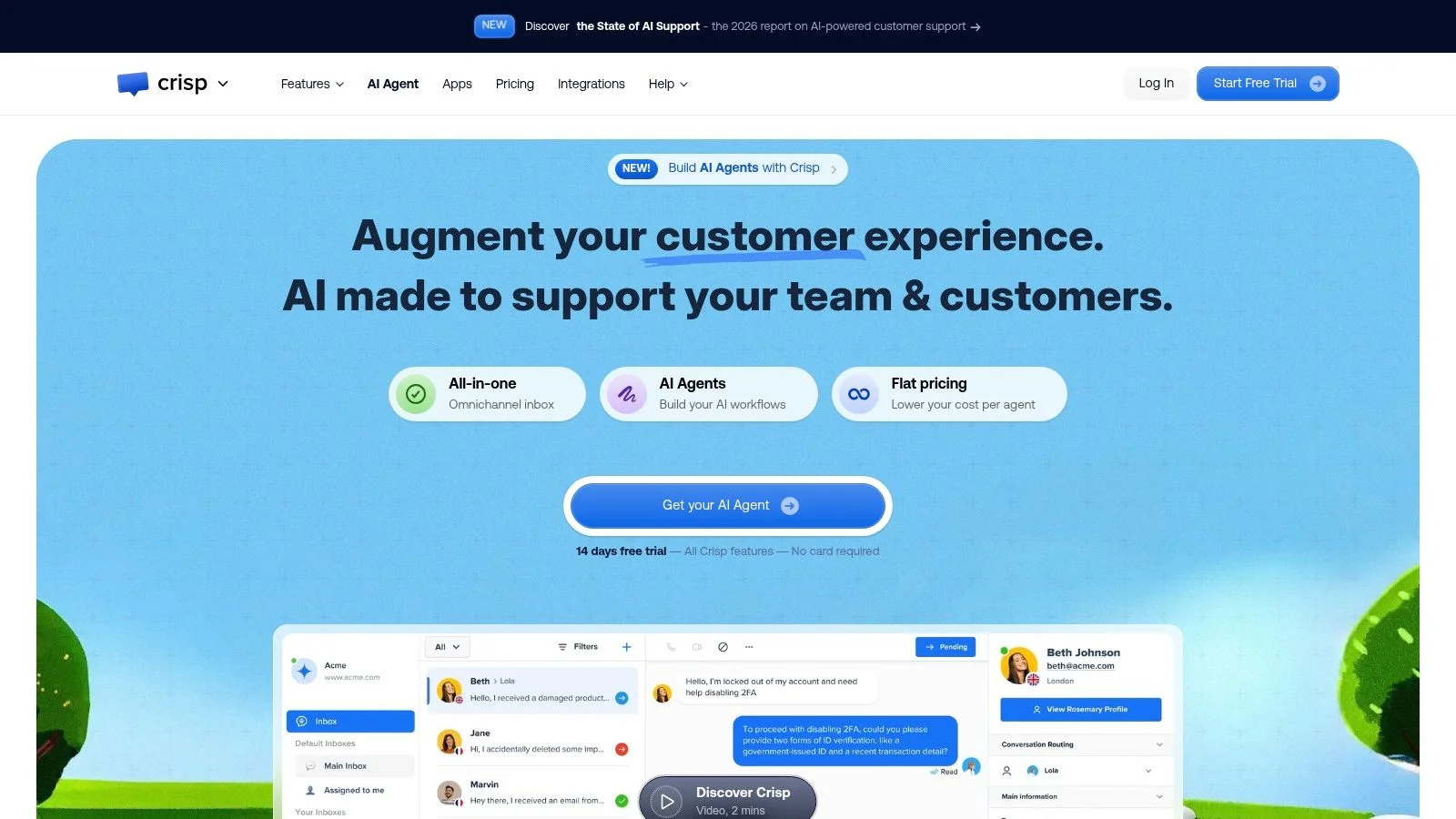
Crisp is a sensible choice when a small team needs to manage several messaging channels from one shared inbox. Alongside website chat, it can connect channels such as WhatsApp, Instagram DMs, and SMS. Its workspace-based pricing bundles seats, which can be easier to plan for than adding a separate per-agent charge for every operator.
That pricing model has a limit: each workspace tier includes a set number of seats. If your team outgrows the allowance, you may need to move to the next tier even if you don't need every extra feature. Check the seat cap against the people who will handle conversations, including backup coverage.
Crisp is focused on messaging and support. It helps consolidate conversations, but it doesn't provide the conversion-focused social-proof format of an interactive group chat on a product page. That's an important distinction if you're trying to answer objections before visitors contact your team.
The free tier can make Crisp a reasonable place to start, especially if your team needs one inbox for multiple channels. The tool's usefulness depends on whether your operators will work consistently in that inbox. Review the available plans and included seats on the Crisp website.
6. tawk.to
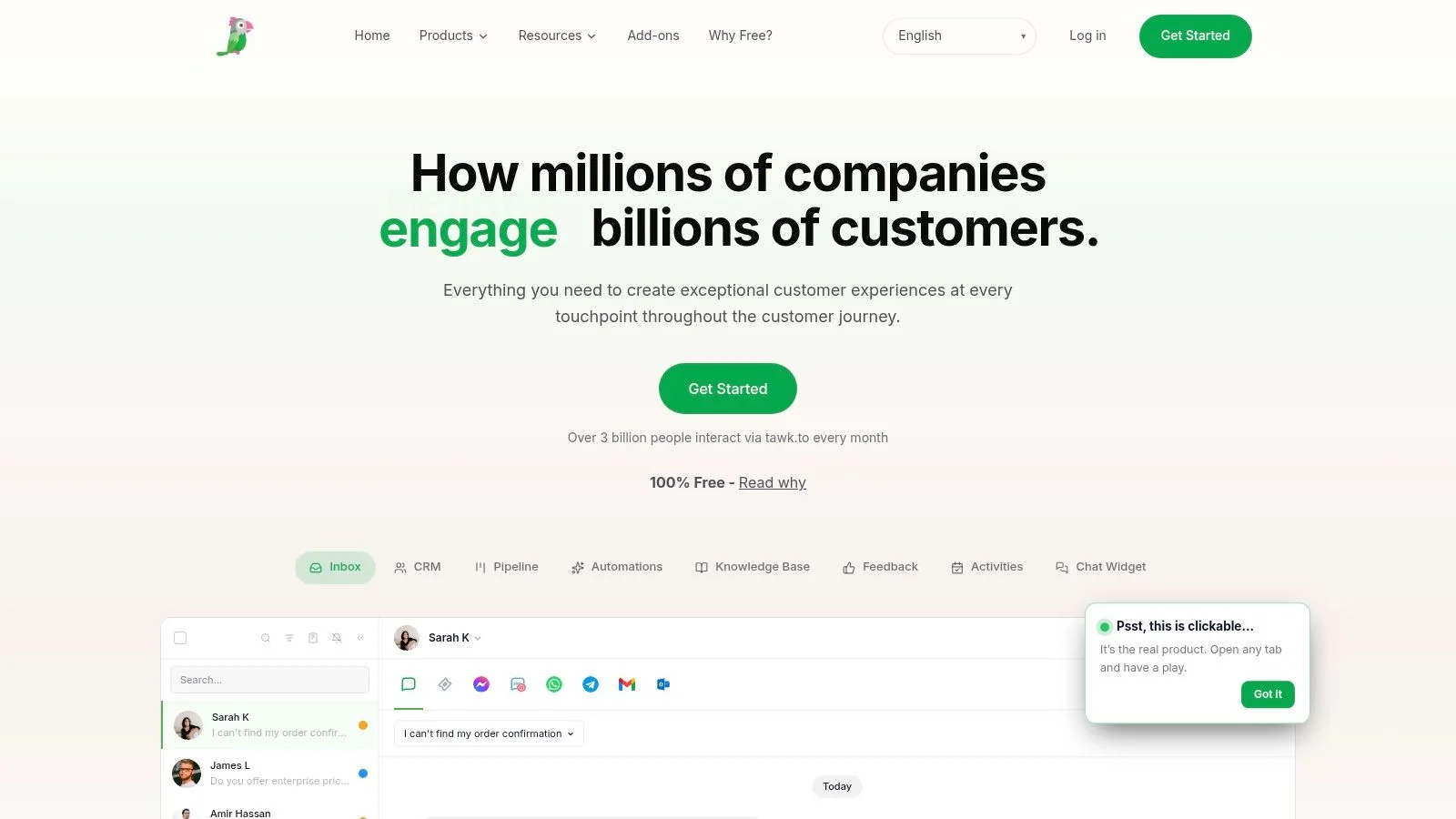
If your main requirement is a staffed website chat channel at minimal software cost, tawk.to is worth considering. The company says its chat software is free with no limits on agents, chat volume, or sites. It includes a website widget, visitor monitoring, and desktop and mobile apps, so a small team can respond without buying a larger service platform first. Teams comparing free options often start with free online chat software guides, then decide whether unpaid seats still cover peak hours.
“Free” describes the software, not the work of answering visitors. Your team still needs to monitor conversations, write responses, and cover the hours when people are online. Businesses can pay for services such as trained chat agents or branding removal, but teams staffing chats themselves should plan who owns incoming questions and how quickly they can respond.
Best for a lean team: Use tawk.to when the budget for software is tight and a real person can take responsibility for the inbox.
The trade-off is that tawk.to is less suited to teams seeking advanced AI, CRM workflows, or conversion experiments. It's also a hosted service rather than a self-hosted product. For straightforward staffed chat, those limits may be acceptable. For a broader comparison of no-cost options, see this guide to free online chat software. Current product details are available from the tawk.to website.
Staffed support
7. Intercom
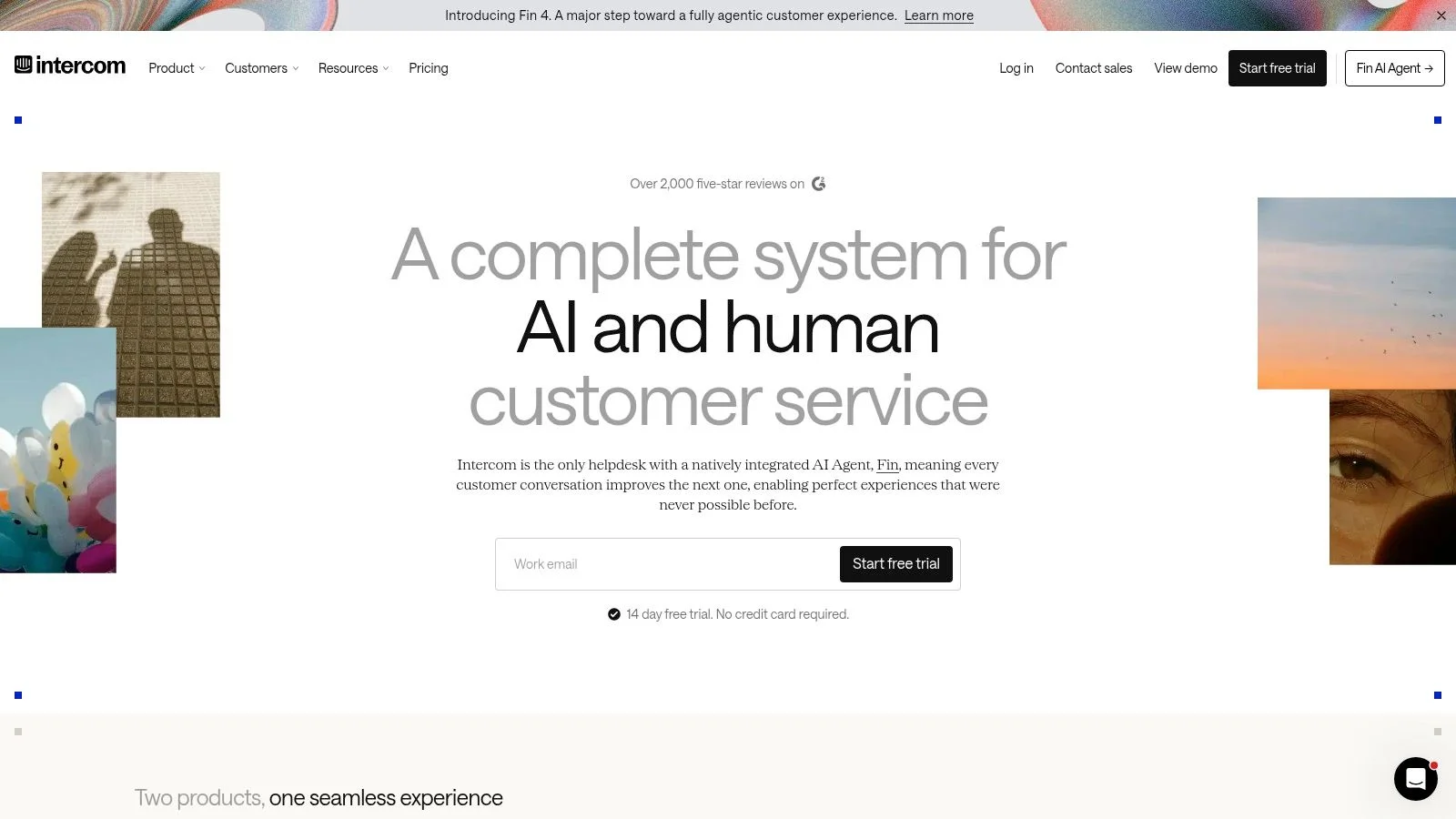
Intercom fits SaaS companies that need chat inside a wider customer-service system. Website and in-app messaging share an inbox with automation, help-center tools, and an AI agent. That setup matters when a customer hits a product problem and the support team has to assign, track, or escalate the conversation without losing context. A lighter website chat widget can still sit on marketing pages when you only need answers at the decision point, not a full service desk.
Intercom blends human support with AI-assisted replies. The full bill can be less predictable than a simple chat subscription. There is no free-forever plan, and seat charges plus usage-based AI or channel costs can change the total. Price it against expected agent seats and AI use, not the entry plan.
A 2025 live-chat benchmark found that chatbots handled 73.8% of chats in 2024 but resolved about 46% of all incoming conversations. Automation volume and resolution are different measures. Track unresolved questions and escalation quality alongside bot activity (the Comm100 Live Chat Benchmark Report 2025). Use automation for repeatable requests. Keep a clear route to a human for complex product, billing, or account issues.
Intercom suits ongoing product support more than a light widget built to answer pre-purchase objections. If you are comparing automated chat with agent-led conversations, this guide to chatbots versus live chat explains the difference. Current plans and platform details are on the Intercom website.
8. Freshchat
Freshchat gives support teams web and mobile chat, a shared inbox, and connections to other communication channels. It works for teams that want to start with basic messaging and add more structured support as needs grow. Freshchat offers a free plan for a small team testing a shared inbox. Check current agent and feature limits on the Freshchat website before you plan coverage around it.
Paid plans add channel connections, reporting, and routing options. Automation features may involve plan or add-on costs, so confirm what is included before you treat AI as part of the base subscription. A support tool is not a conversion widget. Freshchat helps when a customer contacts the company and someone must own the reply. It will not put common pre-sale questions in front of visitors who never open chat.
Per-agent pricing can raise costs as the support team expands. Decide who needs a seat and whether occasional or specialist responders need full access. If the tool mainly handles live agent support, start with the shared inbox and routing needs. Add automation only where it removes repetitive work.
9. LiveChat
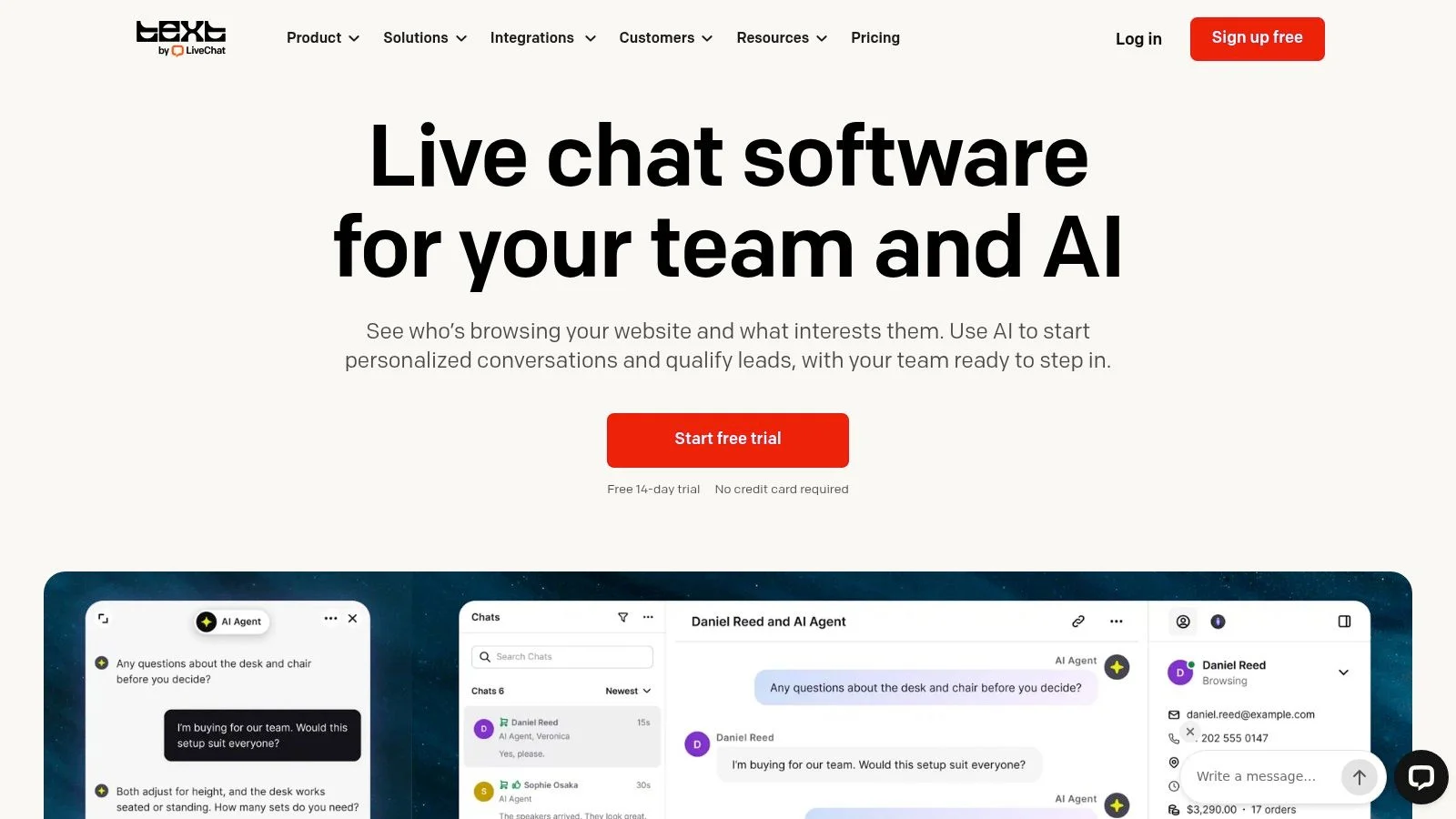
If your support promise is that a person answers the chat box during business hours, LiveChat fits that job. Routing, canned responses, reporting, and integrations support ecommerce workflows. The product stays focused on live website chats rather than turning the page into a social-proof experience.
That focus suits a team that can staff the channel and wants a clear view of how conversations are handled. Canned responses speed up replies to common questions. Agents still need to adapt them to the visitor's situation. A copied answer that misses the actual question creates another message instead of resolving the issue.
LiveChat publishes per-user pricing and offers a free trial. Per-user charges are easy to understand, but they add up when more agents need access. Plan seat requirements around the people who will cover the channel. Decide whether expected volume justifies staffed coverage.
The tool is a poor fit if your main problem is that visitors are not starting a chat. In that case, look at whether the page has clear product information or visible answers to recurring objections. For guidance on how chat affects conversion, see this overview of live chat conversion rates. Product details are on the LiveChat website.
10. Zendesk Messaging
Zendesk Messaging only makes sense if Zendesk already runs your support operation. It brings web and mobile conversations into the same platform as tickets, workflows, and reporting. The advantage is continuity. A chat does not sit apart from the rest of support when the team needs to route it, automate part of the process, or handle it alongside tickets. If your gap is a clear support chat icon on product pages rather than ticket continuity, a narrower widget may be enough.
The limitation is the same breadth that makes Zendesk useful. A team that needs a small chat box may find the wider platform more than it needs. Messaging availability depends on the selected plan, and total cost depends on plan requirements. Confirm which capabilities your team will use before adopting it.
Zendesk Messaging organizes support conversations. It does not guarantee visitors will raise questions before leaving a page. If your main goal is a staffed service operation, compare it against your existing Zendesk workflows. Current product details are on the Zendesk Messaging website.
Live chat alternatives compared by price model, free options, and best use case
| Item | Price model | Free option | Best for |
|---|---|---|---|
| FOMOchat | Charged on unique visitors who see the widget; chat included. Platinum $89/month for 5,000 visitors, Diamond $129/month for 15,000 | Free plan, 100 visitors per month, free forever | AI support and social proof on conversion-focused pages |
| HubSpot Live Chat | Free tier; paid plans scale with seats and contacts in HubSpot | Yes | Teams already running HubSpot for chat and lead follow-up |
| Zoho SalesIQ | Free plan, then per-seat paid tiers | Yes | Visitor engagement, lead generation, and chat |
| Intercom | Per-seat pricing, quoted by sales | No free-forever plan; trial available | SaaS teams needing a broader customer-support platform |
| Tidio | Free plan, then tiered by conversations and features | Yes | Small teams combining chat, ticketing, and automation |
| Crisp | Free tier, then flat monthly plans by seats | Yes | Small teams managing multiple messaging channels |
| Freshchat | Free plan, then tiered by agents and volume | Yes | Teams starting with customer messaging and live chat |
| LiveChat | Per-seat plans at standard tiers | Free trial | Businesses needing staffed website chat and reporting |
| Zendesk Messaging | Bundled with Zendesk Suite; cost depends on seats and plan | No free-forever plan | Organizations using Zendesk for structured support operations |
| tawk.to | Free to self-staff; paid add-ons for agents who do not monitor | Yes | Businesses seeking no-cost, self-staffed website chat |
Two pricing models sit in this list, and the difference matters more than any feature comparison. Seats charge you per agent, so cost rises with the size of your support team. Visibility charges you per visitor who sees the widget, so cost rises with traffic. If you have three agents and 20,000 monthly visitors, seat pricing is cheap and visibility pricing is not. Reverse those numbers and the conclusion flips.
FOMOchat sits in the second camp. Unique visitors count once per month, chat is included, and the free plan covers 100 visitors, so you can test the widget on one page before committing. Platinum at $89 covers 5,000 visitors and Diamond at $129 covers 15,000. Below those tiers, a free preview answers the only question that matters early: does social proof on the page move anyone to act.
The free options split in a way the table hides. HubSpot, Zoho SalesIQ, Tidio, Crisp, Freshchat, and tawk.to all give you a working widget at no cost. tawk.to's free tier is self-staffed, which means your team monitors it. HubSpot's free tier makes sense only if you are already in HubSpot, because the value is the contact record, not the chat box. Zoho's free plan is a lead-capture and engagement layer. A solo founder can run Tidio or Crisp free for a long time and only pay when automation or extra agents matter.
Intercom, LiveChat, and Zendesk Messaging require a paid commitment or a trial. None of them is the right first purchase for a site with low traffic and one person answering questions. They pay off when chat becomes part of a service process with routing, reporting, and handoffs. Zendesk Messaging in particular assumes you want ticketing underneath the conversation.
Use the "best for" column as the filter. If prospects need reassurance before they contact anyone, FOMOchat's generated group conversation does that job without staff. If the job is answering pre-sale questions fast, LiveChat and tawk.to fit. If the job is routing post-sale issues, Zendesk Messaging and Freshchat fit. Pick the row whose limitation you can live with, then check the free tier against your actual monthly visitor count before you upgrade.
Choosing Your Live Chat Alternative: A Practical Checklist
A visitor reaches your pricing page with a question about plan limits. The chat is slow, scripted, or absent, and the visitor leaves. Choose the alternative that closes that gap. Feature count is a poor substitute for fit.
Start with the job you need done. If visitors already open chat and need answers from a person, a staffed tool such as LiveChat or tawk.to may fit. If sales needs visitor context and follow-up, HubSpot Live Chat or Zoho SalesIQ may be a better starting point. If repeated support questions drain the team, a shared inbox or automation tool can handle routine requests at a lower cost than adding seats. If prospects need reassurance before they contact anyone, test a social-proof format such as FOMOchat on the page where they decide. Conversations beat notification popups when someone still needs a real answer; see websites with popups for why another interrupt often underperforms a helpful reply.
There is no universal best alternative. Gartner's 2025 survey announcement reports that customer-service leaders expect self-service and live chat to surpass traditional channels by 2027, and that AI agents were outside their top ten technologies at the time of the survey. The practical lesson is that channel choice depends on what visitors are trying to accomplish, not on whether a tool offers AI.
Before committing, work through these checks:
- Match the channel to the question: Use searchable documentation for repeatable, low-risk questions. Use AI for quick navigation or qualification, and keep a human path for high-stakes or sensitive issues.
- Check the price model: Compare per-agent pricing with visitor-based or conversation-based limits. Estimate cost at your expected usage, not just the entry tier.
- Confirm the coverage: A free plan only helps if its limits fit your traffic and team. A staffed tool needs someone responsible for answering.
- Keep answers accurate: Review product details, pricing, and support guidance regularly. An outdated answer can undermine trust faster than no widget.
- Disclose automation: Tell visitors when they are interacting with AI. Explain how to reach a person. If a widget uses simulated participants or generated conversations, label them clearly instead of passing them off as live customer activity.
- Run a focused test: Put one tool on a high-traffic page and compare it with your current baseline. Track resolution quality, escalations, repeat contacts, trust signals, and assisted conversions.
A layered setup often works better than replacing every channel with one tool. Visitors may use documentation to solve a simple problem, ask AI to find the right plan, or need a person for a complex account issue. A group conversation can help when many prospects share the same objection, but private troubleshooting still needs a private path. Pair that with chat support responses you can reuse across tools, and for a wider view of service options explore these best support platforms for 2026.
Choose the smallest test that answers a real business question. Give one page a clear owner, decide what success means before launch, and review the conversations for unanswered questions as well as conversions. That will tell you whether your next step is more staffing, better self-service, improved routing, or a different kind of on-page experience. Track live chat conversion rate on the test page so volume doesn't hide weak signups.
FOMOchat combines an AI company representative trained on your website content with an interactive group-chat widget, giving visitors a way to ask questions and see common objections addressed. If you're testing a live chat alternative for a product page, course, launch, or webinar, visit FOMOchat to see whether its social-proof approach fits the job. For more patterns that mix proof with answers, browse conversational marketing examples and our AI chat widget overview.