

Live chat is no longer just a 'nice-to-have' support tool. For a small business, it's a critical engine for converting visitors into customers, answering questions instantly, and building trust when human resources are limited. But not all chat software is created equal. Some are simple support windows, while others are powerful AI-driven platforms designed for sales, social proof, and proactive engagement.
Choosing the right one can mean the difference between simply answering questions and actively increasing revenue. To truly integrate live chat as a growth engine, it's helpful to see how it fits into your broader customer experience strategy, similar to the principles behind a Modern IT Service Desk. Both focus on efficient, user-centric communication to solve problems and drive satisfaction.
This guide cuts through the marketing noise to give you a practical, in-depth look at the 12 best live chat software for small business. We get straight to the point, analyzing the tools that matter most for SaaS marketers, course creators, and growth-focused teams.
Inside this comprehensive review, you will find:
Beyond chat, collecting reviews is a key trust signal. See our 5-star review examples for templates you can use right away.
- Detailed breakdowns of each platform, including pros, cons, and screenshots.
- Specific use cases to match software to your goals, like webinar engagement or lead generation.
- Clear pricing comparisons to help you find a solution that fits your budget.
- Implementation tips to get you started quickly.
We'll break down the specific features that matter, from AI and automation to integrations and pricing, and help you identify the perfect fit for your unique goals. Let's find the right chat software to fuel your growth.
1. FOMOchat
FOMOchat earns its top spot by fundamentally rethinking what a chat widget can do for a small business. Instead of just reactive support, it actively drives conversions by combining a smart AI assistant with simulated group conversations. This approach creates a powerful sense of social proof, showing new visitors that others are already interested, asking questions, and getting ready to buy. It's a standout choice for businesses focused on turning website curiosity into measurable results like signups, sales, and registrations.
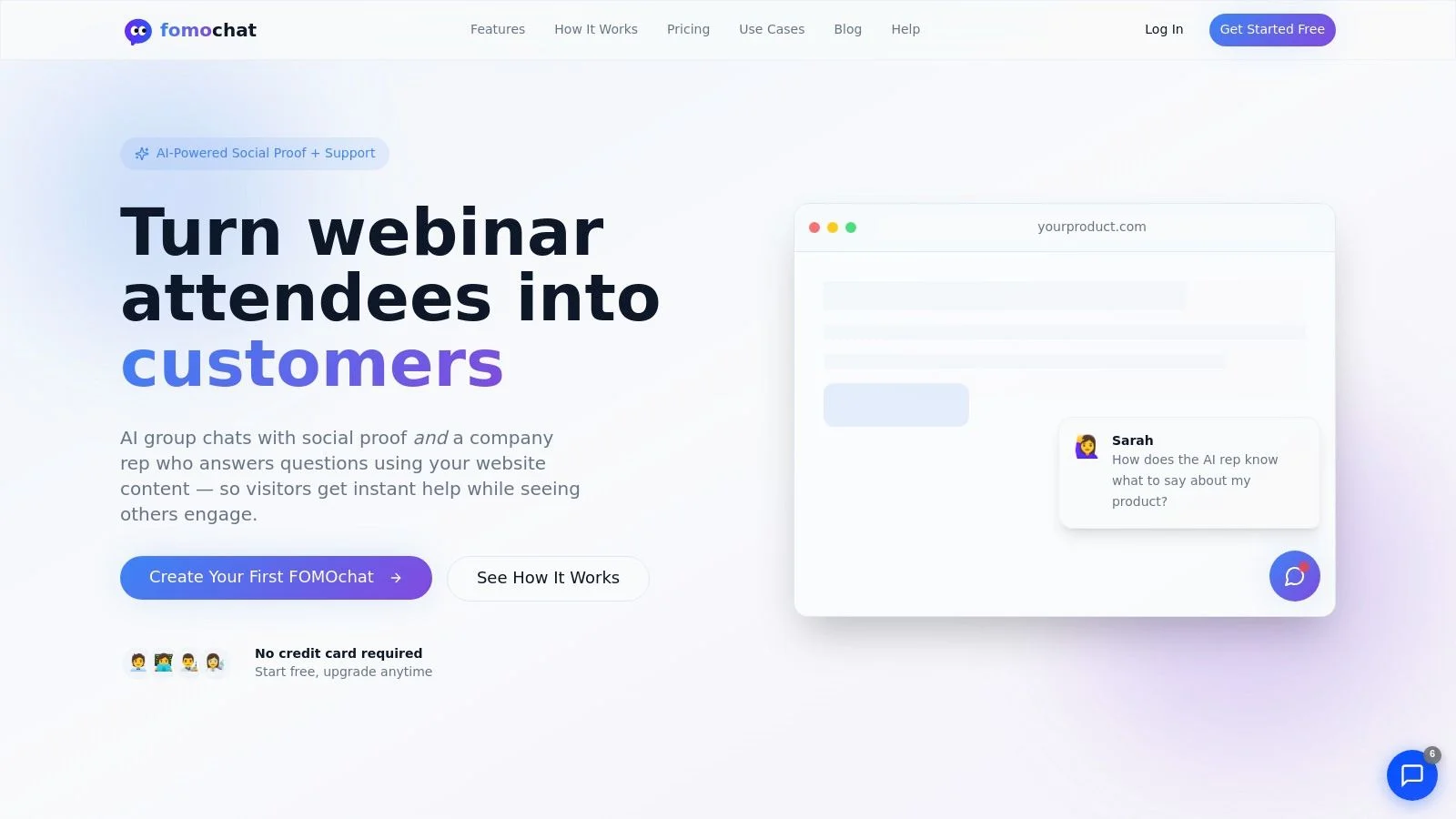
The platform’s strength lies in its dual-AI system. First, an AI “company rep” is trained directly on your website content, ensuring it gives accurate, on-brand answers. You can set guardrails and add specific facts to keep the AI focused and minimize incorrect responses. Second, it generates realistic, multi-person group chats that surface common questions and objections, building trust and urgency for visitors watching the conversation unfold.
Standout Features & Benefits
What truly sets FOMOchat apart is its focus on specific, high-value marketing events. The video and webinar timeline sync is a strong option for hosts, allowing pre-programmed questions and reactions to appear at key moments in a presentation. This keeps the audience engaged and answers questions exactly when they arise.
Our Take: The reported conversion lifts are significant for small businesses where every lead counts. The tool directly addresses buyer hesitation by showing, not just telling, that a product or service is in demand. For a SaaS free trial page or an online course sales page, this is far more effective than a simple, empty chat box.
Pricing & Implementation
Getting started is simple. FOMOchat offers a generous free preview plan (100 lifetime visitors, 400 AI messages) with no credit card required, making it easy to test. Paid plans are priced based on traffic, starting at the Silver tier for $29/month. This scalability ensures it remains one of the best live chat software options as your small business grows.
Setup is exceptionally light on code. After configuring the AI and generating conversations, you just paste a small code snippet onto your site. The process is fast, and you can find a clear, step-by-step guide for installing the widget on their help site.
- Pros: Proven conversion focus, accurate and controllable AI, unique social proof with group chats, webinar/video sync, and fast deployment.
- Cons: The AI-generated nature of chats may require transparency to avoid seeming inauthentic. High-traffic sites will need higher-tier plans to cover usage limits.
2. Intercom
Intercom moves beyond simple chat to become a full-fledged customer service platform, making it a powerful choice for product and SaaS teams. Its strength lies in deep, in-product engagement. You can create guided product tours, announce new features with in-app banners, and offer contextual help with tooltips, all managed from one place. This makes it one of the best live chat software options for small businesses focused on user onboarding and retention.
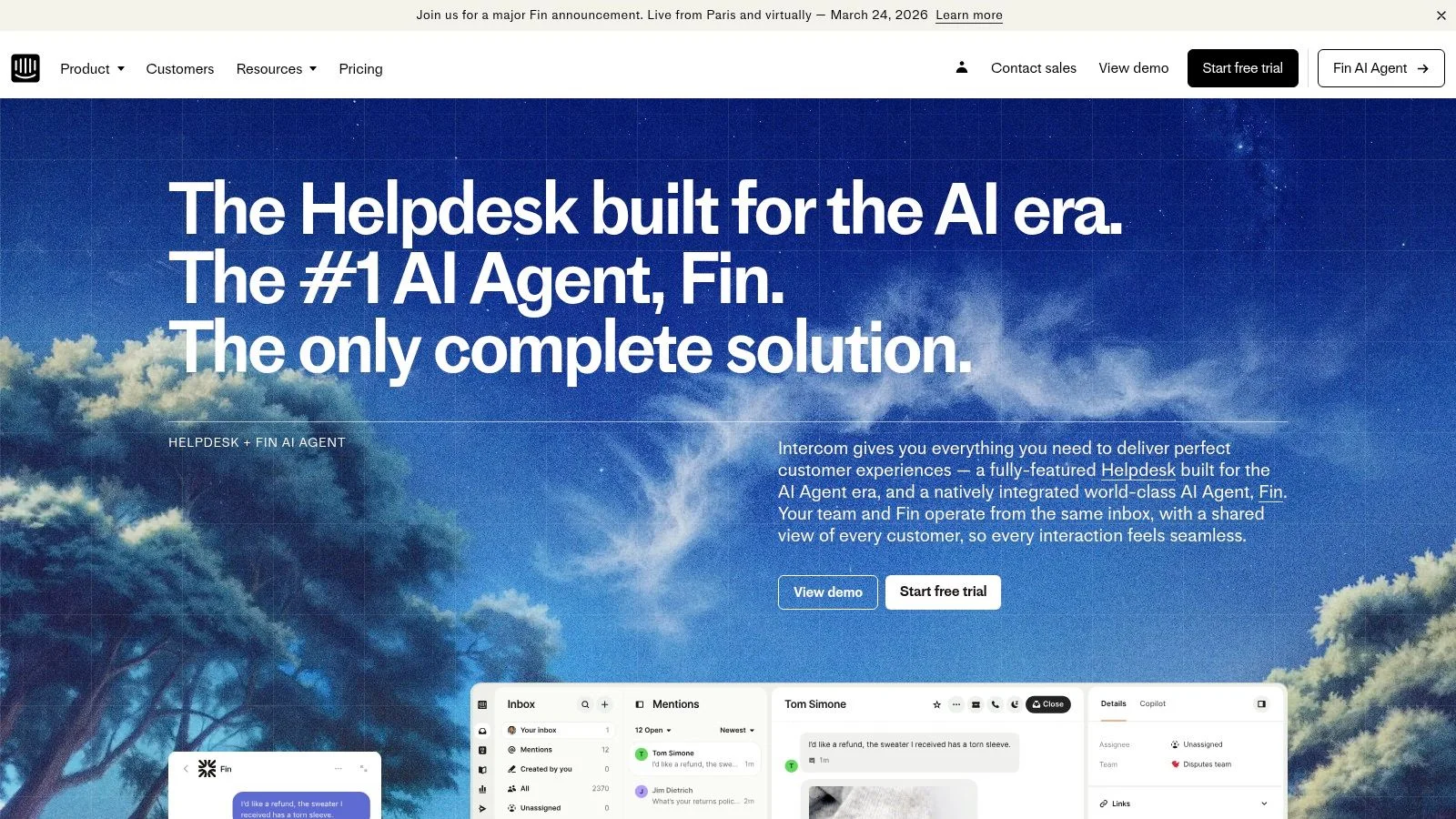
Unlike competitors that just handle incoming messages, Intercom’s proactive approach helps you engage users before they even have a question. Its standout features include a powerful AI Copilot to assist agents in real-time and the Fin AI Agent, which can resolve customer issues automatically. This automation is backed by an omnichannel inbox that centralizes conversations from chat, email, and social media. These tools allow you to start collecting visitor information efficiently and build a rich profile for each user.
Key Details
- Best For: SaaS businesses and product teams wanting to combine support, engagement, and onboarding in one tool.
- Pricing: Starts with the "Essential" plan. AI features and other add-ons like proactive support come at an extra cost. Pricing is per-seat, which can become expensive as your team grows.
- Unique Feature: The ability to create in-app product tours and messages directly from the platform, which is a major benefit for software companies.
Pros:
- Exceptional for product-led engagement (tours, banners, tooltips).
- Strong AI tools for both automated support and agent assistance.
- All-in-one platform reduces the need for multiple separate tools.
Cons:
- Can be costly for small teams due to per-seat pricing and add-on costs.
- The wide range of features may be overwhelming if you only need basic live chat.
Website: https://www.intercom.com
3. Zendesk Suite (Messaging/Live Chat included)
Zendesk is a pillar in the customer service world, offering a mature, all-in-one support suite where live chat and messaging are core components. It’s an ideal choice for businesses that anticipate growth and need a system that scales with them. Unlike chat-only tools, Zendesk integrates messaging with a powerful ticketing system, a knowledge base, voice support, and social media channels into a single agent workspace. This makes it one of the best live chat software options for small businesses planning to build a complete customer support operation from the ground up.
The platform’s strength is its unified approach. An incoming chat can be seamlessly converted into a ticket for follow-up without losing context, which is crucial for resolving complex issues. Zendesk also offers advanced features like skills-based routing to direct customers to the right agent and customizable analytics to track performance. Its generative AI tools can help deflect common questions and assist agents, while its multi-brand support allows companies with multiple product lines to manage support from one account.
Key Details
- Best For: Teams that need a complete help desk with ticketing and multi-channel support, not just live chat.
- Pricing: Live chat is included in the "Suite Team" plan and above. There is no standalone chat product for new customers, so you must buy a full suite plan. Pricing is per agent.
- Unique Feature: Enterprise-grade reliability and a massive ecosystem of integrations. Its ability to manage multiple brands from a single dashboard is a significant advantage for growing businesses.
Pros:
- Scales from a small team to a large enterprise without needing to switch platforms.
- Excellent integration of chat with ticketing, email, and a knowledge base.
- Strong analytics and reporting capabilities on higher-tier plans.
Cons:
- More complex to set up than simpler, chat-only tools.
- Per-agent pricing for the full suite can be expensive for very small businesses that only need chat.
Website: https://www.zendesk.com
4. HubSpot (Free Live Chat + CRM)
HubSpot offers an unbeatable entry point into the world of live chat, especially for small businesses that prioritize sales and marketing alignment. Its standout feature is that the live chat tool is included for free within the powerful HubSpot CRM. This means every conversation is automatically logged and tied to a contact record, providing your sales and support teams with a full history of interactions without any manual data entry.
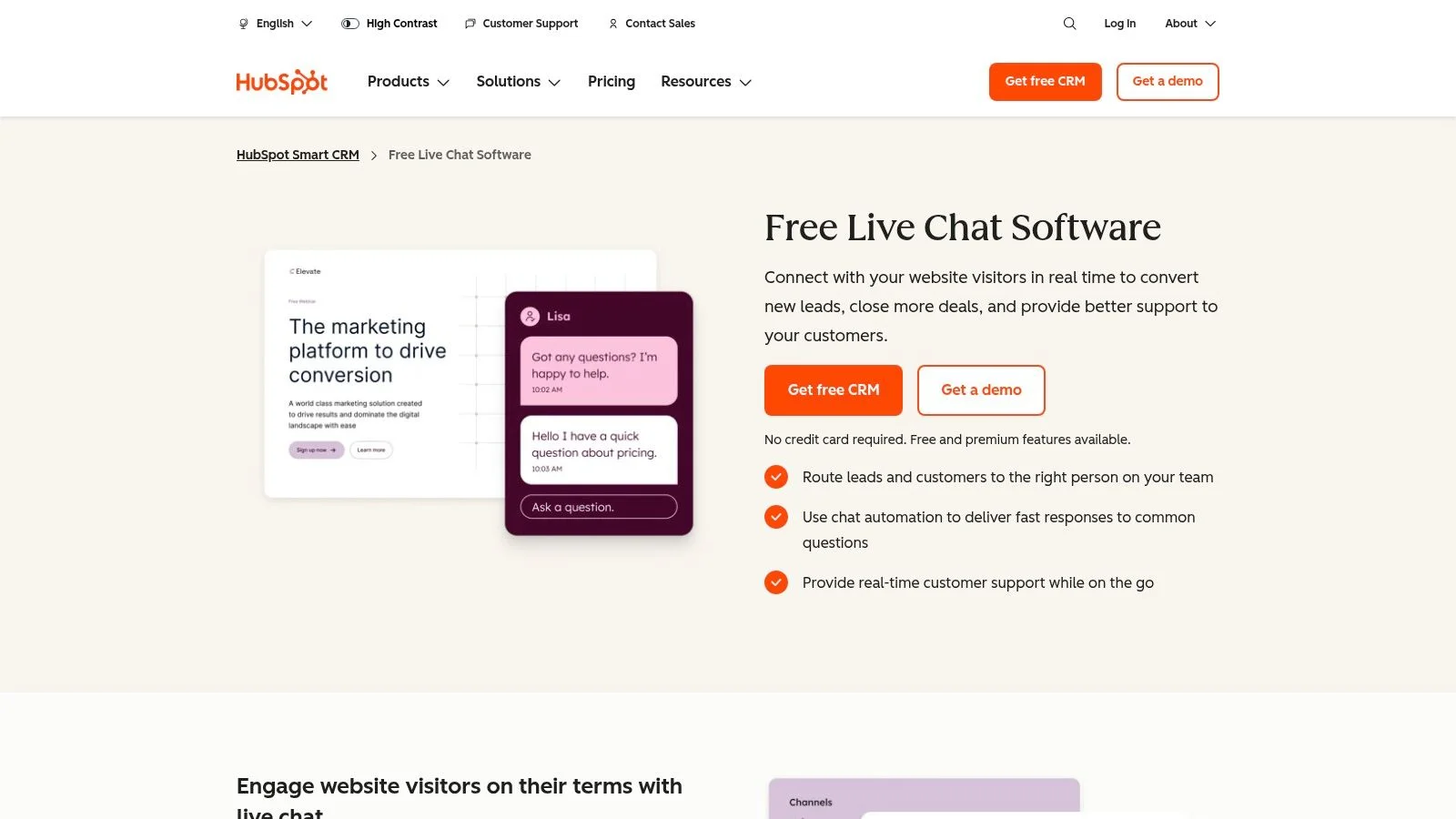
Beyond just chat, the free plan also includes a no-code chatbot builder, allowing you to qualify leads, book meetings, or answer common questions automatically. You can set targeted welcome messages based on visitor behavior and receive notifications directly in Slack or on the mobile app. While advanced features require paid upgrades, the free tier provides more than enough power to make it one of the best live chat software for small business owners wanting a system that can grow with them. It’s also simple to track chat performance, which you can learn more about by reviewing your analytics dashboard.
Key Details
- Best For: Startups and small businesses that want a free, CRM-integrated live chat to capture and nurture leads.
- Pricing: Live chat and basic chatbots are free forever with the HubSpot CRM. Advanced automation, reporting, and removing HubSpot branding require upgrading to paid Marketing, Sales, or Service Hub plans.
- Unique Feature: Native integration with a free, full-featured CRM. All chat conversations and contact details are automatically stored in one central database.
Pros:
- Completely free to start, making it accessible for any budget.
- Seamlessly connects conversations with rich CRM data for personalization.
- Easy to set up and part of a larger ecosystem of marketing and sales tools.
Cons:
- The free version includes HubSpot branding on the chat widget.
- Costs can increase significantly as you upgrade to paid hubs or add more users.
Website: https://www.hubspot.com/products/crm/live-chat
5. Freshchat (Freshworks)
Freshchat, part of the Freshworks ecosystem, is a modern messaging tool that offers one of the most accessible entry points into professional live chat. Its major advantage for startups and small businesses is a generous free plan that supports up to 10 agents, making it an excellent choice for teams that need core chat functions without an immediate budget. The platform focuses on a unified agent workspace, combining conversations from web chat, email, and social messaging into a single inbox.
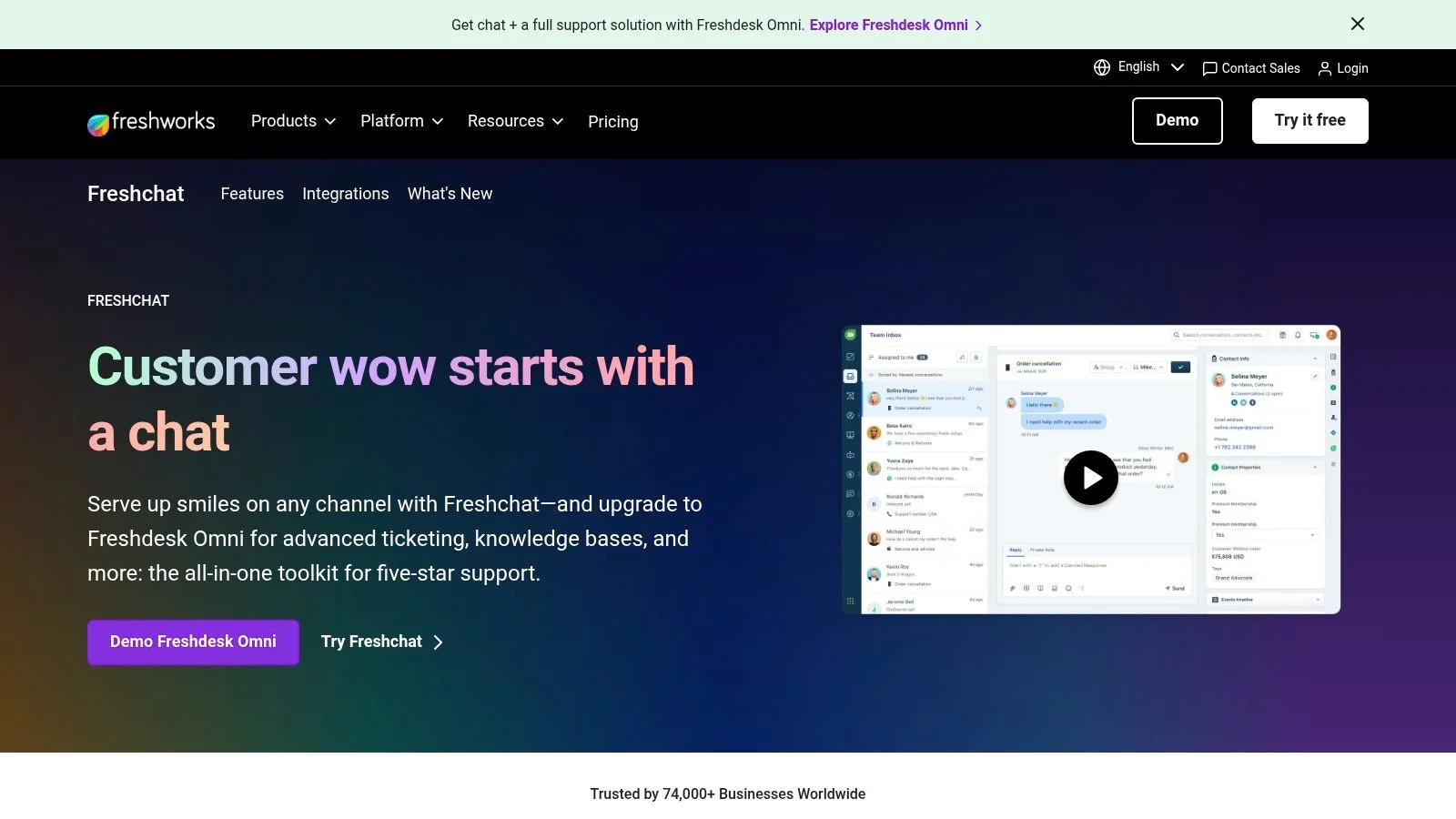
Unlike platforms that lock all automation behind expensive tiers, Freshchat includes a set number of AI-powered bot sessions even in its paid plans, allowing you to handle common questions automatically. While its feature set is not as deep as enterprise suites like Zendesk, it provides the essential tools for effective customer communication, including real-time dashboards and native social integrations with WhatsApp and Facebook Messenger. This makes it one of the best live chat software options for small businesses prioritizing affordability and ease of use.
Key Details
- Best For: Budget-conscious small businesses and startups that need a free, scalable live chat solution with an easy upgrade path.
- Pricing: Offers a free plan for up to 10 agents. Paid plans start with the "Growth" tier and scale up, adding more bot sessions, analytics, and advanced routing.
- Unique Feature: The free-forever plan for 10 agents is a significant differentiator, offering more immediate value than most competitors' trial periods.
Pros:
- Generous free plan makes it highly accessible for new businesses.
- Smooth integration if you already use Freshdesk or other Freshworks products.
- Clean, user-friendly interface that is easy for agents to learn.
Cons:
- Advanced analytics and complex routing rules are reserved for higher-priced plans.
- The overall product ecosystem is smaller than larger competitors like HubSpot.
Website: https://www.freshworks.com/live-chat-software/
6. LiveChat
LiveChat is a polished and dependable platform that has been a major player in the market for years. It stands out by focusing on doing one thing exceptionally well: live chat. This direct approach makes it an ideal choice for small businesses that need a reliable, high-performance chat solution without the complexity of an all-in-one engagement suite. Its clean interface and straightforward setup allow teams to get started quickly and handle a high volume of conversations efficiently.
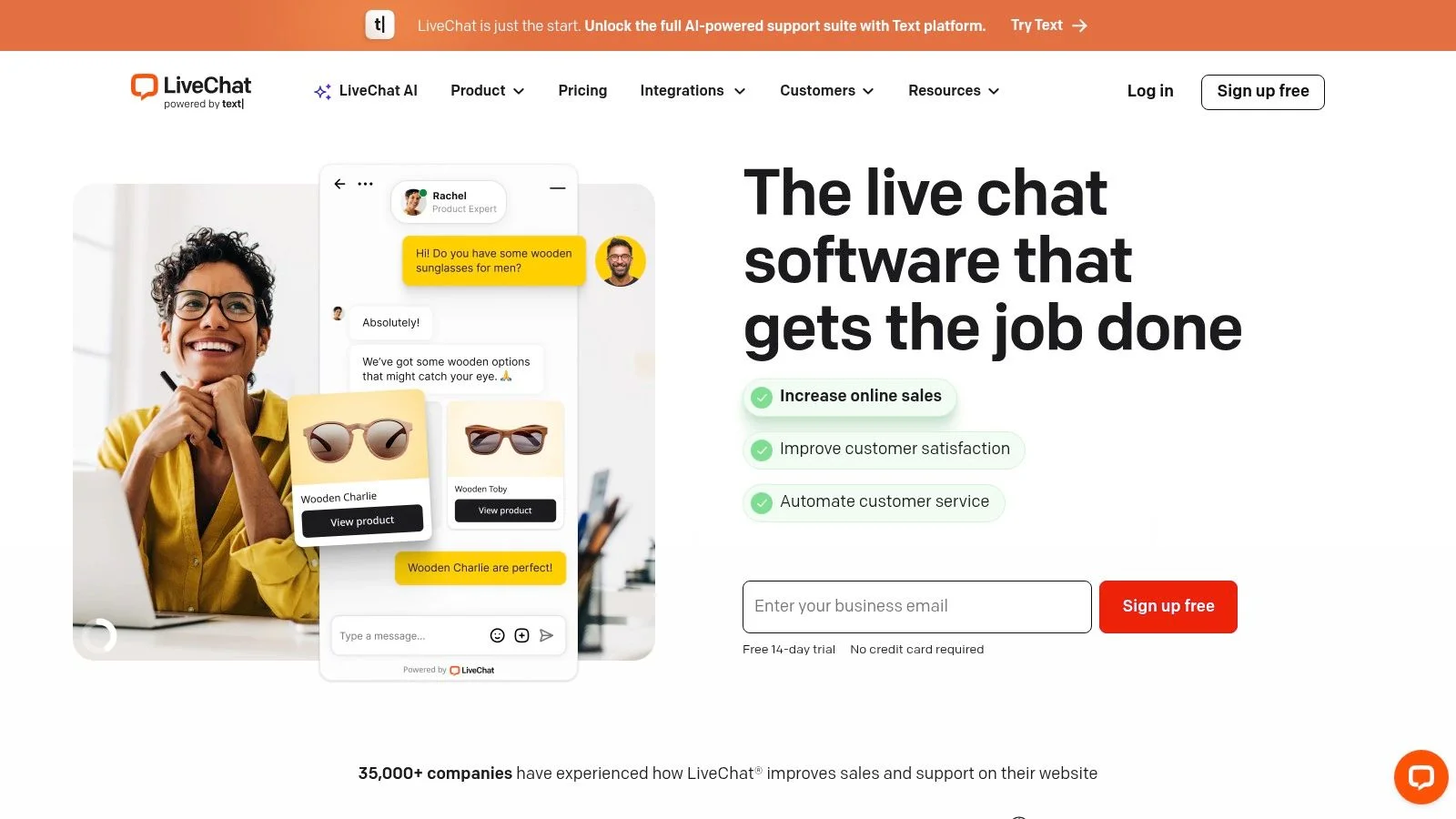
While its core strength is live communication, LiveChat doesn't ignore modern needs. You can track visitor activity on your site, gain insights with advanced reporting, and predict staffing needs to manage agent workload. For businesses looking to automate, its optional ChatBot add-on is a separate but integrated product that allows you to build a native chatbot to handle common queries. This makes it one of the best live chat software for small business owners who want a solid foundation with the option to add automation later.
Key Details
- Best For: E-commerce stores and service-based businesses needing a robust, dedicated chat tool for sales and support.
- Pricing: Tiered per-agent plans (Starter, Team, Business). The Starter plan is limited to one agent and 60 days of chat history. ChatBot is a separate subscription.
- Unique Feature: Staffing prediction and work scheduler tools on higher-tier plans help managers optimize agent availability and prevent burnout.
Pros:
- Extremely easy to set up and use, with a clean and intuitive agent interface.
- Transparent pricing and a generous 14-day free trial to test all features.
- Reliable performance built to handle high volumes of customer chats.
Cons:
- The chatbot functionality is an entirely separate product and cost.
- Per-agent pricing can become expensive for larger support teams.
Website: https://www.livechat.com
7. Tidio
Tidio has become a favorite for small businesses by combining essential communication tools into one affordable package. It merges live chat, a shared inbox for ticketing and email, and an AI agent named Lyro, all wrapped in a user-friendly interface. Its transparent pricing and conversation-based quotas make it particularly accessible for startups and solopreneurs who need powerful features without a hefty initial investment. This makes it one of the best live chat software options for small businesses prioritizing ease of use and budget.
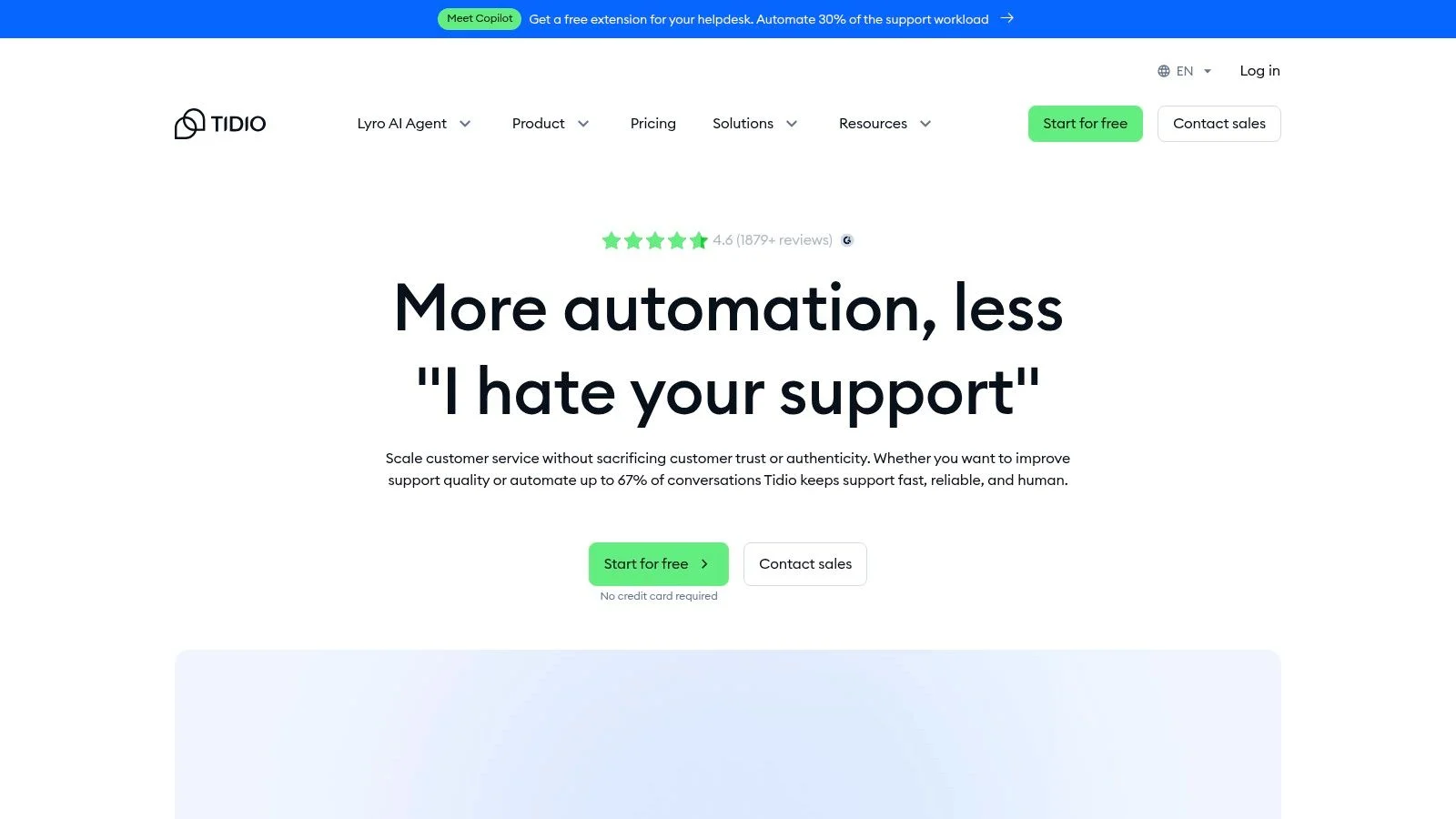
Unlike platforms that lock core functions behind high-tier plans, Tidio offers a generous free tier that includes Lyro AI conversations and basic chat automation. Its real strength is a low barrier to entry; you can set it up in minutes and immediately start engaging visitors. For e-commerce sites, proactive messages can be configured to target cart abandonment or offer discounts. While you'll need to monitor conversation and AI quotas, the platform provides a clear path to scale, and you can learn about customizing widget appearance to match your brand perfectly as you grow.
Key Details
- Best For: E-commerce stores and small businesses needing an all-in-one chat, ticketing, and AI solution with a low startup cost.
- Pricing: A generous free plan is available. Paid plans like "Communicator," "Chatbots," and "Tidio+" add more conversations, operators, and advanced features.
- Unique Feature: The Lyro AI chatbot is included even on the free plan, allowing small teams to test automated support without any upfront financial commitment.
Pros:
- Very low starter costs and a simple, fast setup process.
- Generous free tier with AI conversations included.
- Excellent e-commerce integrations with Shopify and others for proactive messaging.
Cons:
- Conversation and AI quotas can be limiting and require careful monitoring.
- Pricing can jump significantly when scaling to larger teams or higher volumes.
Website: https://www.tidio.com
8. Crisp
Crisp offers an all-in-one messaging platform with a focus on simple, predictable pricing, making it a refreshing choice for small businesses that need multiple agent seats without a complex per-user cost structure. It combines a multichannel shared inbox, a knowledge base, and proactive messaging into a single interface. This makes it a great option for teams that want a robust toolset without the enterprise-level price tag.
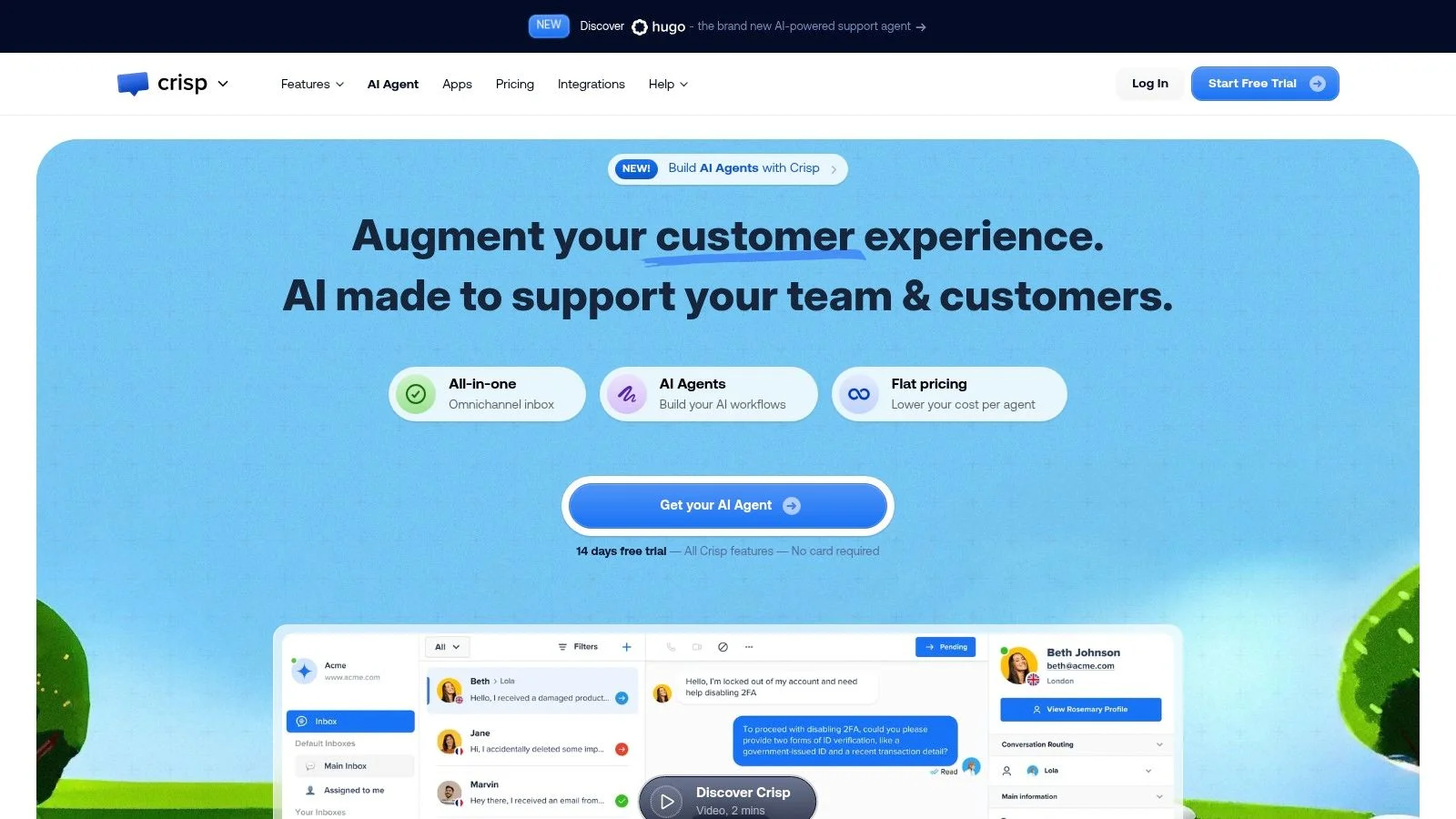
Unlike competitors with confusing add-on pricing, Crisp’s value is its transparency. Even the free plan includes two agent seats, and paid plans offer four or more, making it ideal for collaborative support or sales teams. It centralizes communications from live chat, email, Messenger, and more into one shared inbox. With mobile and desktop apps, your team can respond to customers from anywhere. This approach makes it one of the best live chat software for small businesses prioritizing teamwork and straightforward costs.
Key Details
- Best For: Startups and small businesses needing a cost-effective, all-in-one messaging platform with multiple agent seats included from the start.
- Pricing: Features a free plan with 2 seats. Paid plans (Essentials, Plus) offer more seats and features with flat monthly rates, providing excellent value.
- Unique Feature: The flat-rate pricing that includes multiple agent seats is a significant advantage for growing teams who want predictable expenses.
Pros:
- Predictable, team-friendly pricing is a major plus for budget-conscious businesses.
- All-in-one platform includes a shared inbox, knowledge base, and CRM features.
- Developer-friendly with a good API for custom integrations.
Cons:
- Lacks the depth of third-party integrations found in more established enterprise platforms.
- Advanced automation and CRM features are reserved for higher-tier plans.
Website: https://crisp.chat
9. Help Scout (Beacon live chat)
Help Scout stands out for its exceptional simplicity and focus on human-centric support, making it a favorite among small businesses that prioritize a clean user experience. The platform centers around a shared inbox that consolidates customer conversations, but its real magic for live chat is the Beacon widget. Beacon does more than just offer a chat window; it can serve up relevant articles from your Docs knowledge base, allowing customers to self-serve before even starting a conversation. This approach reduces agent workload and empowers users.
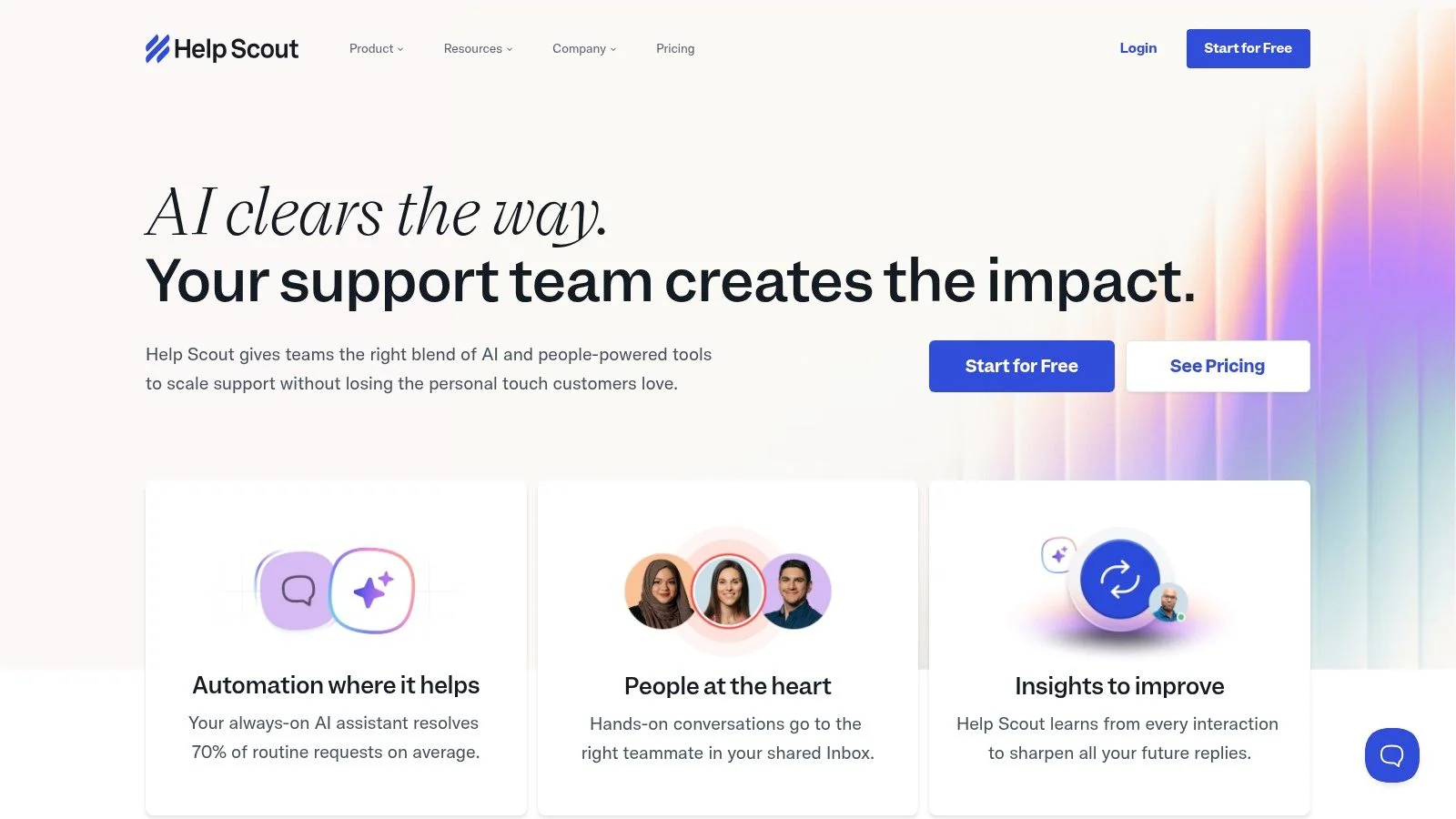
Unlike platforms that push complex automation, Help Scout keeps things straightforward. Its Beacon widget can unify help articles, contact forms, and live chat into a single, seamless experience. For those looking to add AI, the AI Answers add-on offers a unique pay-per-resolution model, ensuring you only pay when it successfully resolves a customer issue. This makes it a cost-effective way to experiment with AI without a massive upfront commitment, solidifying its place as one of the best live chat software options for budget-conscious small businesses.
Key Details
- Best For: Small businesses and teams that need a simple, all-in-one support tool without an overwhelming number of features.
- Pricing: Offers a free plan for very basic needs. Paid plans are affordable, but key channels like WhatsApp and advanced features are reserved for higher tiers. The AI add-on is billed per resolution.
- Unique Feature: The Beacon widget’s ability to combine a knowledge base, contact form, and live chat in one interface, promoting self-service first.
Pros:
- Excellent user experience for agents; it's intuitive and quick to learn.
- Fair pricing with a genuine free plan for solo users or micro-businesses.
- The pay-per-resolution AI model is a low-risk way to automate support.
Cons:
- Advanced features like HIPAA compliance and complex routing are gated behind more expensive plans.
- Lacks the deep, proactive engagement tools found in competitors like Intercom.
Website: https://www.helpscout.com
10. Zoho SalesIQ
Zoho SalesIQ offers a powerful combination of live chat, visitor tracking, and chatbot automation, making it a standout choice for businesses already invested in the Zoho ecosystem. Its core strength lies in its ability to turn website visitors into qualified leads. You can see real-time information about who is on your site, what pages they are viewing, and their lead score, allowing your sales team to initiate conversations with high-value prospects at the perfect moment. This makes it an ideal live chat software for small businesses focused on sales and marketing alignment.
Unlike many tools that focus purely on support, SalesIQ is built for proactive engagement. It includes a codeless chatbot builder for simple automation and a programmable option for more complex workflows. The Answer Bot, powered by Zoho's Zia or OpenAI, can handle common queries, freeing up your team. With features like audio calls, screen sharing, and a mobile SDK for in-app chat, it provides a complete toolkit for converting visitors and supporting customers across multiple touchpoints.
Key Details
- Best For: Businesses using other Zoho products (like Zoho CRM) who want a deeply integrated chat tool for sales and marketing.
- Pricing: A generous free plan is available. Paid plans are affordable, but pricing can be complex with limits on operators, tracked visitors, and bot sessions.
- Unique Feature: Robust visitor tracking and lead scoring capabilities are built-in, providing deep insights that are often paid add-ons in other platforms.
Pros:
- Exceptional value and seamless integration with the Zoho ecosystem.
- Blends marketing-focused visitor tracking with support chat features.
- Powerful bot options, including a codeless builder for non-technical users.
Cons:
- Pricing tiers and associated limits can be confusing to navigate.
- The interface can feel less modern compared to some competitors.
Website: https://www.zoho.com/salesiq
11. Olark
Olark stands out with its straightforward approach to live chat, making it a great choice for small businesses that prioritize simplicity, accessibility, and ease of use. It focuses on doing one thing exceptionally well: providing a reliable and user-friendly chat experience. One of its most significant advantages is its commitment to web accessibility, with the chat widget designed to meet WCAG 2.1 AA standards, ensuring all your website visitors can get the help they need.
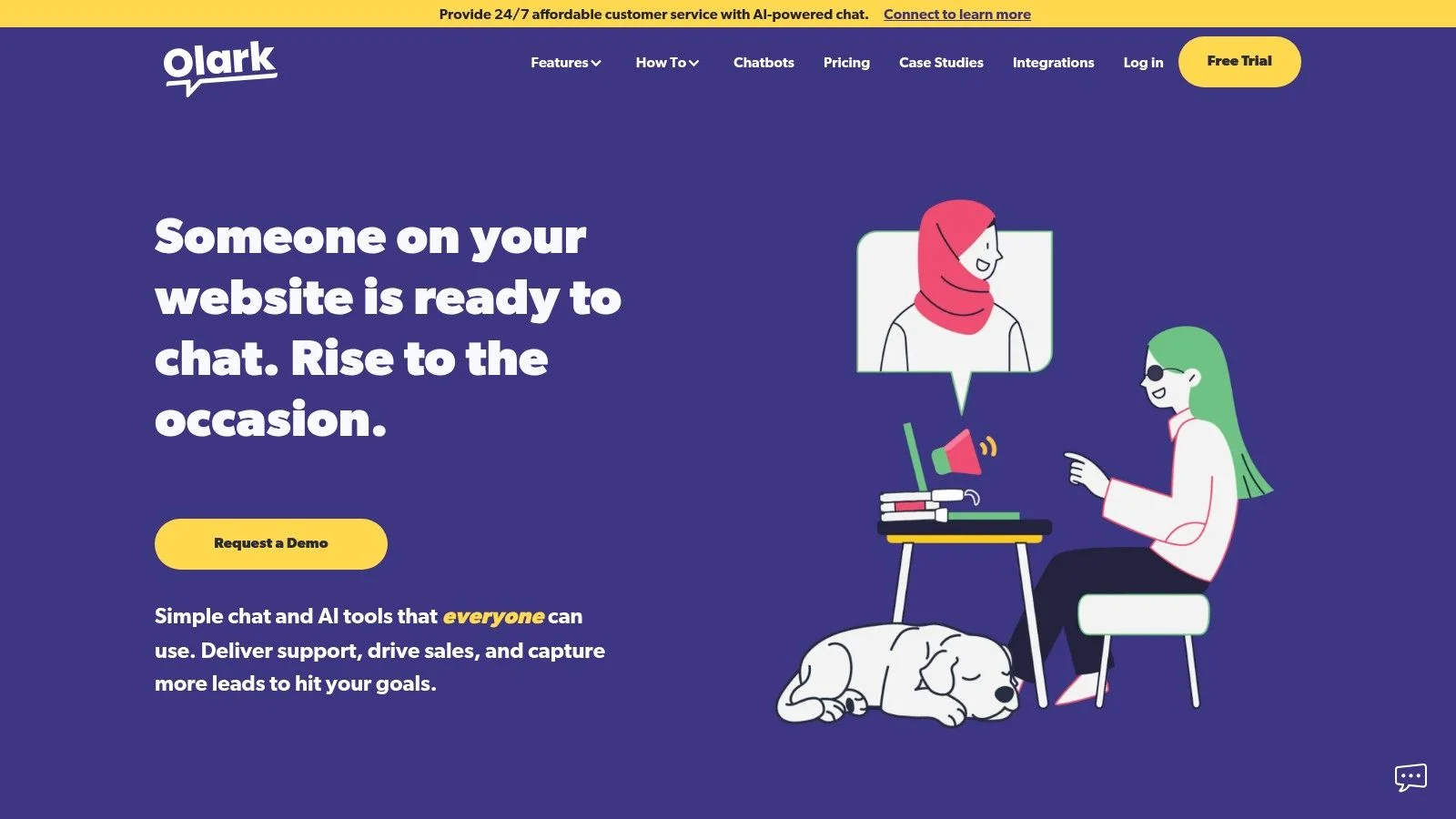
Unlike complex, all-in-one platforms, Olark's value is in its quick setup and clear pricing. You can be up and running in minutes without a steep learning curve. While it offers core features like targeted chat triggers and reporting, it also provides powerful optional add-ons. The Visitor Co-browsing feature lets agents see a customer's screen in real-time, making it easy to guide them through complex forms or website navigation. This makes Olark one of the best live chat software for small business teams needing to provide direct, hands-on support without a complicated system.
Key Details
- Best For: Teams that need a simple, reliable, and accessible live chat tool without the complexity of a full customer service suite.
- Pricing: Features a simple per-seat pricing model. Advanced features like Co-browsing and the Chatbot CoPilot are available as paid add-ons.
- Unique Feature: Strong out-of-the-box accessibility (WCAG 2.1 AA compliant) and an optional Co-browsing add-on for real-time visual support.
Pros:
- Extremely fast setup and easy to use.
- Strong focus on web accessibility is a major benefit.
- Unlimited domains and conversations on all plans.
Cons:
- Fewer built-in integrations and channels compared to larger platforms.
- Key features like Co-browsing and advanced chatbot automation are paid add-ons.
Website: https://www.olark.com
12. tawk.to
tawk.to has earned its place as one of the most popular live chat tools for one simple reason: it’s 100% free. For small businesses, startups, and solopreneurs needing a no-cost way to offer real-time support, tawk.to provides the core functionality without any subscription fees. The free plan includes unlimited agents, unlimited chats, and a knowledge base, making it an incredibly low-risk option to get started with live chat.
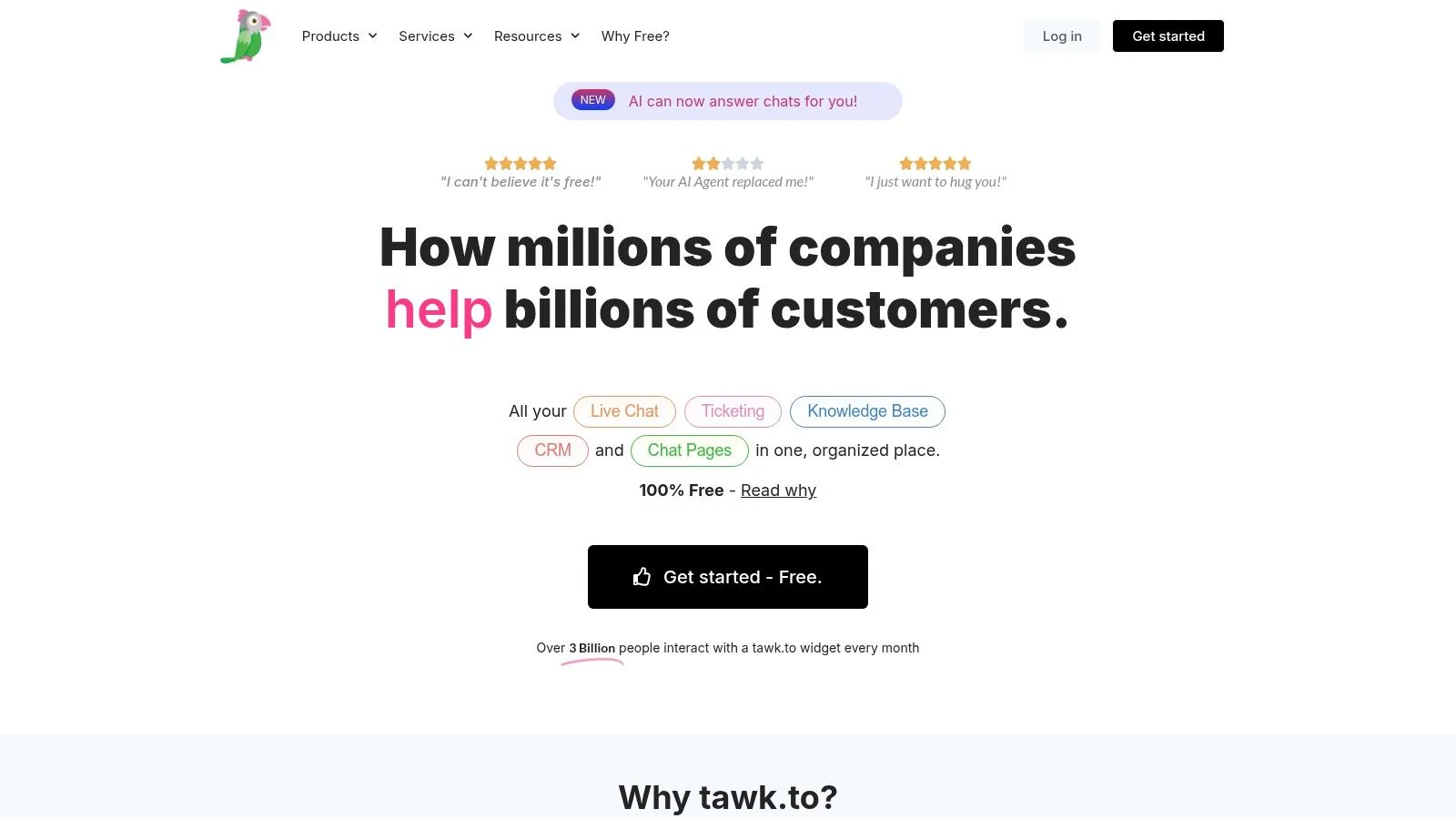
While the core product is free, the platform offers paid add-ons for businesses that need more. You can pay a small monthly fee to remove the tawk.to branding or add voice, video, and screen sharing capabilities. What makes tawk.to stand out is its "Hired Agent" service, where you can hire trained agents on an hourly basis to manage your chat for you. This unique hybrid model makes it one of the best live chat software solutions for businesses that want the option to scale support without hiring full-time staff.
Key Details
- Best For: Small businesses, startups, and bloggers on a tight budget who need a functional live chat solution immediately.
- Pricing: The core live chat software is completely free. Optional paid add-ons include branding removal ($19/mo), video/voice/screen sharing ($29/mo), and Hired Agents (starting at $1/hr).
- Unique Feature: The ability to hire outsourced chat agents directly through the platform on a flexible, hourly basis.
Pros:
- Truly free core product with unlimited agents and chats.
- Extremely easy and fast to set up on any website.
- Option to add professional chat agents on-demand without long-term contracts.
Cons:
- Fewer advanced automation and analytics features compared to paid competitors.
- The user interface is functional but less polished than premium alternatives.
- Branding is present on the chat widget unless you pay for its removal.
Website: https://www.tawk.to
Top 12 Live Chat Tools Comparison
| Product | ✨ Core features | ★ UX/quality | 💰 Value/price | 👥 Target audience | 🏆 Unique selling point |
|---|---|---|---|---|---|
| FOMOchat 🏆 | AI-trained company rep + multi-person group chats; webinar/video timeline sync; guardrails & branding | ★★★★☆, conversion‑focused, realistic engagement | Free preview → $29–$299+/mo; scales by visibility | 👥 Product pages, launches, courses, webinars | 🏆 Turns on-page curiosity into measurable conversion lift (social proof + instant support) |
| Intercom | Live chat, bots, AI Copilot, omnichannel inbox | ★★★★☆, polished in‑app experience | Per-seat + AI add-ons (can be costly) | 👥 SaaS & product teams needing in‑app engagement | Strong in‑product automation & agent AI |
| Zendesk Suite | Omnichannel messaging, ticketing, generative AI, analytics | ★★★★☆, enterprise reliability | Suite-only; per-agent pricing | 👥 Mid-market → enterprise support teams | Enterprise-grade compliance, routing & ecosystem |
| HubSpot (Free) | Free live chat + no-code chatbot; CRM logging & routing | ★★★★☆, CRM-integrated UX | Free CRM start; paid hubs to scale | 👥 SMBs wanting CRM-linked conversations | Native CRM personalization & easy start |
| Freshchat (Freshworks) | Unified agent workspace, social messaging, real-time dashboards | ★★★★☆, approachable & modern | Free plan → affordable tiers | 👥 Budget-sensitive small teams | Smooth Freshworks integration; friendly upgrade path |
| LiveChat | Focused live chat, visitor tracking, optional ChatBot add-on | ★★★★☆, dependable, high-volume ready | Tiered plans; per-agent pricing; 14‑day trial | 👥 SMBs handling steady chat volume | Clear plans, stable performance, transparent pricing |
| Tidio | Live chat + ticketing, Lyro AI agent, e‑comm integrations | ★★★★☆, quick setup for SMBs | Low starter costs; generous free tier | 👥 Small e‑commerce & early-stage teams | Generous free limits and built-in AI starter |
| Crisp | Flat pricing with multiple agents, multichannel inbox, APIs | ★★★★☆, good value for SMBs | Predictable flat plans (agents included) | 👥 Small teams wanting multiple seats | Flat, predictable pricing with included agents |
| Help Scout (Beacon) | Beacon widget (docs/forms/chat), shared inbox, AI answers add-on | ★★★★☆, excellent agent UX | Fair pricing; true free plan for basics | 👥 SMB support teams & knowledge bases | Unified help widget + clean shared inbox |
| Zoho SalesIQ | Visitor tracking, lead scoring, codeless/programmatic bots | ★★★★☆, powerful, slightly complex | Generous limits; regional pricing variance | 👥 Zoho ecosystem users & marketers | Deep visitor insights + Zoho app integration |
| Olark | Targeted chat, agent groups, accessibility-first, co-browse add-on | ★★★☆☆, simple, accessible | Straight per-seat pricing | 👥 Teams prioritizing accessibility & simplicity | WCAG 2.1 AA focus and fast setup |
| tawk.to | Core live chat free with unlimited agents; optional add-ons | ★★★☆☆, functional & easy to deploy | 100% free core; pay for branding/removal & extras | 👥 Bootstrapped small businesses & sites | Truly free core product + optional outsourced agents |
Making Your Final Choice: Which Chat Software Is Right for You?
We've explored a dozen powerful tools, from specialized conversion drivers to all-in-one support platforms. By now, one thing should be clear: finding the best live chat software for small business isn't about picking the most famous name. It's about aligning a tool's core strengths with your specific business goals, budget, and team structure.
Choosing the right chat tool is a start. For the broader picture of customer trust, our guide on how to build trust with customers walks through the signals that matter most.
The sheer number of features can feel overwhelming. Instead of getting lost in a side-by-side feature comparison, focus on your primary objective. Are you trying to increase sales during a product launch? Or are you building a scalable customer support system for a growing user base? Your answer to that question will immediately narrow down your options.
A Recap of Your Top Contenders
To simplify your decision, let's distill the list into recommendations based on common business needs. Think of this as your final shortlist.
- For Maximum Conversions & Urgency: If your main goal is to drive sales, especially for SaaS, online courses, or webinars, a purpose-built tool like FOMOchat is your strongest bet. Its unique focus on social proof, real-time sales notifications, and AI-powered objection handling is designed specifically to turn website visitors into buyers during critical launch windows.
- For Scalable, All-in-One Support: For businesses building a dedicated support team and needing a single source of truth, Intercom and Zendesk Suite are the gold standard. They provide robust ticketing, knowledge bases, and automation that can grow with you, though they come with a higher price tag and a steeper learning curve.
- For Integrated CRM & Free Entry: If your business already runs on HubSpot, their Free Live Chat is the obvious starting point. The tight integration with the CRM is its killer feature, allowing you to capture leads and manage conversations within one system. It's a fantastic, no-cost way to get started.
- For the Absolute Best Free Option: For bootstrapped startups and solo entrepreneurs where every dollar counts, tawk.to is a standout. It offers a surprisingly functional and completely free live chat service. While it lacks the advanced automation of paid tools, it gets the job done without touching your budget.
Key Factors for Your Final Decision
Before you sign up for a free trial, run through this final checklist. It will help you make a choice you won't regret in six months.
- Primary Use Case: Is it for sales, support, or a mix of both? A sales-focused tool like FOMOchat is structured differently than a support-centric platform like Help Scout. Be honest about what matters most right now.
- Team Capacity: Who will be managing the chat? If it's just you or a small team, a simple interface like Tidio or Crisp is ideal. If you have dedicated agents, a more complex system like Zendesk might be necessary to manage workflows.
- Budget & Scalability: Start with what you can afford today, but consider the future. A free tool like tawk.to is great now, but will you need to migrate later? Platforms like Freshchat and LiveChat offer a good balance of affordable starting plans and the ability to scale up.
- Integration Needs: Does the software connect with your email marketing platform, CRM, or e-commerce store? Check the native integrations list for each tool. A seamless connection saves countless hours of manual work.
Choosing the right live chat software is a strategic decision that directly impacts your customer experience and your bottom line. The perfect tool will feel like a natural extension of your team, helping you connect with customers, solve their problems, and guide them toward a purchase. Take your time, test your top two or three choices with a free trial, and see how they feel in a real-world setting. Your customers, and your conversion rates, will thank you for it.
If you’re benchmarking your chat results against overall site performance, start with our breakdown of what is a good conversion rate.
Ready to turn more website visitors into customers? FOMOchat is designed for small businesses focused on growth, using AI and social proof to answer questions and create buying urgency during launches, webinars, and sales events. See how it can help you make more sales, automatically.