

Adding a chat widget to your website is one of the fastest ways to connect with visitors, answer questions, and guide them toward a purchase. It’s no longer just a tool for customer support; it's a powerful engine for engagement, lead generation, and building trust in real-time. Modern chat tools have moved beyond simple text boxes, now incorporating AI and social proof to create a more dynamic and persuasive user experience.
This guide cuts through the noise to help you find the best free chat widgets for websites. We'll move straight into a practical, no-fluff comparison of the top options available today. You'll get a clear breakdown of each tool's features, the real limitations of their free plans, and the ideal use cases for each, whether you need a simple support channel or a full-scale conversion machine. For a deeper dive into overall strategies, consider learning how to increase website conversion rate through various optimization techniques.
Each review includes direct links and screenshots to help you make a quick, informed decision. Our goal is to equip you with the information needed to choose and implement the right widget for your specific business needs, without spending a dime.
1. FOMOchat
FOMOchat stands out by combining an AI support agent with simulated group conversations, creating a powerful tool designed to boost conversions. It moves beyond traditional one-on-one support by adding a layer of social proof directly into the chat experience, making it an excellent choice for high-stakes pages like product launches, course enrollments, or webinar registrations. The core idea is to let visitors see others asking common questions and getting answers, which builds trust and urgency.
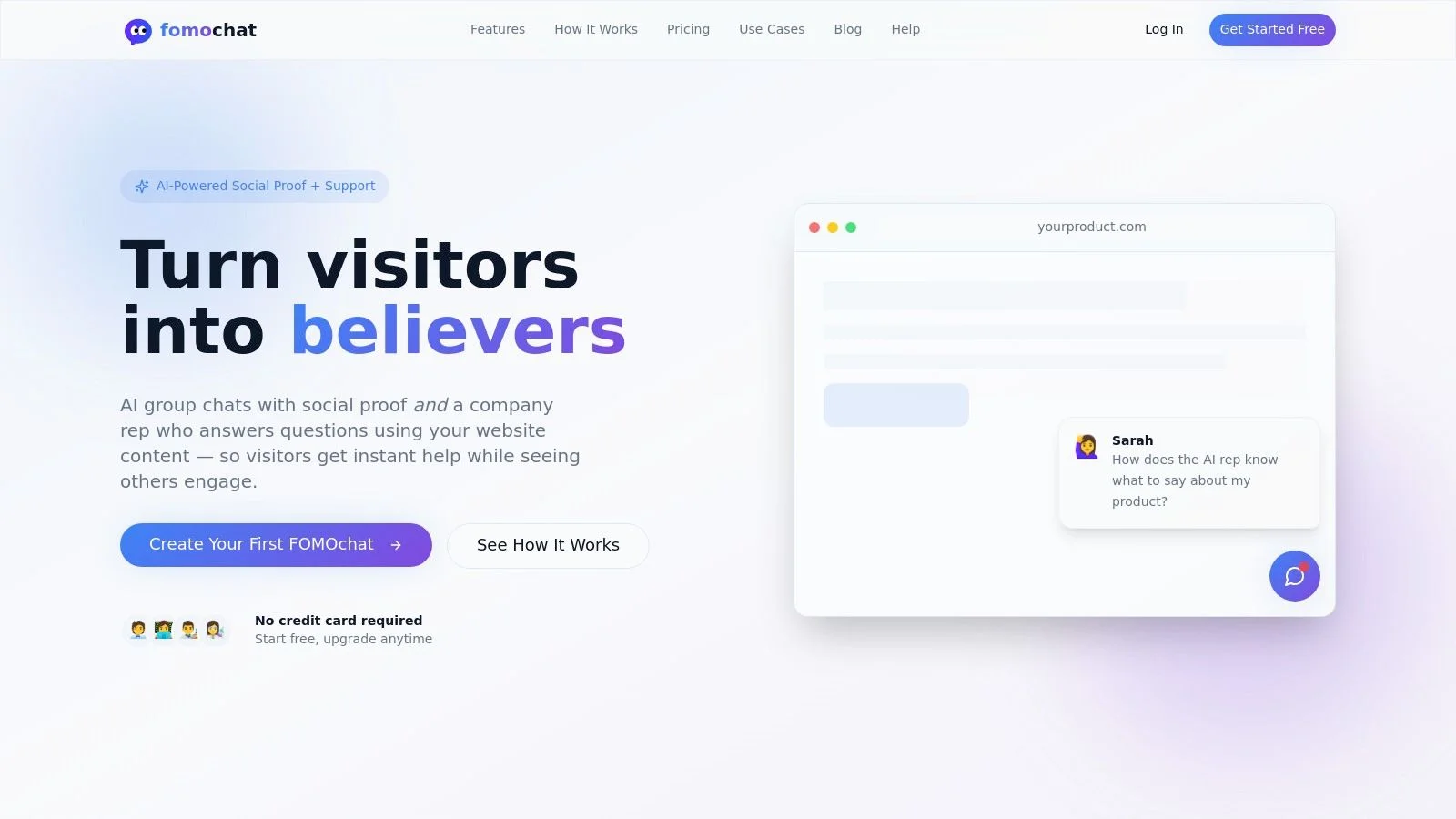
This widget is particularly effective for teams focused on growth and conversion rate optimization. Its AI "company rep" is trained on your website's content, ensuring that answers are factually grounded and aligned with your brand. The setup process is quick, requiring you to copy and paste a small code snippet, and you can explore the installation steps for more detail.
Key Features & Limitations
| Feature Highlights | Free Plan Limitations |
|---|---|
| AI Social Proof: Simulates group chats to show demand. | 100 lifetime visitors and 400 AI messages. |
| Trained AI Rep: Answers questions based on your site content. | One widget per account. |
| Video Timeline Sync: Aligns chat reactions with key webinar moments. | "Powered by FOMOchat" branding is required. |
| Fast, Code-Light Setup: Go live in minutes with an embed snippet. | No access to performance analytics. |
Who Is It For?
FOMOchat is ideal for marketers and creators who need to build immediate credibility and answer questions on landing pages. It’s a strong fit for SaaS teams launching a new feature, course creators driving enrollments, or anyone hosting a live event who wants to increase registrations by showing active interest.
2. tawk.to
tawk.to is one of the most popular free chat widgets for websites because its core offering is truly free, without limits on agents, chat history, or the number of websites you can add it to. This makes it an excellent starting point for teams of any size needing a robust live chat solution without an immediate budget. The platform funds its operations through optional add-ons, like removing their branding or hiring their agents to manage your chat for you.
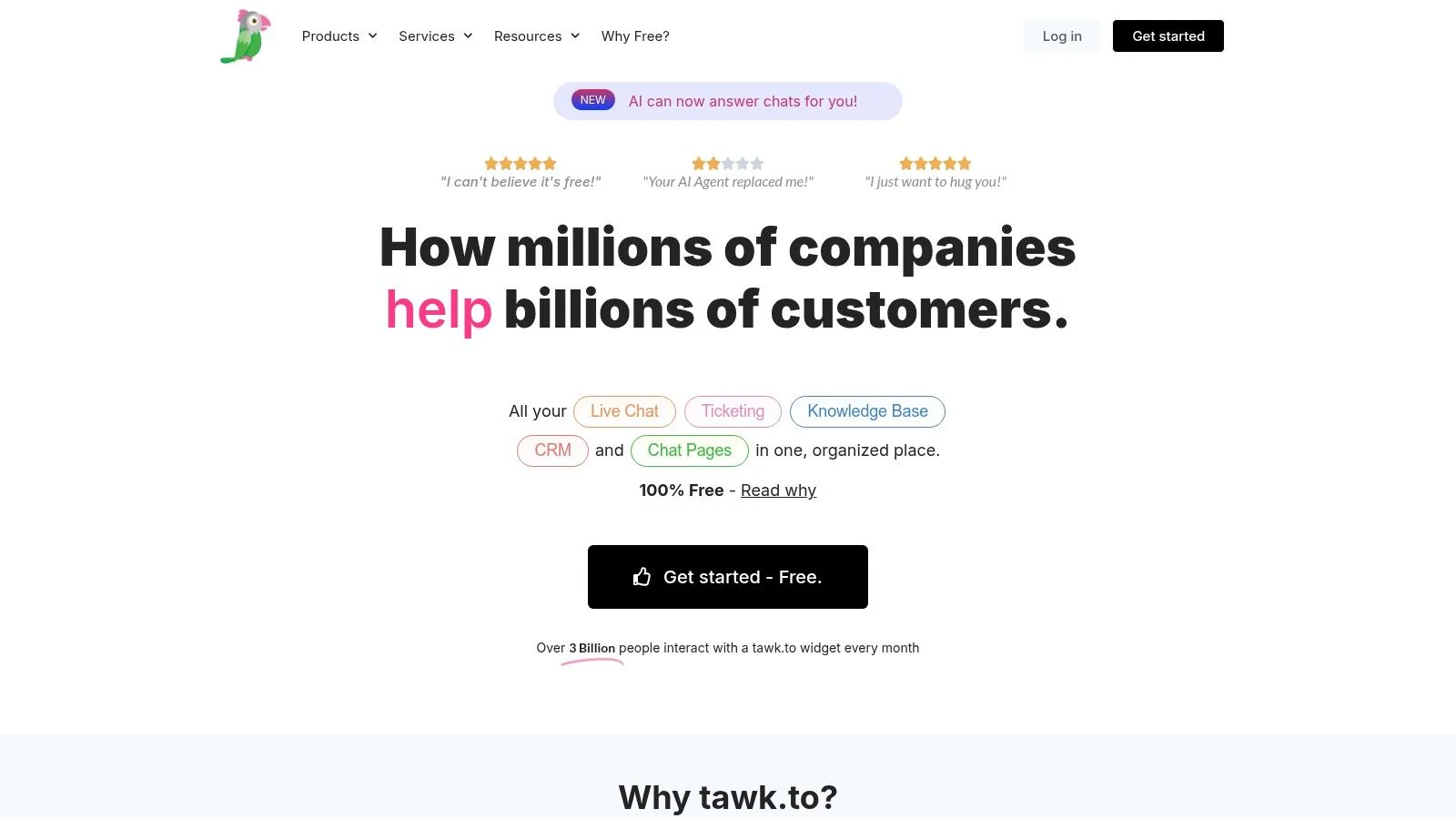
This model allows tawk.to to provide a feature-rich free service that includes ticketing and a knowledge base, which are often paid features elsewhere. Setup is simple with plugins for major platforms like WordPress and Shopify.
Key Details & Limitations
- Ideal Use Case: Small to large support teams needing unlimited seats and basic ticketing without a subscription fee.
- Free Plan Limits: The only significant limitation is the mandatory “Powered by tawk.to” branding on the widget.
- Upgrade Trigger: Removing the branding costs $19/month. Advanced features like AI Assist are also paid add-ons.
- FOMOchat Comparison: While tawk.to excels at free manual live chat, it lacks the social proof and AI automation capabilities built into FOMOchat. FOMOchat's free preview is designed to convert visitors by showing real-time activity, whereas tawk.to is built purely for reactive support conversations.
Website: https://www.tawk.to
3. Crisp
Crisp offers a modern, clean interface and is one of the more versatile free chat widgets for websites, particularly for startups and small teams. Its Free Forever plan includes two seats, a shared inbox, and mobile apps, making it a solid starting point for businesses that value a clean user experience and developer-friendly tools like APIs and SDKs.
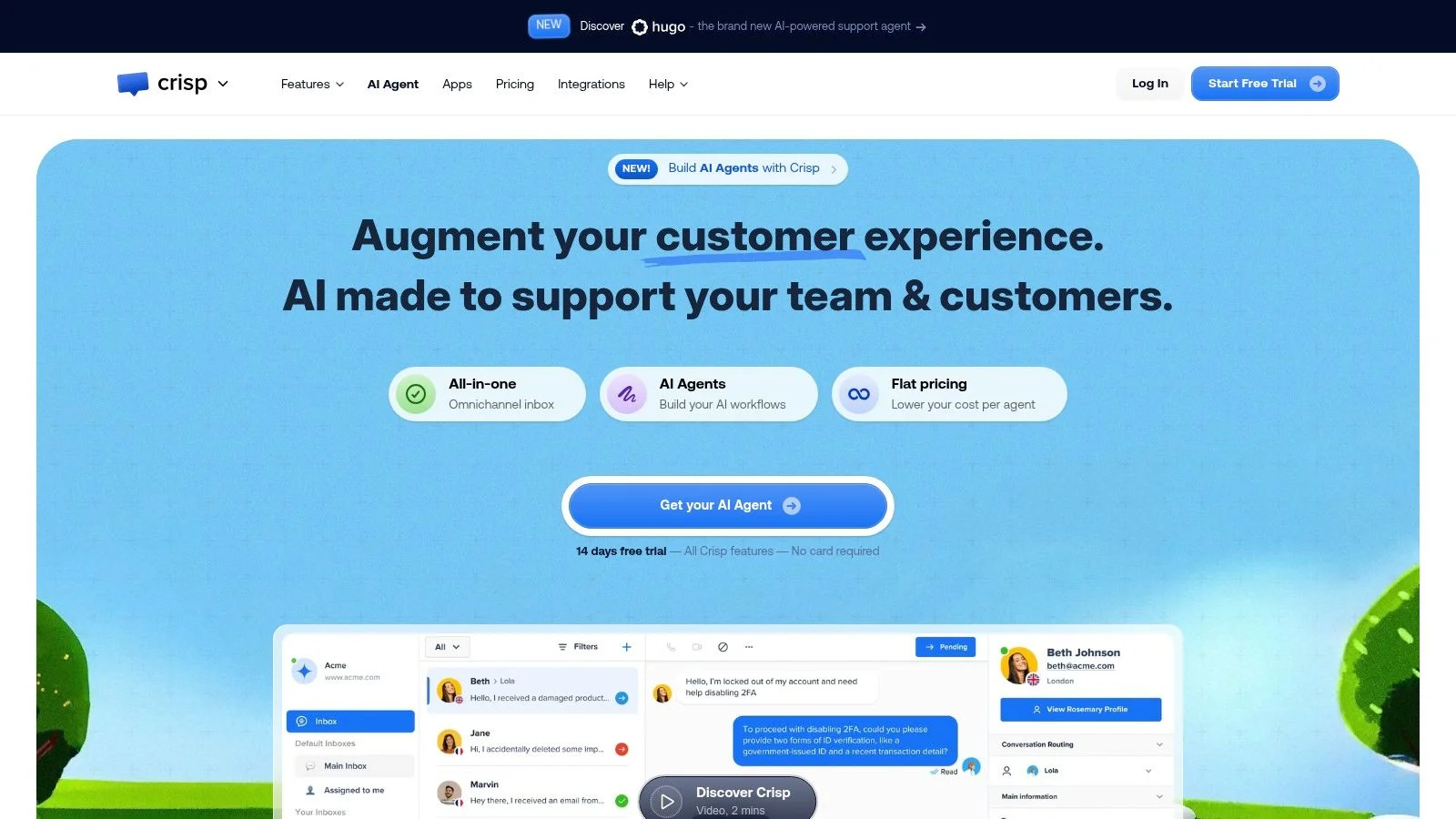
The platform is designed for easy deployment with straightforward integrations for major content management systems like WordPress and Shopify. Unlike some competitors, Crisp’s free tier feels polished and complete for basic two-way communication, establishing a strong foundation for businesses that anticipate scaling into paid automation and marketing features later on.
Key Details & Limitations
- Ideal Use Case: Small startups and tech-savvy teams of two who need a polished live chat solution with a clear upgrade path.
- Free Plan Limits: Limited to two agent seats and basic features. Advanced automation, integrations, and AI-powered workflows require a paid plan.
- Upgrade Trigger: Needing more than two seats, chatbot automation, or access to features like the user knowledge base will require upgrading to the Pro plan, which starts at $25/month per inbox.
- FOMOchat Comparison: Crisp focuses on being a shared inbox and communication hub, while FOMOchat is engineered for conversion by displaying real-time social proof. You can review how to customize a widget’s appearance to see how FOMOchat’s design is built to attract attention, whereas Crisp’s is made for reactive support.
Website: https://crisp.chat
4. Tidio
Tidio combines live chat with powerful, user-friendly automation, making it one of the more advanced free chat widgets for websites. Its permanent free plan includes core live chat features and access to its visual chatbot builder, though it limits you to 100 unique reachable visitors and 50 AI-powered conversations per month. This makes it ideal for businesses wanting to experiment with automation or those with lower initial chat volume.
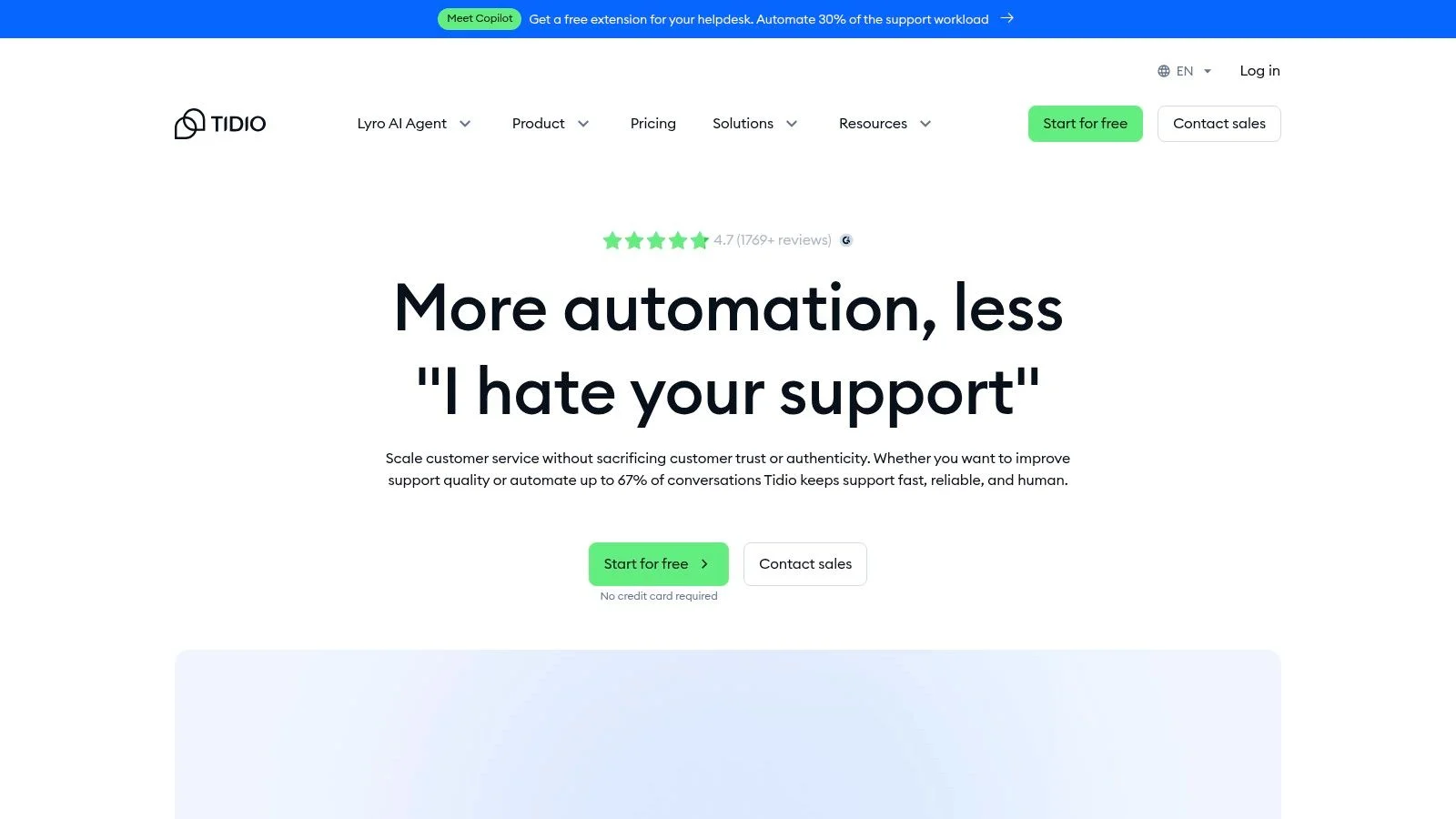
The platform stands out with its polished automation templates and the Lyro AI agent, which can handle customer queries without manual setup. Integrations with social media and email also allow you to centralize conversations from multiple channels into one help desk.
Key Details & Limitations
- Ideal Use Case: Small businesses and startups wanting to test AI chatbots and automation without a significant upfront investment.
- Free Plan Limits: The plan is limited to 100 unique visitors per month for proactive chats and 50 conversations handled by the Lyro AI.
- Upgrade Trigger: Exceeding conversation or visitor limits, removing Tidio branding, or accessing advanced features requires a paid plan, starting around $29/month.
- FOMOchat Comparison: Tidio focuses on support automation and reactive chat. In contrast, FOMOchat's free preview is built for proactive engagement, using social proof and AI to turn visitor activity into conversations and leads before a user even asks a question.
Website: https://www.tidio.com
5. HubSpot Live Chat (Service Hub Free Tools)
HubSpot offers one of the best free chat widgets for websites if your primary goal is to integrate conversations directly into a powerful CRM from day one. As part of its free Service Hub tools, the live chat feature automatically logs every interaction to a contact record, providing your team with a complete timeline of a visitor’s history. This is ideal for businesses that prioritize lead nurturing and data-driven sales or support.
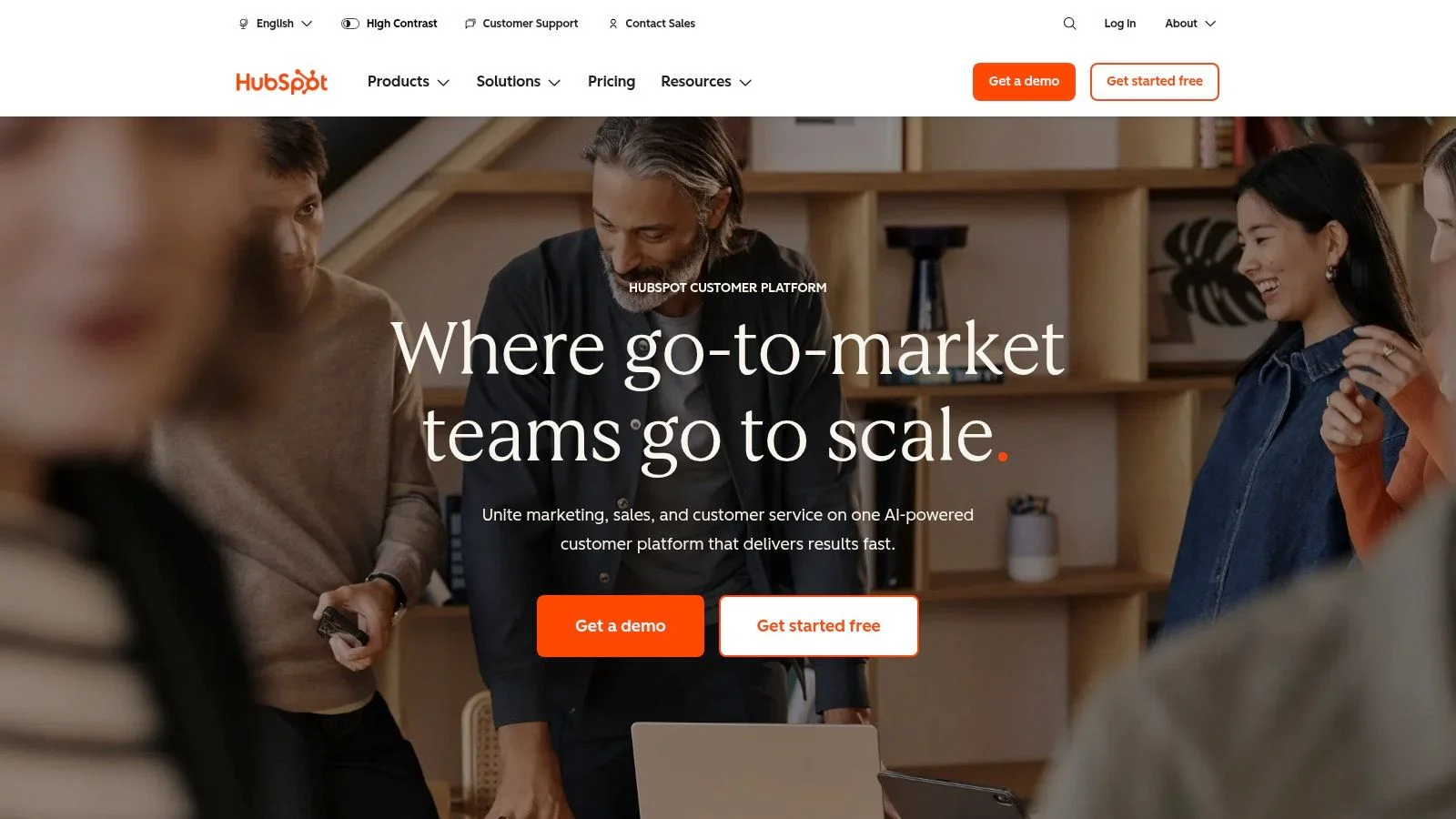
The widget is part of a shared inbox, allowing teams to manage chats, emails, and basic support tickets in one place. Its deep alignment with the HubSpot CRM is its main advantage, as even free users get rich contact context without manual data entry. Developers also have access to a Chat Widget SDK for deeper customization.
Key Details & Limitations
- Ideal Use Case: Sales and support teams who want every chat conversation automatically tied to a rich CRM contact profile.
- Free Plan Limits: Mandatory HubSpot branding is present on the chat widget. Advanced features like automation, reporting, and SLAs are locked behind paid Service Hub tiers.
- Upgrade Trigger: Removing branding and accessing advanced automation, like ticket routing or custom bots, requires upgrading to a paid Service Hub plan (starting at $45/month).
- FOMOchat Comparison: HubSpot is built for capturing leads and managing them in a CRM. FOMOchat, in contrast, focuses on real-time engagement and uses AI and social proof to increase website conversion rates by encouraging immediate action.
Website: https://www.hubspot.com
6. Zoho SalesIQ
Zoho SalesIQ offers a powerful combination of live chat and visitor intelligence, making it one of the more data-rich free chat widgets for websites. It stands out by providing detailed visitor tracking on its free plan, allowing you to see which pages visitors are on, where they came from, and how long they’ve been on your site. This context is invaluable for proactive engagement and is a feature often gated behind paid plans on other platforms.
The platform integrates seamlessly within the broader Zoho ecosystem, which is a major advantage for businesses already using Zoho CRM or Zoho Desk. Even as a standalone tool, its free tier is generous, providing licenses for three operators.
Key Details & Limitations
- Ideal Use Case: Sales and support teams who want deep visitor analytics to initiate more informed conversations.
- Free Plan Limits: The free plan is capped at 3 operators, 100 chat sessions per month, and 10,000 tracked visitors per month. The chatbot is a paid feature.
- Upgrade Trigger: You'll need to upgrade for more chat sessions, operators, advanced chatbot automation, and to remove Zoho branding.
- FOMOchat Comparison: Zoho SalesIQ focuses on tracking individual visitor journeys for manual sales outreach. In contrast, FOMOchat uses AI and social proof to automate conversations and conversions at scale, showing real-time user activity to build trust. You can learn more about improving AI responses to make them more effective.
Website: https://www.zoho.com/salesiq
7. Smartsupp
Smartsupp targets e-commerce storefronts with a live chat solution that offers a simple upgrade path for growing businesses. Its forever-free plan provides a solid entry point for new or small online stores to offer real-time support. The platform is designed to be user-friendly, with a focus on helping convert website visitors into customers through direct conversation.
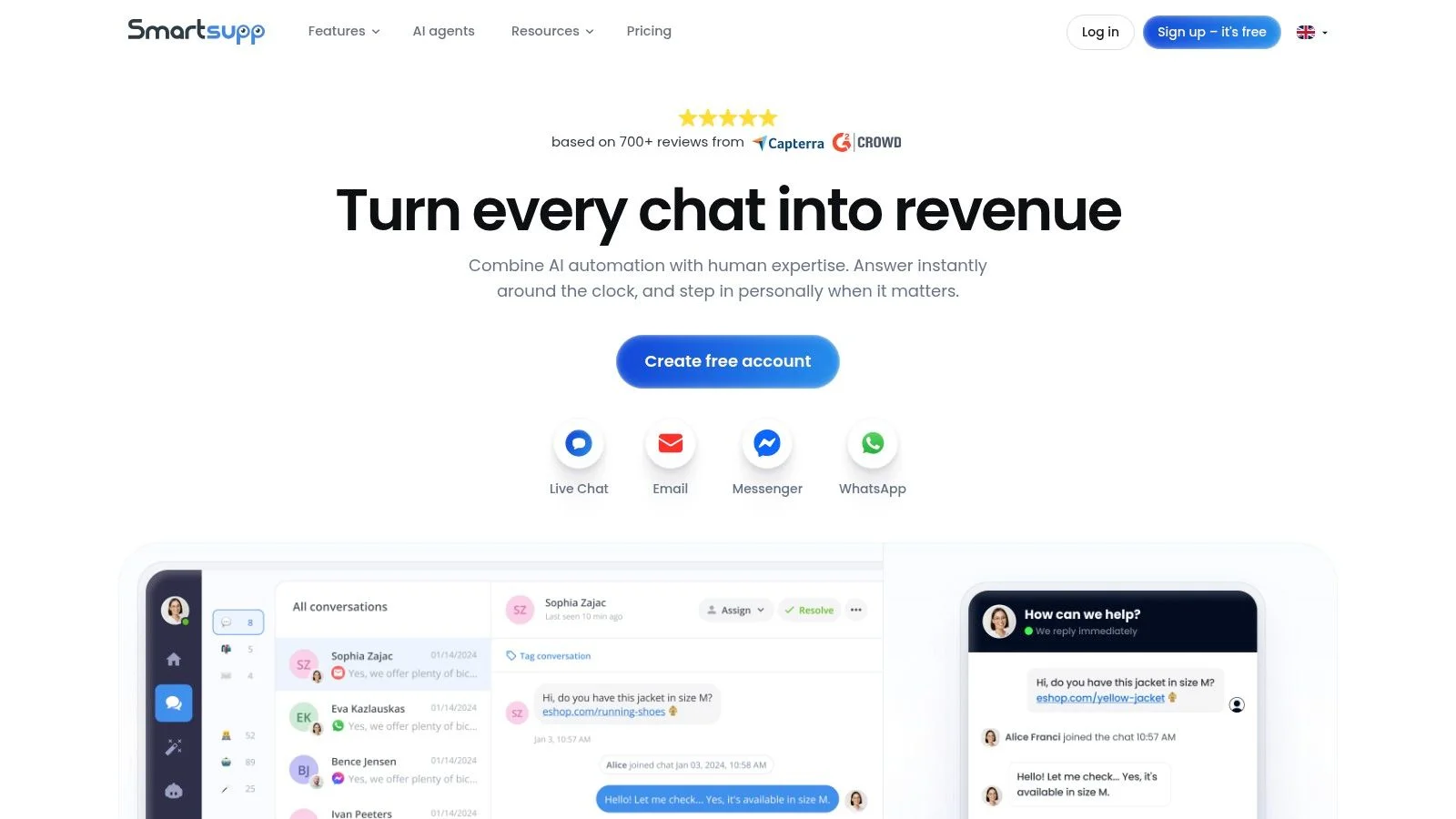
While the free version is functional for basic needs, key features like automatic messages, chatbots, and multi-channel support (like email) are reserved for paid tiers. This makes it a good choice for those who anticipate needing more advanced e-commerce tools as their sales volume increases.
Key Details & Limitations
- Ideal Use Case: Small e-commerce businesses and online stores needing a starter live chat tool with a clear path to paid features.
- Free Plan Limits: The free plan is limited to one agent, 100 conversations per month, and only retains 14 days of chat history.
- Upgrade Trigger: Needing more agents, higher conversation limits, advanced automation, or the AI assistant (“Mira”) requires a paid subscription.
- FOMOchat Comparison: Smartsupp focuses on direct, one-on-one support conversations. In contrast, FOMOchat uses its free preview to create a dynamic, social environment by displaying real-time user activity, which can drive conversions without requiring an agent to be constantly available.
Website: https://www.smartsupp.com
8. JivoChat
JivoChat presents itself as an omnichannel messenger, offering one of the more versatile free chat widgets for websites by including social media integrations from the start. Its free plan supports up to five agents and allows you to connect channels like Facebook, Instagram, and Telegram, centralizing conversations that would otherwise be siloed. This makes it a strong choice for businesses that engage heavily with customers across multiple platforms, not just their website.
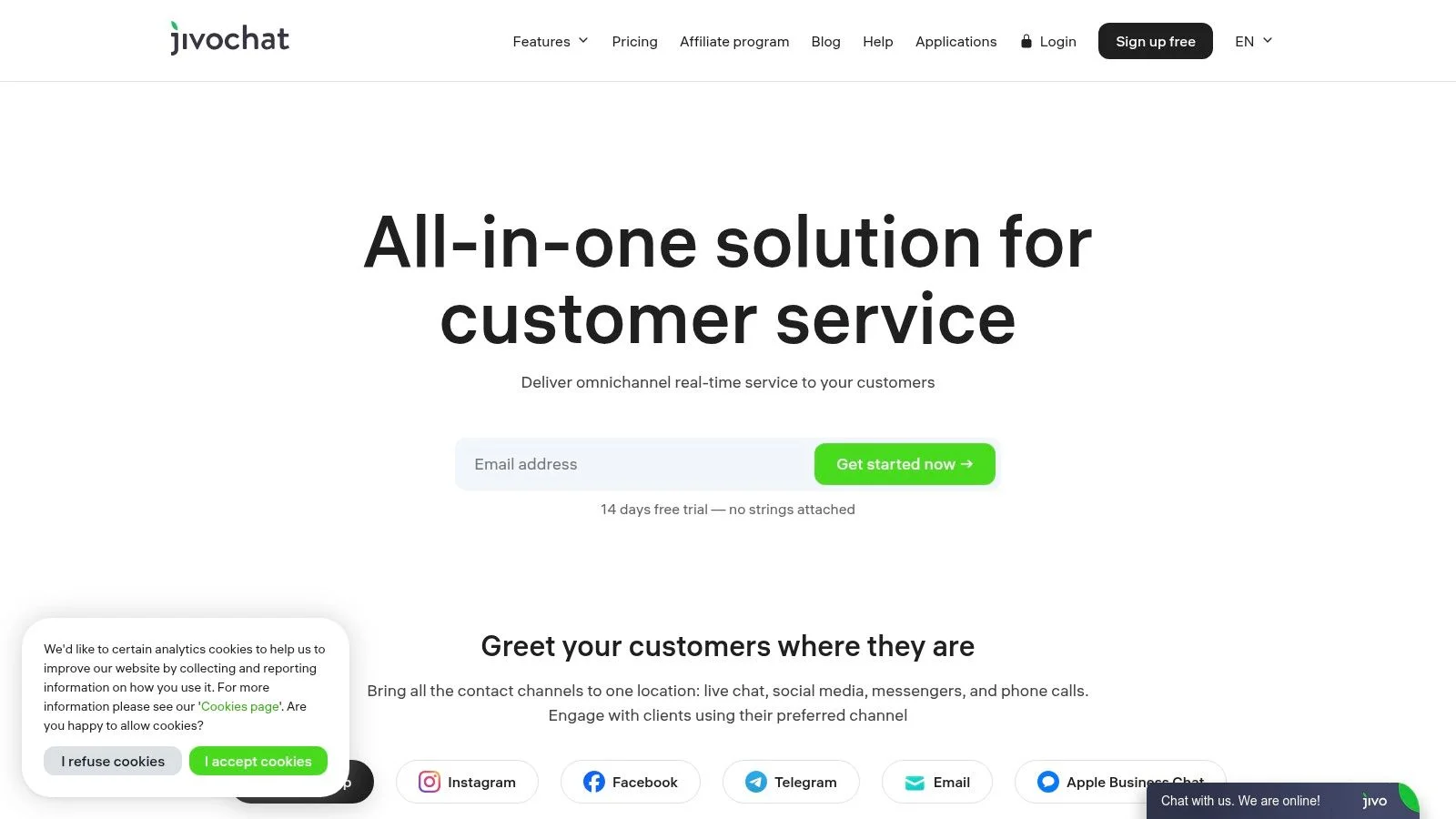
The platform provides dedicated desktop and mobile apps, ensuring your team can respond to inquiries from anywhere. The basic free version is a great way to consolidate your most common communication channels into a single inbox without initial costs.
Key Details & Limitations
- Ideal Use Case: Small teams wanting a unified inbox for website chat and key social media channels without a subscription.
- Free Plan Limits: Limited to 5 agents and provides only 2 months of chat history. Key business features like chat routing, reporting, and WhatsApp integration are not included.
- Upgrade Trigger: Removing the agent limit, unlocking unlimited chat history, and adding business features requires the Professional plan at $19/agent/month.
- FOMOchat Comparison: JivoChat focuses on unifying manual communication channels for support. In contrast, FOMOchat’s free preview is built for conversion, using AI and social proof to engage visitors proactively. JivoChat reacts to messages, while FOMOchat creates them.
Website: https://www.jivochat.com
9. Chatra
Chatra is a lightweight and user-friendly live chat tool designed for small businesses and solo operators looking for one of the simplest free chat widgets for websites. Its primary focus is on ease of use and quick installation, allowing website owners to get up and running in minutes. The free plan is intentionally basic, providing a direct path for growing businesses to upgrade as their needs expand.
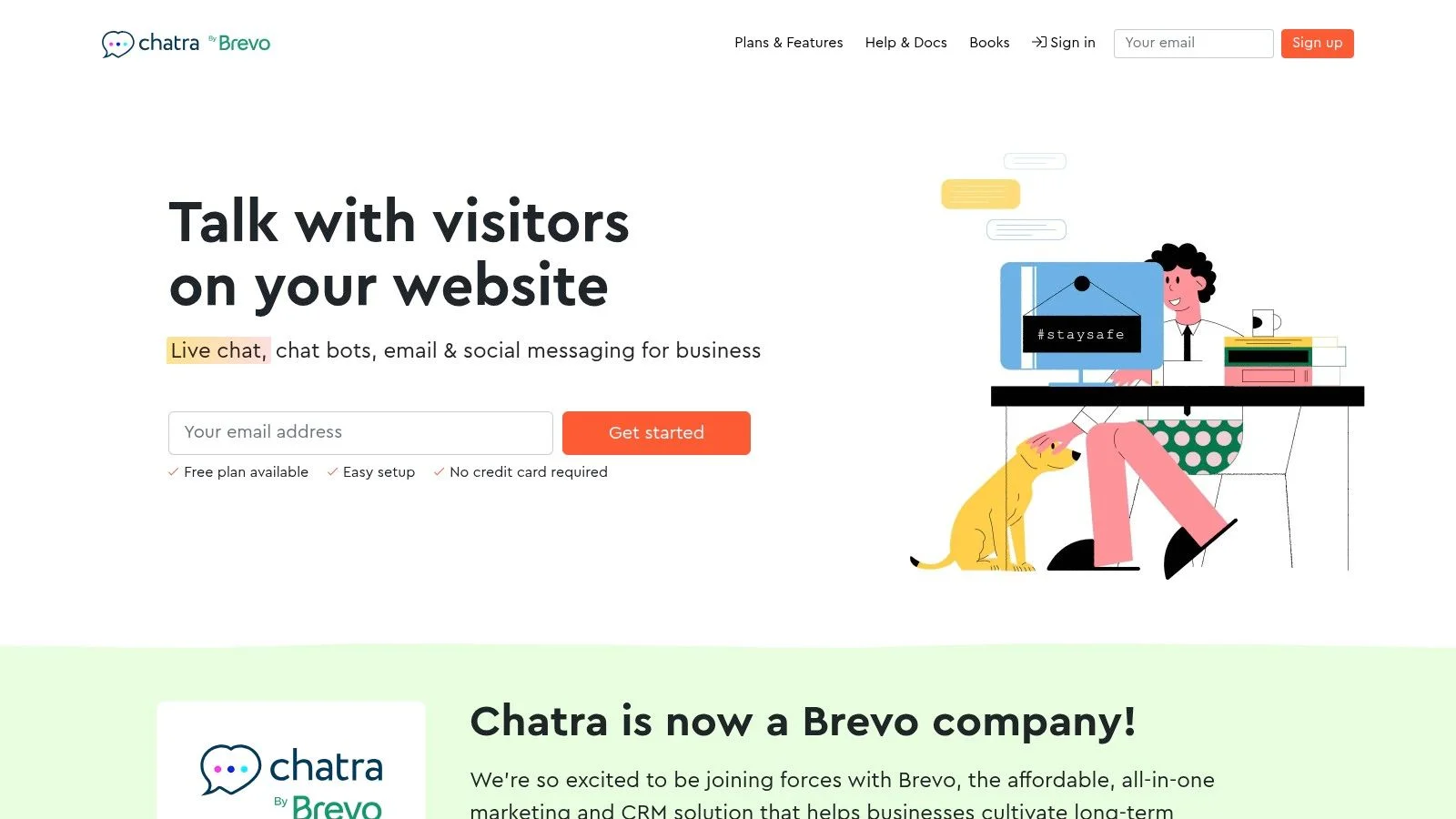
This platform offers a clean interface for both the visitor and the agent, making it a great starting point for those new to live chat. While the free version supports unlimited websites, its core limitations are built around agent seats and conversation volume, guiding users toward paid plans as their traffic increases.
Key Details & Limitations
- Ideal Use Case: Solo entrepreneurs or very small teams needing a simple, no-fuss chat widget to handle a low volume of inquiries.
- Free Plan Limits: The free plan is restricted to just one agent. It also has a very small monthly conversation limit, making it unsuitable for sites with even moderate traffic.
- Upgrade Trigger: Exceeding the conversation limit, needing more than one agent, or wanting features like chat bots and detailed visitor information will require an upgrade to a paid plan.
- FOMOchat Comparison: Chatra is a traditional, reactive live chat tool for one-on-one support. It lacks the proactive social proof and AI automation features of FOMOchat. FOMOchat's free preview is designed to build trust by showing site activity, while Chatra's free plan is a basic entry point for manual support.
Website: https://chatra.com
10. Chatwoot
Chatwoot stands out as one of the few open-source free chat widgets for websites, giving teams ultimate control over their data and infrastructure. It offers two free paths: a self-hosted Community Edition with no license cost and a cloud-based "Hacker" plan. This flexibility makes it a great choice for developers or organizations with strict data privacy requirements who are comfortable managing their own software.
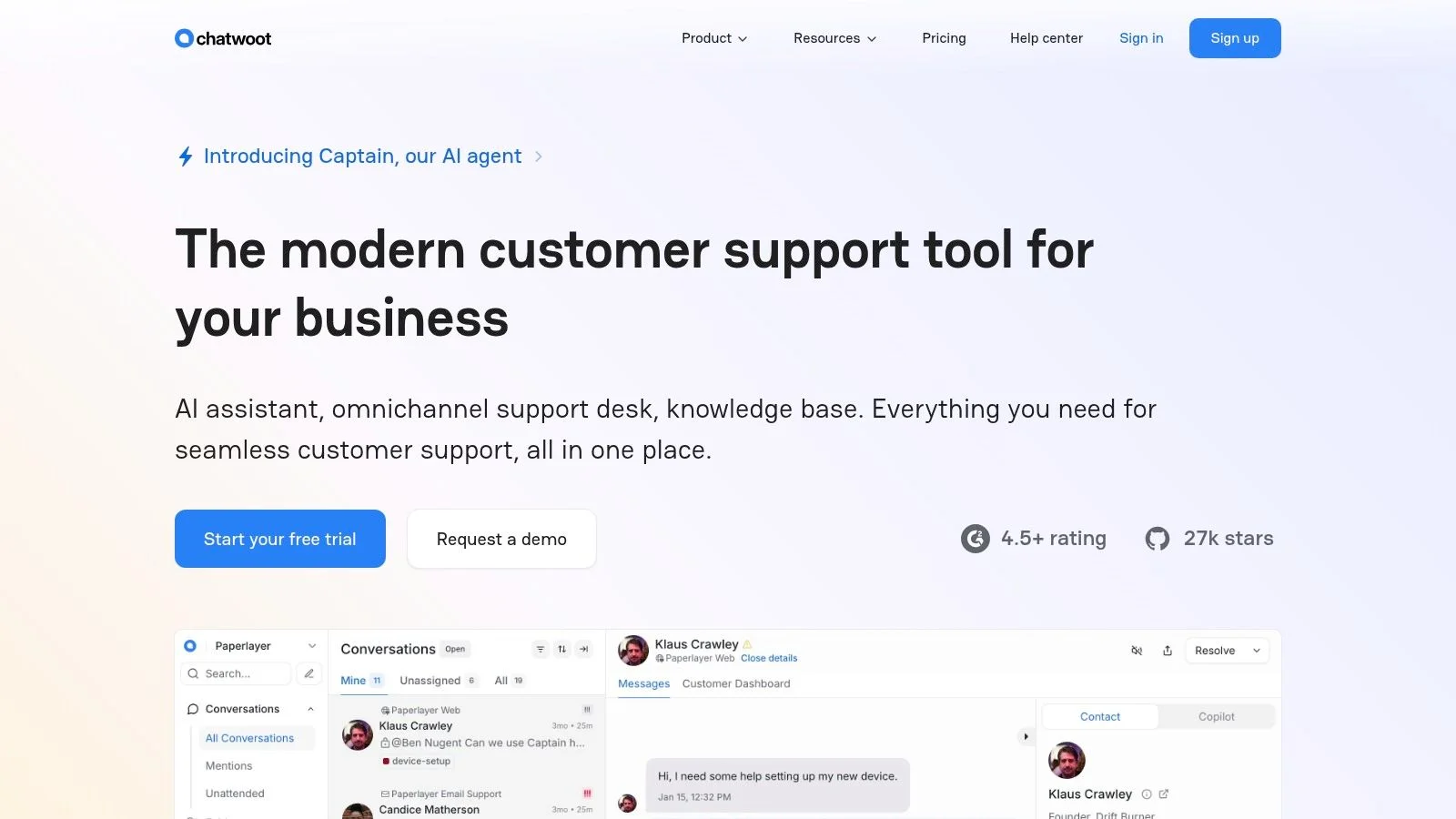
The self-hosted version is quite powerful, while the free cloud plan provides a taste of its unified inbox capabilities. It’s built for technical teams who value customization and extensibility over an out-of-the-box, managed solution.
Key Details & Limitations
- Ideal Use Case: Tech-savvy teams, startups, and companies needing a self-hosted, open-source solution for full data control.
- Free Plan Limits: The cloud plan is limited to 2 agents and 500 conversations per month. The self-hosted version requires technical expertise (DevOps) for setup and ongoing maintenance.
- Upgrade Trigger: Moving to a paid cloud plan is necessary for more agents, higher conversation limits, and multi-channel support (like social media and email).
- FOMOchat Comparison: Chatwoot is a developer-centric tool focused on customizable support conversations. In contrast, FOMOchat is a no-code marketing tool designed for engagement and conversion, using AI and social proof notifications to turn passive visitors into active leads without requiring any technical overhead.
Website: https://www.chatwoot.com
11. Odoo Live Chat
Odoo Live Chat stands out as a unique option among free chat widgets for websites because it's part of a much larger ecosystem of business applications. The live chat app is available for free with unlimited users under Odoo's "One App Free" plan. This makes it a great choice for businesses that want a free live chat solution now but anticipate needing an integrated CRM, helpdesk, or eCommerce platform in the future.
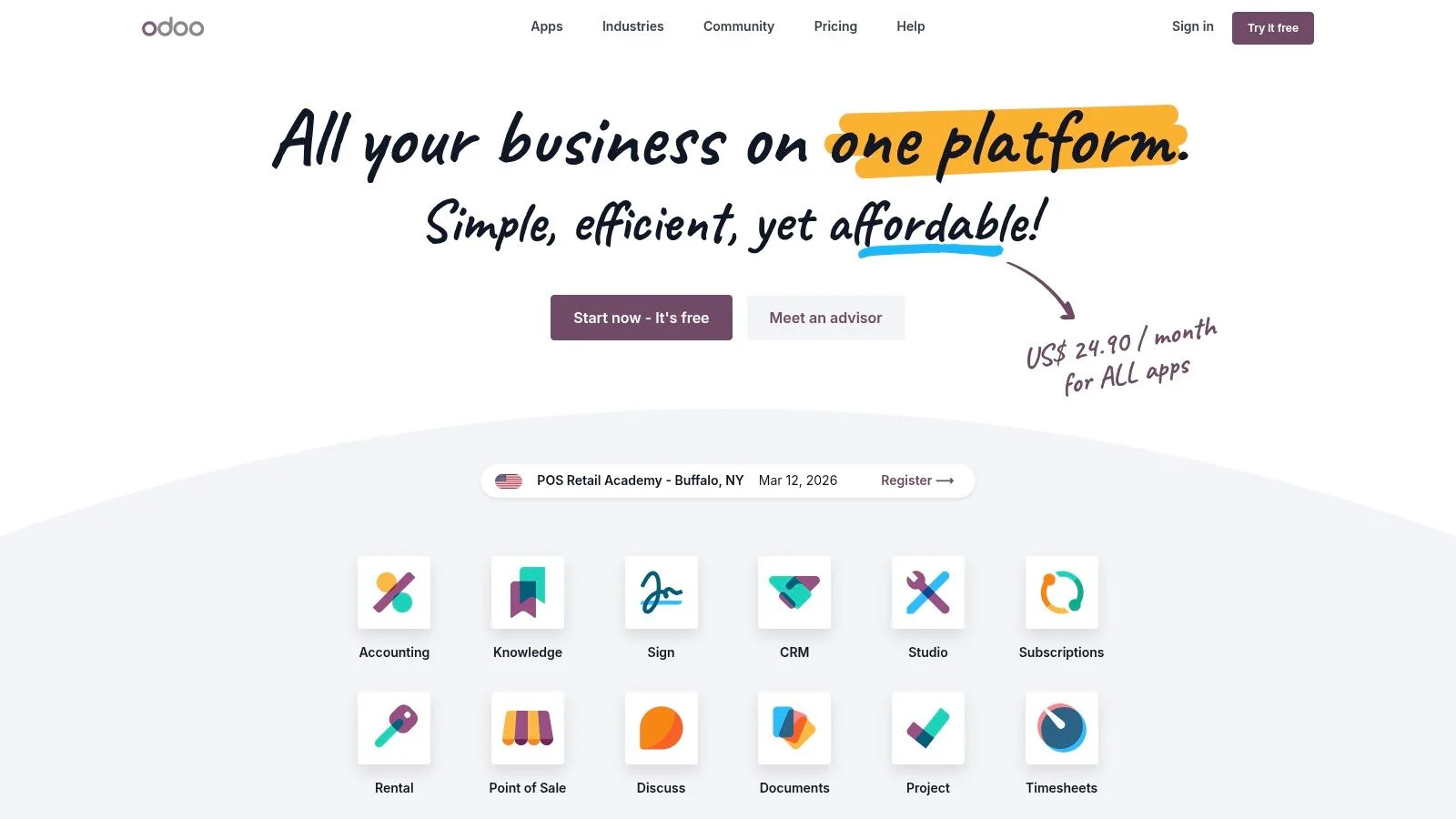
The primary benefit is seamless integration; conversations can easily become leads in the Odoo CRM or tickets in the helpdesk module. This unified approach consolidates customer data but also means the interface is designed with the broader Odoo workflow in mind, which might feel complex for users only seeking a simple chat tool.
Key Details & Limitations
- Ideal Use Case: Businesses planning to adopt an all-in-one business management platform and wanting to start with a free, fully integrated live chat.
- Free Plan Limits: The free plan is limited to just the Live Chat application. Adding any other Odoo app (like CRM or Helpdesk) requires upgrading to a paid plan.
- Upgrade Trigger: Activating a second Odoo app will trigger the need to subscribe to a paid plan, which starts at around $25 per user/month.
- FOMOchat Comparison: Odoo is built for internal business process integration, connecting chat to a CRM or ERP. In contrast, FOMOchat is built for external conversion, using AI and social proof notifications to engage visitors and turn them into customers without needing a complex backend system.
Website: https://www.odoo.com
12. Rocket.Chat Livechat
Rocket.Chat offers one of the most flexible free chat widgets for websites for teams that require complete data control and customizability. As an open-source platform, it allows you to self-host your entire communication stack, including the Livechat widget. This is ideal for organizations in regulated industries like healthcare or finance where data sovereignty and security are non-negotiable.
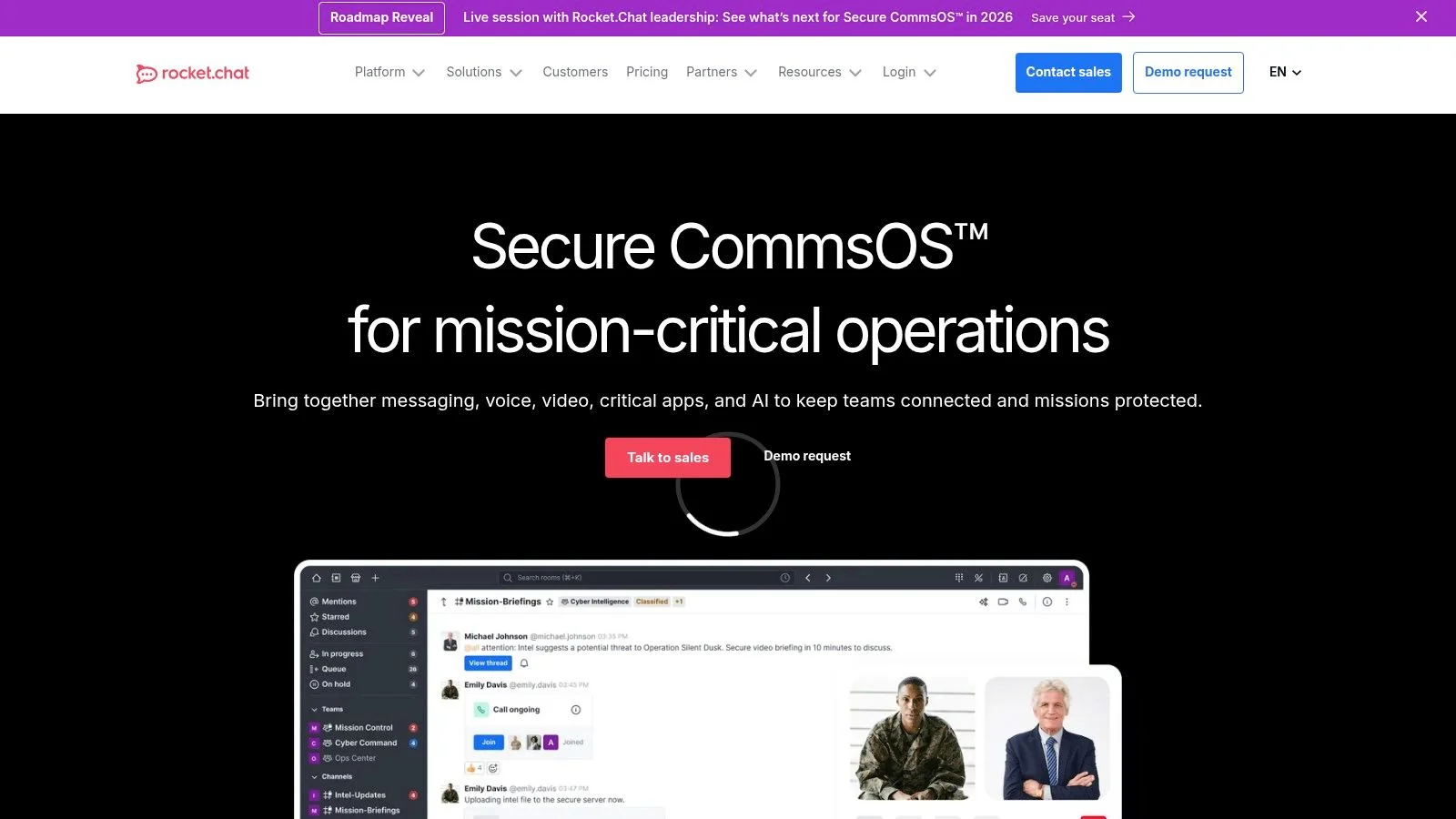
The free Community Edition provides the core Livechat functionality, which you can embed on any website. Because you control the server, you can heavily modify the widget's appearance and behavior using APIs to align perfectly with your brand and internal workflows. This approach gives you unparalleled control over the chat experience.
Key Details & Limitations
- Ideal Use Case: Technical teams, startups, and enterprises needing a secure, self-hosted, and highly customizable live chat solution with full data ownership.
- Free Plan Limits: The free plan requires you to provide and manage your own server infrastructure, which involves technical overhead and hosting costs.
- Upgrade Trigger: Moving to a paid plan is necessary for enterprise-grade features like advanced security, scalability, and dedicated support.
- FOMOchat Comparison: Rocket.Chat is built for deep technical control and internal team communication, with Livechat as a feature. FOMOchat, in contrast, is a no-code marketing tool focused on using social proof and AI automation to convert website visitors, requiring zero server management.
Website: https://www.rocket.chat
12 Free Chat Widgets , Feature Comparison
| Product | Core features | UX / Quality ★ | Price / Value 💰 | Target 👥 | Unique selling points ✨ |
|---|---|---|---|---|---|
| FOMOchat 🏆 | AI “company rep”, multi‑person group chats, video/webinar timeline sync, code‑light embed | ★★★★☆ | 💰 Free preview; plans from $29/mo → $299+/mo (scales with visibility) | 👥 SaaS marketers, launch/webinar hosts, course creators | ✨ Realistic multi‑person social proof + timeline sync; guardrails & site‑trained AI |
| tawk.to | Live chat, unlimited agents/chats/sites, apps, KB & ticketing | ★★★★ | 💰 Forever free core; paid add‑ons (branding removal, AI, hired agents) | 👥 SMBs needing unlimited free chat | ✨ Truly unlimited free tier; outsourced agent option |
| Crisp | Website widget, shared inbox, mobile apps, developer SDKs | ★★★★ | 💰 Free forever (2 seats); paid tiers for automation & AI | 👥 Small teams, dev‑forward shops | ✨ Clean UI + strong dev APIs/SDKs |
| Tidio | Live chat, ticketing, visitor list, no‑code chatbot flows (Lyro AI) | ★★★☆ | 💰 Free limited conversations; pay per convo/feature | 👥 Low‑volume sites, early AI chatbot testers | ✨ Polished automation templates & Lyro AI agent |
| HubSpot Live Chat | Chat widget + shared inbox, basic ticketing, CRM integration, SDK | ★★★★ | 💰 Free tools; Service Hub paid tiers for advanced SLAs | 👥 Sales/support teams needing CRM alignment | ✨ Native CRM context per conversation |
| Zoho SalesIQ | Live chat (3 operators free), visitor tracking, personalization | ★★★☆ | 💰 Free plan with caps; scales in Zoho suite | 👥 Zoho users, teams wanting visitor intelligence | ✨ Visitor tracking + smooth Zoho ecosystem scaling |
| Smartsupp | Live chat, mobile apps, automatic messages; paid AI assistant | ★★★☆ | 💰 Free forever for starters; AI & higher quotas paid | 👥 eCommerce storefronts, small shops | ✨ eCommerce focus with optional “Mira” AI assistant |
| JivoChat | Embeddable chat, social integrations (FB/IG/Telegram), apps | ★★★☆ | 💰 Free with social channels; paid for advanced features (WhatsApp) | 👥 Businesses needing omnichannel social presence | ✨ Social channel support on free plan |
| Chatra | Online/offline chat widget, multi‑site support, quick setup | ★★★☆ | 💰 Free solo plan; clear paid upgrade tiers | 👥 Solo operators, small businesses | ✨ Fast install and conversion‑focused simplicity |
| Chatwoot | Embeddable chat, unified inbox, open‑source self‑host option | ★★★★ | 💰 Free self‑host Community; cloud free/paid tiers | 👥 Privacy‑conscious teams, devs wanting control | ✨ True open‑source + self‑hosted no‑license route |
| Odoo Live Chat | Live chat with routing, integrates with Odoo website & eCom | ★★★☆ | 💰 Free under One App Free; pay to expand modules | 👥 Odoo users, businesses planning suite expansion | ✨ One App Free entry + easy expansion into Odoo apps |
| Rocket.Chat Livechat | Embeddable livechat, omnichannel routing, enterprise APIs | ★★★★ | 💰 Free self‑host; managed/cloud paid options | 👥 Enterprise IT, security/compliance teams | ✨ Enterprise‑grade self‑hosted customization & security |
Choosing Your Best Fit: From Simple Support to AI-Powered Proof
We've explored a wide range of powerful and completely free chat widgets for websites. From the robust, volunteer-driven support of Tawk.to to the deeply integrated CRM power of HubSpot and Zoho, it’s clear that adding a chat function to your site doesn’t require a budget. The right choice simply depends on what you want to achieve.
Your decision should come down to your primary business goal. Are you drowning in support tickets and need a straightforward way to manage customer conversations? Or is your main focus on converting visitors into customers by showing them real-time activity?
Finding Your Perfect Match
To simplify your choice, think about which of these categories best describes your immediate need:
- For Traditional Live Support: If your goal is to offer direct, one-on-one help and manage support queries efficiently, tools like Tawk.to, Chatra, and JivoChat are excellent starting points. Their free plans are generous with agent seats and core chat features, making them ideal for support-heavy businesses.
- For CRM and Sales Integration: If your chat widget needs to be part of a larger sales and marketing ecosystem, look no further than HubSpot and Zoho SalesIQ. These tools connect conversations directly to contact records, helping you track leads and build customer relationships from the very first interaction.
- For Conversion-Focused Social Proof: If your objective is less about support and more about increasing sign-ups and sales, a tool like FOMOchat stands apart. By combining live chat with social proof notifications, it addresses visitor hesitation and builds trust, turning conversations into conversions.
Beyond the Basics: The Rise of AI
As you evaluate options, consider the role of AI. Many widgets now include basic chatbots to answer common questions or qualify leads. More advanced systems are beginning to use AI to personalize interactions and even summarize conversations. For those interested in the underlying technology, understanding Large Language Models can provide valuable insights into how these features work.
Ultimately, the best way to find the perfect fit is to try one. Every tool on this list offers a free plan or preview that you can install in minutes. Pick the one that aligns with your goals, add the code snippet to your site, and see what a difference direct engagement can make. You might be surprised by the conversations you start and the conversions you drive.
Ready to turn your website visitors into customers? FOMOchat combines live chat with powerful social proof notifications to build trust and urgency. See how our unique approach can boost your conversions by trying the free preview today at FOMOchat.