

Finding the best AI chatbot for websites feels overwhelming. The market is crowded with options, each claiming to be the perfect solution for boosting engagement, generating leads, and supporting customers. But how do you cut through the noise and find the right tool for your specific goals, whether you're launching a SaaS product, promoting a webinar, or selling an online course?
This guide is built to give you a clear, direct path to the answer. We've done the heavy lifting by analyzing the top AI chatbots available today. Instead of generic marketing copy, you’ll find an honest breakdown of what each platform does well, where it falls short, and who it’s truly built for. To truly understand the value proposition of the leading AI chatbots for websites, it's essential to recognize the difference a qualified chat bot can make beyond basic FAQ tools.
Here’s what you’ll get for each chatbot on our list:
- Key Features: A focused look at integration, customization, and AI training capabilities.
- Best-Use Cases: Specific scenarios where each tool shines, like SaaS onboarding or course enrollment.
- Pros & Cons: A balanced view of strengths and limitations based on real-world application.
- Pricing: A straightforward summary of available tiers.
We’ll also provide a detailed comparison table to help you see the differences at a glance. Our goal is simple: to provide a practical resource that helps you move from confusion to decision. Let’s dive in.
1. FOMOchat
FOMOchat presents a distinct approach in the world of AI chatbots, positioning itself as a powerful tool for social proof and conversion rather than just support. It places an AI company representative, trained directly on your website's content, into an interactive, multi-person chat widget. This unique setup allows prospective customers to get instant answers while seeing the questions and engagement of other simulated visitors, creating a dynamic environment of social proof that traditional chatbots lack.
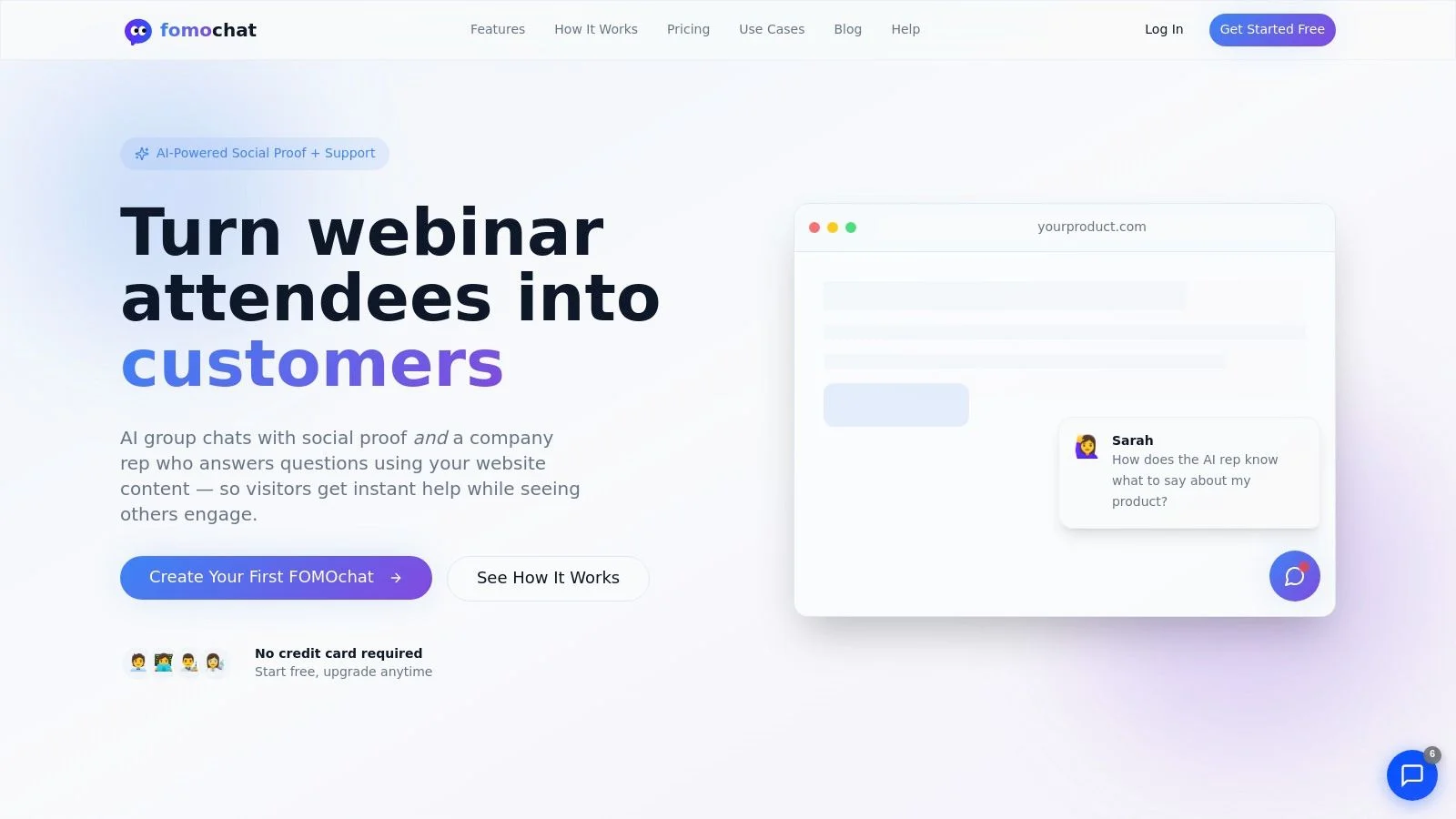
It excels in specific, high-intent scenarios like product launches, SaaS feature pages, course enrollments, and webinars. The implementation is remarkably fast, requiring only a small code snippet to go live in minutes, with no developer assistance needed. This makes it one of the best AI chatbot for websites for teams that need to move quickly.
Key Features and Use Cases
- AI-Powered Social Proof: The core function simulates a busy, engaged environment. This makes visitors feel they are part of an active community, reducing hesitation and encouraging action. It's particularly effective for new product launches or webinar registrations where building momentum is critical.
- Video & Webinar Timeline Sync: A standout feature allows reactions and questions to appear at specific moments in a video or webinar. This reinforces key sales points and answers common objections right when they arise, keeping viewers engaged.
- Customization and Safety: You can fully customize the AI's persona, tone, and appearance to match your brand. Built-in guardrails and confidence qualifiers help the bot avoid making up answers, ensuring it provides accurate information based on your source material.
- Analytics & Optimization: Paid plans include analytics to track what questions are asked and how the bot influences conversions. This data is invaluable for growth teams looking to refine their messaging and sales funnels.
Pricing and Onboarding
FOMOchat offers a accessible entry point with a free preview plan that includes 100 lifetime visitors and 400 AI messages. For those with more traffic, monthly plans scale affordably, starting with tiers like Silver at $29/mo and Gold at $49/mo. For a complete breakdown of features and visitor limits per tier, you can review the full details on their pricing and plans. The user experience is designed for simplicity, allowing you to configure, train, and deploy a widget with minimal effort.
Best For: SaaS marketers, course creators, webinar hosts, and CRO specialists who want a low-effort way to add social proof and drive measurable conversion lifts.
Website: https://fomochat.com
2. Intercom (Fin AI Agent)
Intercom’s Fin AI Agent is a powerful, production-ready AI chatbot designed for support automation. It integrates directly into your existing Intercom ecosystem, using your help center articles and documentation to provide instant, accurate answers to common customer questions. This makes it an excellent choice for established SaaS and B2C companies already using or considering Intercom’s suite for customer communication.
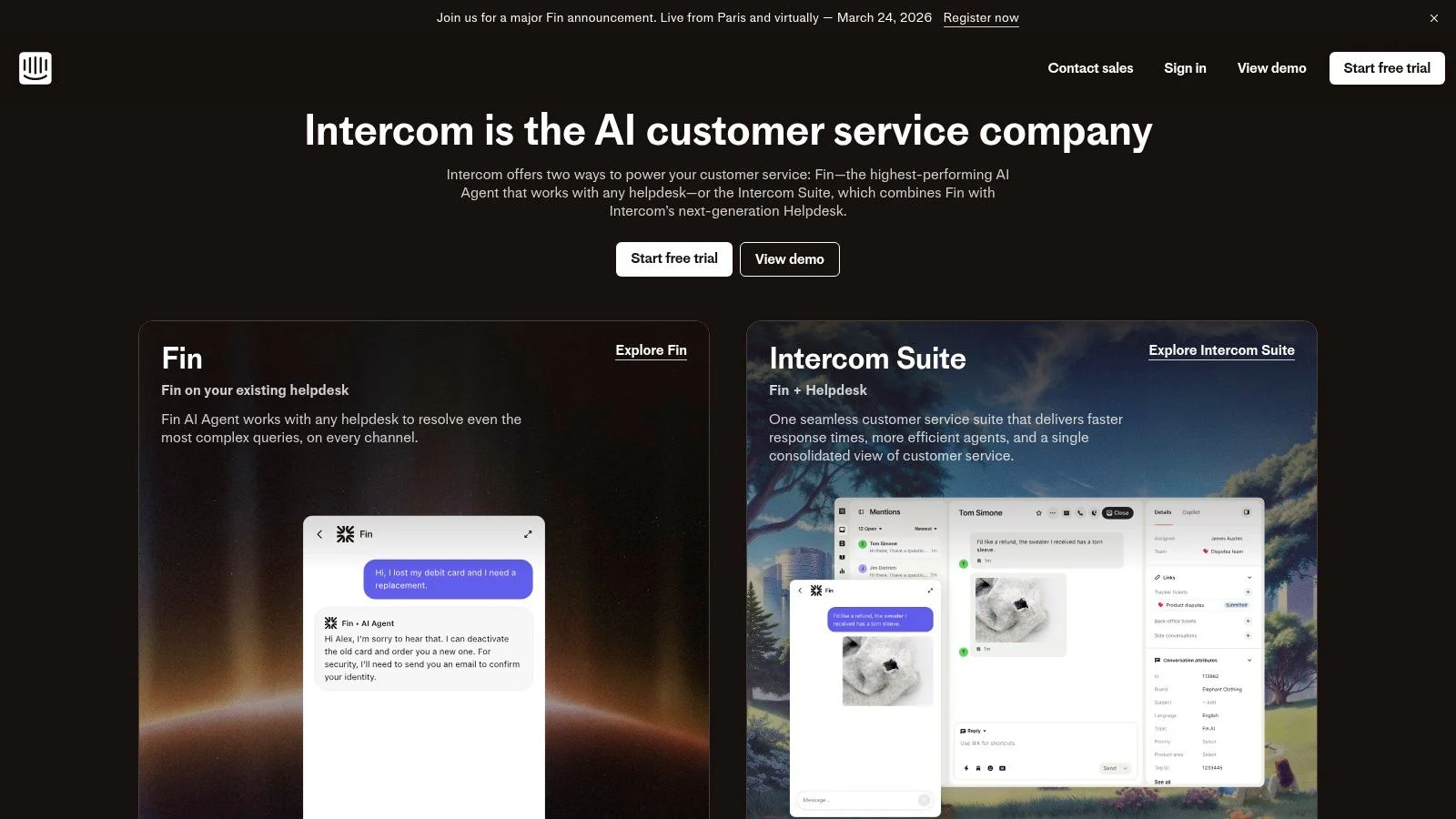
What makes Fin stand out is its mature automation and seamless handoff to human agents. If the AI can't resolve an issue, the conversation is smoothly transferred to a live agent within the same Intercom inbox, preserving context. It's built on a strong foundation that includes omnichannel support, detailed analytics, and guardrails to control AI responses. The setup is low-code, but its true power is unlocked when you have a well-structured knowledge base. Similar to other tools, setting up your domain knowledge correctly is key for chatbot performance.
Key Features & Pricing
- Best For: Support-heavy SaaS businesses and B2C companies wanting to automate resolutions.
- Key Features: Fin AI Agent, omnichannel support (web, email, social), deep helpdesk and knowledge base integration, response approvals, and robust analytics.
- Pros: Excellent human agent handoff, mature and reliable automation, and a strong ecosystem of apps and tools.
- Cons: The "per-resolution" pricing model can become expensive with high query volume. It delivers the most value when you are committed to the entire Intercom platform.
- Pricing: Intercom’s plans start at $39/seat/month. Fin is included in higher-tier plans, with pricing based on the number of AI-driven resolutions.
3. Zendesk (Zendesk AI + Advanced AI Agents)
Zendesk’s AI adds automated answers directly into its web widget and provides agent assistance tools. It is an attractive option if you already operate within the Zendesk Suite and want to layer AI onto your existing tickets, chat, and help center infrastructure. The core function is to provide instant answers sourced from your Zendesk Guide knowledge base, making it a natural extension for long-time users.
What defines the Zendesk approach is its deep integration with the entire support ecosystem. The AI isn't just a chatbot; it also assists human agents and powers intelligent routing. For more complex needs, the optional Advanced AI Agents can orchestrate multi-step workflows. As with any knowledge-based AI, its effectiveness is directly tied to the quality of your help center content, a key factor in improving AI responses for any platform. This makes Zendesk a solid choice for businesses committed to its platform and looking to add automation without disrupting established support processes.
Key Features & Pricing
- Best For: Enterprise-level companies and businesses already heavily invested in the Zendesk support ecosystem.
- Key Features: AI answer bots in web chat tied to your help center, Agent assist and AI-powered routing, Optional Advanced AI Agents for orchestrated workflows, Deep reporting and enterprise controls.
- Pros: Broad omnichannel support and enterprise compliance, Tight coupling with Zendesk Guide, macros, and workflows.
- Cons: Pricing can be complex (base seats + AI usage/add-ons), Best features often require higher-tier Suite and add-ons.
- Pricing: Zendesk Suite plans start from $55/agent/month. AI features are available as add-ons, with pricing based on usage or bundled into higher-tier plans.
4. Freshchat by Freshworks (with Freddy AI)
Freshchat offers a modern messaging experience powered by Freddy AI, its proprietary artificial intelligence engine. It's a strong contender for teams seeking an all-in-one solution for sales, marketing, and support, especially those already using or considering the broader Freshworks ecosystem. The platform provides a balanced mix of AI self-service, agent assistance tools, and a straightforward, low-code bot builder, making it one of the more accessible options on our list.
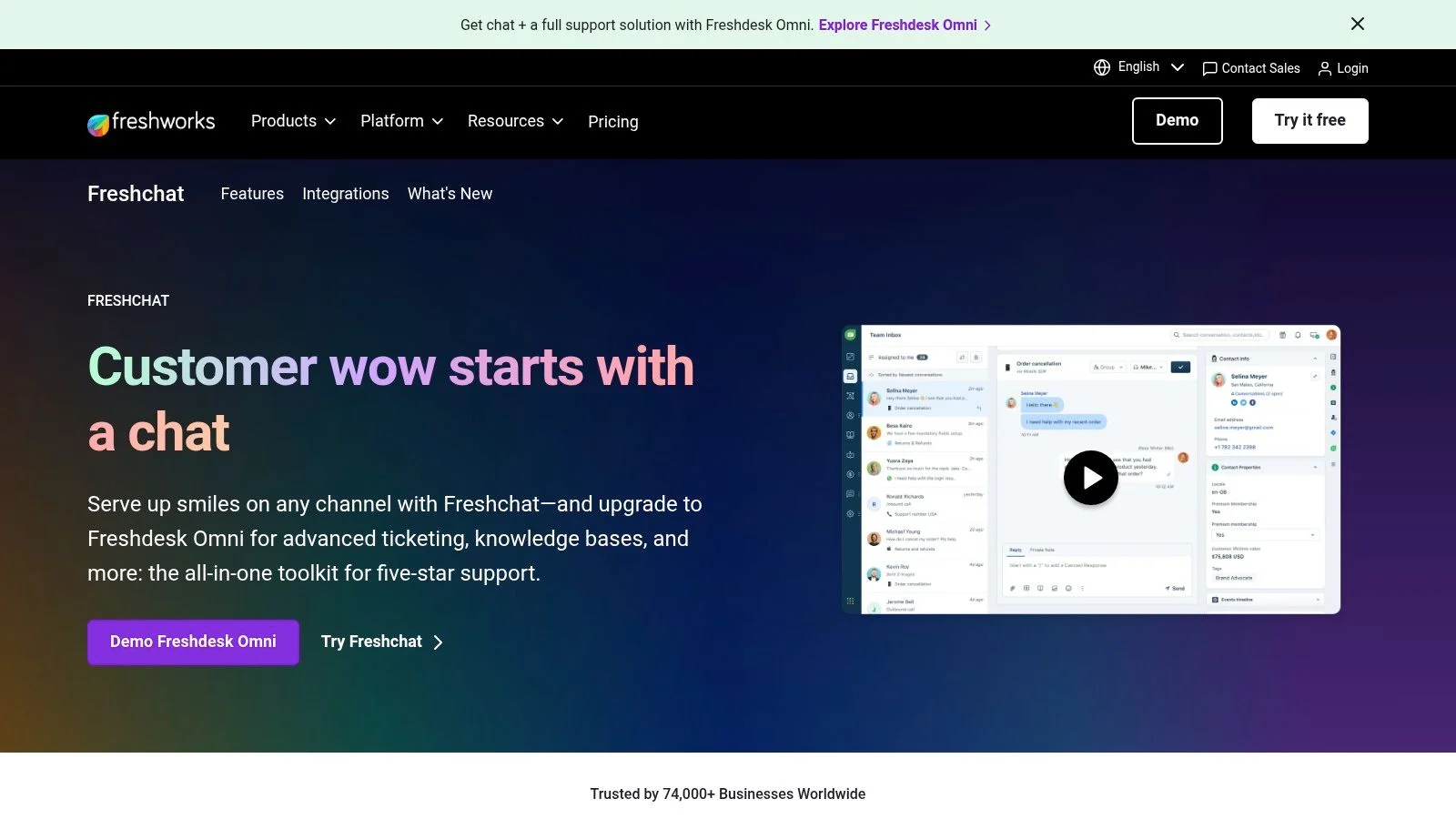
What makes Freshchat a great choice is its quick time-to-value and competitive pricing. You can get a capable AI chatbot for your website up and running quickly, thanks to its user-friendly interface and pre-built templates. Freddy AI assists by answering common questions using your knowledge base, while also providing agents with suggested replies and insights. This dual approach helps both customers and your support team, making it a well-rounded tool for businesses focused on operational efficiency.
Key Features & Pricing
- Best For: Small to mid-sized businesses wanting a unified and affordable sales, marketing, and support chat solution.
- Key Features: Freddy AI for self-service and agent assist, unified inbox for chat, email, and social media, no/low-code bot builder, and WhatsApp integration.
- Pros: Fast setup and a generous number of trial bot sessions for testing Freddy AI. Pricing is competitive compared to similar platforms.
- Cons: Advanced AI capabilities are tied to higher-tier plans. The ecosystem is not as deep as competitors like Intercom or Zendesk.
- Pricing: A free plan is available. Paid plans start at $15/agent/month. Freddy AI features are included in higher plans, often with a set number of bot sessions per month.
5. Tidio (Lyro AI Agent)
Tidio offers an all-in-one customer communication platform that is particularly appealing to small and medium-sized businesses, course creators, and e-commerce stores. Its main strength lies in bundling a customizable chat widget, a visual flow builder, and its AI agent, Lyro, into an approachable and affordable package. Lyro is designed to answer common customer questions by drawing from your uploaded knowledge base content, helping to resolve issues before they require human intervention.
What makes Tidio a solid contender for the best AI chatbot for websites is its ease of use and quick setup. The visual flow builder comes with pre-built templates for lead generation, FAQs, and cart abandonment, allowing non-technical users to create useful automations in minutes. If Lyro or a pre-set flow can't handle a query, the conversation is routed to a human agent within the unified Tidio inbox, which also manages tickets. This blend of AI and human support is ideal for teams that need a functional solution without a steep learning curve or high initial cost.
Key Features & Pricing
- Best For: SMBs, e-commerce stores, and course creators needing a fast, affordable, and easy-to-use chat solution.
- Key Features: Lyro AI Agent, visual workflow builder with templates, live chat and ticketing system, and integrations with Shopify, WordPress, and other platforms.
- Pros: Generous free and low-cost plans provide a great entry point. The widget customization and flow templates are extremely user-friendly.
- Cons: AI conversation quotas are limited on lower-tier plans. Advanced features like SSO and compliance tools are reserved for more expensive plans.
- Pricing: Tidio offers a free plan with limited features. Paid plans start at $29/month, with Lyro conversations included based on the plan tier.
6. ChatBot.com (by LiveChat)
ChatBot.com is a dedicated chatbot builder from the makers of LiveChat, designed for teams that want a bot-first approach with the option to add human support. It provides a visual, no-code builder alongside AI features, allowing you to create automated conversational flows for lead generation, support, and sales. It embeds on your site with a polished widget and is a strong contender for those who want a purpose-built chatbot product without the complexity of a full-blown customer service suite.
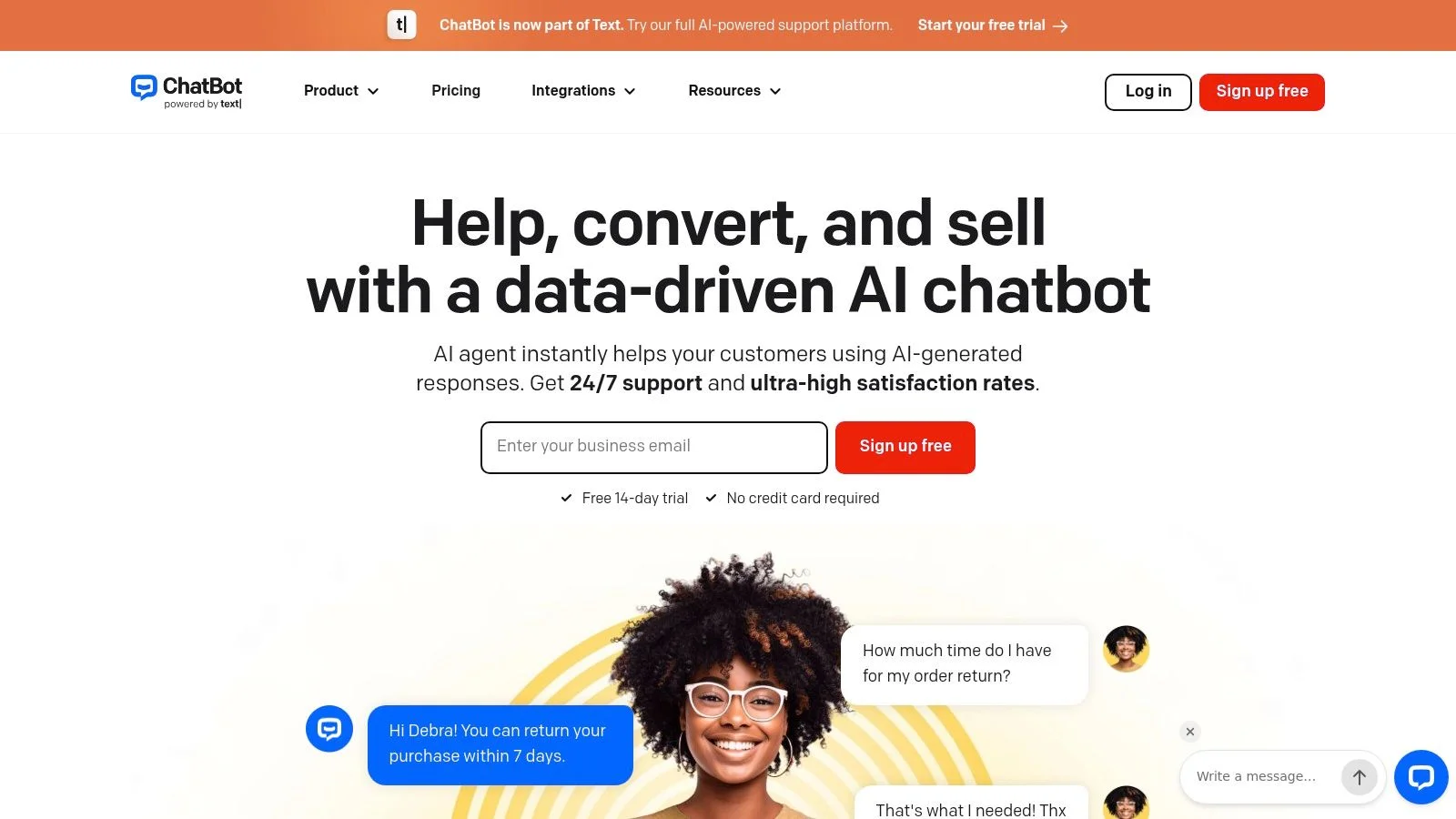
What makes this platform stand out is its focused design. While it integrates deeply with LiveChat and HelpDesk, it operates as a standalone tool, giving you a clean interface centered on building, testing, and deploying bots. You can start with pre-built templates for common use cases or use its AI Assist to generate conversation flows automatically. The handoff to a live agent is a key feature, but it shines brightest when you are committed to the wider LiveChat ecosystem. For those who need a capable bot without extra bloat, this is one of the best AI chatbot for websites available.
Key Features & Pricing
- Best For: Marketing and sales teams wanting a bot-first tool for lead generation and qualification.
- Key Features: Visual no-code builder, AI Assist and templates, native website widget and WordPress plugin, seamless LiveChat handoff, and built-in analytics.
- Pros: A purpose-built chatbot product without unnecessary extras, and strong, native integration with LiveChat and HelpDesk.
- Cons: LiveChat seats for human agents are a separate cost. The platform delivers its highest value when you adopt the full LiveChat product stack.
- Pricing: Plans start at $52/month (billed annually) for 1,000 chats per month. Higher tiers add more chats and advanced features.
7. Crisp
Crisp offers an all-in-one business messaging platform that bundles a wide range of communication tools into a single, affordable package. Its AI chatbot features are designed to complement a shared inbox, knowledge base, and CRM, making it a strong contender for startups and SMBs looking for a comprehensive solution without a high price tag. The platform aims to consolidate customer interactions, from website chat to email and social media, into one unified view.
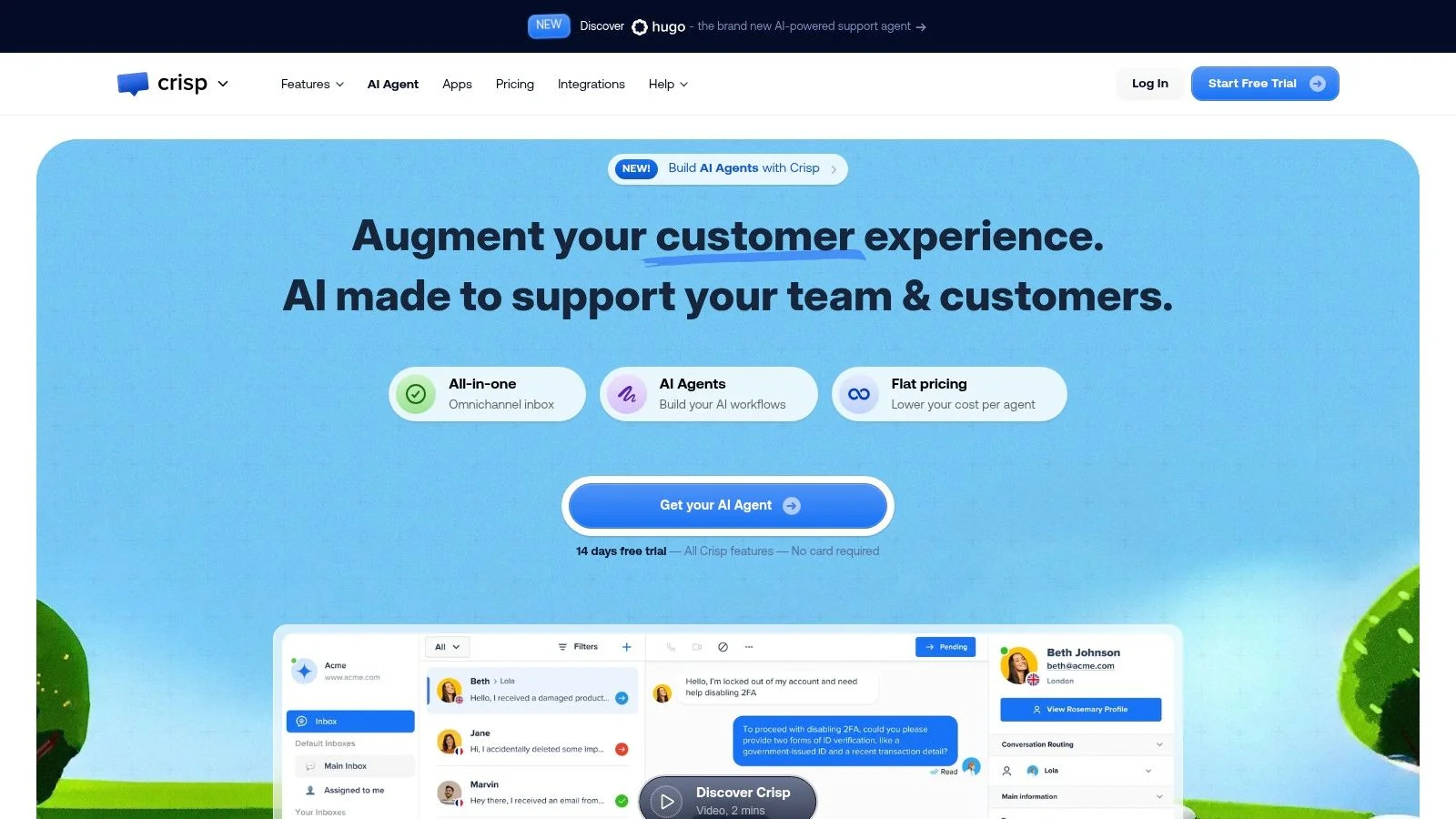
What makes Crisp a compelling choice is its value proposition. You get access to AI-powered replies (MagicReply), automation playbooks, and an internal AI copilot without needing to purchase multiple separate tools. The setup is straightforward, allowing you to connect your knowledge base to power the bot's answers and build simple workflows. While it may not have the deep, enterprise-grade customization of larger suites, it provides more than enough power for most small to medium-sized businesses looking for the best AI chatbot for websites on a budget.
Key Features & Pricing
- Best For: Startups and SMBs needing a cost-effective, all-in-one customer communication platform.
- Key Features: Shared multichannel inbox (email, social, web chat), AI-powered MagicReply, automation playbooks, integrated knowledge base, and video/audio calls directly from the chat.
- Pros: Very competitive flat-tier pricing model offers great value. It covers a broad set of features in a single, unified tool.
- Cons: Advanced automation and analytics are reserved for higher-tier plans. It has fewer enterprise-focused integrations compared to larger competitors.
- Pricing: Crisp offers a free plan. Paid plans start at $25/workspace/month for the Pro plan and $95/workspace/month for the Unlimited plan, which includes most AI features.
8. Landbot
Landbot excels as a no-code chatbot builder that puts marketers and lead generation specialists in the driver's seat. It's designed around a visual, drag-and-drop interface that makes building logic-driven conversational flows intuitive. This makes it an ideal solution for creating qualification funnels, interactive landing pages, and guided onboarding sequences without needing a developer. The platform has increasingly integrated AI, allowing you to train bots on your own data for more dynamic responses.
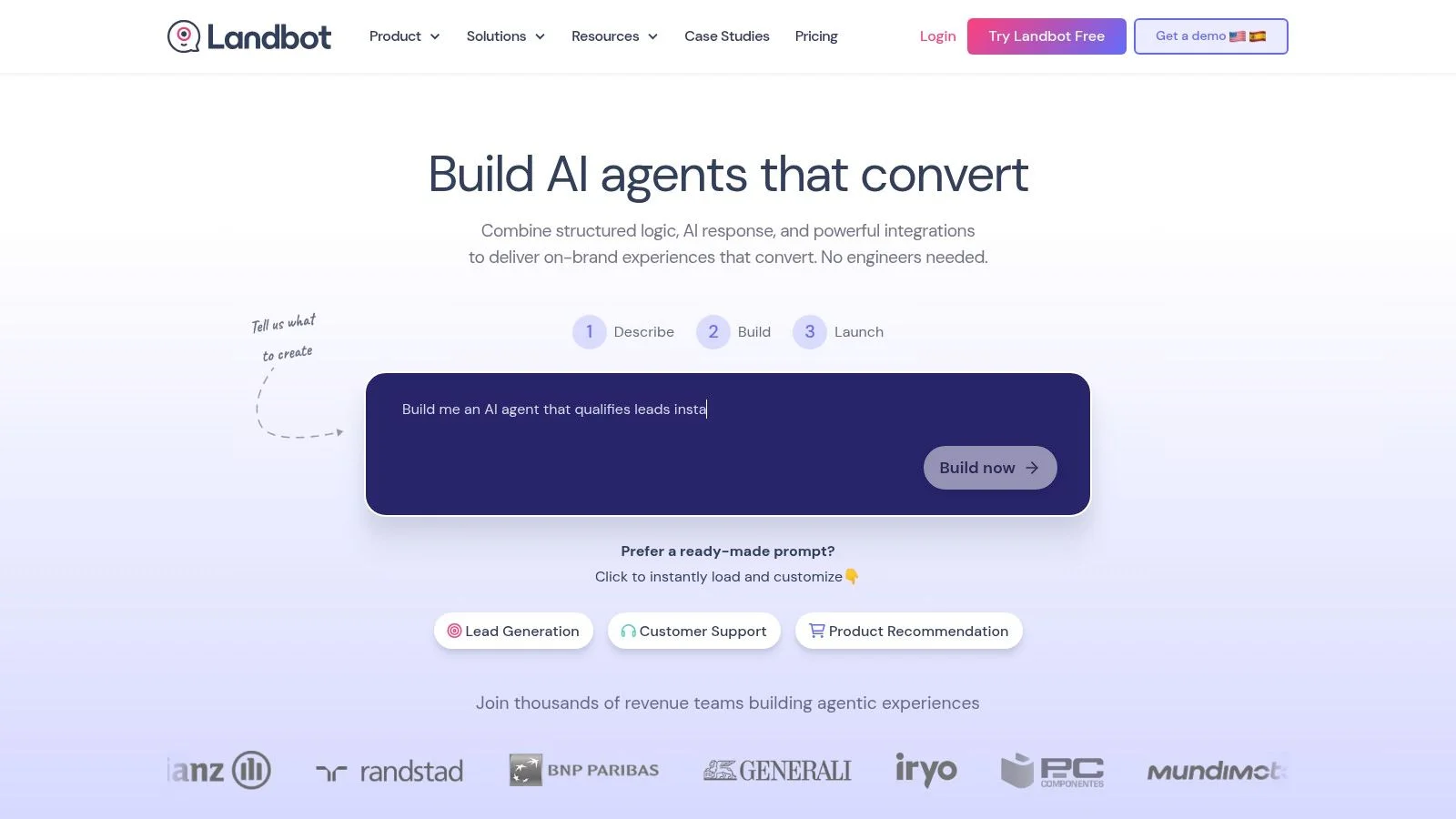
What makes Landbot different is its strong emphasis on the visual flow builder. Instead of just configuring an AI agent, you are actively mapping out the entire customer journey, decision by decision. This approach gives you granular control over the conversation path, perfect for when you need a specific outcome like a qualified lead or a product recommendation. While it offers powerful AI blocks to answer open-ended questions, its core strength remains in structured, goal-oriented interactions, making it one of the best AI chatbot for websites focused on conversion.
Key Features & Pricing
- Best For: Marketers and growth teams building lead qualification funnels and interactive experiences.
- Key Features: Visual flow builder, embeddable widgets and full-page bots, AI blocks for data-driven answers, and native integrations with CRMs and marketing automation tools.
- Pros: Extremely marketer-friendly visual design, excellent for conversion-focused funnels and lead scoring, and offers both widget and full-page bot experiences.
- Cons: Complex, branching logic can become difficult to manage in the visual builder. Some key analytics and integrations are reserved for higher-tier plans.
- Pricing: Landbot offers a free plan for basic bots. Paid plans start at €40/month (billed annually) for the Starter plan, with more advanced features available in Pro and Business tiers.
9. Ada
Ada is an enterprise-grade AI customer service platform built for high-volume support organizations that need robust controls and measurable resolution. It focuses on complete automation across web, messaging, and even voice channels, making it a strong contender for large businesses aiming to reduce agent dependency and contain costs at scale. The platform is designed for deep integration into complex business systems.
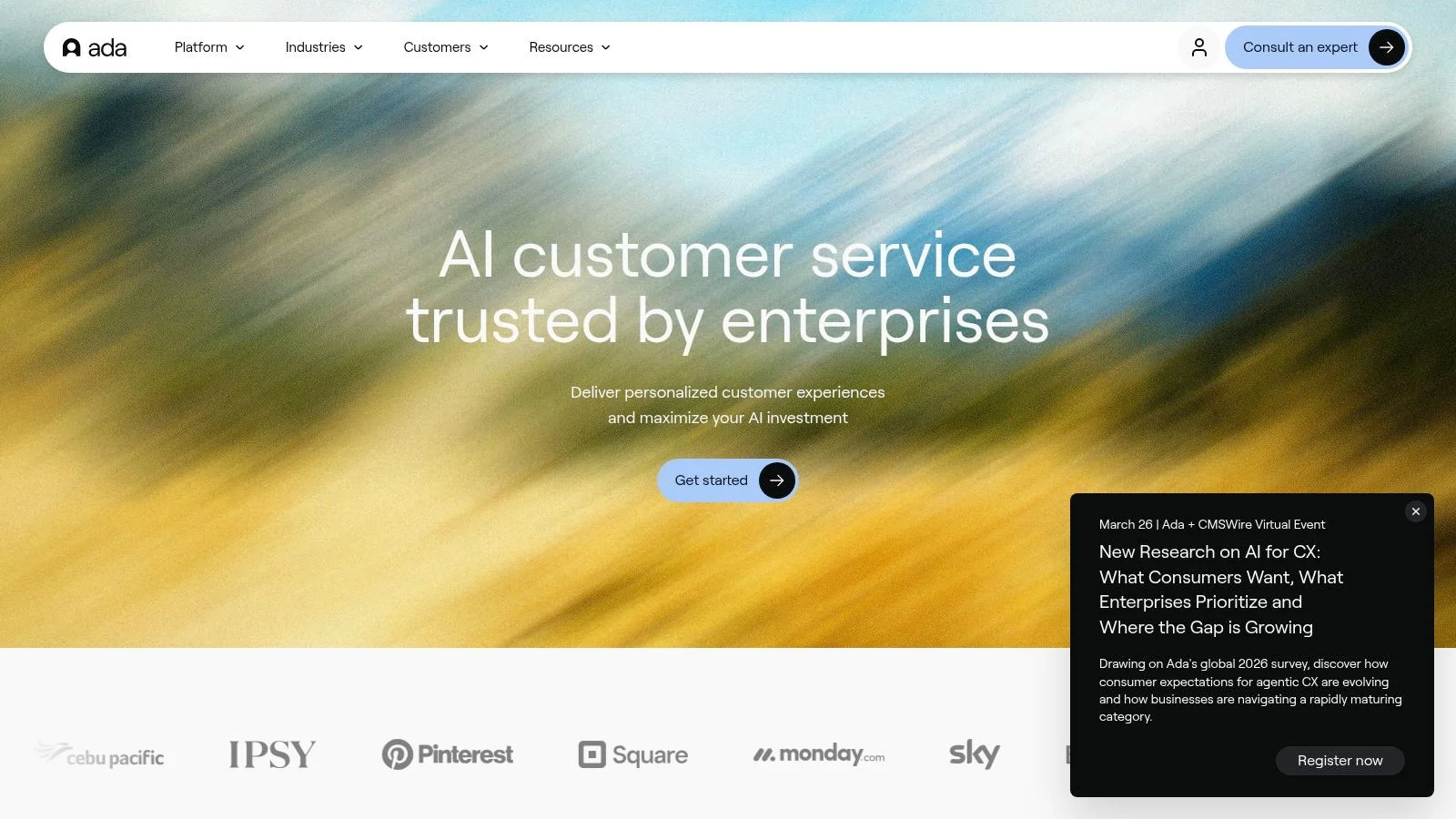
What sets Ada apart is its focus on orchestration and governance. It uses retrieval-augmented generation with strict guardrails to ensure responses are accurate and on-brand. More than just a knowledge base bot, it can connect to CRMs, payment gateways, and order management systems to perform actions, not just answer questions. While this makes it an incredibly powerful option, it's not a plug-and-play solution; successful implementation requires a dedicated project, a clear strategy, and a corresponding budget. It's considered one of the best AI chatbot for websites when a company’s primary goal is deflecting a high quantity of support tickets with accuracy.
Key Features & Pricing
- Best For: Enterprise-level companies with high support volume seeking to automate resolutions and measure ROI.
- Key Features: Advanced workflow orchestration, retrieval-augmented generation with guardrails, deep integrations with business systems (CRMs, payments), and detailed analytics on deflection and CSAT.
- Pros: Proven to work at scale with major brands and offers a strong security and governance posture.
- Cons: Requires a significant implementation budget and time investment. The usage-based pricing model is not ideal for smaller businesses or those with low query volumes.
- Pricing: Ada offers custom pricing based on usage and features. It is generally positioned at the higher end of the market, requiring a direct sales consultation.
10. Zowie
Zowie positions itself as a Customer AI Agent Platform designed to fully resolve complex customer issues rather than just answering questions. It excels at executing end-to-end processes like processing returns, handling refunds, or making order changes directly within the chat widget. This focus on action and resolution makes it one of the best AI chatbot for websites in the ecommerce and B2C sectors where transactional workflows are common.
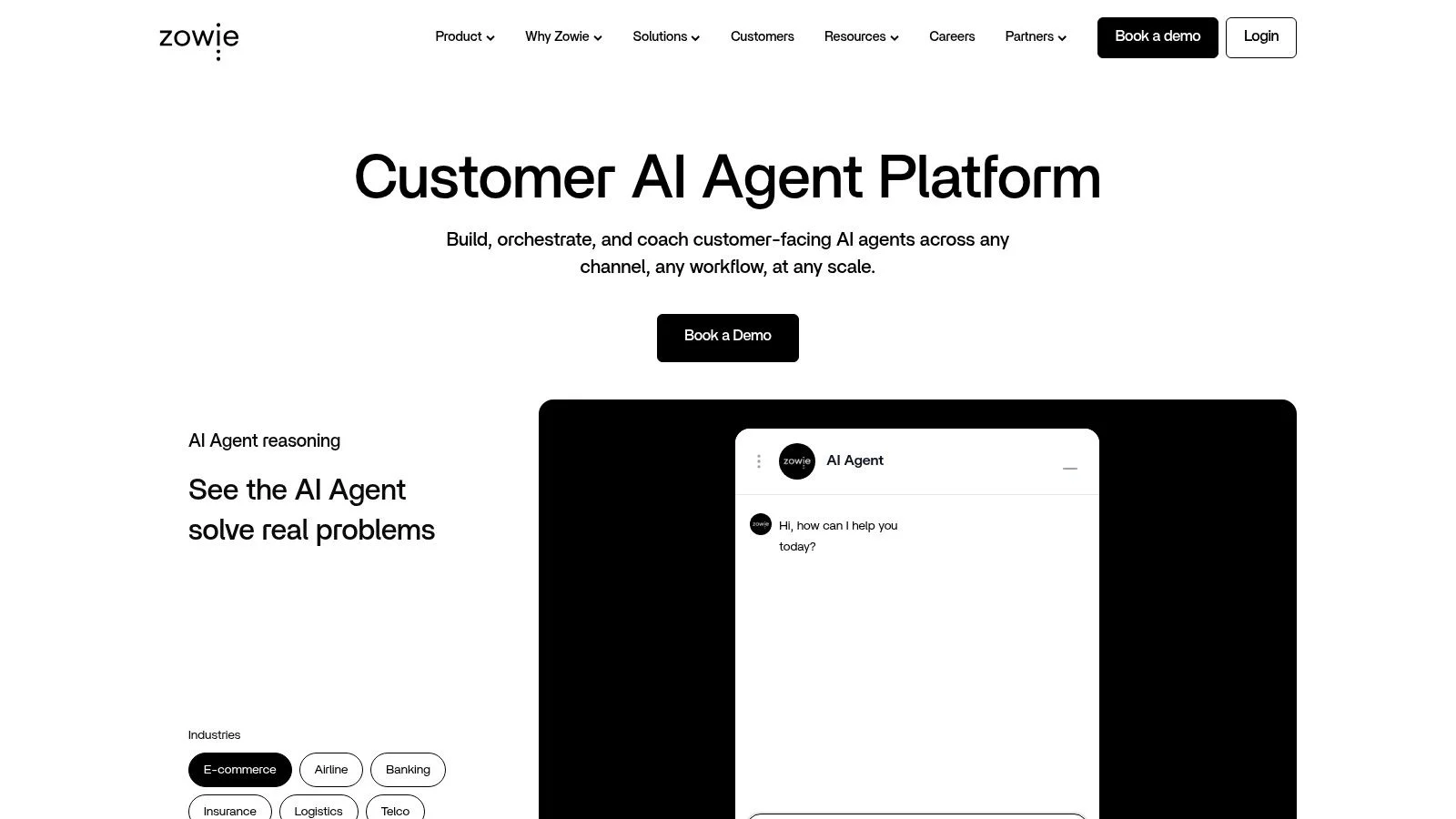
What makes Zowie different is its emphasis on workflow orchestration. The platform integrates deeply with commerce (Shopify, Magento), CRM, and logistics systems to perform tasks automatically, significantly reducing the burden on human agents. It includes a quality and control layer with auditing and monitoring tools, giving businesses confidence in its automated actions. While it requires a solid technical setup and clean data sources, the payoff is a powerful agent that delivers measurable ROI by handling entire support tickets from start to finish.
Key Features & Pricing
- Best For: Mid-market and enterprise ecommerce companies with high-volume, process-driven customer support needs.
- Key Features: AI agent for multi-step resolutions, workflow orchestration for orders and refunds, quality auditing and monitoring, and deep integrations with commerce and logistics stacks.
- Pros: Strong focus on measurable outcomes like ticket deflection, enterprise-grade controls and compliance features, and the ability to automate complex transactional workflows.
- Cons: No public pricing, indicating a focus on larger businesses. The setup requires significant integration work and reliable data infrastructure to perform effectively.
- Pricing: Zowie’s pricing is available upon request through a demo. It is typically aimed at mid-market to enterprise clients with custom-quoted plans.
11. HubSpot (Conversations + Chatflows)
HubSpot’s chat and chatbot builder, part of its Conversations toolkit, is the natural choice for any team already embedded in the HubSpot ecosystem. It integrates directly with the HubSpot CRM, allowing you to qualify leads, book meetings, and provide basic support using data you already have. This native connection is its biggest strength, making it one of the best AI chatbot for websites if your goal is to feed your sales and marketing funnels.
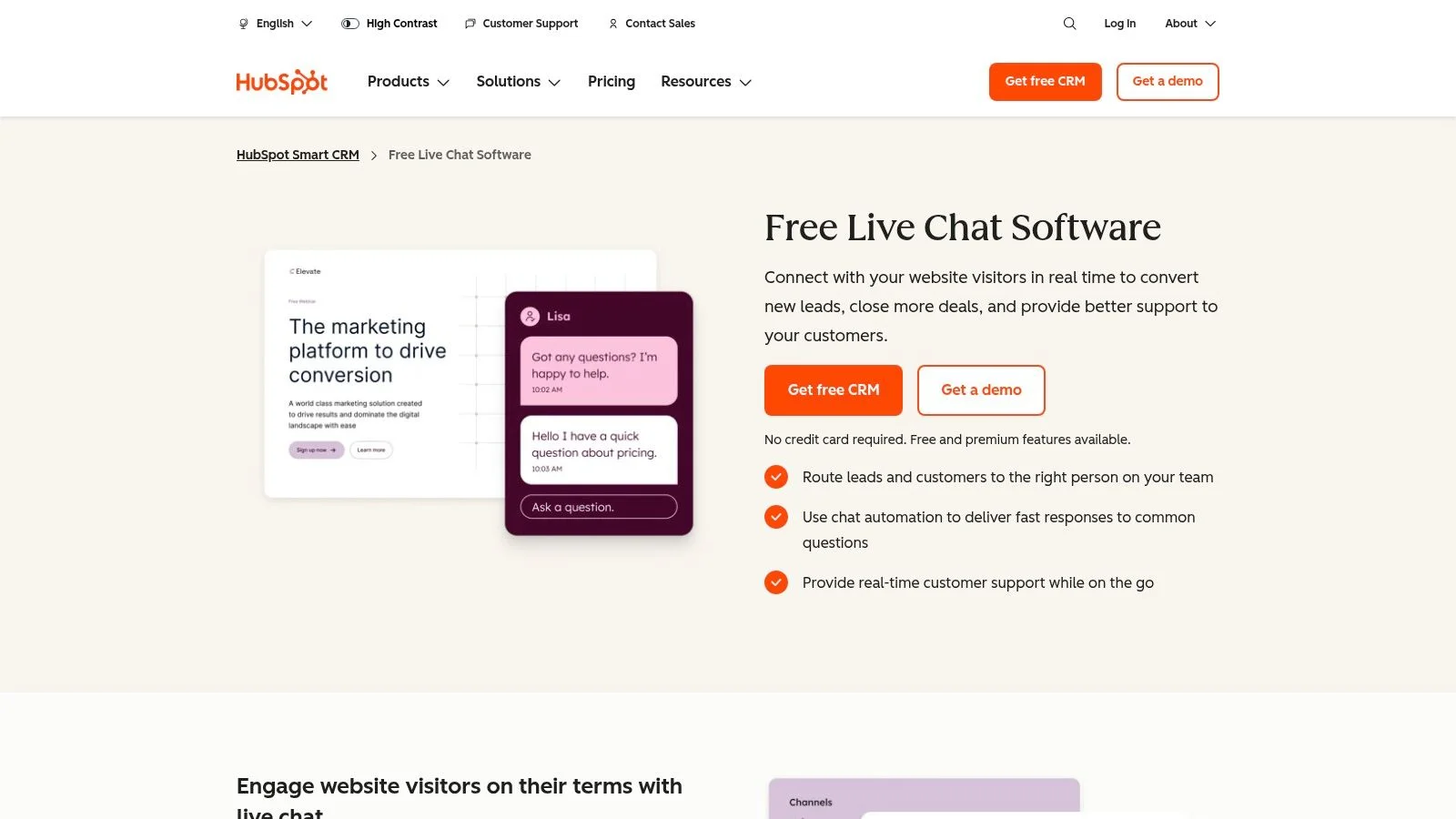
The platform offers a no-code “Chatflows” builder that lets you create rule-based bots for different pages or audiences. You can set up workflows to capture lead information, schedule demos, and route conversations to the right sales rep in the shared inbox. While its rule-based nature is less advanced than true conversational AI, its tight bond with the CRM for targeting and enrichment is powerful. Understanding your bot’s performance is also critical, and you can learn more about interpreting chatbot analytics to make sure your setup is effective.
Key Features & Pricing
- Best For: Marketing and sales teams who already use HubSpot CRM and want a fully integrated solution.
- Key Features: No-code chatbot builder (Chatflows), native HubSpot CRM integration, bot-to-human handoff, meeting scheduling, and lead capture forms within chat.
- Pros: The fastest and most seamless option for current HubSpot users. Excellent for lead-generation and sales-focused workflows.
- Cons: Advanced automation and additional seats can become expensive as you scale. The AI assistance features vary significantly by Hub and pricing tier.
- Pricing: A limited free version is available. Paid features are bundled within the Marketing, Sales, and Service Hubs, which start at $18/month (billed annually).
12. Salesloft (formerly Drift for conversational web chat)
Following its acquisition of Drift, Salesloft now offers a powerful conversational AI chat solution aimed directly at B2B revenue teams. This platform connects website engagement directly to the sales pipeline, making it one of the best AI chatbot for websites focused on lead qualification and acceleration. It's built for organizations that want to turn anonymous website traffic into qualified meetings and sales opportunities, integrating chat data into a broader revenue orchestration system.
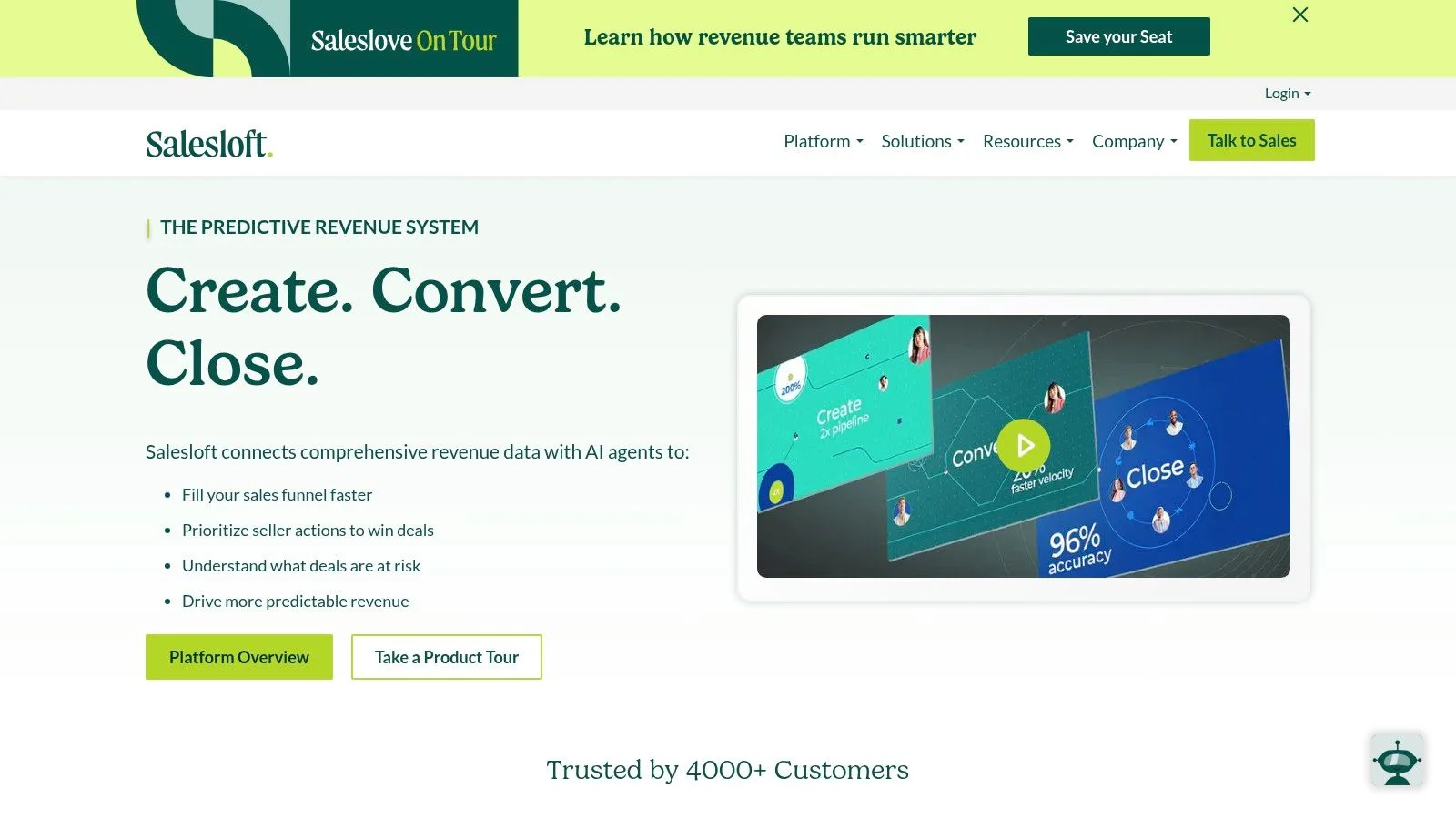
What makes the Salesloft-Drift combination stand out is its deep alignment with B2B sales motions. The AI chatbots are designed to run mature conversational marketing playbooks, qualify leads in real-time, and route high-intent buyers directly to the correct sales representative. This focus on account-based marketing (ABM) and immediate sales connection is its core strength. However, buyers should be aware of a 2024 security incident involving Drift integrations and perform their own due diligence regarding security controls.
Key Features & Pricing
- Best For: Enterprise B2B companies focused on converting website visitors into sales meetings.
- Key Features: AI-powered lead qualification and chat, real-time rep routing, automated meeting booking, ABM targeting, and native integration with the Salesloft revenue platform.
- Pros: Strong B2B sales alignment and lead qualification features, with proven conversational marketing playbooks that work.
- Cons: Enterprise-focused pricing lacks public transparency. A recent security incident means buyers should carefully evaluate risk posture and data controls.
- Pricing: Pricing is not publicly available and is tailored for enterprise customers. You must contact their sales team for a custom quote.
Top 12 AI Chatbots for Websites , Comparison
| Product | Key features | UX & quality (★) | Value & pricing (💰) | Target audience (👥) | Unique selling points (✨) |
|---|---|---|---|---|---|
| FOMOchat 🏆 | AI rep trained on site, multi-person social chats, webinar/video timeline sync, guardrails, quick embed | ★★★★☆ instant context-aware answers; tuneable | 💰 Free preview; Silver $29/mo, Gold $49/mo; scales with visibility | 👥 SaaS/product marketers, course creators, CRO teams | ✨ Live social-proof chats + video sync; code-light setup; proven conversion uplifts |
| Intercom (Fin AI Agent) | Fin retrieval from docs, omnichannel, handoff to agents, analytics | ★★★★ production-grade accuracy; smooth handoffs | 💰 Per-resolution costs; best value with Intercom suite | 👥 SaaS & B2C support teams | ✨ Deep helpdesk + omnichannel inbox integration |
| Zendesk (Zendesk AI) | AI answer bots, agent assist, advanced AI agents, enterprise reporting | ★★★★ enterprise reliability; strong controls | 💰 Complex (seats + AI usage + add-ons) | 👥 Enterprises & support ops | ✨ Tight coupling with Guide, macros & workflows |
| Freshchat (Freddy AI) | AI self-service, agent assist, unified workspace, low-code bot builder | ★★★★ fast setup; good insights | 💰 Competitive pricing; generous trials | 👥 Mid-market teams on Freshworks | ✨ Quick time-to-value; Freddy-driven insights |
| Tidio (Lyro) | Lyro AI retrieval, visual flows, live chat + ticketing, Shopify/WordPress integrations | ★★★☆ easy UX for SMBs; quick setup | 💰 Free/low-cost plans; clear on-ramp | 👥 SMBs, course creators, e‑commerce stores | ✨ Simple flows + commerce integrations |
| ChatBot.com (LiveChat) | No-code builder, AI Assist, LiveChat handoff, templates | ★★★☆ polished widget; bot-first UX | 💰 Mid-priced; best value with LiveChat stack | 👥 Teams wanting a dedicated chatbot product | ✨ Purpose-built bot builder with templates |
| Crisp | Website chat, shared inbox, KB, MagicReply AI, playbooks | ★★★☆ strong price-to-value for startups | 💰 Flat-tier competitive pricing | 👥 Startups & SMBs | ✨ Broad feature coverage in one tool |
| Landbot | Visual flow builder, AI blocks, embeddable widgets, CRM integrations | ★★★☆ very marketer-friendly flows | 💰 Mid-range; advanced analytics on higher plans | 👥 Marketers focused on lead-gen & funnels | ✨ No-code logic for conversion-focused funnels |
| Ada | Advanced orchestration, RAG + guardrails, commerce/CRM integrations, analytics | ★★★★ proven at scale; enterprise-grade | 💰 Enterprise / usage-based pricing | 👥 Large brands & high-volume support ops | ✨ Robust governance, resolution analytics |
| Zowie | AI agent for orders/refunds, workflow orchestration, monitoring, integrations | ★★★★ outcome-focused; strong controls | 💰 Custom enterprise pricing (no public tiers) | 👥 Ecommerce & B2C teams with complex ops | ✨ End-to-end commerce workflows & auditing |
| HubSpot (Conversations) | Embedded chat, no-code bots, CRM-native routing/enrichment, meeting scheduling | ★★★☆ seamless CRM sync for sales teams | 💰 Free basic; paid as Hubs scale | 👥 HubSpot users, sales & marketing teams | ✨ Native CRM lead qualification & booking |
| Salesloft (Drift lineage) | Conversational web chat, routing, CRM sync, ABM features, meeting booking | ★★★☆ B2B sales-first; mature playbooks (review security) | 💰 Enterprise-focused, opaque pricing | 👥 Revenue teams & ABM-focused orgs | ✨ Deep sales alignment; Drift conversational heritage |
Final Thoughts
Choosing the best AI chatbot for your website is less about finding a single "perfect" tool and more about identifying the right fit for your specific goals, team size, and technical resources. We've explored a dozen powerful options, from all-in-one customer service platforms like Zendesk and Intercom to specialized engagement tools like FOMOchat and Landbot. The right choice depends entirely on what you want to achieve.
A SaaS company aiming to qualify enterprise leads has very different needs than an online course creator looking to answer student questions during a launch. The former might prioritize deep CRM integration and complex conversation flows found in tools like Salesloft or HubSpot. The latter needs a simple, event-driven bot like FOMOchat that can be set up in minutes to create urgency and handle FAQs.
Key Takeaways and Your Next Steps
Before you commit to a subscription, take a moment to define your primary objective. This clarity will guide your decision-making process and prevent you from paying for features you'll never use.
Here are the core factors to consider as you make your final decision:
- Primary Use Case: Is your main goal lead generation, customer support, user onboarding, or event-based engagement? Your answer will immediately narrow down the list. Tools like Ada and Zowie excel at support automation, while Salesloft is built for pipeline generation.
- Technical Integration: How well does the chatbot connect with your existing tech stack? Check for native integrations with your CRM, email marketing platform, and analytics tools. A smooth data flow is critical for measuring ROI and personalizing conversations.
- Customization and Training: How much control do you need over the bot’s persona and knowledge base? Some platforms, like ChatBot.com, offer visual builders for precise control. Others, like Tidio's Lyro, are designed for quick setup with minimal training required.
- Team Capacity: Who will be managing the chatbot? A small marketing team needs a tool that is easy to deploy and maintain. Larger support teams can manage more complex systems like Zendesk or Freshchat that require more configuration but offer greater power.
Your next step is simple: shortlist two or three top contenders from this guide that align with your primary use case and budget. Sign up for their free trials or request a demo. Spend time inside the actual product, testing the bot builder, exploring the analytics dashboard, and interacting with the chatbot on a test page.
Pay close attention to the user experience, not just for your website visitors but for your own team. A powerful tool that is difficult to use will quickly be abandoned. The best AI chatbot for your website is the one your team will actually use to its full potential, helping you connect with customers, answer their questions, and grow your business.
Ready to turn your website traffic into active, engaged leads during your next launch or webinar? FOMOchat is designed specifically for event-driven marketing, helping you create real-time buzz and answer attendee questions instantly. See how FOMOchat can make your next online event your most successful one yet.