
When shopping for website chat software, teams often start with the wrong shortlist. They compare heavyweight support suites when their real job is helping a visitor decide whether to start a trial, buy a course, or register for a webinar. Ticket routing matters to a support manager. It matters much less to a marketer trying to answer a pricing objection before someone leaves.
The better question isn't which platform has the most features. It's which conversation you need to support, and who will maintain it after installation. A human-staffed inbox, an AI product guide, and a webinar conversation replay solve different problems. If you're still sorting out the basics, our guide to website chat widgets is a good starting point.
Chat also isn't a universal requirement. Eurostat figures summarized by Convot's live-chat statistics show that 9.13% of EU enterprises with at least 10 employees offered website chat in 2025. That measures business adoption, not proof that adding a widget improves every website.
Choose around these practical differences:
- Sales conversion: Answer buying objections and connect visitors to the next step.
- Support operations: Preserve customer context, assign ownership, and resolve requests.
- Webinars and launches: Surface relevant questions without distracting from the presentation.
The platforms below are worth considering for different reasons. Implementation effort, ongoing work, and limitations matter more than a long feature checklist. Vendor-reported results also need to stay separate from independently verified outcomes.
1. FOMOchat
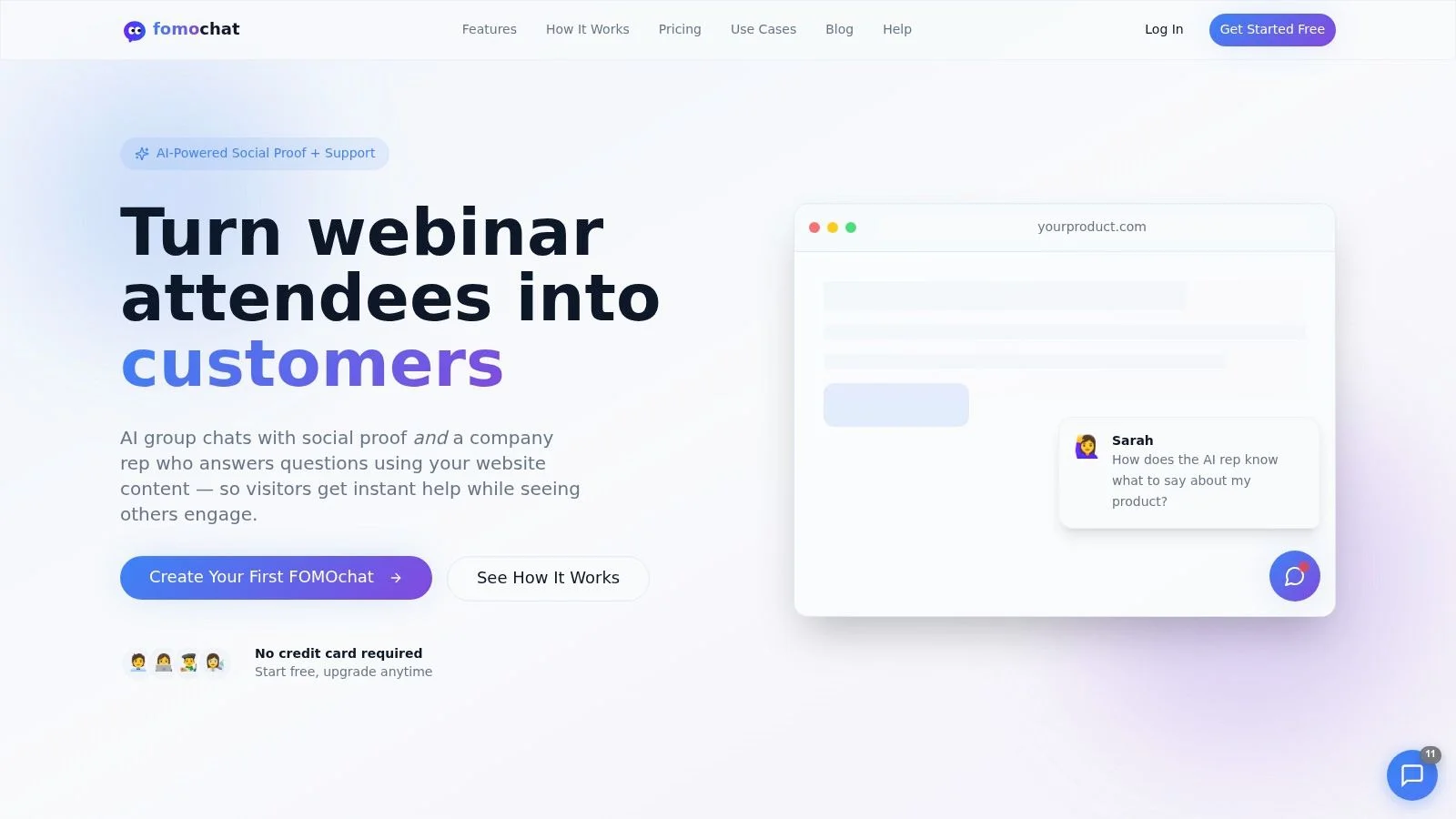
Best for conversion-focused pages, course launches, and webinars. Our widget pairs an AI company representative trained on your website with a simulated group conversation that real visitors can join. That makes it different from a conventional support inbox: visitors can ask questions while seeing common objections discussed. It's also different from a notification popup. A popup announces that someone bought; a conversation can actually answer back.
For a course page, that might mean clarifying prerequisites or what the course includes. In Video/Webinar Mode, conversations sync with playback, so messages appear at relevant points rather than arriving without context.
Implementation and the Trust Trade-Off
Our FOMOchat setup takes about five minutes: enter your website URL, review the context, generate a conversation, and paste the snippet. We support websites where a script tag can be added, including WordPress, Shopify, Squarespace, and Wix.
The important configuration work isn't choosing an avatar. It's checking product facts, setting uncertainty qualifiers, and distinguishing AI-generated dialogue from genuine participant messages. For the accuracy side, see how to prevent AI hallucinations.
- Useful flexibility: Customize colors, positioning, and conversation style, and add context that isn't published on your site.
- Webinar options: Import real chat logs from Zoom, eWebinar, or other platforms and replay them verbatim, or generate a conversation with AI.
- Honest limitation: A simulated group conversation isn't organic customer activity. Label it clearly, and don't treat vendor-reported conversion gains as a forecast for your page.
Disclosure deserves attention. Consumer research discussed by CMSWire found that 91% of respondents believed brands should disclose when users interact with a bot.
Our analytics let you review individual visitor conversations and messages. Use those records to identify unanswered objections and correct the underlying website content, rather than adding more scripted enthusiasm. These objection handling techniques help with the wording. This is a conversion-oriented approach, not a substitute for complex ticket management.
2. Intercom
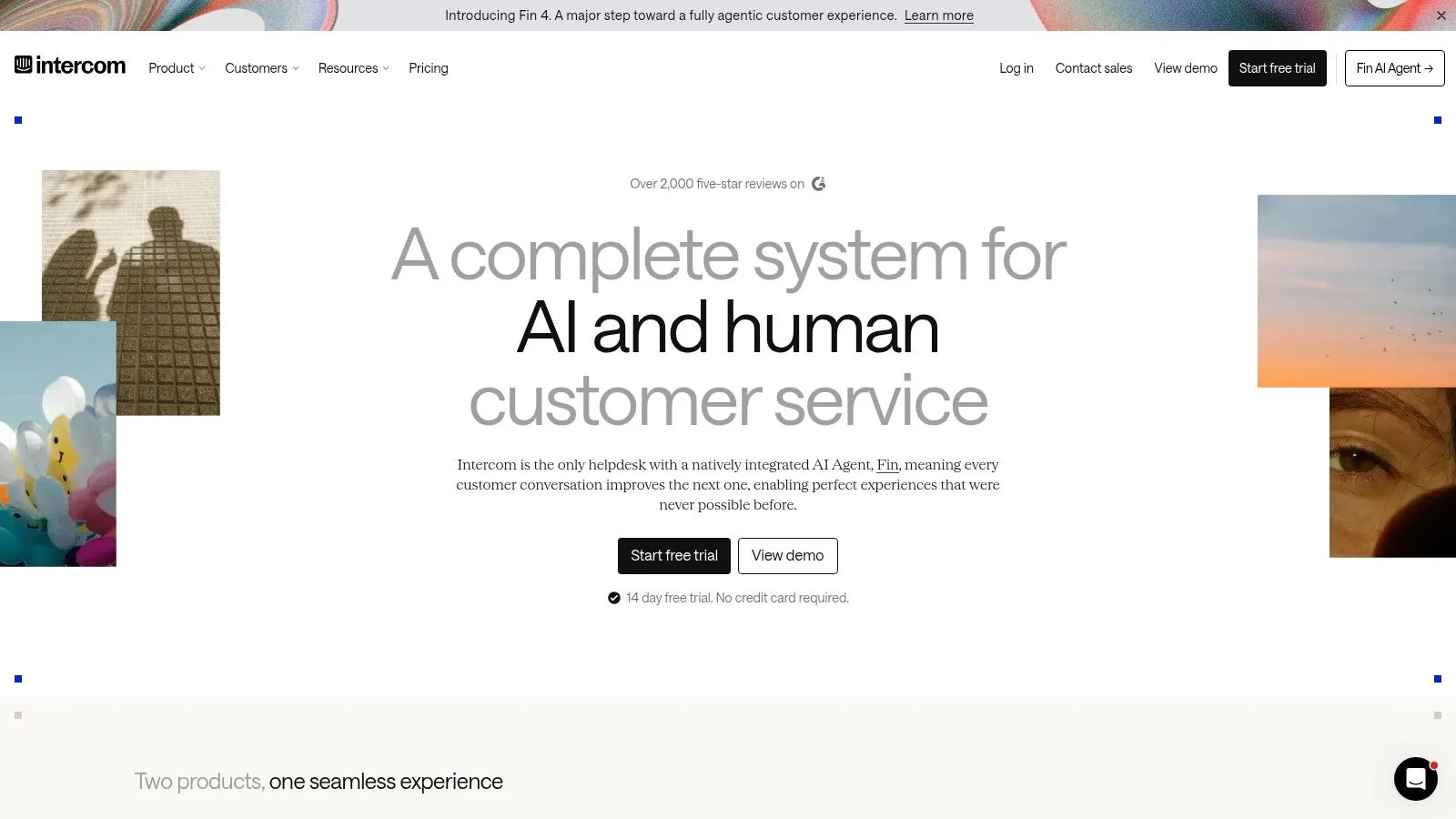
A SaaS customer asks a question on your pricing page, starts a trial, then needs help inside the product. Intercom fits that connected journey better than a standalone chat bubble.
Its Messenger, shared inbox, Fin AI Agent, and workflows give support teams a place to manage both automated and human conversations. In-app messaging and proactive product communication are useful when the conversation continues after signup.
Budget for the Operation, Not Just the Widget
Embedding the Messenger is only the beginning. The substantial work is deciding which content AI should use, which team owns each request, and what happens when automation can't finish the job.
- What works: Combining website and in-app support with shared ownership and customer context.
- Implementation effort: Moderate to substantial when you introduce routing, integrations, and proactive messages.
- What doesn't: Buying the broader platform solely to answer a small set of landing-page questions.
Seat costs, AI usage charges, and separately priced capabilities can make forecasting harder. Model your expected staffing and automation usage before committing, not just the entry subscription.
If acquisition is your main objective, distinguish conversational marketing tools from service infrastructure. You can also compare Intercom's support tools when assessing the operational fit. I'd shortlist it when support continuity matters more than keeping the installation minimal.
3. Tidio
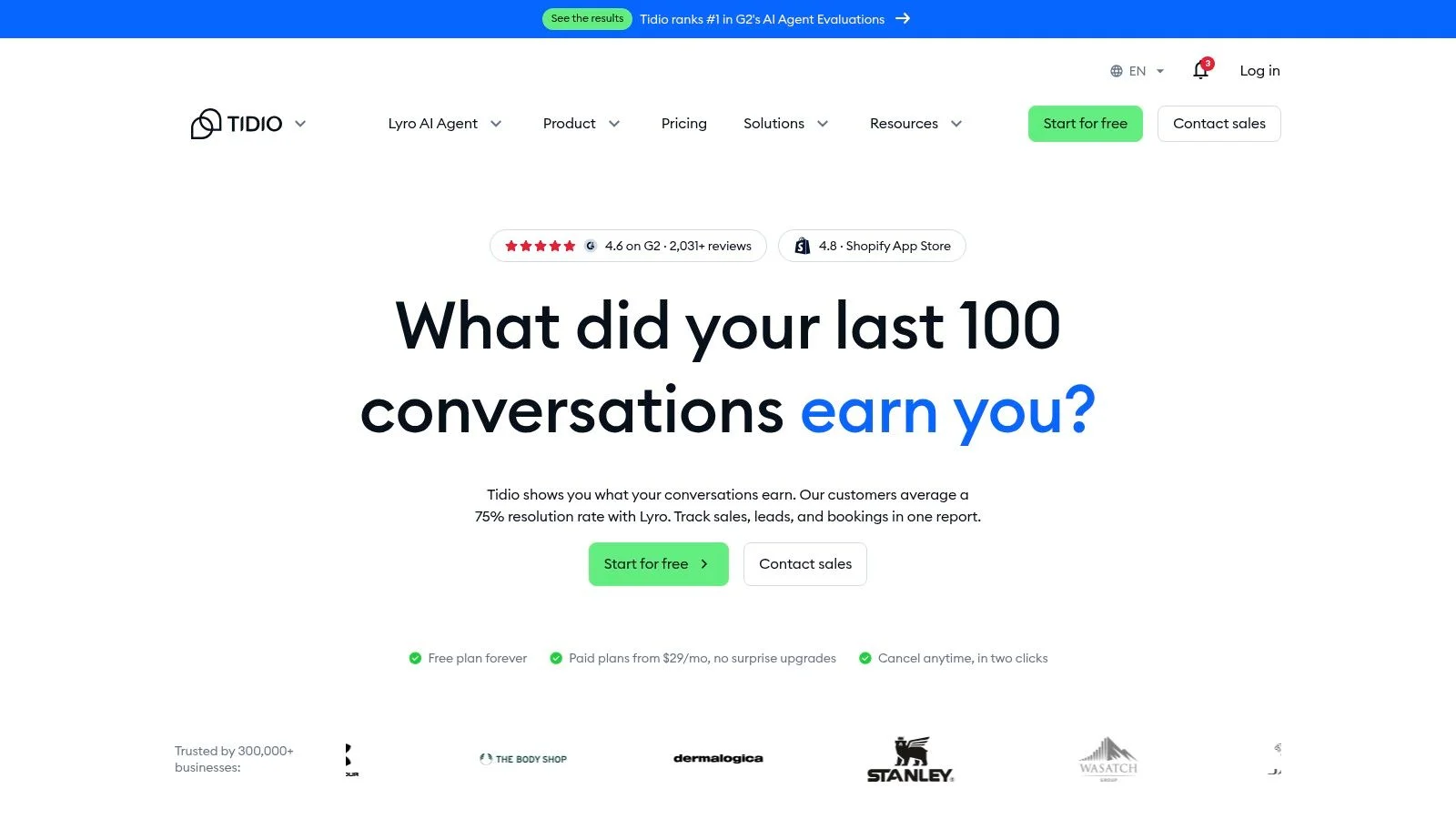
Tidio suits a smaller business that needs chat now and a more organized support workflow later. It combines live chat, ticketing, email management, and Lyro AI without requiring you to begin with an enterprise service setup.
Say a course business receives both presale questions and access problems. The first needs a quick answer about suitability; the second needs ownership and follow-through. Having chat and tickets together helps keep those requests from becoming disconnected inbox threads.
Practical rule: Automate repeatable information first. Keep account access, refunds, and exceptions on a clearly owned human path.
Installation can use a code snippet or a supported website integration. The more demanding work comes afterward: preparing accurate answers, assigning incoming requests, and checking what visitors receive outside staffed hours.
Where the Value Can Change
Tidio offers a free starting option, but don't assume the capabilities you test will cover your eventual workload. Included features and usage allowances vary by plan, and AI or higher-volume requirements can change the cost.
Its strongest fit is a business that wants live chat plus a path into structured service. Its weaker fit is a marketer who only needs an unobtrusive product-answer widget and won't use ticketing.
During evaluation, test an ordinary question, an ambiguous question, and a request that requires a person. The last scenario will tell you more about operational readiness than a polished greeting. Mapping a simple chatbot conversation flow first makes that test much easier to run.
4. LiveChat / Text
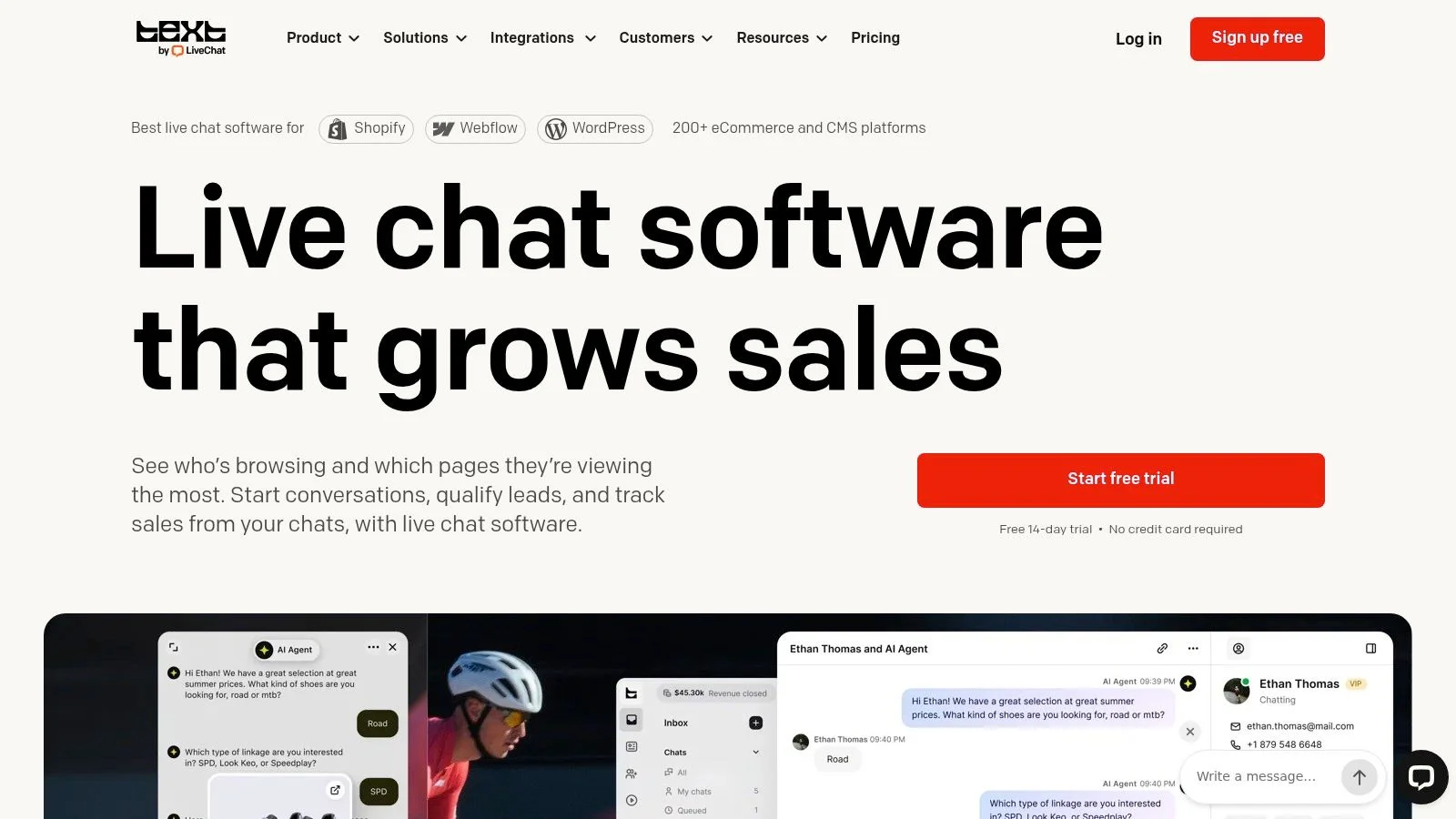
Choose LiveChat when agents will actively handle website conversations and managers need visibility into that work. The product from the team behind Text combines live chat with a shared inbox, ticketing, AI assistance, and sales-support capabilities.
This is a stronger fit for an operating team than for an unattended launch page. Visitor tracking and proactive campaigns can help agents start relevant conversations, but someone still needs to decide when an invitation is helpful rather than intrusive.
Test the Agent Workflow
Don't evaluate it only from the visitor side. Have an agent accept a chat, use a suggested reply, transfer the conversation, and find the resulting record.
- Operational strength: Chats, tickets, and customer conversations share a workspace.
- Setup burden: Configure availability, routing, campaigns, and reporting beyond the embed.
- Cost limitation: Per-user pricing grows with staffing, while AI allowances and extra usage need separate attention.
The distinction between chatbots and live chat matters here. An AI answer and an agent-led conversation create different staffing expectations, so don't measure them as interchangeable sessions.
You can evaluate Livechat Text alongside your workflow test, but use current product information when checking plans. Older comparisons may describe a different package. I'd favor this option when improving agent execution is the priority, not merely putting a chat icon on the page.
5. Zendesk Messaging
Already running support in Zendesk? Start by evaluating Zendesk Messaging. Adding another inbox can create duplicate records and force agents to reconstruct conversations across systems.
Messaging connects website and mobile-app conversations to Zendesk's wider service environment. Its value is the relationship between the conversation, customer context, routing, and ticket workflow, rather than the appearance of the widget itself.
A chat installation isn't complete until an unanswered visitor request reaches someone who owns the next action.
That ownership is especially important for account-specific requests. A visitor asking about course suitability needs information; a paying customer reporting missing access needs a service process.
Implementation Requires Workflow Decisions
For an existing Zendesk team, the work is aligning messaging with established queues and responsibilities. For a new buyer, adopting the broader environment is a larger decision than adding website chat software.
- Strong fit: Teams that need conversations attached to customer-service records and multichannel workflows.
- Main limitation: The platform can be excessive for a small acquisition site with straightforward questions.
- Comparison trap: Legacy Zendesk Chat and the current Messaging experience aren't interchangeable products.
Check which experience a tutorial, integration guide, or review describes before following it. Pricing and access also depend on the wider Zendesk plan.
I'd shortlist Zendesk for service consistency across teams. I wouldn't choose it just because a landing page needs immediate answers during a launch.
6. Freshchat
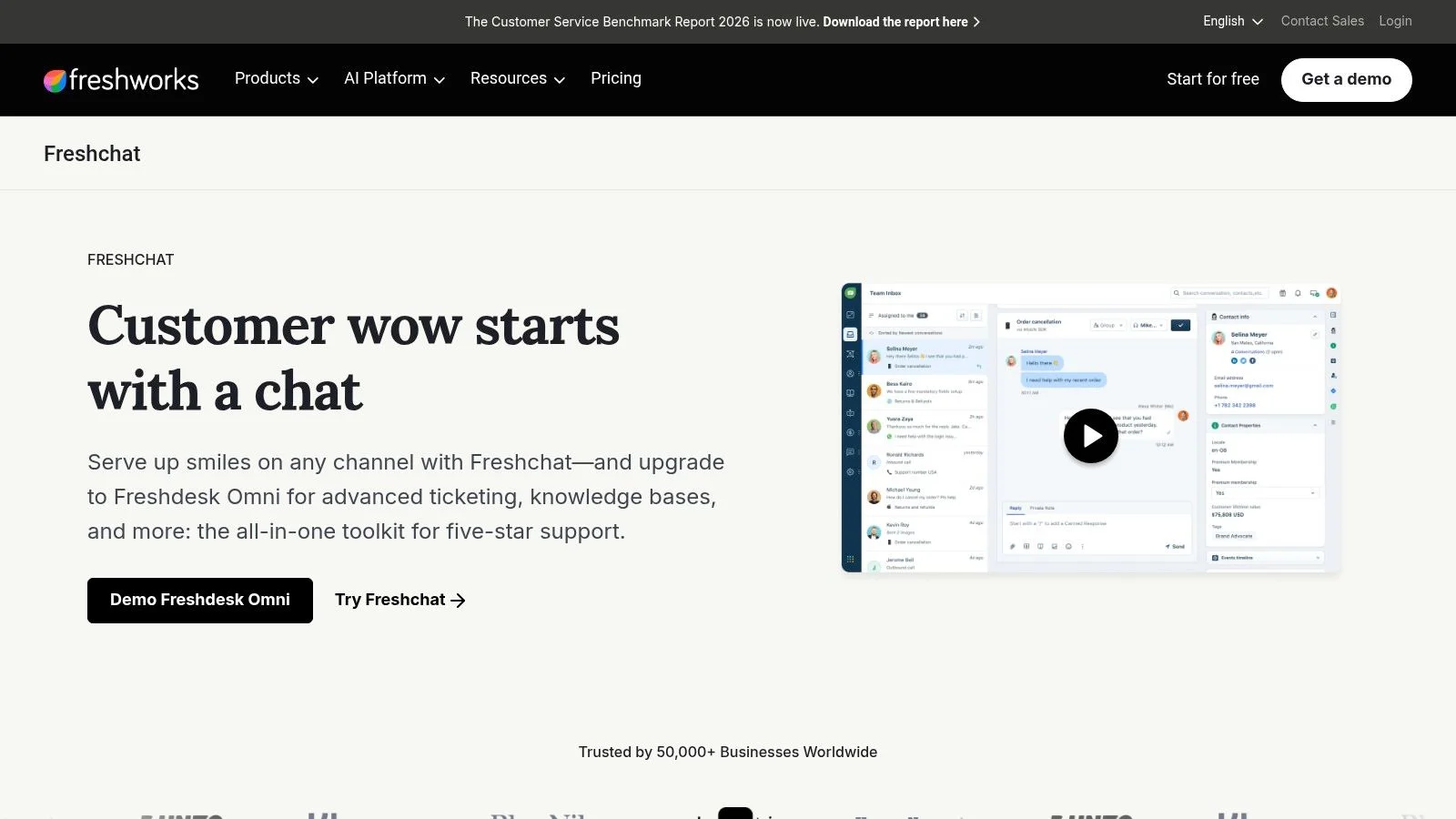
Freshchat is worth testing when you want a shared support inbox without committing immediately to a broader paid configuration. Its free starting option offers a route into website chat, while paid tiers expand routing, reporting, channels, and automation.
The shared workspace matters for a small team. If a marketer answers a presale question and a support colleague handles the follow-up, both need access to the conversation rather than relying on forwarded screenshots.
Keep the Initial Rollout Narrow
Start with website chat and explicit ownership. Add social channels, more elaborate routing, and AI only when you can name the problem each addition solves.
Freddy AI capabilities can add separate costs, so evaluate the human-operated workflow and the AI-assisted workflow independently. A low entry cost doesn't necessarily describe the configuration you'll eventually need.
- What works: A staged move from basic chat into a more organized support operation.
- Implementation effort: Relatively light for basic chat, increasing as you add channels and routing rules.
- What to watch: Plan differences, billing cadence, and separately charged AI Agent or Copilot capabilities.
A sensible test includes an incoming website message, an email follow-up, and a conversation reassigned to another teammate. Check whether the receiving person can understand the request without asking the customer to repeat it.
Freshchat belongs on a budget-conscious support shortlist. It isn't specifically built around webinar playback or simulated group conversations.
7. Crisp
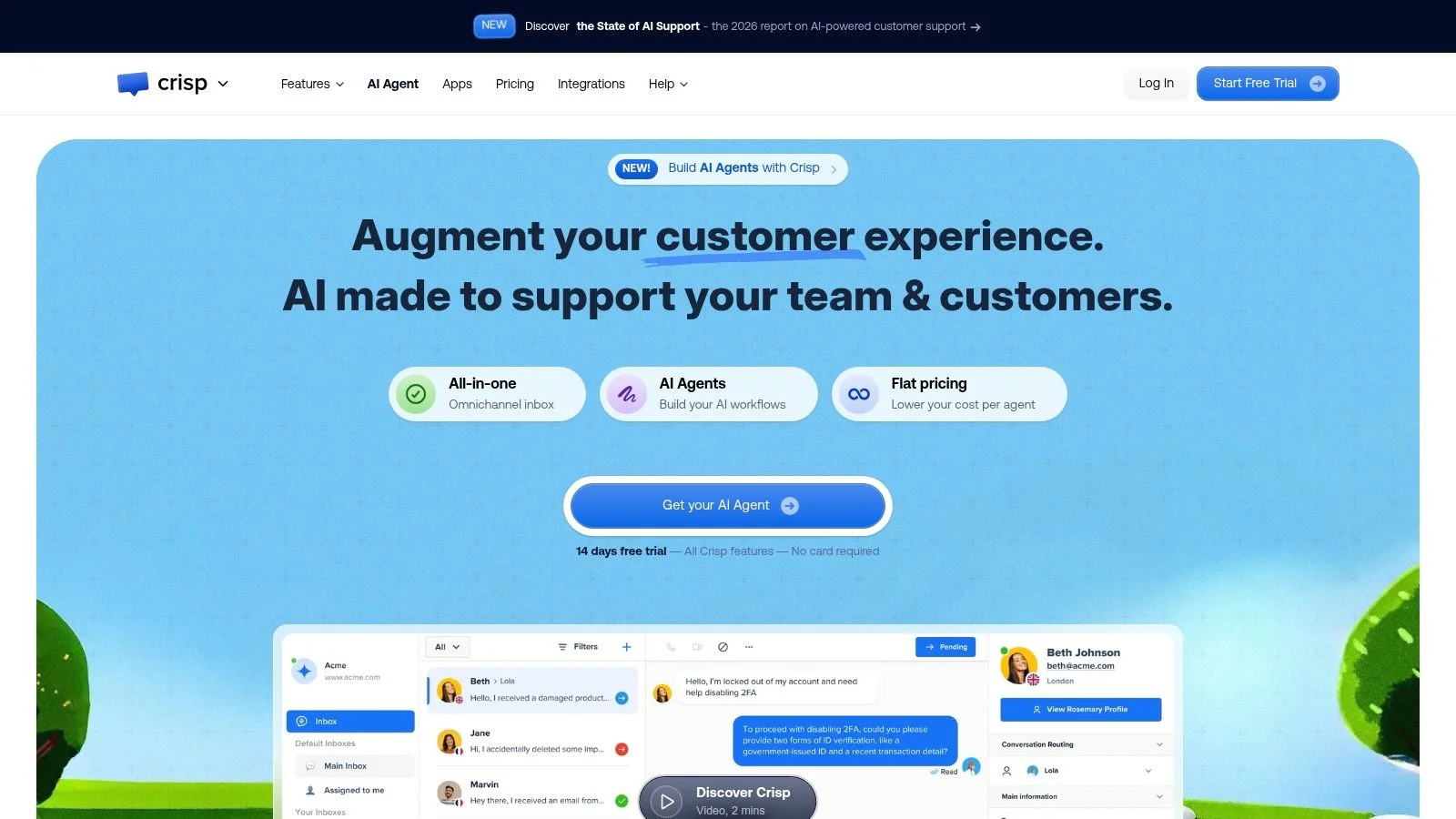
The reason to investigate Crisp isn't another chat-window design. It's workspace-based pricing, which can make budgeting easier for a team that fits within the chosen plan's seat allowance.
Crisp starts with website chat and a shared inbox, then expands into omnichannel messaging, automation, knowledge-base capabilities, analytics, and AI on paid plans. That progression suits a team that wants room to grow without treating every feature as essential on launch day.
Predictable Doesn't Mean Unlimited
Workspace pricing still requires capacity planning. Seat allowances vary, and AI credits create a separate usage consideration.
- Check team coverage: Include everyone who needs to reply, supervise, or review conversations.
- Check channel requirements: Confirm that the plan covers the email and messaging services you use.
- Check automation consumption: Estimate how AI usage could change during launches or support spikes.
Installation is relatively straightforward for a basic widget. Connecting channels, building automation, and maintaining a knowledge base require more operational work.
The main trade-off is between the appeal of a single workspace subscription and the limits inside that subscription. Don't compare only the headline billing model.
I'd put Crisp on the shortlist for a small cross-functional team that shares customer communication. For a webinar host whose primary need is timed conversation playback, its broader inbox capabilities solve a different problem. Choose it for team coordination, not because more channels automatically mean better conversion.
8. Zoho SalesIQ
A visitor returns to your pricing page after reviewing an integration page. Zoho SalesIQ is built for teams that want to use that browsing context in a sales conversation.
It combines live chat with visitor intelligence, proactive invitations, routing, and chatbot workflows. Connections with Zoho CRM and other Zoho products make it particularly relevant when your sales team already works in that environment.
Use Behavior Without Becoming Intrusive
The useful implementation question isn't whether you can trigger a greeting. It's whether the greeting offers help that matches the page.
On an integration page, offer clarification about compatibility. On a pricing page, address plan suitability. Don't launch the same aggressive sales message everywhere.
- Best use case: Connecting visitor behavior with a relevant sales conversation.
- Implementation effort: Moderate, because useful triggers and routing require deliberate configuration.
- Limitation: Visitor tracking, chat-session allowances, advanced capabilities, and higher volumes depend on the plan.
Test behavior-based rules across returning visits, mobile sessions, and pages with different intent. Make sure internal browsing and testing don't lead you to assume that every visitor signal represents purchase interest.
SalesIQ offers a free option and a trial route for paid plans, but a test should focus on the workflow you intend to keep. I'd prioritize it for Zoho-centered sales teams that will act on visitor context. Our piece on AI chatbots for sales covers what that follow-through looks like. Without that follow-through, you're configuring tracking rather than improving conversations.
9. tawk.to
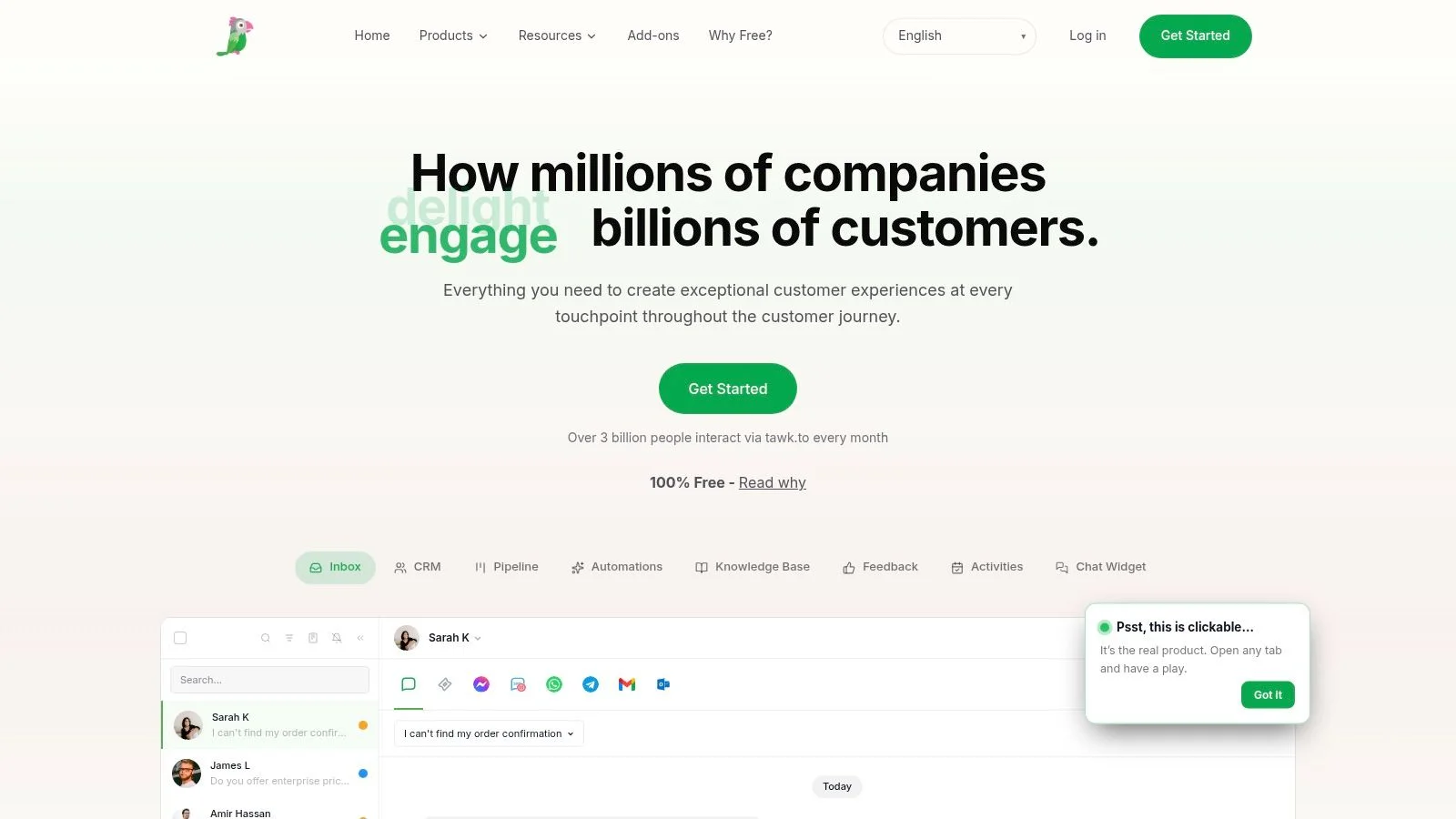
tawk.to is a practical starting point when your main requirement is letting visitors reach a human without paying for the core software. It provides a website widget, agent access, and desktop and mobile apps, with optional paid services such as hired agents and branding removal.
That makes it useful for testing a basic question: will visitors use chat, and can your team respond helpfully? You don't need an elaborate automation project to find out.
Budget reality: Free software doesn't provide free staffing. An unattended inbox still creates work and visitor expectations.
Installation uses a snippet. The operational setup is defining staffed hours, deciding who receives notifications, and preparing an honest message for times when nobody is available.
Keep the Test Honest
- Good fit: A team that wants direct human conversations across its websites.
- Hidden workload: Interruptions, follow-ups, and conversations that arrive outside working hours.
- Product limitation: It isn't a social-proof or webinar group-conversation tool, and the free experience includes vendor branding.
Compare free chat widgets for websites by the workflow you can staff, not just the subscription charge. A free widget is useful when it gives visitors a reliable contact route.
If the team repeatedly misses messages, fix coverage before adding proactive invitations. Generating more incoming chats won't solve a response-capacity problem.
10. Olark
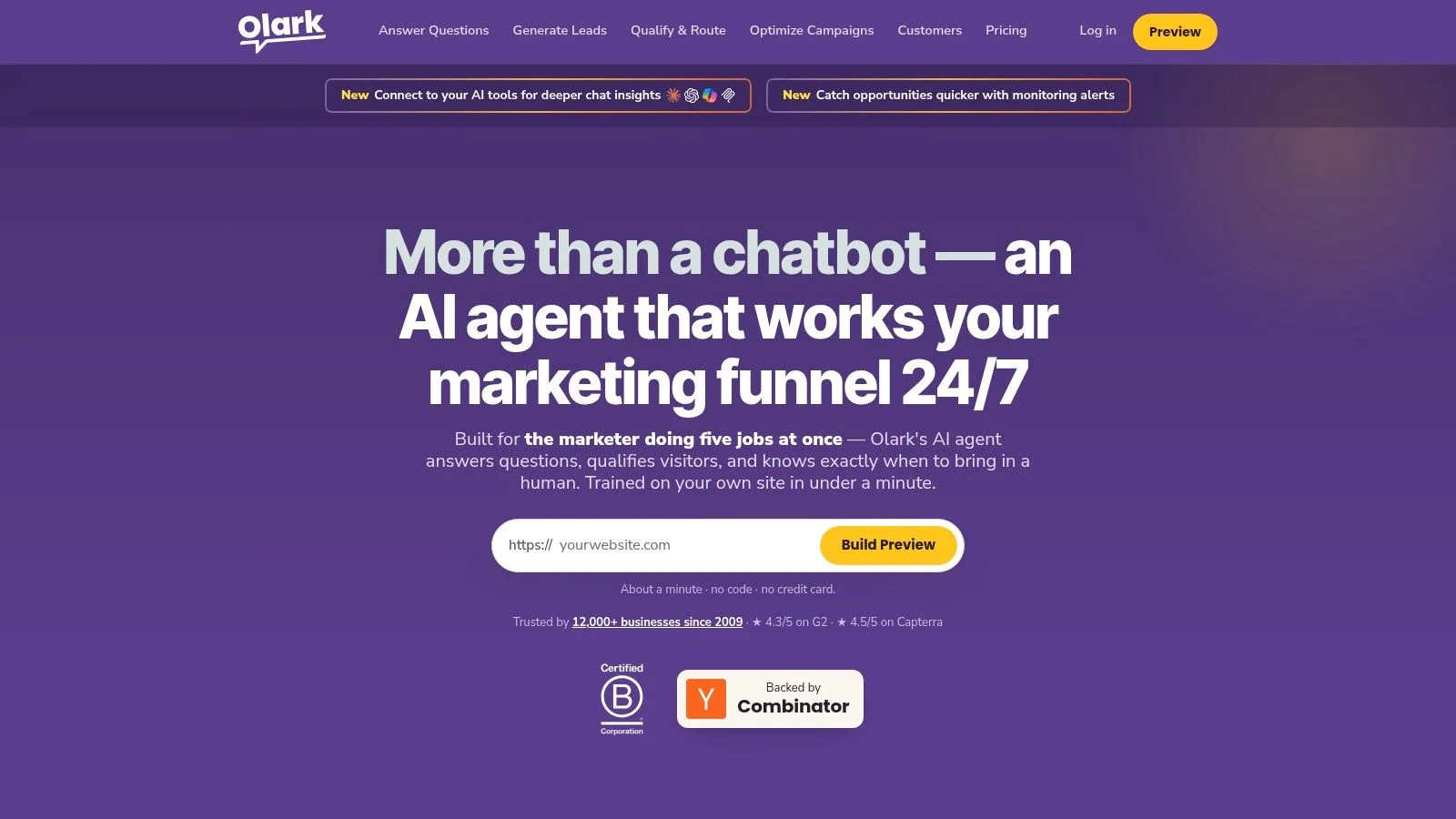
Olark deserves consideration when human agents are the service model, not a fallback you hope to avoid. It focuses on website conversations, with visitor details, transcripts, routing, canned responses, and reporting.
That focus can be an advantage for a business that doesn't need a broad omnichannel help desk. Agents get tools for answering and reviewing conversations without making every support interaction part of a larger platform rollout.
Separate the Base Service From Add-Ons
Published per-agent pricing makes the human-chat model relatively easy to understand. Optional PowerUps, including capabilities such as cobrowsing and translation, can change the total.
Olark also offers a separate AI website agent. Evaluate that as a distinct purchase rather than assuming its economics match the basic live-chat service.
- Implementation effort: Light for the website embed, with additional work for routing, saved responses, and coverage.
- Strong fit: Businesses that value focused human conversations and straightforward staffing calculations.
- Limitation: Teams needing a full multichannel service environment may need another platform.
When comparing the best live chat software for small businesses, include the cost of staffing alongside subscriptions. An agent-focused product works best when someone has clear responsibility for the queue.
Test transcripts and reporting as carefully as the visitor experience. You should be able to identify unanswered questions and recurring objections, not merely confirm that the chat bubble opens.
10 Website Chat Software Platforms at a Glance
The useful comparison is what each tool is built to do, how much setup it takes, and what its pricing model includes. Free-plan details are listed where available.
| Platform | Best For | Free Plan | Pricing Model | Setup Effort |
|---|---|---|---|---|
| FOMOchat | AI answers and social proof for product pages, launches, and webinars | Free preview | Priced by unique visitors who see the widget. Platinum starts at $89/month for 5,000 visitors | Low. Add context, generate conversations, and embed a code snippet |
| Intercom | SaaS teams combining AI and human support across web and in-app chat | No free plan listed | Seat-based pricing with AI usage charges and possible add-ons | Moderate. Configure support workflows and integrations |
| Tidio | Small and midsize businesses needing live chat, AI, and ticketing | Free starting option | Plan-based. AI and higher usage may cost extra | Low. Add a code snippet or use a website integration |
| LiveChat / Text | Teams needing structured chat, ticketing, and reporting | 14-day trial | Per-user pricing. Extra AI usage may cost more | Moderate. Configure agent workflows and integrations |
| Zendesk Messaging | Organizations using Zendesk for multichannel customer support | No free plan listed | Depends on the wider Zendesk plan | Moderate. Setup may involve Zendesk workflows |
| Freshchat | Growing support teams needing chat and a shared inbox | Free plan for up to 10 agents | Plan-based. AI features may cost extra | Low to moderate. Add channels and workflows as needed |
| Crisp | Teams seeking workspace-based chat and support tools | Free plan with a widget and two seats | Per-workspace pricing. AI usage may affect costs | Low. Add features as needed |
| Zoho SalesIQ | Sales teams using visitor tracking and proactive chat | Free plan available | Plan-based. Advanced features or higher volumes may require upgrades | Moderate. Configuration can take time |
| tawk.to | Businesses needing free human-staffed website chat | Core software is free | Free core product. Optional paid staffing and branding removal | Low. Install with a code snippet |
| Olark | Businesses focused on human-handled website chat | Free 14-day trial | Per-agent pricing. Optional add-ons cost extra | Low. Install across multiple domains |
Choosing by Use Case, Not by Feature Count
Choose website chat software around the job your team needs to complete. A visitor deciding whether to enroll in a course doesn't need the same process as a customer reporting a billing problem.
For conversion and social proof, FOMOchat is the focused option in this roundup, especially when you need website-informed answers alongside clearly labeled group dialogue or video-synchronized conversations. Keep simulated activity distinct from authentic participant messages. Webinar hosts can dig deeper in our guide to webinar chat.
For full support operations, shortlist Intercom and Zendesk. Their broader capabilities make sense when routing, customer context, and ongoing service ownership matter more than a minimal installation.
Match the Budget to the Operating Model
For budget chat, consider tawk.to or Freshchat's free starting option, then account for staffing and any paid capabilities you'll need. Free access is a useful test route, not evidence that the complete workflow costs nothing.
For predictable team costs, compare Crisp's workspace model with Olark's agent-based approach. Neither removes the need to check allowances, add-ons, and the people required to answer incoming messages.
LiveChat suits structured agent workflows, Tidio offers a path from chat into broader support, and Zoho SalesIQ is relevant when sales teams will use visitor context. These aren't interchangeable versions of the same tool. Pick the job first.
A Short Implementation Checklist
- Define the goal: Pick the primary outcome, such as trial signups, qualified conversations, registrations, or resolved requests.
- Check integration requirements: Confirm where conversations, contact details, and follow-up tasks need to go.
- Test the snippet: Check mobile layout, keyboard behavior, overlapping buttons, and the full visitor-to-agent journey.
- Keep AI-trained content accurate: Correct outdated pricing, product details, and policies before expecting reliable answers.
- Assign maintenance: Name the person who reviews conversations, updates content, and handles unanswered requests.
Measure the result that justified the purchase. A busy chat window doesn't prove that more visitors signed up, and automated replies don't prove that customers got a useful resolution.
A lighter widget can outperform a heavier suite when the objective is signups rather than tickets. That isn't a reason to avoid operational tools. It's a reason to buy them only when your team needs the operation they support.
FOMOchat combines website-trained AI answers with customizable group conversations and video-synchronized chat for product pages, courses, launches, and webinars. Visit FOMOchat to configure a widget, review the conversation and disclosure, and test it on a page where visitors regularly hesitate before signing up.