
You want returning visitors to see a relevant message on your SaaS pricing page or course sales page. Instead, your software shortlist is full of platforms that assume you have a data warehouse, an implementation partner, and someone whose entire job is managing audiences.
That's an expensive mismatch. A small site might need campaign-specific headlines and answers to purchase questions, not a system for coordinating customer journeys across apps, email, and stores. The right website personalization software fits your traffic, team skills, and budget, including the time you'll spend maintaining it.
Start with the signals you can use: referral source, page context, declared interests, and reliable customer attributes. More ambitious hyper-personalization strategies for 2026 still need that foundation. Buying predictive targeting before you've defined useful audiences won't fix unclear positioning.
The tools below suit different teams, rather than forming a universal ranking. Compare data sources, content methods, setup effort, pricing visibility, and practical limits. For small self-serve sites, prioritize a manageable publishing workflow. For CRO teams, prioritize measurement. For enterprise stacks, prioritize data governance and integration ownership.
If your bigger problem is that visitors don't convert at all, sort that out first. Our guide to conversion rate optimization software covers the measurement side, and personalization works much better on a page that already makes sense.
1. Optimizely Personalization
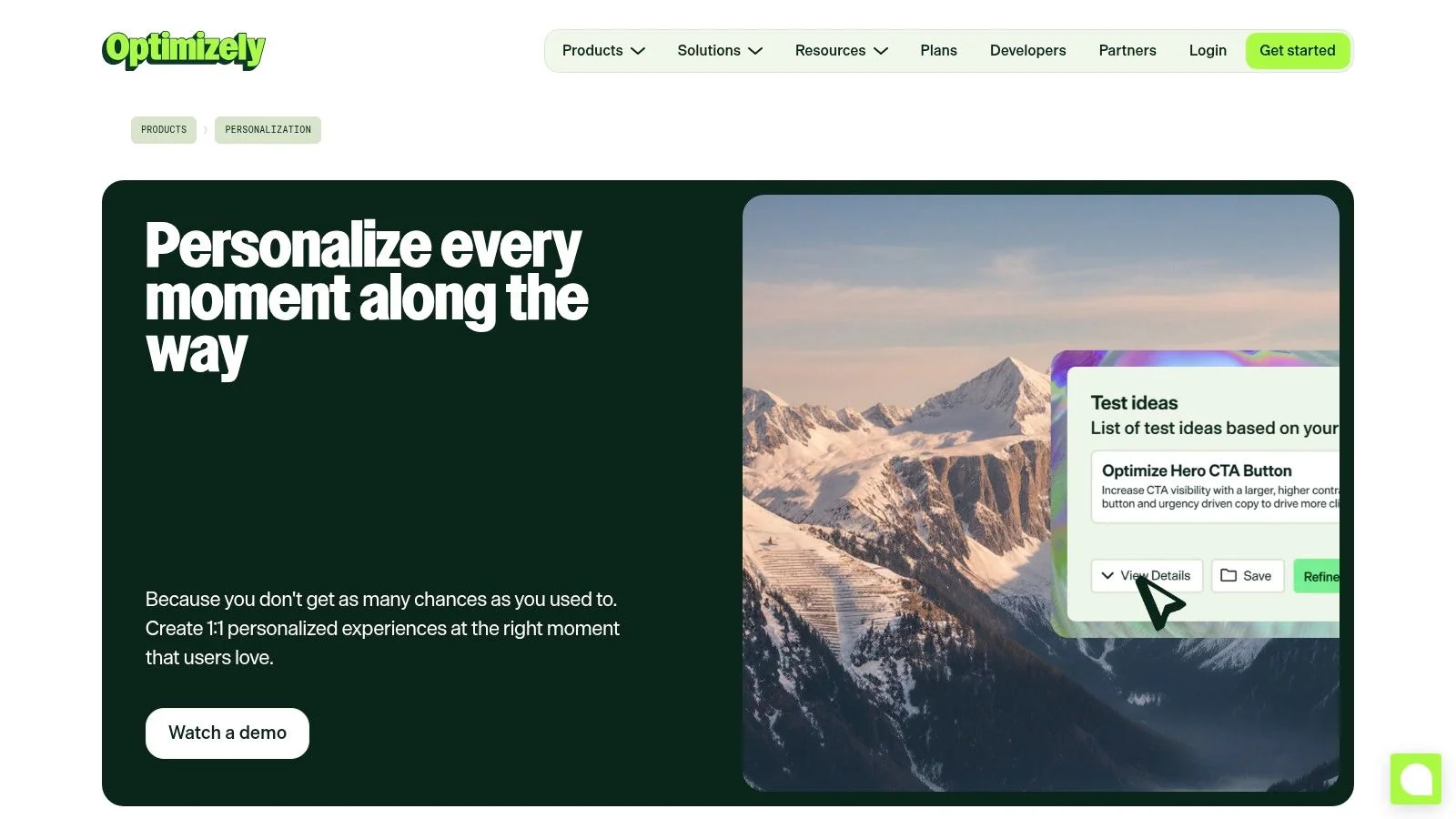
Best fit: established marketing teams with a structured experimentation program. Optimizely Personalization combines audience-based experiences with experimentation, so marketers can target content and assess whether it changes visitor behavior.
Its visual editor supports building and previewing experiences without making every copy change a development task. Behavioral targeting and marketing integrations make it relevant when your audiences need more definition than new versus returning visitors.
What makes it worth the work
The main advantage is the connection between personalization and testing. Say your SaaS team wants visitors from an integration campaign to see integration-specific proof. You can build that experience, but you should still use split testing to determine whether it improves completed signups rather than just clicks.
- Setup effort: Plan for audience definitions, conversion tracking, integration work, and quality assurance, not just installing a script.
- Pricing visibility: Pricing is quote-based, so budget evaluation requires a sales conversation.
- Main limitation: Someone still needs to maintain experiences and decide when to retire them.
This operational burden matters. In a survey of director-level and above executives, 86% said their strategies frequently required more advanced personalization than their capabilities could deliver, according to Optimizely's personalization survey.
Not for: a founder who wants to change a welcome message and move on. I'd shortlist Optimizely when experimentation already has an owner, not when software is supposed to create that discipline.
2. VWO Personalize
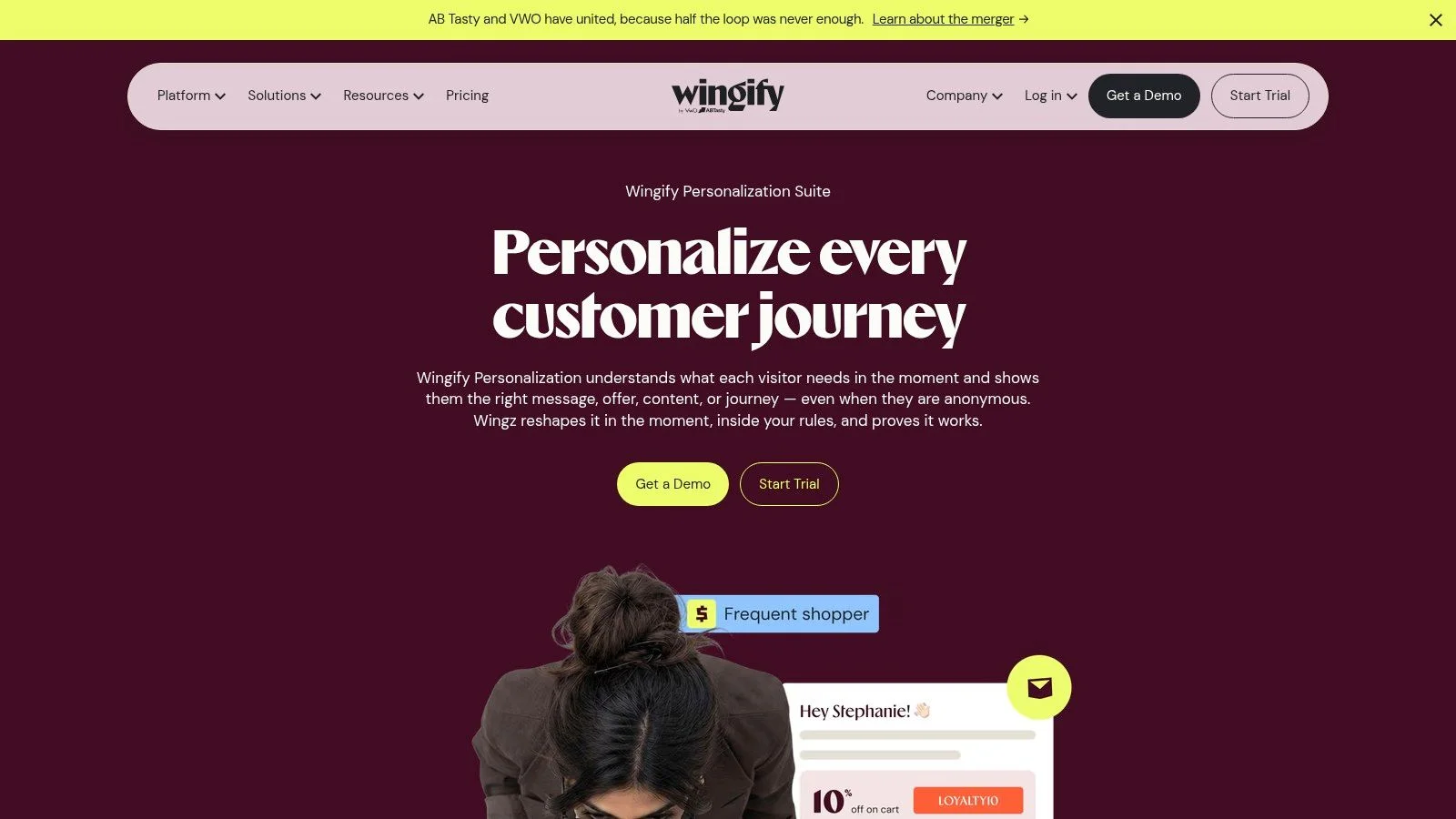
A CRO team investigating why campaign visitors abandon a landing page needs more than a content editor. It needs a way to connect the audience, proposed change, and conversion result. VWO Personalize is a sensible shortlist option for that workflow.
The platform supports targeting through visitor behavior, device, geography, traffic source, and other attributes. Visual and code editing options give marketers room to make straightforward changes while leaving more involved work to technical colleagues.
Its broader experimentation and behavior-analysis products are useful if you want related optimization work within the same vendor ecosystem. However, don't assume every related capability comes with the Personalize package you're evaluating.
Practical rule: Ask for a demonstration using your actual audience condition and conversion event. A polished homepage demo won't reveal whether your campaign is practical to run.
Setup effort is moderate, with the difficulty determined by your targeting rules and event tracking. A referral-based message is a different project from an experience dependent on customer attributes passed from another system.
Pricing clarity is weaker. Personalize pricing isn't clearly listed on the official page, and advanced capabilities and support depend on the plan. Explore the available evaluation route, then get a written breakdown of included products and support.
Not for: teams that need a completely transparent, self-serve purchase before speaking to sales. It's also unnecessary if you only need a static landing page for each campaign and don't plan to test the differences. In that case, our landing page examples are a cheaper place to start.
3. Webflow Optimize
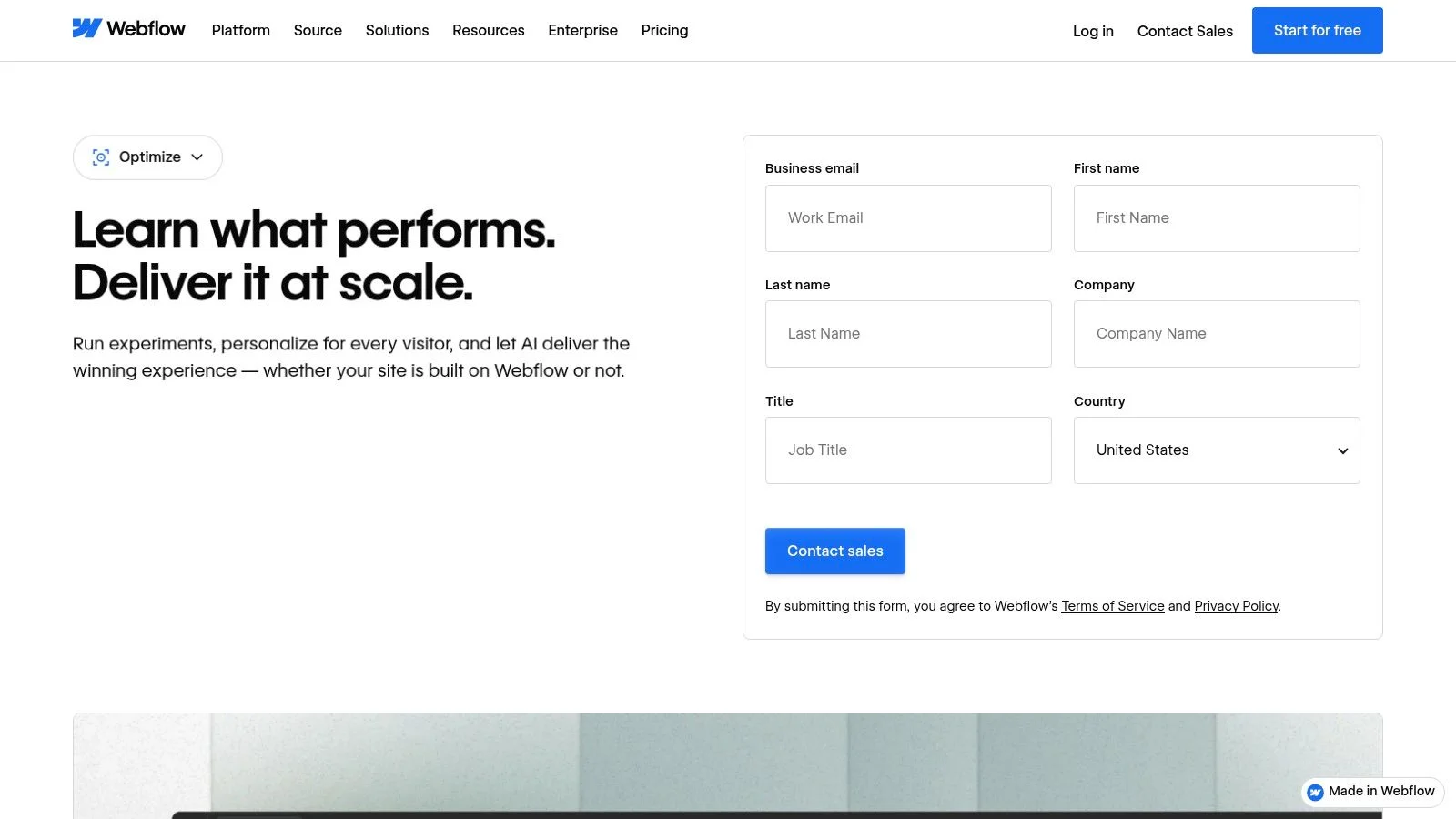
Choose this first for evaluation if your marketing team already builds in Webflow. Webflow Optimize brings A/B testing, rule-based personalization, and AI-assisted optimization close to the page-editing workflow.
That proximity matters more than a long feature list. Your marketer can work on a landing-page variation without treating the optimization platform as an entirely separate publishing environment.
Webflow Optimize also supports non-Webflow sites through a JavaScript snippet. That broadens its usefulness, although the native workflow remains the clearest reason to consider it.
Where the convenience stops
Audience targeting includes device, location, traffic source, and behavior. AI Optimize can allocate visitors among variations, while manual approaches let your team retain direct control over targeting and tests.
- Setup effort: Relatively approachable for Webflow teams, but goals, audience rules, and responsive layouts still need validation.
- Pricing visibility: It's a paid add-on with costs dependent on page-view volume. Enterprise and non-Webflow pricing are sales-led.
- Operational limit: Your team must keep variations aligned with changes to the underlying offer.
Say you're testing a course page with different examples for beginners and experienced practitioners. Keep the enrollment terms consistent and vary the proof or explanation, rather than allowing separate versions to drift into different promises.
Not for: buyers seeking a customer-data hub or broad cross-channel orchestration. I'd use it to improve marketing pages, not as a substitute for identity management or lifecycle messaging. If you don't use Webflow, compare the full workflow against standalone tools before treating snippet compatibility as the deciding feature.
4. Personyze
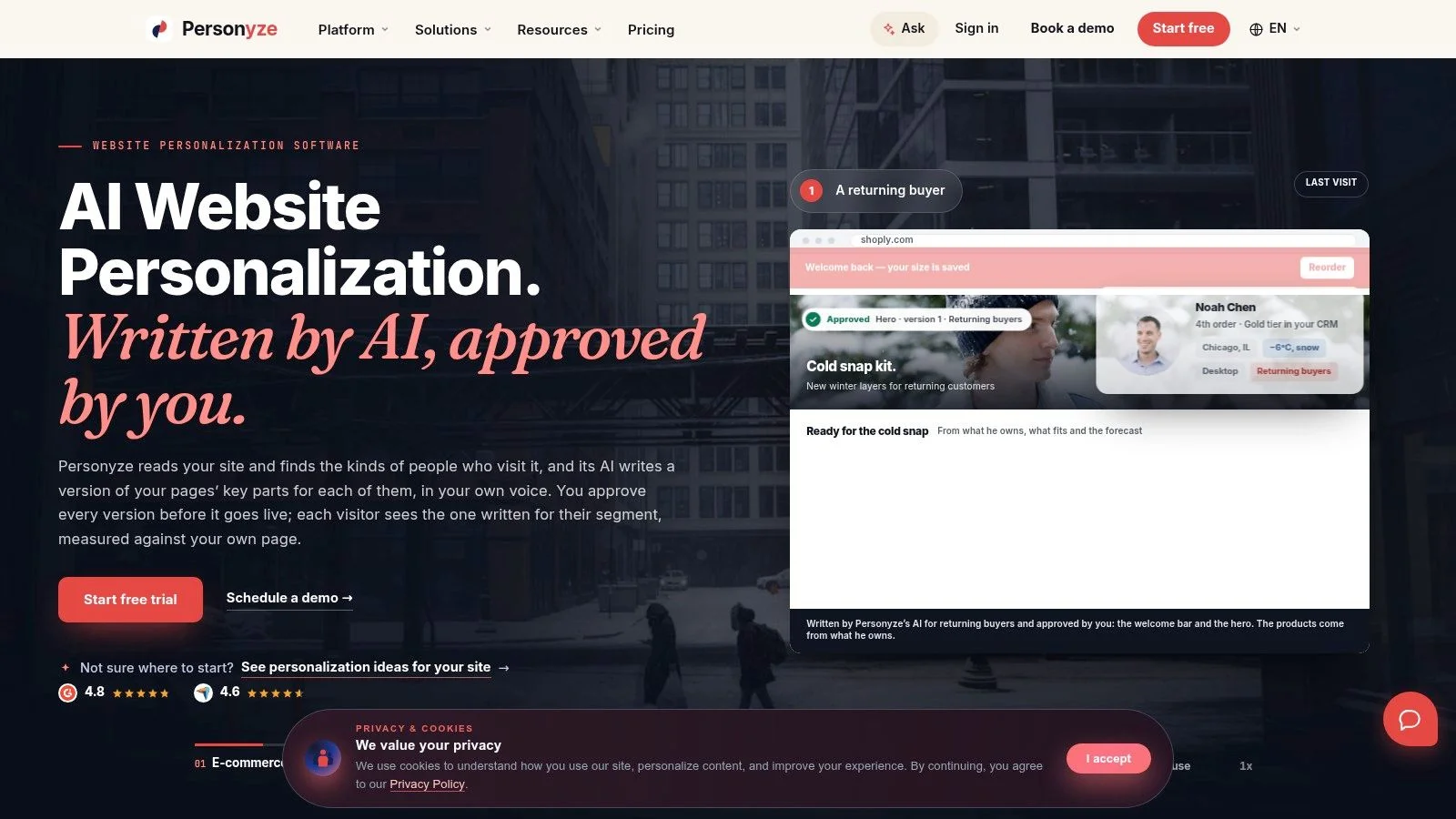
For a small team that wants to evaluate personalization without starting with a procurement process, Personyze deserves a look. Published pricing and a free tier make the initial budget conversation easier.
The platform combines visual editing, recommendations, popups, testing, and other on-site campaign formats. Its targeting can use behavioral, geographic, device, and CRM data, so you aren't restricted to changing a greeting for returning visitors.
That breadth is useful, but it also creates work. Installing a tag is simpler than learning how several campaign types interact on the same page.
Popups deserve extra care. Stack a targeted banner, a recommendation block, and an exit-intent popup on one page and visitors stop reading any of them. Pick one.
Start narrower than the feature menu
A course business could show relevant curriculum examples based on an interest a visitor explicitly selects. That's a better starting point than simultaneously launching recommendation blocks, popups, and personalized banners.
Understanding personalization and customization helps here: inferred targeting and visitor-selected preferences need different rules and controls.
- Setup effort: The one-tag approach lowers the installation barrier, while CRM connections and complex campaigns require more preparation.
- Pricing visibility: Published plans and a free evaluation tier support an earlier cost comparison.
- Plan limits: Compare page views, domains, campaigns, AI tasks, and support, rather than the subscription label alone.
Not for: someone who expects a broad feature set to require no learning. Personyze can reduce the need for separate on-site tools, but you still need a campaign owner.
I'd evaluate it with a tightly scoped page change, then check whether the reporting and editing workflow remain understandable before adding more campaign formats.
5. Adobe Target
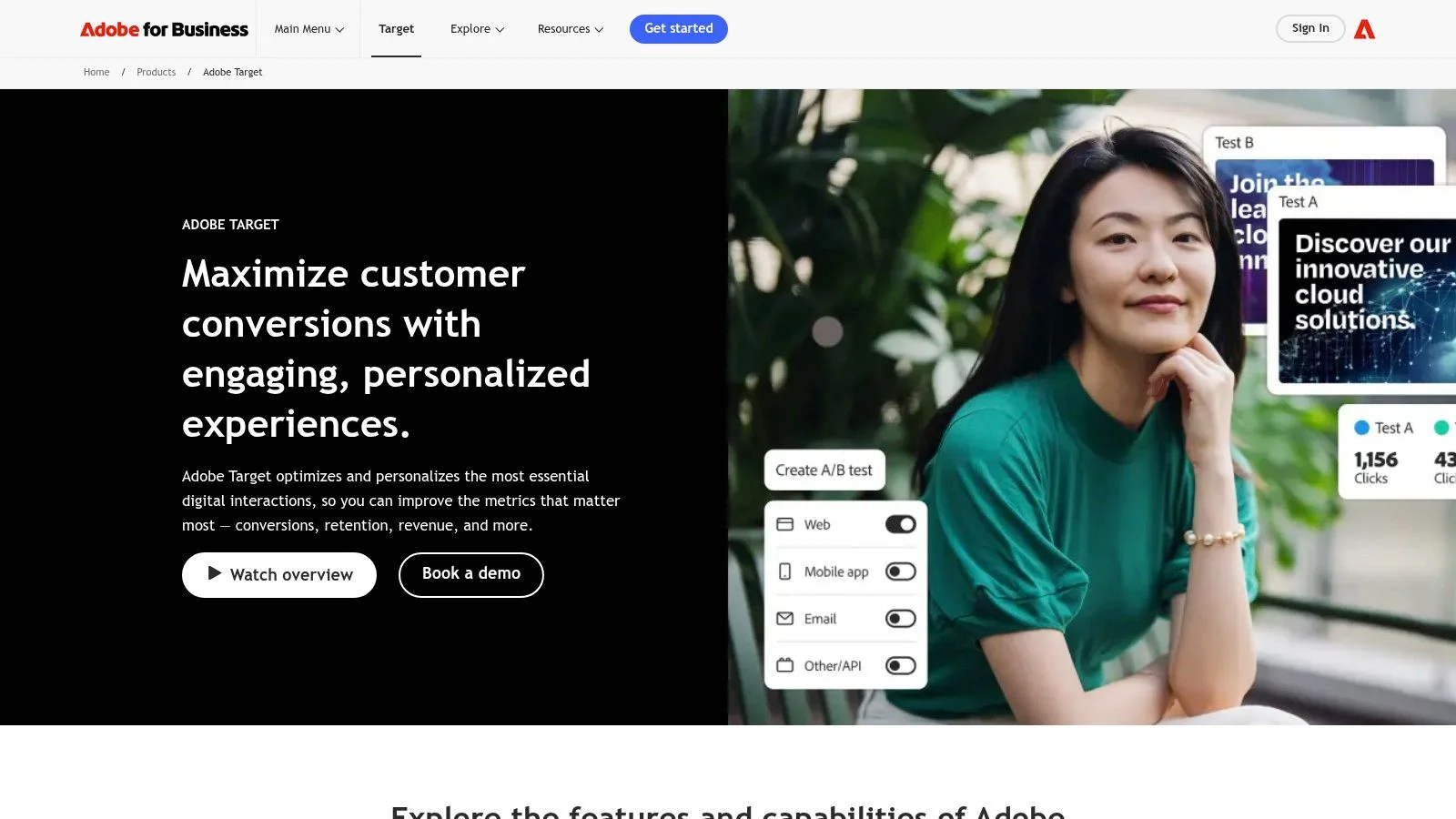
Adobe Target makes the most sense when personalization is part of an established enterprise stack. Adobe Target supports testing, audience targeting, and personalization across web, mobile apps, and other digital channels.
For an organization already using Adobe Experience Cloud, the surrounding integrations can justify a more involved implementation. For a lean marketing site, that same breadth can become unnecessary licensing and administration.
Visual activity creation helps marketers manage tests and targeting. Machine-learning-driven Automated Personalization belongs to the Premium offering, so don't evaluate the platform as though every capability is available under every license.
Buy the capabilities your team can operate, not the capabilities that make the demo impressive.
Setup effort is high relative to a focused web tool. Before purchasing, identify who owns implementation, audience attributes, consent handling, activity approval, and measurement. A visual editor doesn't remove those dependencies.
Pricing is custom, and the relevant license determines access to the fuller feature set. Your evaluation should separate software cost from implementation assistance and ongoing operational work.
A useful demonstration would involve a real scenario, such as tailoring product-page proof for an existing customer segment while retaining an unchanged comparison audience. That exposes data and reporting requirements more effectively than a generic tour.
Not for: small teams that need inexpensive headline swaps or fast, occasional campaigns. I'd shortlist Adobe Target when your organization can explain how it fits the Adobe environment and name the people who will run it after implementation.
6. Dynamic Yield by Mastercard
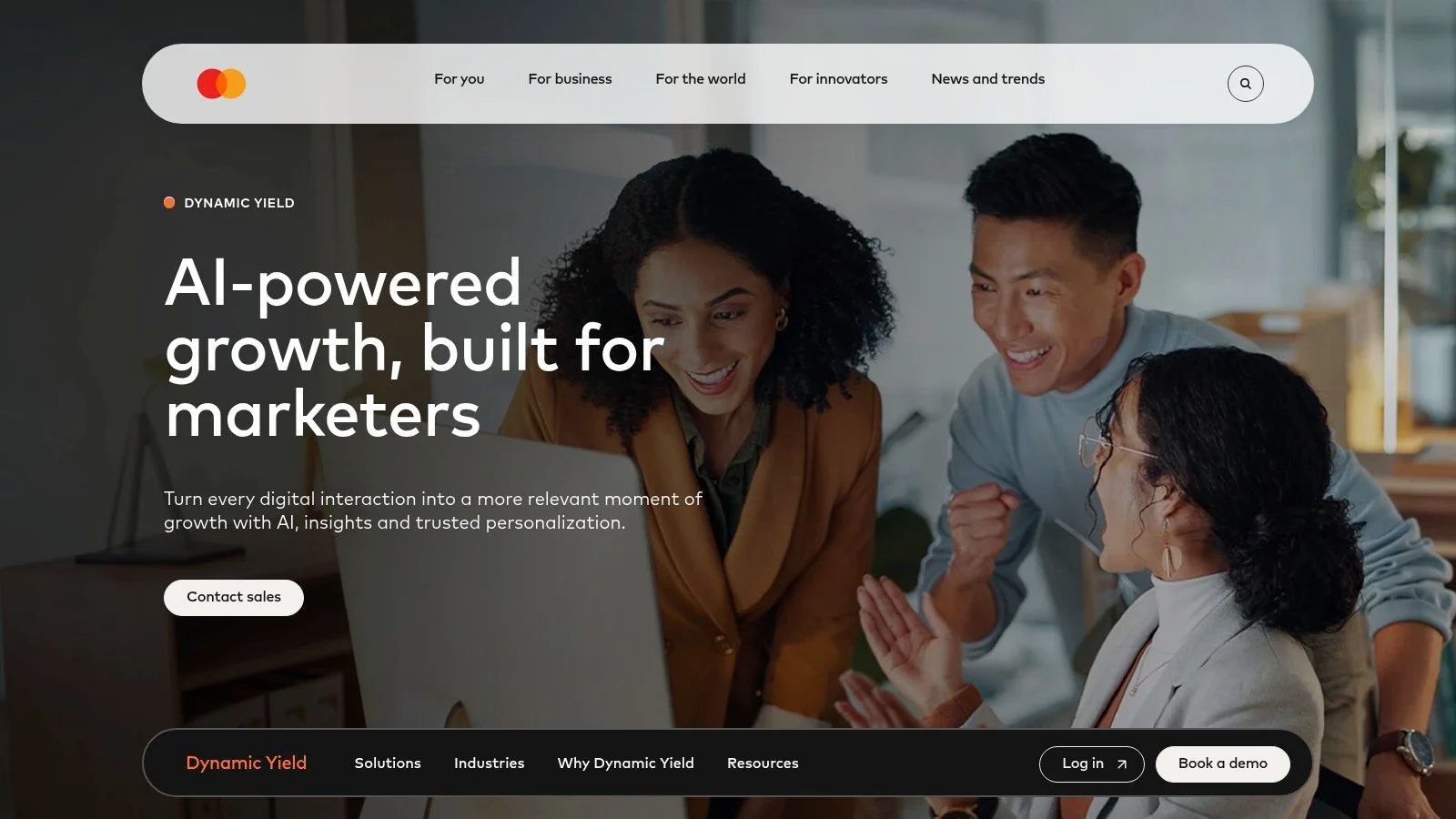
A commerce brand personalizing recommendations across its website, app, and email has a different problem from a founder personalizing a pricing-page headline. Dynamic Yield by Mastercard fits the broader, data-rich problem.
Its Experience OS combines recommendations, predictive models, experimentation, and real-time decisioning. Channel coverage includes web, apps, email, and SMS, making it relevant when teams need coordinated experiences rather than isolated page changes.
The advantage is breadth across recommendations and activation. The trade-off is that someone must prepare the inputs, define success, and maintain the operating rules.
Evaluate the inputs before the predictions
For a recommendation-led program, demonstrate how catalog information, availability, customer attributes, and behavioral events reach the platform. Then inspect what happens when those inputs are incomplete.
- Setup effort: Substantial when the project involves multiple channels, customer data, and recommendation feeds.
- Pricing visibility: Pricing isn't published on the product page, so a sales-led evaluation is necessary.
- Best use: High-volume programs with enough useful customer and product information to support meaningful decisions.
The practical goal of one-to-one marketing isn't to make every page visibly different. It's to select a relevant experience without creating inconsistent offers or confusing visitors.
Not for: a course seller with a narrow catalog and no dedicated optimization owner. I'd also avoid buying it solely for anticipated future complexity. Build the business case around journeys you can support now, including the staff required to keep them accurate.
7. Salesforce Personalization
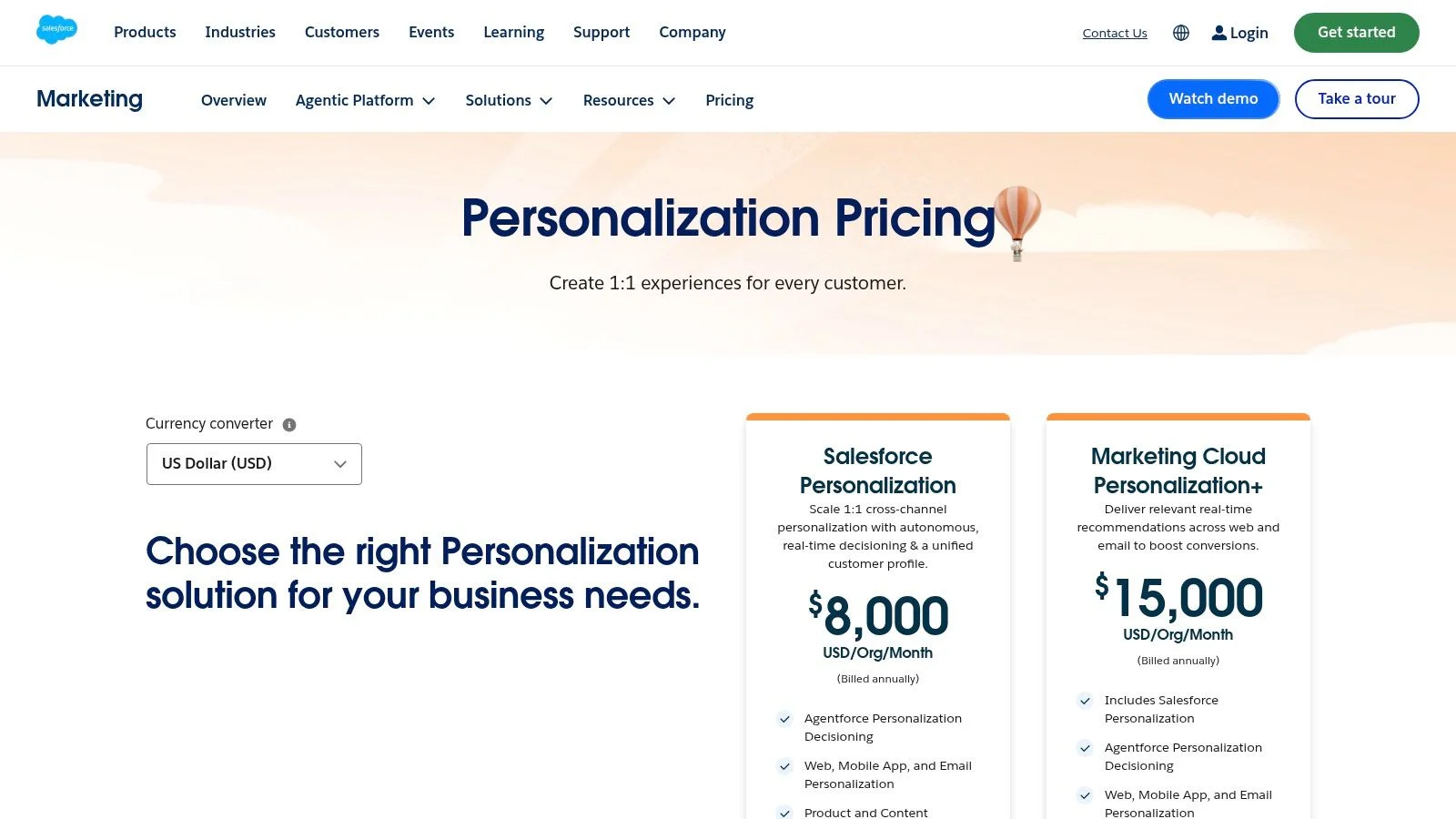
An existing Salesforce investment is the strongest reason to evaluate Salesforce Personalization. Its appeal is connecting customer data and AI-supported decisions with broader customer workflows, not merely adding another website editor.
Salesforce Personalization supports real-time experiences across websites, mobile apps, and email, along with product and content recommendations. Rules-based and AI-supported decisioning give teams different ways to choose the experience.
Published pricing provides an initial budget reference, but it isn't the same thing as a complete implementation budget. Confirm the offering, eligibility, provisioning, and final terms before comparing it with a standalone web subscription.
Treat data readiness as part of setup
Data 360 provisioning is required for Salesforce Personalization. That dependency makes data ownership and implementation planning central to the purchase rather than optional follow-up work.
For a SaaS team, the useful scenario might be changing product education for known customers versus prospects. Demonstrate how the customer attribute becomes available, how quickly it can be used, and what anonymous visitors see.
- Setup effort: Heavier than a standalone web tool because customer data and platform configuration are part of the project.
- Pricing visibility: Better initial visibility than quote-only vendors, although final costs and terms need confirmation.
- Main trade-off: Ecosystem alignment can be valuable, but only if the required data is usable.
Not for: teams outside Salesforce seeking a lightweight personalization experiment. I'd also pause if nobody owns the customer attributes that campaigns will depend on. Connecting systems won't automatically make those attributes reliable or suitable for targeting.
8. Insider One
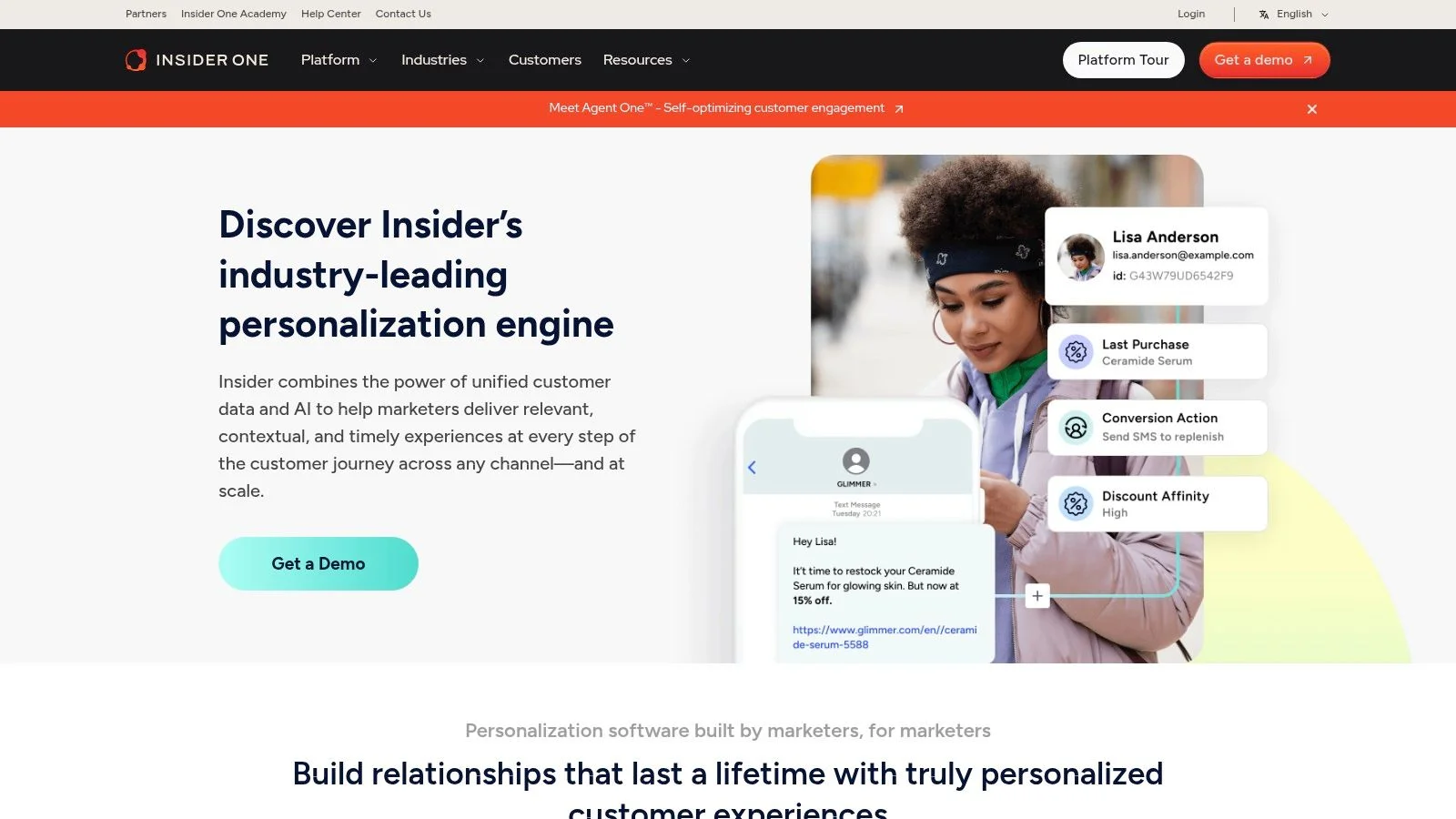
When website messaging needs to agree with app, email, and messaging campaigns, Insider One belongs on the enterprise shortlist. It combines customer profiles, predictive audiences, recommendations, and cross-channel activation.
Website personalization can draw on web, app, CRM, and other information. Support for known and anonymous visitors matters because not every useful interaction begins with a logged-in customer.
However, a unified profile is only helpful when your team understands where its attributes came from and which uses are appropriate. More connected information doesn't justify more intrusive messaging.
Trust boundary: Personalize around a visitor's task before personalizing around their identity.
That restraint has a commercial rationale. Only 51% of consumers trusted brands to keep their personal data secure and use it responsibly in Twilio Segment's State of Personalization report.
That's partly why we built FOMOchat around page context instead of personal data. Showing visitors the questions other people ask about a product is a form of social proof that doesn't depend on knowing who they are.
Setup effort is substantial if you intend to coordinate profiles and campaigns across channels. Define identity rules, consent boundaries, and responsibility for campaign conflicts before broad rollout.
Pricing isn't published on the product page. Use the sales process to establish which data connections, channels, support, and implementation services belong in the proposal.
Not for: small teams seeking a low-cost landing-page tool. Insider One's broader scope is harder to justify when your immediate need is changing a call to action for an advertising campaign. I'd shortlist it when multiple channel owners need shared audiences and have agreed how those audiences should be used.
9. Monetate
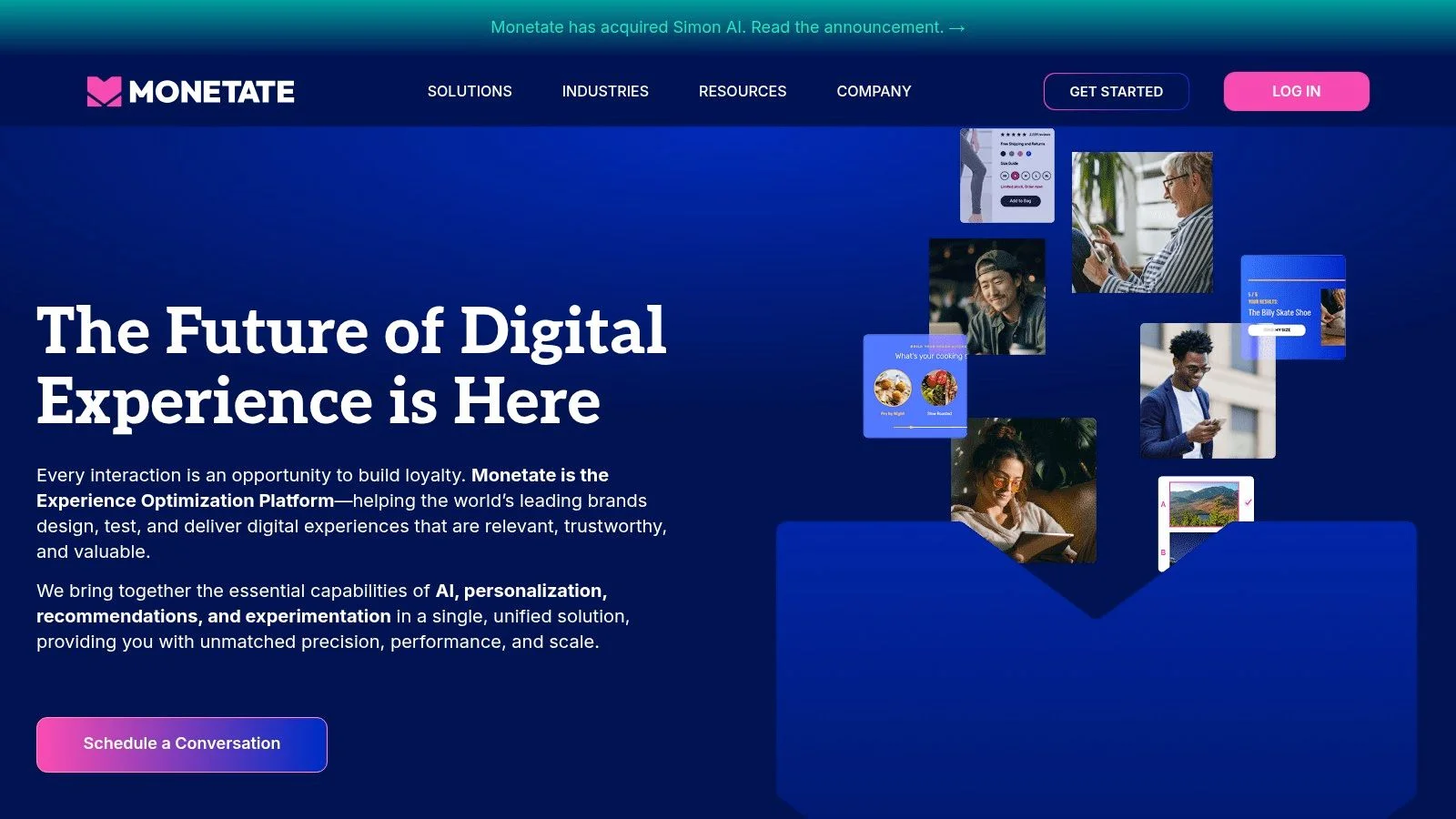
Monetate is a better fit for mature consumer-brand optimization than casual website customization. Monetate brings experience design, testing, personalization, and AI-assisted decisioning into an enterprise-oriented platform.
Its positioning around retail and larger consumer brands is useful context. Those teams may need repeatable campaign operations across a more complicated site, rather than occasional changes to a small set of landing pages.
The combination of optimization and personalization is the appeal. The purchasing question is whether that operating model matches your team's resources.
Ask for a campaign workflow, not a feature tour
Use a realistic scenario: a returning shopper should receive relevant category content, while a new visitor receives broader product guidance. Walk through audience creation, editing, previewing, measurement, and rollback.
For real-time personalization, also inspect when an audience decision is made and what the visitor sees before the required information is available. Timing matters when a campaign depends on behavior during the current visit.
- Setup effort: Plan for enterprise-style implementation and ongoing campaign administration.
- Pricing visibility: Pricing is custom, and a sales conversation is required.
- Main limitation: The platform may exceed what simple segmentation needs justify.
Not for: a solo course creator who wants a self-serve purchase and a small set of conditional messages. I'd favor Monetate when the team already has a campaign backlog, defined conversion goals, and enough ownership to keep experiences current.
Without those basics, a broad platform can leave you paying for potential while running only basic campaigns.
10. Kameleoon
Kameleoon is worth evaluating when marketing and product teams both run experiments. Kameleoon combines web experimentation and audience targeting with capabilities for technical teams working beyond marketing pages.
Visual and code-based approaches support different contributors. Its product direction also includes prompt-based variation creation and shared audiences, goals, and results, while SDKs support experimentation in product and app contexts.
That combination can reduce the separation between website tests and product experiments. It can also introduce coordination work if teams don't agree on naming, goals, ownership, and overlapping audiences.
Keep creation separate from evidence
Prompt-based variation creation can help produce candidates, but it can't tell you whether a hypothesis is commercially useful. A more persuasive headline still needs an appropriate test and an outcome beyond engagement.
For a SaaS pricing page, define the objection first (our SaaS conversion rate optimization guide lists the usual suspects). Then decide whether you should test a different explanation for everyone or target an explanation to a justified audience.
- Setup effort: Depends on scope. Visual website work and SDK-based product experimentation involve different technical commitments.
- Pricing visibility: Pricing isn't listed on the cited product pages; demo and trial routes support evaluation.
- Package limits: Confirm which experimentation, personalization, and creation capabilities are included in the proposed package.
Not for: buyers who want generated variations to replace campaign planning or measurement. It may also be more platform than a small site needs if product experimentation isn't relevant.
I'd shortlist Kameleoon for teams seeking a shared experimentation environment, then test whether both marketers and engineers can complete their actual workflows without creating new handoff problems.
How the 10 website personalization software tools compare on fit, pricing visibility, free options, and setup effort
| Item | Best for | Pricing visibility | Free option | Setup effort |
|---|---|---|---|---|
| Optimizely Personalization | Established teams combining personalization and experimentation | Quote-based | Not stated | High; may need specialist time |
| VWO Personalize | CRO teams seeking personalization and testing tools | Personalize pricing not clearly listed | Platform exploration available | Moderate |
| Webflow Optimize | Teams managing marketing pages, especially in Webflow | Paid add-on; costs vary by page views | No free option stated | Low for Webflow users; more effort on other sites |
| Personyze | Teams seeking accessible, multi-format on-site personalization | Published pricing | Free tier | Relatively low; one-tag setup |
| Adobe Target | Large organizations, especially Adobe Experience Cloud users | Custom pricing | Not stated | High; implementation and licensing can be complex |
| Dynamic Yield by Mastercard | High-traffic brands with cross-channel needs | Not published | Not stated | High; broad platform may add complexity |
| Salesforce Personalization | Organizations already invested in Salesforce | Published pricing | Not stated | High; requires Data 360 provisioning |
| Insider One | Brands coordinating personalization across channels | Not published | Not stated | High; broad platform may require implementation work |
| Monetate | Retail and consumer brands with mature optimization programs | Custom pricing | Not stated | High; sales-led and enterprise-oriented |
| Kameleoon | Teams combining marketing and product experimentation | Not listed | Trial available | Moderate; verify package and capability fit |
Choosing a Stack for SaaS, Courses, and Webinars in 2026
Choose the smallest stack that can answer a useful commercial question. Enterprise suites suit organizations with connected customer data, data warehouses, implementation resources, and ongoing optimization programs. Small sites usually benefit more from a focused workflow they can maintain than from broad channel coverage.
For a SaaS pricing page, consider Webflow Optimize if your team already publishes in Webflow, or evaluate VWO and Optimizely when structured CRO is the priority. Start with campaign context or a reliable customer attribute, then measure completed signups and downstream quality. Don't change the headline, proof, offer, and navigation together if you need to understand what helped.
For a course sales page, Personyze is worth evaluating when published pricing and multiple on-site formats matter. Use declared interests to show relevant curriculum examples or audience-appropriate proof. Keep enrollment conditions, refund information, and essential course details consistent across experiences.
For a webinar registration page, prioritize clear scheduling, audience fit, and answers to attendance questions. Measure completed registrations separately from widget engagement, and keep essential event information visible without requiring a conversation. Our roundup of webinar landing page examples shows how other hosts handle it.
Keep conversational personalization bounded
At FOMOchat, our widget works on any site where you can add a script tag, and our free Preview Mode lets you evaluate the experience before upgrading. Each chat includes an AI representative trained on your website content, so accurate, up-to-date pages are part of the setup. If you're still weighing chat options in general, our website chat widget comparison is a good companion to this list.
AI-generated on-page messaging works best with stable, factual copy. Our AI Continuation isn't suited to checkout, thank-you pages, tightly controlled promotions, or video/webinar mode. For video and webinar experiences, our separate mode can import real chat logs or use generated conversations synchronized with the video timeline.
Label generated participants and AI support clearly rather than presenting simulated conversation as independent customer testimony. Preserve visitor control, and test keyboard access, readable text, and whether the widget obscures essential content.
Make the purchase follow the test
Small steps win here. List your current traffic, including traffic to the page you want to improve. Record the audience signals you can use, the person responsible for setup, and the conversion event that will determine success.
Then pick two tools to trial and test one page before committing to a paid plan. Compare the time required to launch, the clarity of reporting, and the full cost at your expected usage. Keep the tool that makes a useful experiment manageable, not the one with the longest demo.
Our AI chat widget combines website-trained answers with configurable on-page conversations, giving you a focused way to evaluate conversational personalization. Visit FOMOchat to build a free preview, review the generated conversation, and try it on a page with stable product information.