
You're staring at launch morning with too many tabs open. The waitlist lives in one app, the webinar link in another, the email sequence in a third, and the countdown timer is somewhere else entirely. That chaos usually isn't caused by a lack of product launch tools. It comes from using tools without a clear sequence, so nothing lines up across pre-launch, launch day, and the first days after release.
The better way is to judge each tool by the job it does in one stage. A waitlist tool should build demand before the launch. A distribution platform should create reach on launch day. An announcement tool should reduce confusion inside the product. A proof layer should help visitors trust what they're seeing. If you choose that way, you end up with a stack that fits the launch, instead of a pile of software that looks busy and still misses the deadline. For a quick reference on announcement types, CleanMyList's guide to announcements is a useful companion.
1. FOMOchat
FOMOchat is most useful at the live moment, when a visitor is interested but not ready to commit. It puts an AI company rep and visible multi-person chat on the page, so people can ask questions and see that others are asking the same things. In launches, that helps reduce uncertainty quickly, which matters more than adding another traffic source. On a launch page, FOMOchat shows that proof in real time, while the visitor is still deciding, not in a testimonial block they scrolled past an hour ago.
The setup is light. Define personas, feed in site context, and add a small snippet. From there, it can sit on a SaaS page, a course sales page, or a webinar landing page and answer questions without forcing you to staff live chat all day. The guardrails and confidence qualifiers matter most in practice, because launch traffic asks the same awkward questions, and a widget that guesses badly can create more problems than it solves. If you're weighing this against a staffed setup, our guide to live chat for websites lays out the options.
Practical rule: use FOMOchat when you need one layer that handles support and proof on the same page. If you only need a plain FAQ, it's more than you need.
The trade-off is AI-generated social proof. It has to be tuned carefully. If the tone feels staged, visitors notice. If the facts are loose, they notice faster. That makes the tool fit for launch teams that know the product well and want a quick way to surface objections, trials, enrollments, or webinar registrations in the moment they matter.
That's the real gap between FOMOchat and a notification popup. A popup can flash that someone just signed up, but it can't answer the question that's stopping the next visitor. We dig into that difference in why social proof notifications don't work for complex products.
The free preview tier is enough to test the idea, but the badge and usage limits make it a testing lane, not a final home. If launch traffic is real, watch the paid tiers and message caps early. FOMOchat's pricing page shows the setup, and the clearest fit is for a launch team that wants objection-handling and visible proof without staffing live chat.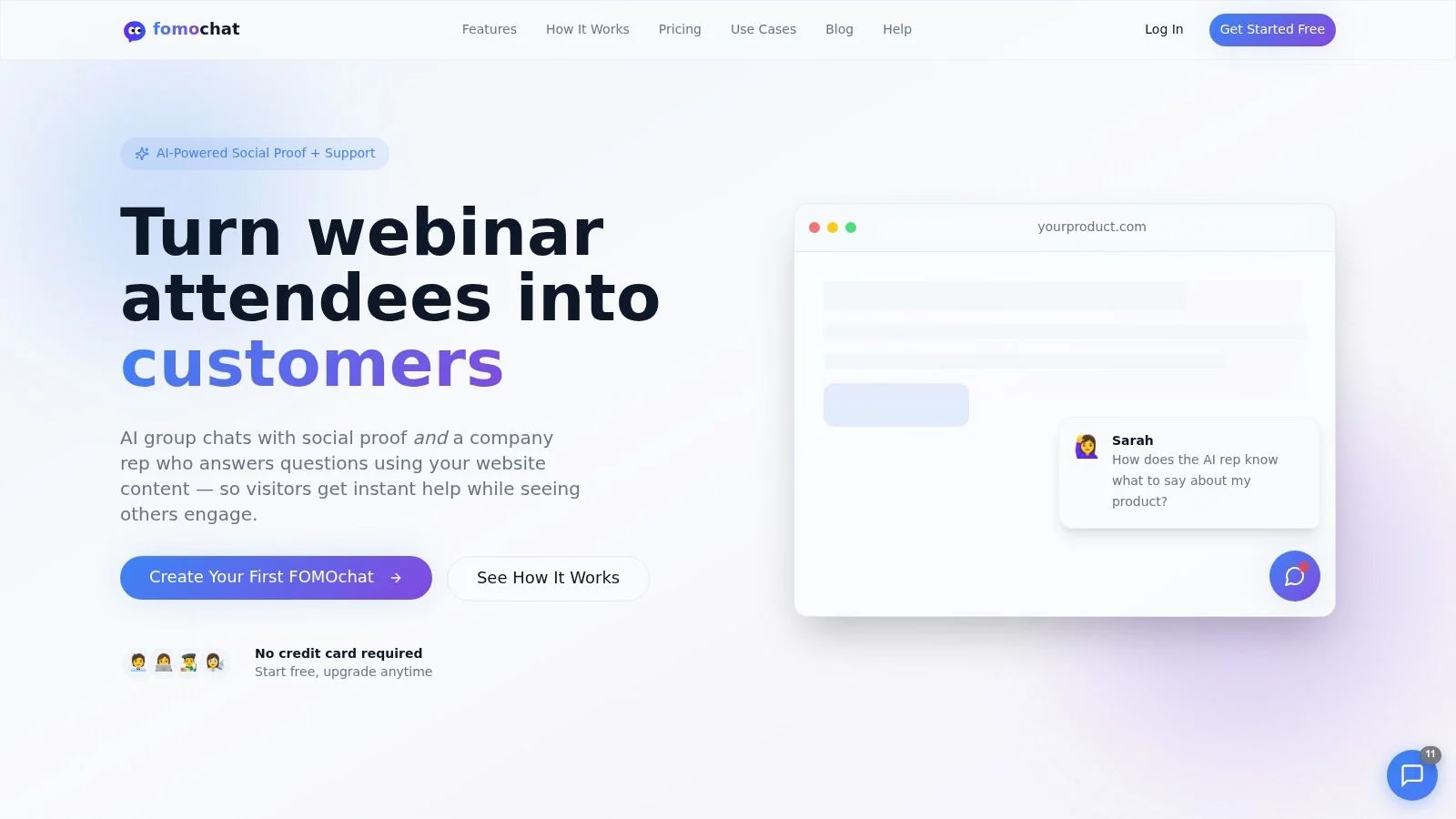
2. Product Hunt
Product Hunt still matters because it gives a launch one public stage. That makes it useful for distribution, not for audience creation from scratch. If you already have a waiting list, a customer base, or a network willing to show up, it can turn that support into comments, upvotes, and broader visibility.
The limit is just as clear. Product Hunt won't repair weak positioning, and it won't create momentum by itself. A vague listing gets skimmed. Poor timing wastes the day. That is why it belongs in the distribution part of the stack, not as the whole stack. Before the listing goes up, study a few landing pages that convert so the page you send people to can hold the traffic.
I treat it like a live launch moment. The product page needs to be sharp, the maker profile ready, and the first replies fast. If the team shows up late, the comment thread turns into noise instead of useful feedback.
Pair it with your own list and your own site. Send warm contacts to Product Hunt, but keep the conversion path on your pages so you still capture intent if the community traffic does not convert right away. For a launch-week companion, this product launch best practices guide helps with coordination.
Product Hunt fits tech-savvy early adopters and teams that can arrive with some network support already in place.
3. KickoffLabs
KickoffLabs is a pre-launch workhorse. It's built for referral waitlists, milestone rewards, and giveaways, which makes it a strong fit when your first job is list building rather than launch-day spectacle. If the goal is to turn early interest into a bigger list before you ship, this kind of tool gives you a practical structure instead of a generic signup form.
The best part is speed. You can set up landing pages, embeds, and sharing mechanics without building custom referral logic from scratch. That helps when the launch team wants to get something live quickly and test whether people will share the offer. The built-in fraud prevention also matters more than many teams expect, because referral programs get messy fast once incentives are involved.
The trade-off is branding and scale. Lower tiers carry more visible product branding, and plan limits can matter sooner than you'd like if the waitlist starts to move. That makes it a good fit for founders who are still validating demand, but not always the cleanest option for a polished enterprise-style launch.
Referral mechanics work best when the reward is easy to explain and the ask is small. If the share prompt needs a long paragraph, participation usually drops.
I've found KickoffLabs most useful when a team wants a campaign around a clear launch moment, not a permanent referral machine. It's a strong answer for SaaS waitlists, beta access drives, and course creators who want to turn early signups into a visible pre-sale push. KickoffLabs is the place to look if you want the pre-launch loop to be simple enough to launch quickly.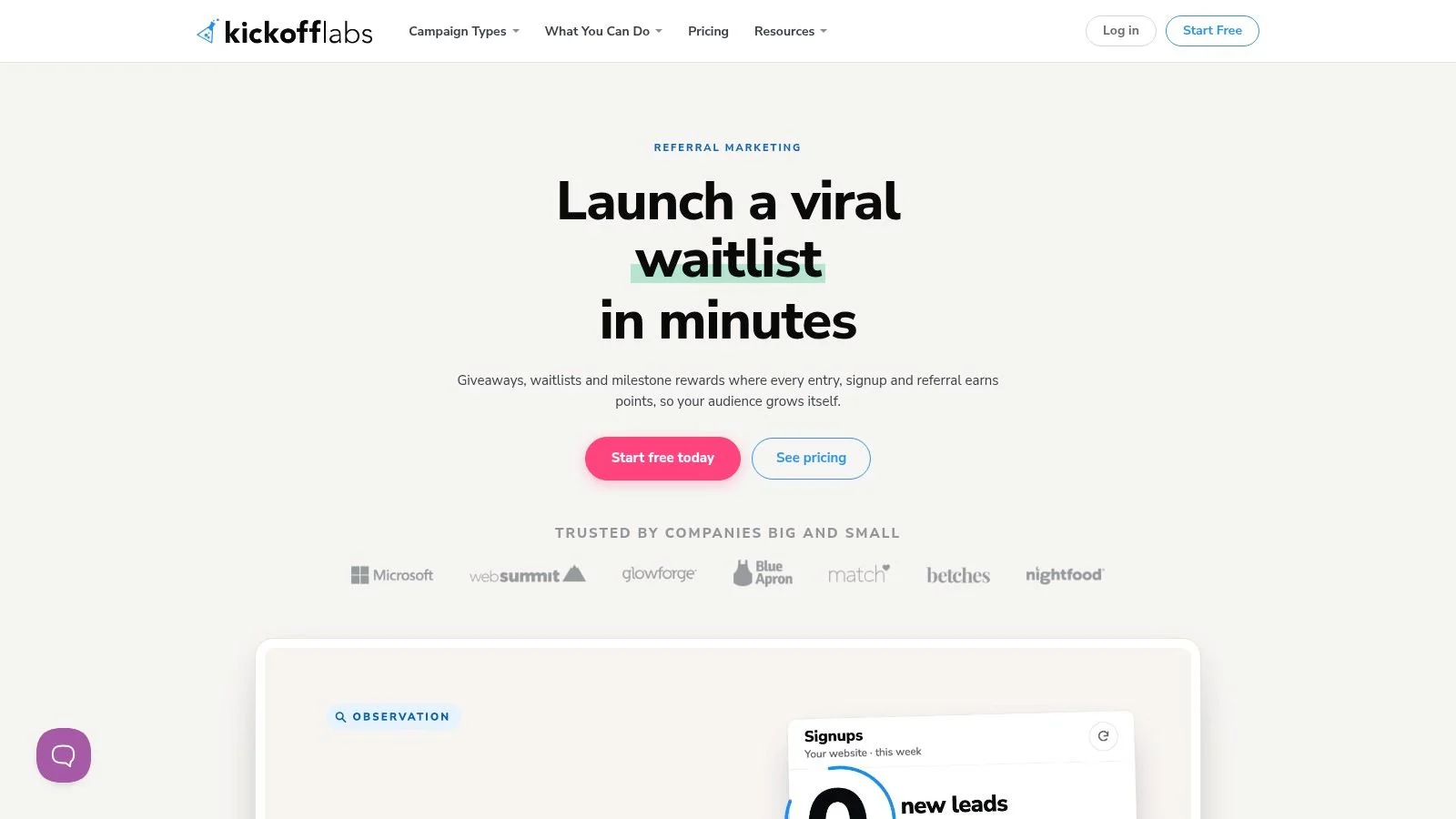
4. Prefinery
Prefinery fits the controlled beta stage better than almost any broad landing-page tool. It's useful when signups need to move from a public waitlist into a structured private rollout, especially if you want invitation logic, status tracking, and staged access rather than open access all at once. That makes it a better operational tool than a flashy marketing tool.
The reason launch teams choose it is control. You can manage who gets invited, when they get invited, and how the beta grows over time. The automation and API options help once the list gets large enough that manual invites become a bottleneck. For teams with a real product feedback loop, that saves time and keeps the rollout cleaner.
The downside is that it's not the best visual builder. If you need a highly designed coming-soon page, you may end up pairing it with another page tool anyway. Pricing can also rise with active users, so it rewards planning. It's a specialist tool, not a casual add-on.
Use Prefinery when access itself is part of the product experience. If everyone can enter at once, you probably don't need this level of control.
This tool is especially strong for SaaS teams running staged betas, because it handles the handoff from interest to access without making the process feel improvised. This coming-soon page guide is a useful companion if you're pairing Prefinery with a simple public landing page. Prefinery is the better choice when launch readiness depends on who gets in first, not just how many people signed up.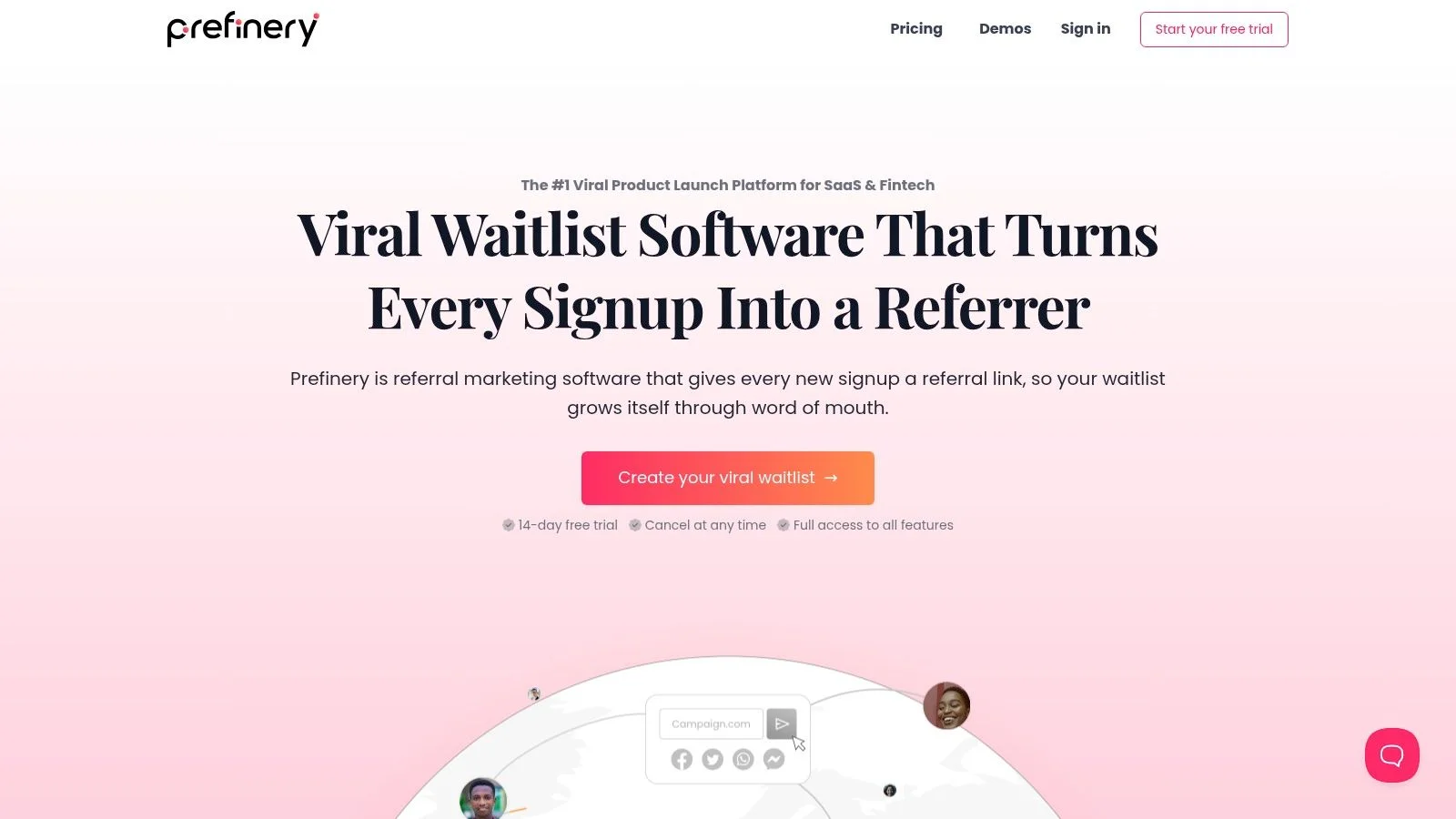
5. Viral Loops
Viral Loops is a referral platform that works well when you want a template-driven launch mechanic. It's useful for waitlists, product launches, and e-commerce campaigns, especially when you want to reward sharing without building the logic yourself. The Shopify connection makes it a better fit for productized offers and stores than some of the more SaaS-only tools.
The advantage is that the templates reduce setup time. You don't have to invent the referral flow, the milestone structure, or the reward logic from scratch. That can be a big win when the launch team needs to move quickly and keep the campaign consistent across pages, emails, and reward fulfillment.
The trade-off is quality control. Referral campaigns are only as good as the incentive design. A weak reward leads to weak participation, and a noisy reward can bring in low-intent signups. The tool won't solve that for you. It only makes the campaign easier to run. Rewards also need a list to start from, and our guide on how to build an email list covers that groundwork.
For me, Viral Loops makes sense when a launch team already knows the offer and just needs a clean referral layer to support it. It's better for a launch with clear incentives than for a vague awareness play. Viral Loops works best for teams that want to turn early interest into a repeatable sharing motion without writing custom code.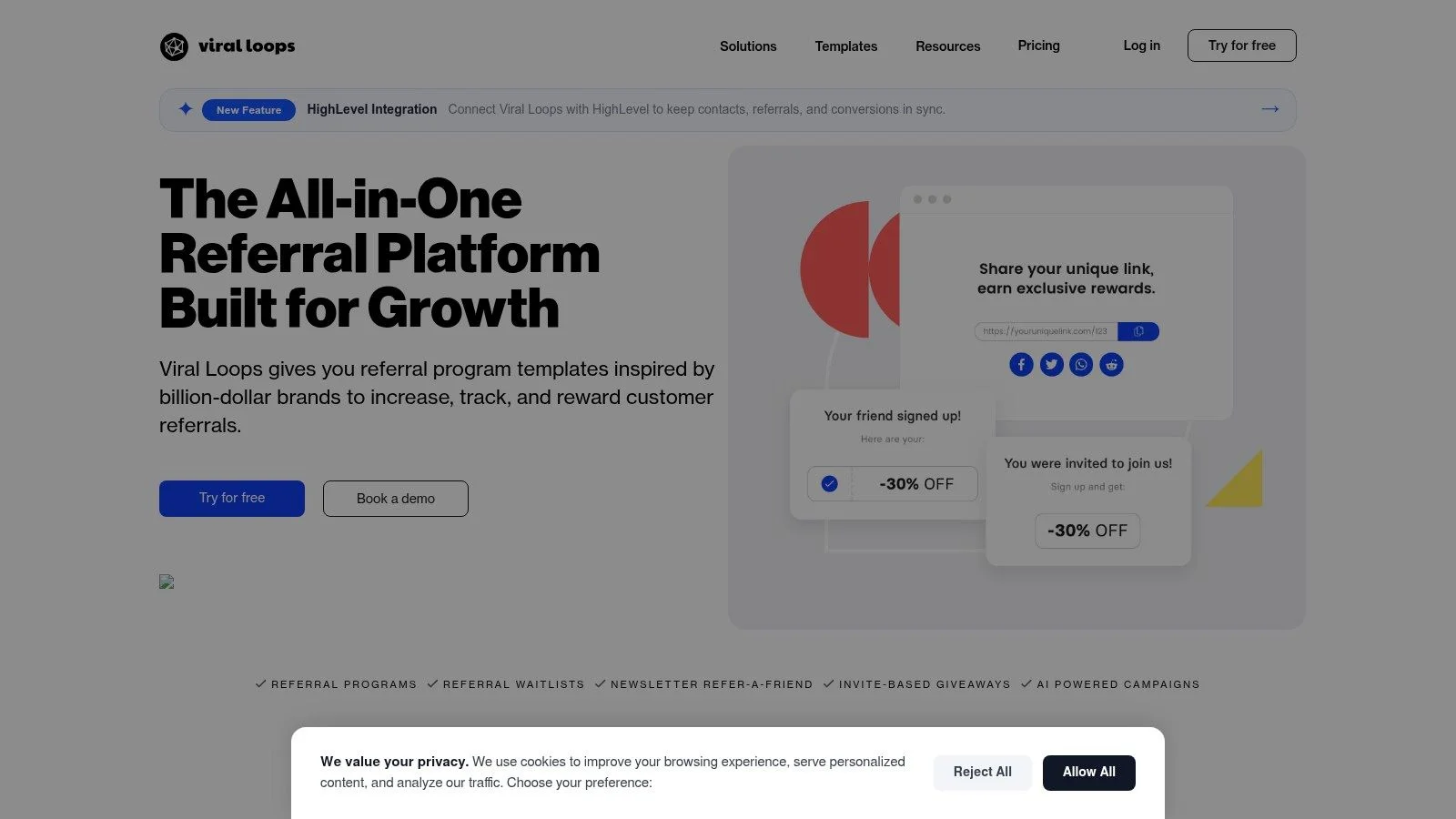
6. LaunchNotes
LaunchNotes is a communications hub, not just a changelog. It's strongest after the product is already moving, when you need a public roadmap, release notes, subscriber segmentation, and in-app announcement support in one place. That makes it a solid choice for teams that run repeated launches rather than one-off announcements.
The main value is coordination. Product, marketing, and support all end up touching release communication, and that's where launch confusion usually grows. A tool like LaunchNotes helps keep the message consistent across public pages and in-product widgets, while still giving you a place to capture feedback. The AI drafting layer can save time, but the true win is having one system where release communication doesn't drift.
The trade-off is cost and discipline. It's heavier than a bare-bones changelog tool, and it works best when someone owns the communication cadence. If nobody maintains the release process, the page goes stale and the benefit disappears.
If your launch cadence is irregular, a heavyweight release hub can become shelfware fast. Use it when the team can feed it every month, not just once.
LaunchNotes is a strong fit for SaaS teams that need product communications to look organized and credible, especially when multiple stakeholders care about the release story.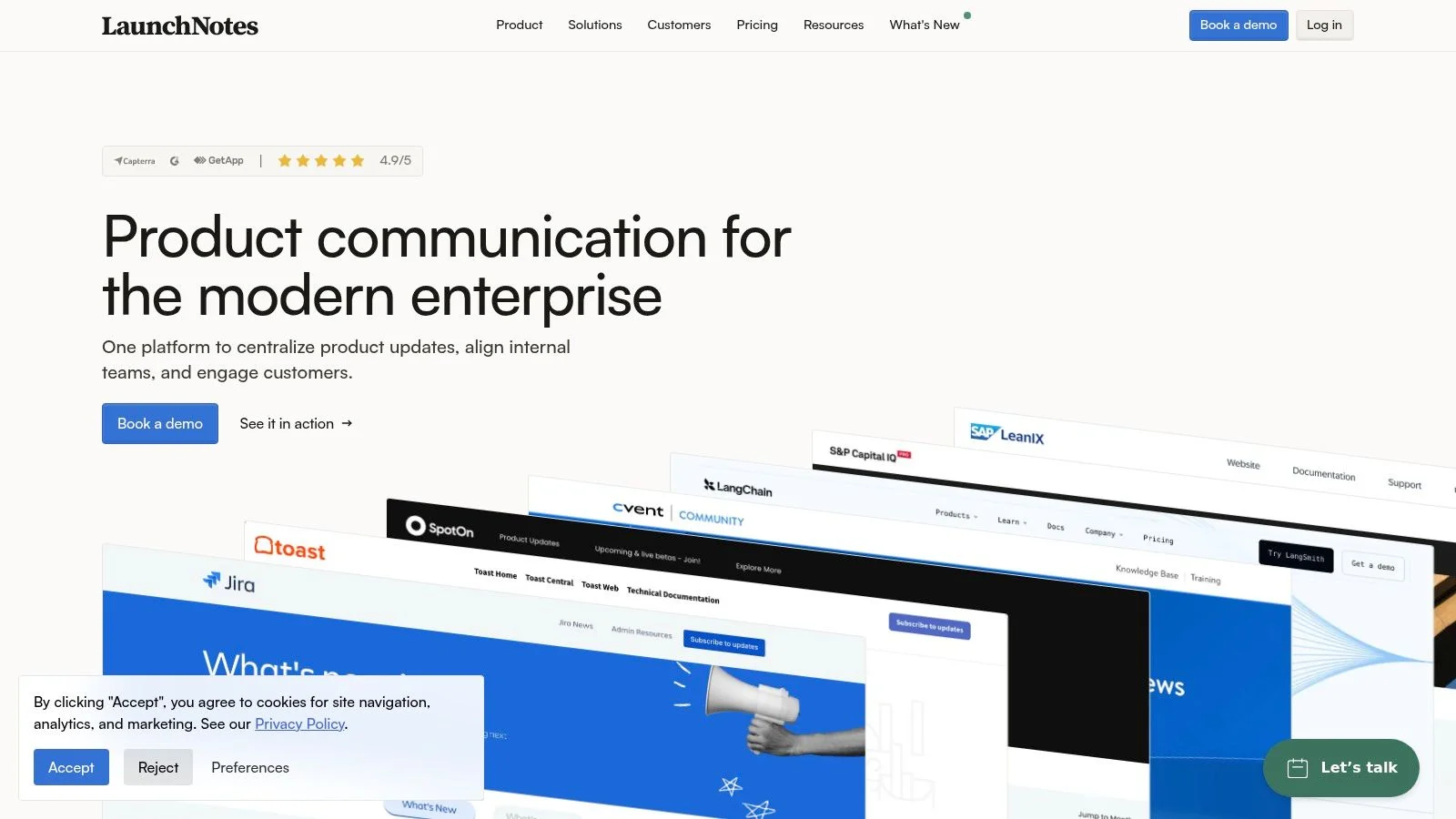
7. Beamer
Beamer is the flexible in-app announcement option for teams that want targeted messaging inside the product. It gives you a notification center, a sidebar changelog, web push, email updates, segmentation, and feedback features, so you can reach people where they already work. That makes it especially useful for activation nudges and post-launch follow-up.
The advantage is how quickly it can slot into an existing product. You don't need to rebuild the release communication flow from scratch, and the targeting options help if different users need different messages. Multi-language support also helps teams that launch into more than one market.
The trade-off is that pricing and analytics depth need watching. The free plan carries a watermark, and the MAU-based model means a launch spike can create more cost pressure than expected. That doesn't make the tool bad. It just means you should know your traffic profile before you commit. Run the numbers first.
Beamer works best when your launch isn't only about announcement. It's also about getting users to notice, click, and act inside the product. Beamer is a practical choice for teams that want in-app communication to pull some of the weight after launch, not just on launch day.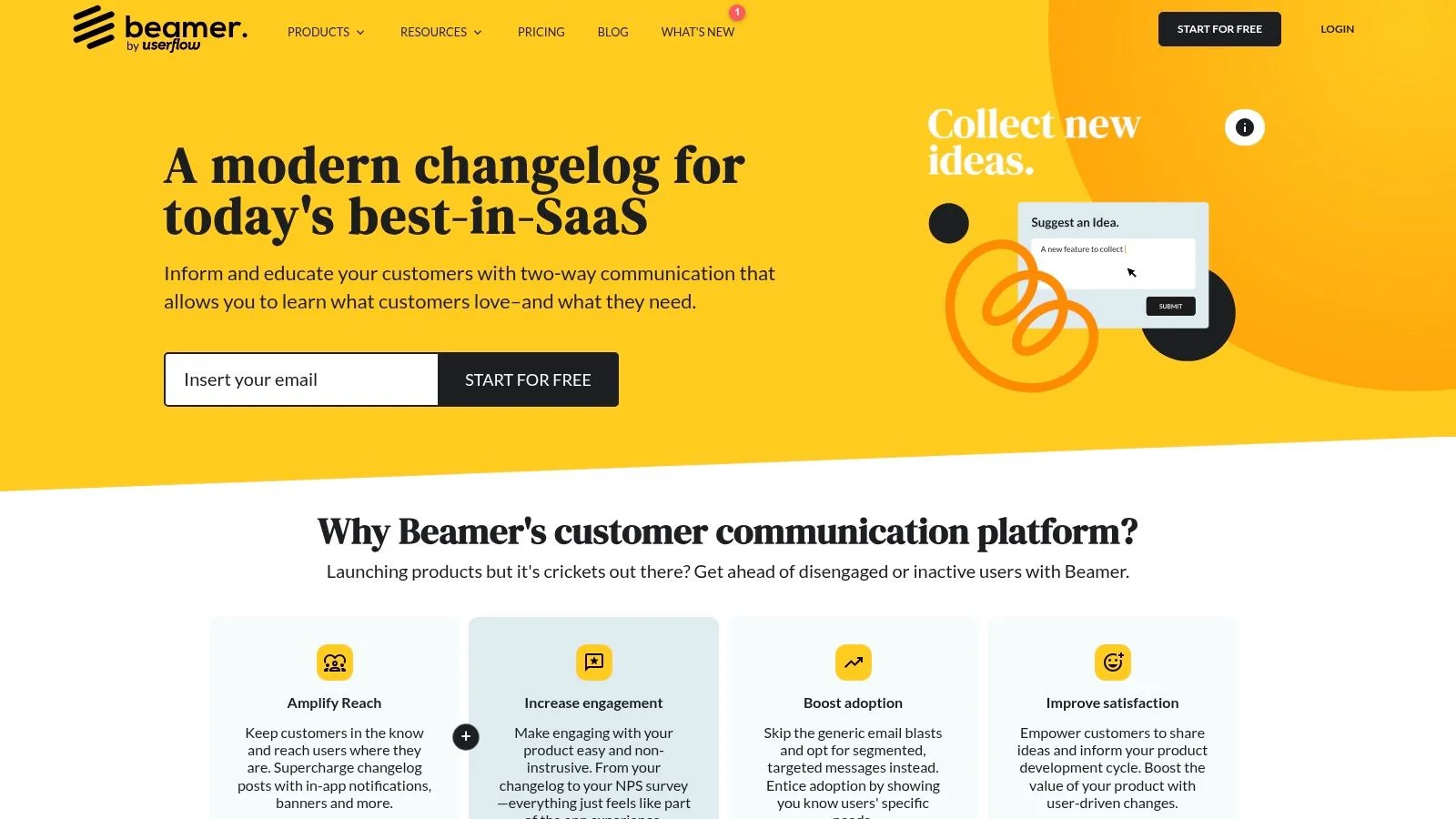
8. Demio
Demio is built for the live launch moment. It handles registration pages, reminders, Q&A, polls, replays, and embeddable event collections, so you can run a webinar without stitching together a separate registration stack and a separate hosting setup. That makes it one of the cleaner webinar tools for launches, demos, and workshops.
The win here is simplicity. Marketers can set up a live session without handing half the job to operations. The replay flow also matters because launch traffic rarely converts only during the live event. Many buyers show up later, and the replay is often where the second wave starts. That's where FOMOchat's video timeline sync earns its keep: questions and answers stay pinned to the exact moment in the replay, so the offer segment still feels lively for people watching days later.
The limitation is familiar. A webinar platform doesn't create demand on its own. If promotion is weak, the event stays empty. If follow-up is weak, the signups cool off after the session ends. The software helps, but the launch still lives or dies on the list and the messaging.
For a webinar launch, I'd rather use a focused platform like Demio than a generic meeting tool because the workflow is built for marketing. This webinar engagement guide is useful if you're pairing the event with stronger live proof or chat support. Demio is a good fit for teams that need live interaction without a messy stack.
9. Mailchimp
Mailchimp is still one of the easiest ways to handle pre-launch email, launch-day broadcasts, and basic automation in one place. For smaller teams, that matters. You can build a list, create a landing page, set up forms, and run nurture sequences without buying three separate tools before you've even shipped.
The strength is familiarity. Teams can move fast in Mailchimp because the interface is well known and the integrations are broad. That's useful when the job is straightforward, like warming a waitlist, announcing a launch, or following up with people who opened but didn't click.
The downside is that it can feel templated once you need more control. Costs also rise as the list grows and the automation gets more complex. That's fine if you're early. It gets less fine if you're trying to run a more advanced launch system with many branches and handoffs.
Use Mailchimp for the broad email layer, not for every specialized launch job. It's good at keeping the basics in one place, which is often enough for early-stage launches.
The tool is strongest when the launch team wants fewer moving parts and doesn't need a highly custom email stack yet. This guide to catchy subject lines is a helpful companion if you're writing launch emails in Mailchimp. Mailchimp remains a practical default for small SaaS teams and course creators who want to move quickly without overbuilding.
10. Deadline Funnel
Deadline Funnel earns its place at the urgency stage. It creates real, per-user deadlines and syncs them across pages and email, so the countdown is tied to the actual offer instead of being a fake timer that resets every visit. That makes it one of the few tools in this list that directly shapes launch close behavior.
The useful part is consistency. Fixed-date launches and evergreen cohort launches both need the same thing, a deadline that follows the person, not the browser. When that logic is wired correctly, you can use timers on-site and in email without undermining trust. It's especially helpful during course launches, cohort enrollment windows, and SaaS promotions with a hard close.
The downside is also the point. If you configure it sloppily, you create distrust fast. If you use urgency everywhere, the urgency loses meaning. The tool works best when it's used sparingly around real decision moments. For more on keeping that pressure honest, see our guide on how to create urgency in sales.
For launch teams, Deadline Funnel is less about hype and more about protecting the close. It can help a visitor move from interest to action when the offer window is genuinely limited. Deadline Funnel is the right fit when your launch needs authentic urgency, not just a decorative timer.
Top 10 Product Launch Tools Comparison
| Product | Core features | UX / Quality (★) | Value & Price (💰) | Target audience (👥) | Unique points (✨) |
|---|---|---|---|---|---|
| 🏆 FOMOchat | AI “company rep” + realistic multi-person chat, video timeline sync, guardrails | ★★★★☆, lively social proof; tuning improves authenticity | 💰 Free preview; plans from $29/mo; scales with visibility | 👥 SaaS marketers, course creators, webinar & launch teams | ✨ Multi-person dialogues + timeline-synced reactions; low-code embed |
| Product Hunt | Product listings, community upvotes & comments, discoverability | ★★★☆☆, high-visibility potential; outcome variable | 💰 Free to post; visibility-driven ROI | 👥 Makers, startups seeking launch exposure | ✨ Large discovery audience & launch-week traction |
| KickoffLabs | Referral waitlists, AnyForm (viral opt-ins), landing pages, rewards | ★★★☆☆, fast viral setups | 💰 Paid plans; branding on lower tiers | 👥 Pre-launch teams, growth marketers | ✨ Built-in virality, milestone rewards, giveaways |
| Prefinery | Referral links, staged invites, beta workflows, analytics | ★★★★☆, strong cohort & invite management | 💰 Pricing scales with active users | 👥 Beta managers, product teams running controlled rollouts | ✨ Staged invites + robust automation & analytics |
| Viral Loops | Referral templates, no-code widgets, Shopify reward fulfillment | ★★★☆☆, template-driven referral performance | 💰 Tiered pricing; participant limits apply | 👥 E‑commerce teams, referral-driven launches | ✨ Shopify rewards + prebuilt referral templates |
| LaunchNotes | Roadmaps, release notes, in-app widget, AI announcement drafts | ★★★★☆, excellent for coordinated product comms | 💰 Higher entry price; enterprise features | 👥 Product teams, enterprise comms owners | ✨ AI Smart Draft + enterprise security (SSO/JWT) |
| Beamer | In-app announcement center, changelog, web push, feedback/NPS | ★★★☆☆, quick to integrate; MAU considerations | 💰 Free plan (watermark); MAU-based tiers | 👥 PMs, growth & product marketing teams | ✨ Multi-channel nudges, targeted in-app updates |
| Demio | Webinar platform: registration, Q&A, polls, replays, Showcase embed | ★★★★☆, marketer-friendly webinar UX | 💰 Paid plans; can grow pricey with attendees | 👥 Marketers running live demos, workshops, webinars | ✨ Embedded Showcase + replay-focused flows |
| Mailchimp | Email & automation, landing pages, forms, large integrations | ★★★☆☆, familiar, widely adopted | 💰 Free tier; costs rise with contacts | 👥 Small teams, email-centric marketers | ✨ All‑in‑one email + automation ecosystem |
| Deadline Funnel | Per-subscriber deadlines, on-site & email timers, integrations | ★★★☆☆, effective urgency tool; needs careful use | 💰 Paid plans; integrates with Shopify & CRMs | 👥 Marketers using timed offers & evergreen funnels | ✨ True per-user countdowns and evergreen deadline logic |
Build Your Launch Stack Before the Countdown Starts
The cleanest launch stacks are boring in the best way. One tool builds the list before launch, one tool handles distribution on launch day, one tool manages announcements or onboarding, and one tool adds proof or urgency when people are ready to decide. That's enough for most SaaS marketers, course creators, and GTM teams if the pieces are chosen by stage instead of by habit.
If you're building from scratch, start with the stage that's weakest. A team with no audience needs a waitlist tool first. A team with a list but no event needs a distribution channel first. A team with traffic but low conversion needs proof, support, or deadline logic first. For that last case, our roundup of the best social proof tools is a good shortlist. Don't buy an all-in-one platform just because it sounds simpler. A stack that matches the work is usually easier to run than a bloated suite that only looks complete.
The best launch teams also test the stack before launch week. Run a small pre-launch cycle, send the emails, publish the page, test the webinar flow, and check the handoffs between tools. That's where the actual problems show up, not in the product demo. A product launch checklist template keeps those handoffs from slipping. As a practical next step, map your launch timeline on paper, then assign one tool to each stage so everyone knows what happens before the countdown starts. For help choosing the right automation setup around that stack, choosing the right automation platform is worth a look.
FOMOchat gives you the live proof layer many launch stacks are missing. It turns page curiosity into visible, answerable conversations, which is useful when you want more signups, enrollments, or webinar registrations without adding live agents. If that's the gap in your launch plan, visit FOMOchat and see how it fits into your stack.