
A product page gets traffic, but visitors keep leaving with the same unanswered question: Will this work with the tools I already use? The team adds a chat bubble in a hurry. It answers some questions, but it doesn't show customer proof, and nobody's sure whether the widget is slowing the page down.
That's the problem with choosing embedded widgets for websites by vendor category. Start with the job the page needs done: answer questions, show proof, capture leads, or collect feedback. Then compare what the widget does, what it costs to start, how much setup it takes, and where it falls short. A reservation button and an AI support chat may both be embeds, but they solve different problems. For a concrete example of a task-specific embed, see 10Seat's guide to restaurant reservation widgets.
The tools below are grouped by page job, not by software label. Treat vendor conversion claims as claims, not guarantees. If a widget uses AI-generated people or conversations to create social proof, disclose that clearly and keep generated activity separate from real customer evidence.
1. FOMOchat for answering questions and showing proof
FOMOchat combines an AI support representative with interactive group conversations. The representative is trained on your website content and answers visitor questions on the spot. Simulated participants raise common questions and objections, so prospects see the concerns they already have addressed in context. On webinar and video pages, conversations can sync with the timeline, surfacing reactions and answers during moments like a pitch.
That mix fits a product or launch page where visitors need both an answer and reassurance. You configure personas and context, customize branding, colors, and conversation style, then set facts, guardrails, and confidence qualifiers to keep responses accurate. Going live is code-light: generate the conversations and paste a small embed snippet. Setup takes minutes.
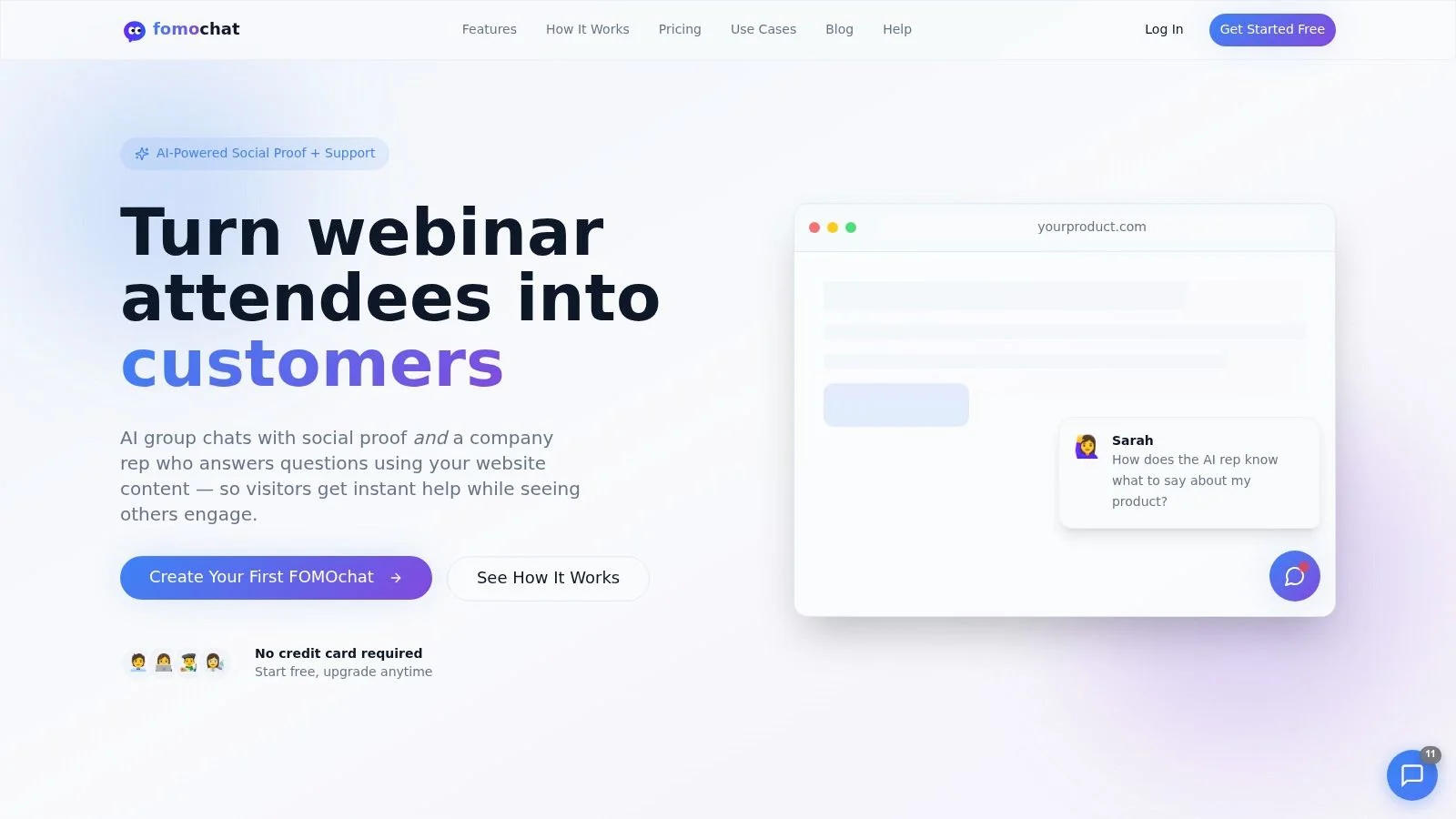
The trade-off sits on the proof side. The group-chat participants are AI-generated, not real customers. Label simulated conversations visibly, keep them separate from genuine testimonials, and make clear when a visitor is reading generated dialogue. Keep the representative grounded in current site content, with an easy route to a human when it cannot answer confidently.
Pricing scales with visibility, starting with a free preview and paid upgrade paths as traffic grows. Confirm current plan details on the FOMOchat site before committing, and once the widget is live, measure it against your own signup and registration numbers.
Best fit: A page where visitors need quick answers and a sense of engagement, provided your team is comfortable labeling generated conversations clearly.
2. Elfsight for adding a specific page feature
Elfsight suits teams that need one practical feature without building it from scratch. Its catalog includes social feeds, reviews, forms, maps, calendars, popups, and calculators. You choose a widget, customize a template, and add the generated code to your site.
That breadth is useful when a marketing team maintains several small page features. It's less useful if you expect those widgets to work together as one support or engagement system. Each widget is a focused component, not a shared customer-conversation platform. If you're deciding whether a standalone embed is the right approach, this explanation of widgets versus plugins helps frame the distinction.
Elfsight has free plans, but check the view limits for the specific widget you plan to publish. A widget that reaches its limit may be temporarily deactivated, which can leave a blank space or remove a key page feature until the limit resets or you upgrade. Don't add several widgets to a high-traffic page without checking how their limits work together.
Best fit: A business that wants a no-code review panel, calendar, or form and doesn't need a unified chat inbox.
3. Tidio for live visitor conversations
Tidio is built for businesses that want visitors to talk to a team, get automated answers, or move between the two. The website widget connects to a shared inbox, with automations and the Lyro AI agent available for teams that want to handle common questions without waiting for an agent.
That setup can make sense for an online store where a visitor asks about shipping, sizing, or order support. It's more than you need if the page only needs a newsletter form or embedded review feed. The extra capabilities are useful only if someone owns the inbox, tunes the automation, and follows up on conversations that need a person.
Tidio has a free plan for trying basic website chat. Paid tiers expand features and conversation capacity, but limits and pricing depend on the plan and usage, so check the current terms before rolling it across a busy site. The AI-generated answers are support responses, not customer endorsements. Don't position them as social proof, and review the answers against your policies before launch.
4. Crisp for a shared team inbox
Crisp makes sense when the page needs a chat widget and the team needs one shared place to answer. Website chat and contact forms feed into a workspace inbox, and staff can manage conversations through desktop or mobile apps. Proactive messaging, optional AI, translation, and additional channels extend the basic chat use case.
Its workspace-based pricing can be useful for comparing costs when several people need access. Still, look closely at which features need a paid plan or extra credits. A free tier supports basic website chat, but advanced AI and additional capabilities may change the cost as the team's needs grow.
Crisp focuses on customer communication. It isn't a broad widget library, and it doesn't specialize in AI-generated group conversations or social-proof displays. Keep the role clear: use it to answer a visitor, route a support request, or capture a message for follow-up. If the page needs visible proof of customer activity, choose a separate tool and make sure its claims reflect real, supportable activity.
5. HubSpot Live Chat for capturing and routing leads
HubSpot Live Chat fits pages where a conversation should become part of a sales or support record. The chat widget connects with HubSpot CRM, so teams can link visitor conversations with contact records and use automation or targeted welcome messages to guide the next step.
That CRM context is the advantage. A sales team can follow up with the history of the chat rather than treating every message as an isolated exchange. No-code setup also makes it accessible to marketers who don't want to build a custom widget.
The trade-off is ecosystem fit. HubSpot Live Chat is most useful when your business is willing to work in HubSpot's broader CRM environment. Free use may include HubSpot branding, and you should check current plan terms before publishing. It's not designed to create group-chat social proof, so don't use it as a substitute for reviews or customer activity. If the page's job is lead capture and routing, it's a stronger fit than a decorative popup that collects an email without giving the sales team useful context.
6. Intercom Messenger for support across the customer journey
Intercom Messenger can serve both prospective visitors and logged-in customers. Teams can control where the Messenger appears and which users see it, while the wider platform adds support workflows and AI capabilities. That makes it a candidate for organizations consolidating customer-service tools, rather than teams looking only for a small page embed.
The controls help avoid showing the same message to every visitor. A product team might show a prompt on a pricing page and a different support option inside the product. But more platform capability also means more setup and administration than a lightweight widget usually needs.
Check the pricing model against your expected number of seats and usage, since those components can affect total cost as a team grows. Intercom is not a social-proof group-chat product. If you add AI responses, identify them as automated support and give visitors a human route when the answer is uncertain or the issue needs judgment. Don't turn generated responses into implied customer endorsements.
7. tawk.to for starting with live chat
tawk.to is a straightforward option when the page needs live messaging and the business wants to try it without a subscription for the core product. You can install the website chat with a JavaScript snippet or platform-specific instructions, then manage visitor conversations through a tawk.to account.
The low financial barrier is useful for a small team testing whether visitors will use chat at all. But “free” doesn't remove the staffing requirement. If visitors expect a person to reply, someone needs to be available, or the widget needs to set expectations about response times. Check branding and paid add-ons if you need more customization.
tawk.to isn't a knowledge-trained AI support tool or a social-proof display. It's the wrong fit if the main job is to answer routine questions while your team is offline or to show customer evidence beside a purchase decision. For a broader comparison of no-cost options, see this guide to free chat widgets for websites.
8. Chatbase for answering questions from your content
Chatbase is designed for an AI agent that answers from business materials such as website content and uploaded documents. You can deploy the agent as a website chat widget and connect it to other channels or tools. That makes it relevant when the page's main job is to help visitors find information without waiting for a support agent.
The practical question is whether the source material is accurate and maintained. If your pricing page, help documents, and policies disagree, the agent can give inconsistent answers. Assign someone to review the content sources and test common questions before launch. A free plan provides a way to try the product, while paid plans offer different message-credit allowances and features.
Chatbase is an AI support tool, not a group-chat or social-proof widget. Its answers should be presented as automated assistance, not as comments from customers. If you're comparing it with a combined support-and-proof approach, this Chatbase and FOMOchat comparison can help clarify the difference in purpose.
9. ProveSource for displaying customer activity
ProveSource is for marketers who want to show social proof, such as recent actions, reviews, visitor activity, and counters. It also supports inline or embedded placements, so proof can sit near a relevant page element instead of appearing only as a popup.
That placement matters. A review beside a product claim can help visitors assess that claim in context. A generic notification that floats over the page may interrupt reading without answering a meaningful question. That's the same reason many teams prefer conversations over popup-style notifications when the product needs real explanation. Configure the display to match the page and use activity you can substantiate. Don't invent purchases, inflate visitor counts, or imply a review came from a verified buyer if it didn't.
ProveSource offers a free tier for lower-traffic sites, but check the traffic limits and pricing as the site grows. It won't provide the same live support experience as a chat tool. The distinction matters: social proof can inform a decision, but it can't resolve an individual visitor's question. For a comparison of notification-style proof with conversational formats, see this ProveSource alternative discussion.
10. Fomo for activity notifications
Fomo displays customer activity through notifications about purchases, signups, and reviews. Integrations can bring activity from connected tools into the widget, while page rules help control where notifications appear. Some plans also include inline notifications.
It's a focused option for a brand that has real activity to show and wants to surface it near relevant pages. A signup notification may make sense on a launch page, while a purchase notice could be distracting on a help article. Set page targeting deliberately, and confirm that every displayed event comes from a real, permitted source.
Notification-volume limits affect which tier a site needs, so consider both traffic and display frequency when comparing plans. Fomo doesn't answer support questions or create live group conversations. If the page also needs a place for visitors to talk through objections together, look at group chat for websites and embedded chat for websites as complementary patterns. It's also not a license to simulate customer demand. If you use AI to generate any accompanying dialogue or commentary, disclose that it's generated and keep it distinct from genuine purchases, reviews, or signups.
How the 10 embedded widget tools compare on category, free access, pricing signals, and best use
A widget earns its place by doing one page job well: answer, prove, capture, or collect.
| Item | Primary Category | Free Plan | Pricing Signal | Best For |
|---|---|---|---|---|
| FOMOchat | AI support and interactive social proof | Free preview with visitor and message limits | $1 one-time Production plan; monthly plans from $29 | Turning product-page and webinar visitors into customers |
| Elfsight | No-code website widgets | Free plans available | Plan limits may depend on widget views | Adding individual features like reviews, forms, or social feeds |
| Tidio | Live chat and customer support | Free plan for basic website chat | Paid tiers add features and conversation capacity; check current pricing on Tidio's site | Businesses combining team chat, automation, and AI |
| Crisp | Shared inbox and website chat | Free tier for basic chat | Published workspace-based pricing | Teams managing customer conversations together |
| HubSpot Live Chat | CRM-connected live chat | Free entry point available | Pricing depends on HubSpot plan and features | Connecting website conversations to CRM and lead workflows |
| Intercom Messenger | Customer messaging platform | No free plan; paid plans are priced by seats and usage | Seat-based and other pricing components | Organizations seeking a broader customer-service platform |
| tawk.to | Live chat | Core live chat is promoted as free | Paid add-ons may apply | Small teams needing straightforward visitor messaging |
| Chatbase | AI chatbot and support | Free plan available | Paid plans vary by message credits and features | Answering visitor questions from business content |
| ProveSource | Social-proof displays | Free tier listed for lower-traffic sites | Traffic limits affect pricing | Marketers adding activity notifications or inline social proof |
| Fomo | Social-proof notifications | No free plan; costs rise with notification volume and sites | Tiers scale by notification volume and websites | Brands displaying targeted purchase, signup, or review activity |
Match the Widget to Your Next Page Goal
Start with the page, not the vendor shortlist. If visitors leave because they can't find a factual answer, test an AI support widget such as Chatbase or a combined answer-and-conversation tool such as FOMOchat. If they need to speak with a person, choose a live-chat product such as Tidio, Crisp, HubSpot Live Chat, Intercom Messenger, or tawk.to, based on how much inbox and CRM infrastructure your team needs.
If the page needs proof, choose a tool built to show reviews or genuine activity, such as ProveSource or Fomo. If you need a form, calendar, map, or social feed rather than a conversation, Elfsight may be the more direct route. Match the evidence to the buying question. For install-focused reading, see how to embed a chat widget and this embed example walkthrough. This guide to matching testimonials to buying decisions is useful when you're deciding which proof belongs beside which product claim.
Set a budget ceiling based on traffic and team size before comparing plans. Include message, view, and notification limits, as well as the cost of the people who will manage conversations and keep content current. Try a free tier or preview before committing, and if you're weighing AI chat options this AI chat widget overview helps set expectations, but test it on the kind of page where you intend to use it.
Keep performance and accessibility in the launch plan. Third-party components are common: the HTTP Archive's 2022 Web Almanac reported that 94% of websites used at least one third party. That doesn't mean every embed is harmless. Keep the initial code light, defer noncritical assets, reserve space to avoid layout shifts, and test the page on mobile. A 2025 evaluation of 106 deployed web chatbots found that more than 80% had at least one critical accessibility issue. Check keyboard navigation, focus handling, contrast, screen-reader announcements, and the close control before publishing.
For AI-generated social proof, disclose that participants are simulated and don't frame generated conversations as real customer activity. Review AI answers against current website facts, add clear uncertainty language, and provide a human escalation path. Then compare the vendor's conversion claims with your own analytics rather than treating them as a promise.
Pick two candidates from different categories and run a two-week test on one high-traffic page. Keep the page goal and measurement consistent, then decide which widget earns a place based on useful conversations, qualified actions, accessibility, and page performance.
FOMOchat combines an AI support representative trained on your website content with interactive, clearly labeled AI-generated conversations, so visitors can get answers and see common objections addressed in context. Try the free preview on a product, course, launch, or webinar page, and visit FOMOchat to configure your widget and embed it on your site.