
Your traffic is arriving, but the conversion path still leaks. Some visitors can't find a clear answer, others land on pages nobody has tested, and many see proof too late, or not at all. Adding another widget won't fix every problem. A chat prompt can't repair hidden fees, a slow mobile checkout, or a confusing offer.
The global average online-shopping cart-abandonment rate is 70.19%, based on 13 years of ecommerce research by the Baymard Institute. Baymard also found that 17% of US online shoppers abandoned a cart because checkout was too long or complicated, while 42% were just browsing or not ready to buy. Those findings point to four practical jobs for website conversion tools: diagnose friction, test changes, capture intent, and prove that the offer is credible. If checkout is the leak, start with our guide on how to reduce cart abandonment.
This guide sorts ten tools by the conversion job they perform. Each entry puts the useful features beside the limitation that affects your buying decision, so you can build a stack instead of choosing a single winner. For broader context on user testing and conversions in 2026, the same principle applies: observe what people do before deciding what to change.
1. Hotjar Observe and Ask
Hotjar is strongest when you know that a page underperforms but don't know why. Heatmaps show where visitors click, move, and scroll. Recordings expose hesitation, repeated clicks, form problems, and navigation loops that ordinary analytics often hides. Funnels and trends help connect that behavior to a drop-off point.
The Ask side adds surveys, feedback widgets, and user interviews. That combination makes Hotjar useful before you build a test. You can watch visitors struggle with a pricing comparison, then ask what stopped them from starting a trial. Console error tracking can also reveal technical failures that look like ordinary abandonment. Chat transcripts are another free research source. If you run FOMOchat or any chat widget, the questions visitors type are a ready-made list of objections.
Where Hotjar fits
Use Hotjar to generate hypotheses, not to declare a winning page. Its public plans and free options for parts of the Ask, Funnels and Trends, and console error features make initial research accessible. The product also offers integrations and APIs for teams that want to connect feedback with other systems.
For a SaaS pricing page, start with recordings and a short exit survey. Look for unanswered questions before adding social proof or changing the headline. A page analytics workflow for conversion teams can help turn those observations into page-level decisions.
Practical rule: Use session evidence to choose the test. Don't treat a handful of recordings as proof that one design will outperform another.
The main trade-off is cost control. Hotjar's session-based pricing means spend can rise with traffic. Testing isn't the core product either, so teams usually pair it with a dedicated experimentation platform. Visit Hotjar's current pricing before estimating the full stack cost.
2. Crazy Egg
Crazy Egg suits small and mid-sized teams that want diagnosis and basic experimentation in one place. Heatmaps and scrollmaps show whether visitors notice the page elements you care about. Recordings add context, while surveys and error tracking help explain why people stop.
The tool also includes goals, ecommerce tracking, cart values, and monetary-value reporting. That matters because a click isn't automatically a useful conversion. A CTA can attract attention and still send low-intent visitors into a weak funnel.
The useful middle ground
Crazy Egg's built-in A/B testing and popup CTAs, available from the Plus plan, reduce the need to connect several lightweight tools. You can move from a heatmap observation to a page variant without handing the implementation to a developer. Testing more than two versions at once? Our explainer on A/B/n testing covers when that's worth it. Unlimited domains also make it practical for agencies or teams managing several sites.
A 30-day free trial gives you time to check whether the reporting matches your workflow. The platform also offers professional services if your team needs help setting up research or tests. See the Crazy Egg website and plan details before you commit.
The limitation appears at scale. Pageview-based quotas require planning when traffic fluctuates, and high-volume sites may need to watch usage closely. Crazy Egg also offers less enterprise governance than large experimentation suites, so it's a better fit when speed and simplicity matter more than complex approval workflows.
Use it when you need a practical CRO workbench. Don't buy it expecting the governance, server-side flexibility, or program management built for a large experimentation organization.
3. Optimizely Web Experimentation
Optimizely Web Experimentation is built for organizations that run testing as an operating discipline. It supports visual web experiments, client-side delivery, Performance Edge, and server-side testing. Audience targeting and real-time segments let teams separate visitors by behavior, account type, or campaign context.
That flexibility helps when a single page has several conversion paths. A SaaS company might test a trial CTA for new visitors while showing an expansion message to existing users. Product and marketing teams can manage experiments through collaboration and reporting features instead of keeping decisions in scattered documents.
Why the implementation burden matters
Client-side testing can be quick to launch, but teams must monitor page behavior and performance. Performance Edge and server-side options give technical teams more control, though they also demand stronger implementation discipline. The product's AI and agentic support can assist with hypothesis and analysis workflows, but it doesn't replace a clear research question.
Optimizely is a serious choice when governance, documentation, and experiment volume matter. It's also easy to overbuy. Quote-based enterprise pricing and the broader cost of ownership make it difficult to justify for a team running occasional landing-page tests.
A testing platform can organize bad hypotheses just as efficiently as good ones.
Before contacting Optimizely about Web Experimentation, define who owns instrumentation, QA, audience rules, and analysis. If those responsibilities are unclear, the platform won't create the missing process.
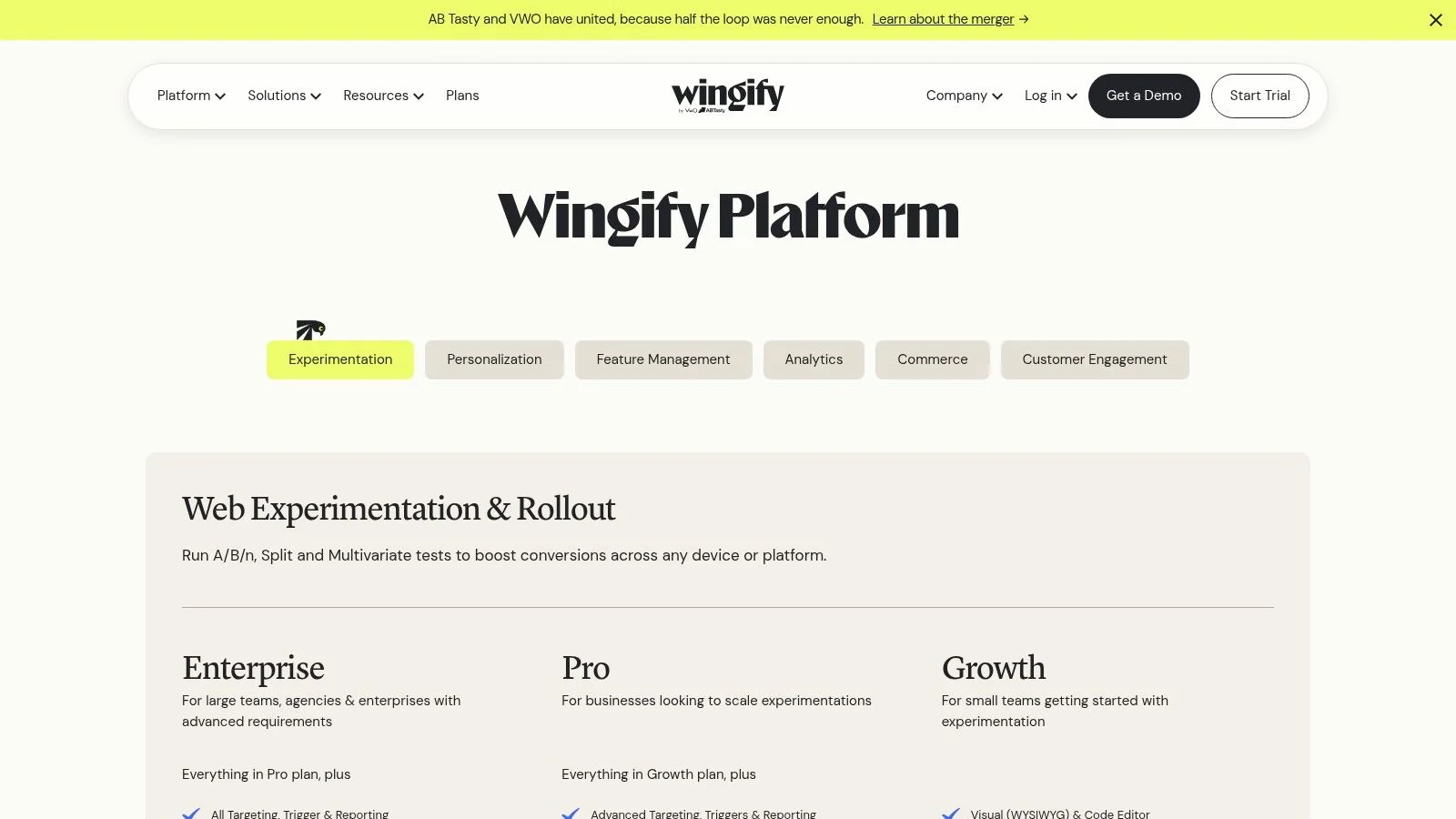
4. VWO Testing and Platform
VWO takes a modular approach to conversion work. Its platform combines Testing, Personalize, and Insights, so a team can add research or personalization when the need becomes clear. Testing includes A/B, split URL, and multivariate experiments, with both a visual editor and code-based options.
That range works well for teams that don't want to assemble separate tools for every stage. Insights can support research, while Personalize can deliver different experiences to defined audiences. Goal tracking helps connect a page change to the action that matters, whether that's a trial start, form completion, or purchase.
A modular fit with a technical catch
VWO is often considered by teams looking for broad CRO coverage without adopting a legacy enterprise suite. The modular structure can help right-size spend, but it can also make planning less obvious. List prices aren't public, and contracts vary by traffic and selected modules, so the headline platform name doesn't tell you the final cost.
Client-side implementation also deserves a performance review. Test the page with the platform active, not only in a staging environment. If you're preparing a new page, these landing-page testing practices can help keep the experiment focused.
A separate challenge is scope. Teams sometimes buy research, testing, and personalization together, then use only the visual editor. Start with the bottleneck you can name. If your issue is unanswered product-fit questions, more testing capacity won't solve it until you understand the questions.
For tactical ideas beyond the tool itself, review these actionable conversion tactics from Grumspot. Then check VWO's pricing page and ask which modules, traffic levels, and implementation services are included.
5. AB Tasty
AB Tasty combines experimentation with personalization in a marketer-friendly interface. You can run A/B, multipage, multivariate, and redirect tests through a visual editor. Campaign dashboards and governance features help cross-functional teams keep track of active experiences and decisions.
The personalization layer is the main reason to consider it over a narrower testing tool. Audience and behavior targeting can support different journeys for new prospects, returning users, or visitors arriving from a campaign. That's useful for product launches where the same page needs to serve several buyer contexts.
Good for coordinated teams
AB Tasty works best when marketing, product, and conversion specialists share an experimentation process. A marketer can create a straightforward variant, while a product team can work on more involved journey changes. Documentation around experimentation and personalization can shorten the learning curve for new users.
The trade-off is price and process. AB Tasty uses quote-based pricing and is generally positioned for enterprise buyers. A small team with one landing page and limited traffic may pay for capabilities it won't use.
The visual editor also shouldn't encourage casual testing. Every campaign still needs a primary conversion event, a clean audience definition, and QA across devices. If you're personalizing before you understand the baseline journey, you may create more reporting complexity than useful insight.
Review AB Tasty's platform information with your actual workflow in mind. Ask whether you need personalization now, or whether a simpler testing tool would give you faster learning.
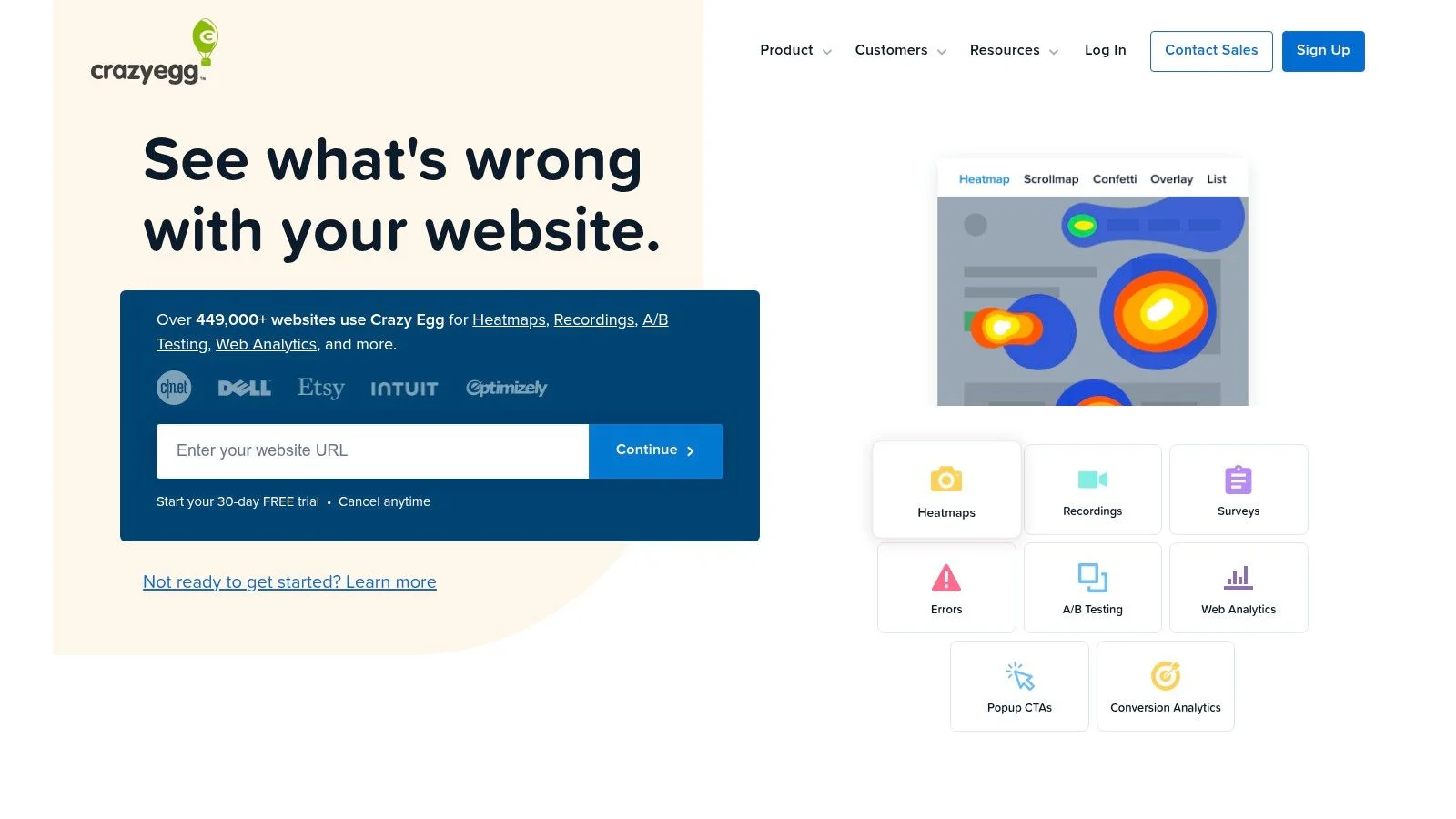
6. Unbounce
Unbounce is a landing-page builder first, with conversion features attached to the workflow. Its drag-and-drop editor, templates, and multi-step forms let marketers publish launch pages, webinar registration pages, and lead-generation campaigns without waiting for a full site release.
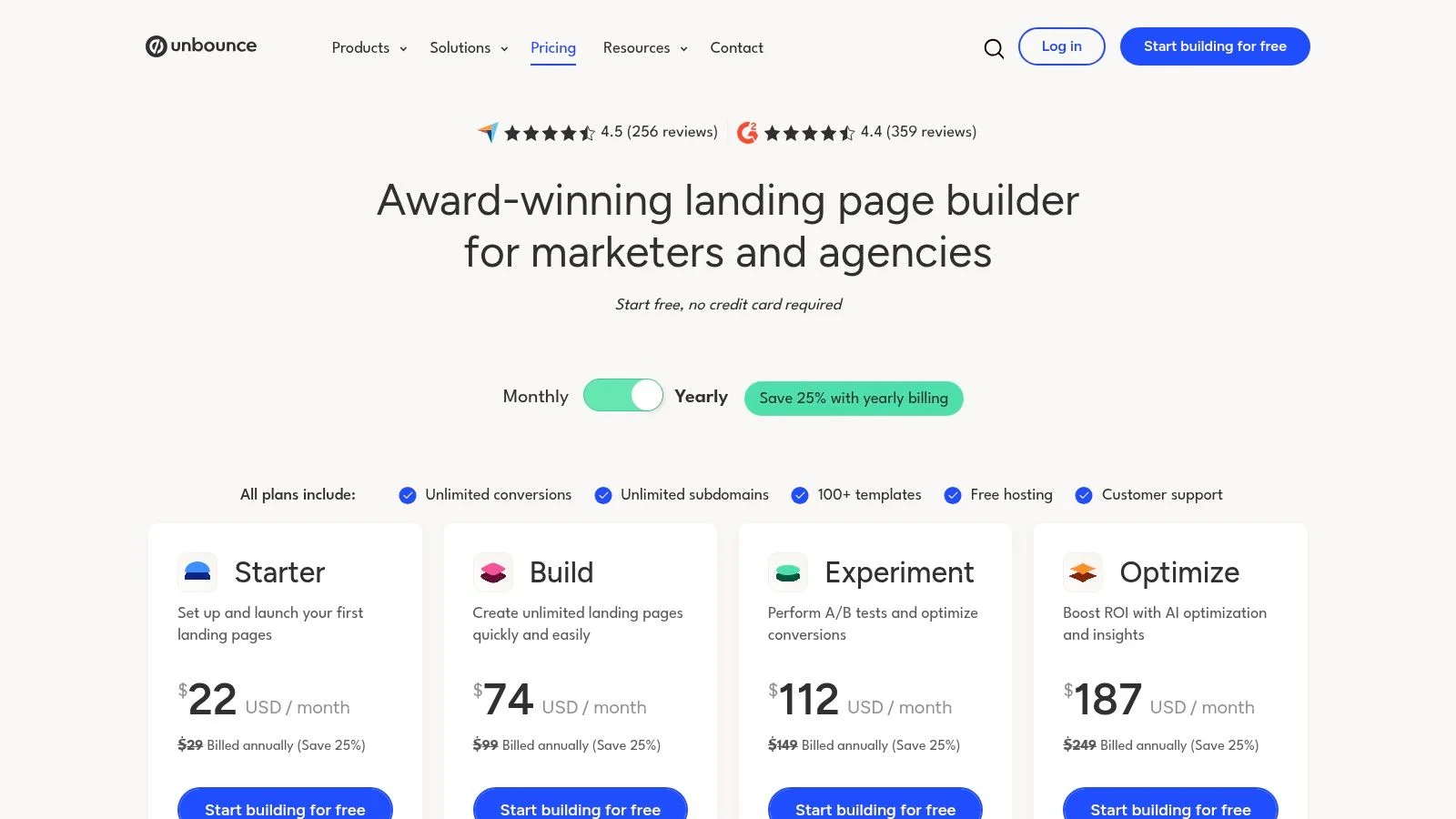
Built-in A/B testing supports rapid page iteration. The Experiment plan includes unlimited variants, while the Optimize plan adds AI traffic optimization and audience insights. Popups and sticky bars give campaign managers another way to test an offer without rebuilding the page.
Speed without pretending it's a full CRO suite
The appeal is operational. A growth marketer can turn a campaign brief into a testable page, connect a form, and start collecting conversions without asking engineering to create a new template. That makes Unbounce particularly useful for launches and paid traffic where the page needs to change quickly. Whatever builder you pick, these landing page optimization best practices still apply.
Its limits are clear. Unbounce focuses on landing pages, popups, and sticky bars, so site-wide experimentation may require another tool. Plan caps around traffic, users, and domains also matter when campaigns grow or several teams share an account.
Use it when the bottleneck is page production and campaign iteration. Don't use it as a substitute for behavioral diagnosis across your whole website. Visit Unbounce's pricing information and map the plan limits to your campaign calendar, not just your current monthly traffic.
7. ConvertFlow
ConvertFlow is designed around capture journeys rather than isolated widgets. You can build popups, forms, quizzes, upsells, and landing pages, then connect them with targeting and personalization rules. That makes it useful for SaaS trials, product launches, and webinar funnels where the visitor may need several steps before submitting details.
The template library supports quick starts, while dynamic text replacement can adapt a message to the visitor's context. Scheduled experiments and AI-assisted A/B testing add iteration without forcing the team into a separate testing interface.
Capture intent across the funnel
ConvertFlow connects with CRM systems, SMS tools, GA4, and Segment. Those integrations matter when a form submission must trigger a follow-up, not just appear in a dashboard. A quiz can qualify a prospect, pass the result to a CRM, and show a more relevant next step. If popups are part of the plan, our guide to the exit-intent popup shows how to time them without annoying people.
Its pricing model scales by funnel views rather than total site traffic. That can be efficient for teams that want to limit conversion campaigns to selected pages. It can also become harder to forecast when several funnels receive uneven traffic.
Advanced personalization and higher usage require higher-tier plans. Deep analysis may also need a BI tool, especially when you want to compare funnel behavior with revenue or lifecycle outcomes. See ConvertFlow's pricing before putting every site interaction inside one account.
ConvertFlow is a good capture layer. It isn't a replacement for a dedicated research platform when you need to understand behavior outside the campaigns you've built.
8. Intercom
Intercom makes sense when conversion and customer communication share the same questions. Live chat, in-app banners, proactive messages, product tours, surveys, email, phone, SMS, and WhatsApp can support a journey from first visit through onboarding. For SaaS teams, that can reduce the gap between a pricing-page objection and an activation problem.
The shared inbox and live chat are available across plans, while product tours, proactive messages, and surveys are add-ons. Fin AI Agent and Copilot options extend the system into automated answers and agent assistance. That breadth can replace several point tools, but only if the team designs the workflows carefully.
Conversation is useful only when the answer is ready
Intercom performs well when visitors need help choosing a plan, understanding implementation, or finding the right product path. It's less effective when the chat opens without relevant context or routes every question to a generic bot. The team must maintain content, escalation rules, and follow-up ownership. Our guide to chat support responses that convert covers the reply side.
A practical comparison of website chat widgets is useful before choosing between support-led conversation and social-proof-led conversation. They solve related but different problems. Support chat waits for the visitor to ask. Social-proof chat like FOMOchat shows the conversation already happening. Different jobs.
Intercom uses transparent seat pricing with a calculator, but add-ons and usage can raise the total. AI resolutions, messages, phone, and other channels need separate attention during procurement. Check Intercom's current pricing, then model the cost of the workflows you will activate.
Choose Intercom when support, onboarding, and conversion belong to one operating team. Choose a narrower tool when you only need a lightweight prompt on a marketing page.
9. Proof Pulse
Proof Pulse has a narrow job, and that can be an advantage. It displays Recent Activity, Hot Streaks, and Live Visitor Count notifications to add social proof and urgency to pages such as pricing, registration, course sales, and trial flows.
The tool supports unlimited domains and notifications, plus basic A/B split testing for notification settings. Plans are tiered by unique visitors, with enterprise options for higher traffic. That keeps setup simple for teams that already have analytics and testing elsewhere.
Social proof needs a credible source
Pulse is easy to understand. Add the notifications, choose where they appear, and watch whether the page behavior changes. The narrow scope also means you won't spend weeks configuring a full CRO platform.
The limitation is equally direct. Notifications don't explain product fit, resolve technical questions, or diagnose a broken form. When the hesitation is a question rather than a lack of urgency, a conversational format answers it in place. We cover that trade-off in why social proof notifications don't work for complex products. You'll need complementary analytics and research tools to determine whether visitors trust the message and whether the underlying offer deserves more attention.
Use social proof where uncertainty is the barrier. Don't place it over undisclosed fees, confusing registration steps, or a weak mobile experience. Baymard's checkout research shows that conversion problems often come from usability and information gaps, not just a lack of urgency. Read the best social proof tools for 2026, then review Pulse's product and pricing details against your traffic model.
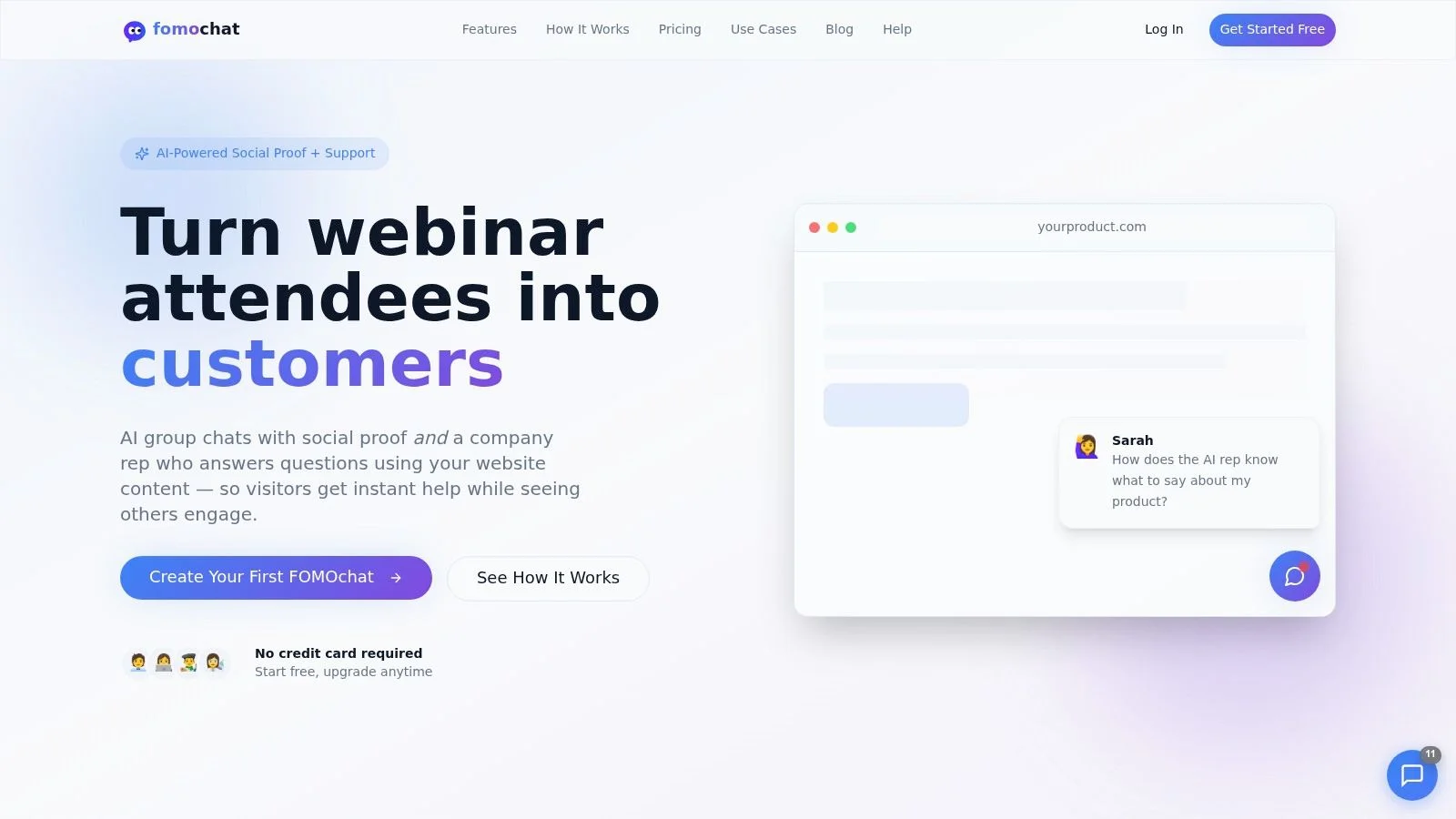
10. FOMOchat
A visitor lands on your pricing or registration page, hesitates, and wants one quick answer before acting. FOMOchat is built for that moment. It combines social proof and question handling in one widget, showing active group-style conversations while an AI company representative answers questions from your site content. That makes it useful for a specific conversion job in a stack. Capture demand and clear objections without sending people to a separate chat flow.
Setup is light. You define personas, context, facts, and guardrails, generate the conversations, add the embed snippet, then tune branding, placement, and tone. It fits SaaS product pages, course sales pages, launch pages, and webinar registration funnels. The webinar and video timeline sync is the part I'd look at closely if your pitch depends on timing. You can surface reactions and answers right when a key claim or offer appears.
Proof with an answer attached
The best fit is a page where visitors ask the same pre-purchase questions again and again. A course buyer wants to know if the material matches their level. A webinar registrant checks access details. A SaaS prospect asks about implementation, integrations, or whether the tool fits their team. FOMOchat works best when those questions are predictable enough to script and sensitive enough that a plain social-proof popup would not be enough.
Its limit sits right next to its appeal. AI answers can reduce friction, but they can also create trust risk if the tool sounds too certain or fills gaps with the wrong detail. FOMOchat includes confidence qualifiers and source-based guardrails for that reason. In the Deloitte survey on consumer views of connected technology and generative AI, researchers found that 3,524 US consumers had mixed experiences with generative AI, including incorrect or misleading information, data-privacy concerns, and low clarity around data collection and use. On a conversion page, that means disclosure, escalation, and answer accuracy need to be part of the setup.
Pricing scales with visitor volume and AI message usage, which is the main trigger to watch before adding it to your stack. There's a free preview with 100 lifetime visitors and 400 AI messages, then paid options from a one-time production tier up through monthly plans starting at $29 per month, with higher tiers ranging from $49 to $299 per month and visitor caps up to 100,000. See the current offer on FOMOchat's website.
The failure mode is obvious once you've seen it. Generated conversations feel fake fast if the personas, phrasing, or claims do not match the brand. Label AI assistance clearly. Review corrections and opt-outs. Measure qualified conversions, not just clicks.
Top 10 Website Conversion Tools, Feature Comparison
| Product | Core features ✨ | UX & impact ★ | Pricing / Value 💰 | Target & USP 👥🏆 |
|---|---|---|---|---|
| Hotjar (Observe + Ask) | ✨ Heatmaps, session replays, funnels, on-site surveys | ★★★★, fast qualitative insights for CRO | 💰 Free Ask tier; session-based pricing scales with traffic | 👥 Product/marketing teams, USP: quick behavioral diagnostics guiding tests |
| Crazy Egg | ✨ Heatmaps, scrollmaps, recordings, built-in A/B & popups | ★★★★, predictable deployment, end-to-end for marketers | 💰 Predictable plans, unlimited domains; pageview quotas | 👥 SMBs / mid-market, USP: single tool for diagnostics + experiments |
| Optimizely Web Experimentation | ✨ Client/server-side A/B, multivariate, audience targeting, AI ops | ★★★★★, enterprise-grade scale, governance & performance | 💰 Quote-based enterprise pricing; higher TCO | 👥 Large enterprises & SaaS, USP: scalable testing (edge/server) + program management |
| VWO (Testing + Platform) | ✨ A/B, MVT, visual editor; modular Testing/Personalize/Insights | ★★★★, broad CRO coverage, modular buy-in | 💰 Modular plans (contracts vary), often value-priced vs incumbents | 👥 Teams wanting modular enterprise features, USP: right-size spend with modularity |
| AB Tasty | ✨ Visual editor, A/B/multipage tests, personalization & campaign dashboards | ★★★★, strong for combined experimentation + personalization | 💰 Quote-based, enterprise-level | 👥 Cross-functional marketing + product teams, USP: unified testing + personalization UI |
| Unbounce | ✨ Drag-and-drop landing builder, A/B testing, AI traffic optimization, popups | ★★★★, fastest path from idea to live page | 💰 Clear tiered plans by traffic; caps may require up-tiering | 👥 Growth marketers & launch teams, USP: rapid landing-page iteration without devs |
| ConvertFlow | ✨ Funnels (popups/forms/quizzes/LPs), targeting, integrations, funnel-view pricing | ★★★★, covers top-of-funnel capture & personalization | 💰 Scales by funnel views; flexible for acquisition use | 👥 Launches, SaaS trials, webinar signup flows, USP: unified multi-step capture + personalization |
| Intercom | ✨ Live chat, in-app messages, product tours, omnichannel & AI agents | ★★★★, strong channel coverage for conversion & support | 💰 Seat/add-on pricing; usage/add-ons can raise costs | 👥 SaaS onboarding/support teams, USP: omnichannel comms + automation to deflect support |
| Proof (Pulse) | ✨ Real-time activity notifications: Recent Activity, Hot Streaks, Live Count | ★★★, simple, proven social-proof lever | 💰 Tiered by unique visitors; can be pricier at scale | 👥 Pricing pages, webinars, course pages, USP: focused, easy-to-deploy social proof |
| FOMOchat 🏆 | ✨ AI company rep trained on site, realistic multi-person chat, video/webinar timeline sync, low-code embed, guardrails | ★★★★★, real-time answers + visible social proof; reported uplifts (avg +34% trials, +52% webinars) | 💰 Free preview (100 visitors); monthly tiers $29–$299; low-cost one-time production option | 👥 SaaS, course creators, launch & webinar teams, USP: AI-driven social-proof chats + timeline-synced reactions for higher conversions 🏆 |
Build a Stack You Can Maintain
The right website conversion tools depend on the bottleneck, not the tool category. If visitors can't find answers, start with observation and direct feedback. If you have a clear hypothesis but no controlled evidence, add testing. If people show intent but don't complete a form, improve capture. If the offer is understood but still feels risky, test credible proof. Our social proof tools comparison sorts the options by where the proof comes from.
A practical starting stack usually has one diagnostic tool and one testing tool. Hotjar plus Crazy Egg would be redundant for some teams, while Hotjar plus Unbounce could make sense for a launch program. Optimizely, VWO, and AB Tasty fit teams with stronger experimentation processes, not teams hoping the platform will create one.
Start with the smallest stack that can answer your next important question.
Use the tools in sequence. Observe recordings, heatmaps, survey responses, or chat questions. Write one hypothesis in plain language. Choose one primary conversion event. Run a controlled change. Then review results by traffic source, device, audience, and funnel stage instead of trusting one blended number.
Experimentation is still specialized. Convert's BuiltWith-based analysis estimates that about 0.2% of websites use A/B-testing or experimentation platforms, representing roughly 2.2 million sites. Among teams that do experiment, A/B tests account for 97.5% of experiment volume, while multivariate and personalization tests each represent less than 2%. The practical lesson is simple: start with a controlled A/B test before trying a complex matrix. See the Convert analysis of A/B testing statistics for the cited benchmark.
The same analysis reports that in-house teams achieve at least a 10% conversion lift in about 13.1% of experiments, while agencies reach that threshold in 15.84% of tests. Those figures don't promise an outcome for your site. They reinforce the need for sound hypotheses, adequate sample sizes, clean tracking, and a willingness to keep a losing variant from becoming permanent.
Don't add FOMOchat, Pulse, Intercom, or another capture layer before checking the underlying friction. Recent ecommerce benchmarks put global cart abandonment around 70.2% in 2025, with mobile abandonment materially higher than desktop. Unexpected shipping, taxes, or fees caused 48% of abandonments, account creation caused 24%, and complex checkout caused 18%. Those issues call for transparent costs, guest checkout, shorter forms, or mobile fixes before a proof widget.
For SaaS, education, and webinars, the equivalent may be unclear implementation effort, refund terms, course fit, schedule, or access instructions. On a webinar replay, FOMOchat's timeline sync can put the answer next to the exact moment the offer appears. Match the intervention to the question. Use FOMOchat when visitors need timely answers and relevant social context, not as a cover for a broken offer or a difficult form.
Finally, track quality as well as volume. Measure signup completion, enrollment, registration, qualified leads, answer accuracy, correction rate, and opt-out behavior. A tool that produces more clicks but poorer-fit leads can make the dashboard look healthier while creating work for sales or support.
Choose one page, one bottleneck, and one measurable outcome. Install the minimum tool needed to learn something. Add the next layer only when the evidence shows what the first layer couldn't solve.
FOMOchat combines an AI website representative trained on your content with interactive group conversations, guardrails, customizable branding, and optional analytics for conversion testing. Visit FOMOchat to add timely answers and social proof to a product page, course funnel, launch, or webinar registration flow.