
You've probably been there, a team has spent weeks testing pricing-page copy, the signup rate still looks flat, and nobody can say whether the problem is the form, the proof on the page, or the test itself. That's why the best conversion optimization tools split into three jobs, running experiments, showing how visitors behave, and adding proof on the page. The right choice depends on which gap is biggest, not which brand looks strongest on a feature list. This list ranks seven tools by the conversion gap they close, with picks matched to team size and testing maturity, and it includes FOMOchat as the on-page social proof option alongside the testing platforms. For a broader framing of website conversion work, the website conversion optimisation guide is a useful companion.
1. FOMOchat
A page can get traffic and still lose buyers at the last click because visitors want proof before they act. FOMOchat fits that gap. It pairs an AI company representative trained on your site content with group-chat style social proof, so the page answers objections in place instead of asking users to leave and search for reassurance. That makes it a good fit for SaaS pages, course sales pages, launch waitlists, and webinar signups where hesitation shows up in real time. Popups can flash that someone just signed up, but they can't answer the question stopping the next visitor. FOMOchat leans on conversations instead, which is the gap we cover in why social proof notifications don't work for complex products.

Why it works in practice
The main value is speed and context. Setup is code-light, the widget is brandable, and the AI layer pulls from your own site content with guardrails and confidence qualifiers, which helps it stay useful without drifting off script. For webinar or pitch-heavy pages, the video and timeline sync is especially helpful because reactions appear while the audience is deciding whether to keep watching. On a replay, those same Q&As stay pinned to the moment they happened, so the offer segment still feels lively days later.
Practical rule: use social proof when the page already gets attention but still leaks intent at the last mile.
Pricing is easier to start with than most enterprise tools. FOMOchat offers a free preview with 100 lifetime visitors, 400 AI messages, and one branded widget, then paid plans begin at $29/month for Silver and $49/month for Gold, with higher tiers for larger audiences. See the current details on the pricing page. If you want the implementation side, the AI chat widget guide is the most direct read.
Who it fits: SaaS marketers, course creators, launch teams, webinar hosts, and lean CRO teams.
What it costs: free preview, then low-entry monthly plans that scale with visibility.
Pros
- Objection-handling social proof: combines an AI rep trained on your website with multi-person chat simulations that surface objections in place.
- Fast deployment: the embed is light enough for quick launches without a developer backlog.
- Flexible branding: colors, placement, and conversation style can be tuned to match the page.
- Simple scaling: analytics and upgrade paths make it easy to move from preview to paid usage.
Cons
- Costs rise with traffic: visitor and message caps mean busy pages may need higher tiers.
- Perception risk: some visitors may recognize the conversations as AI-generated, so the setup has to stay honest and well tuned.
2. Optimizely Web Experimentation
A team usually reaches for Optimizely when the conversion gap is no longer a single landing page issue. It fits cases where marketing, product, and engineering all need to run experiments in the same system without collisions. The visual editor handles A/B and multivariate tests for marketers, while SDKs and feature flags let product teams test server-side changes and controlled rollouts.
Where it earns its keep
Optimizely works best when governance matters as much as speed. It gives larger teams the workflow control, documentation, and experiment structure they need for ongoing programs, and the Performance Edge microsnippet helps with delivery speed. That mix matters on high-traffic funnels, where a broken release can do more harm than a weak headline test.
The trade-off is clear. Sales-led, quote-based pricing usually means a longer buying cycle and more implementation effort than smaller tools require. If you are still comparing tool roles, the conversion rate optimization software overview is a useful internal reference.
Who it fits: enterprise marketing teams, product-led companies, and organizations that need formal experimentation governance.
What it costs: custom quote, usually at enterprise level.
Pros
- Strong governance: built for program-level testing, not one-off page tweaks.
- Web and server-side depth: supports both client-side and feature experimentation.
- Reliable targeting: useful when audiences, events, and multi-page flows all matter.
Cons
- Sales-led pricing: there's no public pricing to compare quickly.
- Heavy for small teams: the workflow can feel like more than you need if you only run a few landing-page tests.
3. VWO
A team that needs to see why visitors stall, then test a fix in the same platform, will get a lot from VWO. It combines A/B, multivariate, and split-URL testing with heatmaps, session recordings, surveys, and form analytics, so diagnosis and experimentation sit side by side. That matters when the conversion gap is not obvious and the team needs one place to inspect friction and act on it.
Best for behavior-informed testing
VWO works best for teams that want a tight loop, observe behavior, form a hypothesis, test the change, and confirm the result without stitching together separate tools. For smaller CRO teams, that cuts down on vendor sprawl and keeps the workflow easier to manage. It also fits cases where form friction and page friction show up in the same funnel. For a practical playbook once you've spotted that friction, see how to improve conversion rate optimization.
The trade-off is scope. VWO uses custom quotes, and the platform can feel broader than a team needs if it only runs a few tests a quarter. It pays off most when you have enough traffic to use both the insight and testing pieces, since the value comes from connecting what people do with what you change. If you're still mapping the broader toolkit, our roundup of website conversion tools is a useful companion.
Who it fits: mid-market and enterprise teams that want one CRO suite.
What it costs: custom quote.
Pros
- Testing plus diagnosis: heatmaps, replays, surveys, and form analytics sit in one place.
- Useful for teams with mixed roles: marketers and analysts can review behavior and launch tests without changing systems.
- Familiar CRO workflow: easier to adopt if the team already runs structured experiments.
Cons
- Quote-based pricing: harder to budget quickly.
- Too broad for light use: if you only need one page-level test, parts of the suite may sit unused.
4. Kameleoon
A team usually reaches for Kameleoon when one conversion problem spans both marketing pages and product flows. It supports client-side and server-side testing, feature flags, and AI-assisted experiment creation, so one platform can handle page changes and controlled in-product releases. That matters when marketing and engineering both touch the same funnel.
For teams that care about launch safety, the rollout controls are the main reason to choose it. You can release changes in stages, test with real users, and keep tighter control over what reaches production. That makes Kameleoon a practical fit for teams that need experimentation and progressive delivery in the same workflow.
The trade-off is scope. Pricing is custom, so it is not a quick pick for small teams or occasional testing. The advanced features also go past what a simple landing-page or CTA test needs. In practice, it fits companies that already know they need depth and are willing to pay for it.
Who it fits: companies that want one license for web testing, feature experimentation, and controlled rollout.
What it costs: custom quote.
Pros
- Unified testing and feature management: fewer handoffs between marketing and product.
- Safer rollouts: practical controls for staged releases.
- AI helpers: useful for teams that want help scaffolding experiments.
Cons
- Custom pricing: you will need to talk to sales.
- Overbuilt for very small teams: the platform can exceed the needs of light testers.
5. AB Tasty
AB Tasty fits teams that need experimentation and personalization in one place. It covers visual web testing, server-side experimentation, feature flags, and personalization campaigns, so the same platform can support offer tests, layout changes, and controlled releases. That mix matters for ecommerce and enterprise teams where marketing, product, and growth all touch the same funnel.
Support is part of the appeal. Onboarding, training, and ongoing help make adoption easier when experimentation is shared across multiple stakeholders. For teams that need both testing and personalization, AB Tasty can be cleaner than stitching together separate products.
The trade-off is weight. Pricing is quote-based, and the platform can feel like more than a small team needs if the job is simple page-level iteration. If your main problem is landing-page testing, start with the test landing pages guide before deciding whether this level of platform makes sense.
Who it fits: mid-market and enterprise teams that want testing, personalization, and rollout controls together.
What it costs: custom quote.
Pros
- One platform for several jobs: testing, personalization, and feature rollouts.
- Support included: useful when the team needs guided adoption.
- Good enterprise fit: works well where cross-team coordination matters.
Cons
- Pricing is sales-led: no quick public checkout.
- May be more than smaller teams need: simple CRO programs often will not use the whole stack.
6. Convert Experiences
A team usually ends up here when the problem is testing, not research theater. Convert Experiences keeps the focus on A/B testing, multivariate testing, and funnel testing, with client-side and server-side options for teams that need them. If you already know what to test and want a clean place to run experiments without an enterprise contract, it fits that job well.
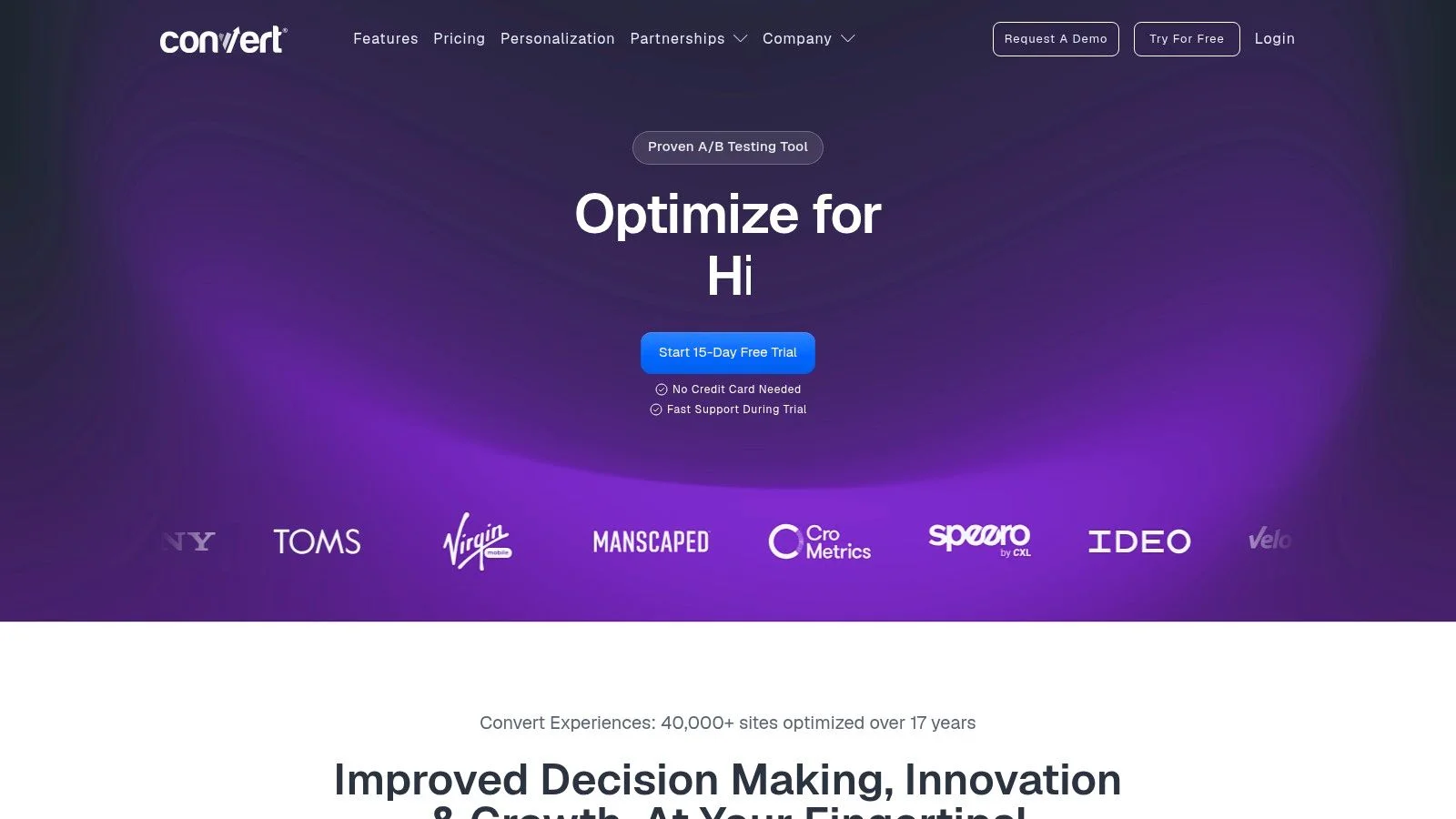
Pricing is the main reason teams shortlist it. Convert uses public, traffic-based pricing, which makes spend easier to forecast and easier to explain to stakeholders. That matters for growth teams that need to budget experiments before they scale them.
The trade-off is scope. Teams that also need qualitative research, richer behavioral insight, or heavy personalization will still need another tool alongside it. Convert works best as the experimentation engine in a stack, not as the whole CRO program. Before you wire it to a new offer page, skim a few landing pages that convert so the page can hold the traffic you're about to send it.
Who it fits: growth teams and smaller experimentation groups that want predictable costs and dependable testing.
What it costs: published traffic-based pricing.
Pros
- Clear pricing: easier to budget and approve internally.
- Focused testing workflow: built for teams that already have hypotheses.
- Client-side and server-side options: useful for different testing setups.
Cons
- Less breadth: you may need separate tools for insight and research.
- Lighter personalization: weaker if segmentation is the main conversion lever.
7. Dynamic Yield
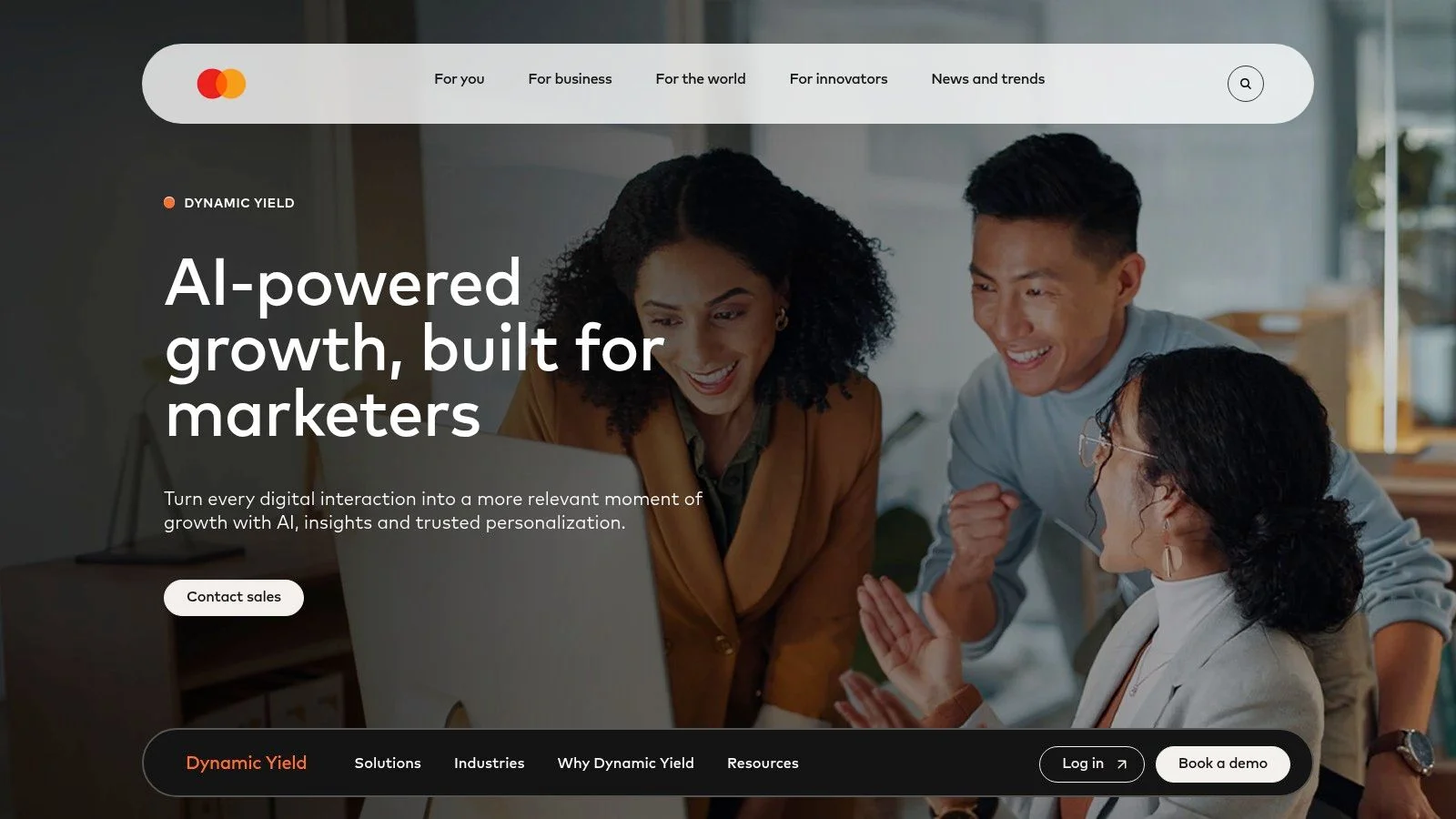
Dynamic Yield fits the widest conversion gap on the page, where the problem is relevance across sessions, channels, and audience segments. It brings recommendations, audience targeting, journey orchestration, and testing into one platform, that's why ecommerce and subscription teams use it when basic A/B testing isn't enough anymore.
For teams that need one-to-one personalization
Use Dynamic Yield when the page should change based on who is visiting. It supports scripts, SDKs, and APIs, so it can sit inside a more complex stack and still shape merchandising, content relevance, and offers. For a lighter-weight look at tailoring pages to visitor intent, the real-time personalization guide covers the basics before you commit to an enterprise platform.
The trade-off is setup and overhead. Custom pricing, more configuration, and more merchandising work are the cost of that control. Dynamic Yield suits teams that already know personalization is where the conversion gap sits and are willing to run a heavier platform to close it.
Who it fits: retail, DTC, and subscription teams with complex personalization needs.
What it costs: custom quote.
Pros
- Strong personalization depth: built for individualized experiences at scale.
- Flexible delivery: scripts, SDKs, and APIs fit larger stacks.
- Good for commerce teams: recommendations and journey orchestration are central.
Cons
- Enterprise-oriented: not the fastest path for small teams.
- Requires more setup: you need real operational maturity to get full value.
Top 7 Conversion Optimization Tools Compared
| Tool | 🔄 Implementation complexity | ⚡ Resource requirements | 📊 Expected outcomes | 💡 Ideal use cases | ⭐ Key advantages |
|---|---|---|---|---|---|
| FOMOchat | Low, code-light embed, minutes to deploy 🔄 | Low dev time; usage-based costs as traffic grows ⚡ | Measurable conversion uplift (reported: +34% trials, +28% courses, +52% webinars) 📊 | SaaS/product pages, course pages, webinars, launch pages 💡 | Social-proof AI chats, video-sync, fast brandable deployment ⭐⭐⭐⭐ |
| Optimizely Web Experimentation | High, SDKs, governance, enterprise workflows 🔄 | Engineering + product resources; enterprise budget ⚡ | Reliable, statistically sound experimentation at scale 📊 | Large orgs needing web + server-side experiments, feature flags 💡 | Mature stats engine, Performance Edge, strong governance ⭐⭐⭐⭐⭐ |
| VWO (Visual Website Optimizer) | Medium, visual editor + integrated analytics setup 🔄 | Moderate, CRO/marketing + some engineering for fullstack ⚡ | Combined A/B test + qualitative insights to inform CRO decisions 📊 | Teams wanting testing plus heatmaps/session replays in one platform 💡 | All-in-one CRO (heatmaps, recordings, testing) and playbooks ⭐⭐⭐⭐ |
| Kameleoon | Medium–High, full‑stack, rollout controls, AI helpers 🔄 | Engineering for SDKs/feature flags; custom pricing ⚡ | Unified marketing + product experiments with safer rollouts 📊 | Companies needing both marketing experiments and progressive delivery 💡 | Feature flags, AI-assisted experiment scaffolding, rollout safety ⭐⭐⭐⭐ |
| AB Tasty | Medium–High, personalization + experimentation setup 🔄 | Onboarding/support included; mid-to-enterprise budgets ⚡ | Personalization and testing that support commerce campaigns and rollouts 📊 | Commerce and enterprise teams seeking templates and managed support 💡 | Personalization templates, integrated support/onboarding ⭐⭐⭐⭐ |
| Convert Experiences | Low–Medium, focused on testing, simpler governance 🔄 | Predictable, traffic-based pricing; smaller team friendly ⚡ | Reliable A/B testing with transparent cost and good support 📊 | Growth teams prioritizing accurate tests and predictable pricing 💡 | Transparent pricing, strong docs and responsive support ⭐⭐⭐⭐ |
| Dynamic Yield (Experience OS) | High, complex personalization and merchandising setup 🔄 | Significant engineering/merchandising resources; enterprise pricing ⚡ | 1:1 personalization and recommendation-driven revenue lift for commerce 📊 | Retail, DTC, subscription businesses needing scale personalization 💡 | Robust recommendation engines, flexible delivery (APIs/SDKs) ⭐⭐⭐⭐⭐ |
Pick One Bottleneck and Test It This Quarter
Small teams with modest traffic should start with a lower-entry testing tool and one insight layer, then keep the stack simple until they've built enough test discipline to use more. Enterprise teams with server-side needs should shortlist the suites, request quotes, and compare governance, targeting, and rollout controls before they compare shiny features. The wrong move is buying for future complexity before you've solved the current bottleneck.
A clean 30-day plan works better than a long shopping cycle. Pick one bottleneck. Choose one tool, write one hypothesis, and run one test with a fixed traffic threshold before you judge the result. If the issue is unclear, start with behavior insight first. If the issue is obvious, start with the test. If the issue is hesitation on the page, social proof can close the gap faster than another round of copy tweaks. FOMOchat shows that proof in real time while the visitor is still deciding, and our shortlist of the best social proof tools covers the wider options.
Before publishing any vendor comparison, verify FOMOchat's pricing and benchmark figures on the vendor site, because product pages can change. If you choose FOMOchat, disclose that the conversations are AI-generated. That keeps the optimization honest while still giving visitors the reassurance they need to convert.
If you need a fast way to turn hesitation into action, FOMOchat gives you an AI-powered social proof widget that answers objections and shows live-looking visitor activity on the page. It fits neatly into the conversion stack discussed here, especially when the problem is trust, not traffic. Visit FOMOchat to see how it can support your next signup, launch, or webinar page.