
Your campaign is live, the offer is clear, and people are clicking. But the destination still looks like your whole website: a menu, product links, company news, and a form competing for attention. Before rewriting the headline, ask a more useful question: what should this visitor agree to, and what information do you need?
What a Website Squeeze Page Is For
Consider a visitor who clicks an ad for a downloadable campaign-planning worksheet. They expect to see the worksheet, understand its value, and request it. Instead, they land on a page with a product announcement, customer stories, and a navigation menu.
They open a product tab to work out whether the worksheet is relevant. Then they leave without requesting it. This is an illustrative scenario, not a measured campaign result, but it captures a familiar mismatch: the marketer promoted an offer and delivered a browsing experience.
A website squeeze page gives that campaign a dedicated destination. The visitor can judge the promised benefit without first learning how the company organizes its website.
Start with the visitor's immediate task
For a course creator, the task might be requesting a sample lesson. For a webinar host, it might be registering for a session. A product marketer might need a launch waitlist, while a demand generation team might offer a downloadable guide.
Those campaigns don't all need the same form. Someone requesting a worksheet may only need to provide an email address. Someone requesting a sales conversation may reasonably need to explain their role or organization.
- Identify the promise: What did the ad or email say the visitor would receive?
- Define the next step: What will your team deliver after submission?
- Set the qualification boundary: Which details are necessary now, rather than merely useful later?
Treat the page as a decision
The page shouldn't make visitors guess whether requesting a resource also signs them up for sales outreach. Nor should it suggest that joining a waitlist guarantees access when that isn't the offer.
Practical rule: Make the exchange easy to understand before making the button more persuasive.
For teams planning experiments around that exchange, conversion testing with Sprints & Sneakers is a resource to consider alongside a written testing hypothesis.
Start with the decision you want visitors to make, then decide what belongs on the page. Chat, proof, and supporting content deserve space only when they help someone make that decision without obscuring the form.
How a Squeeze Page Differs from a Homepage
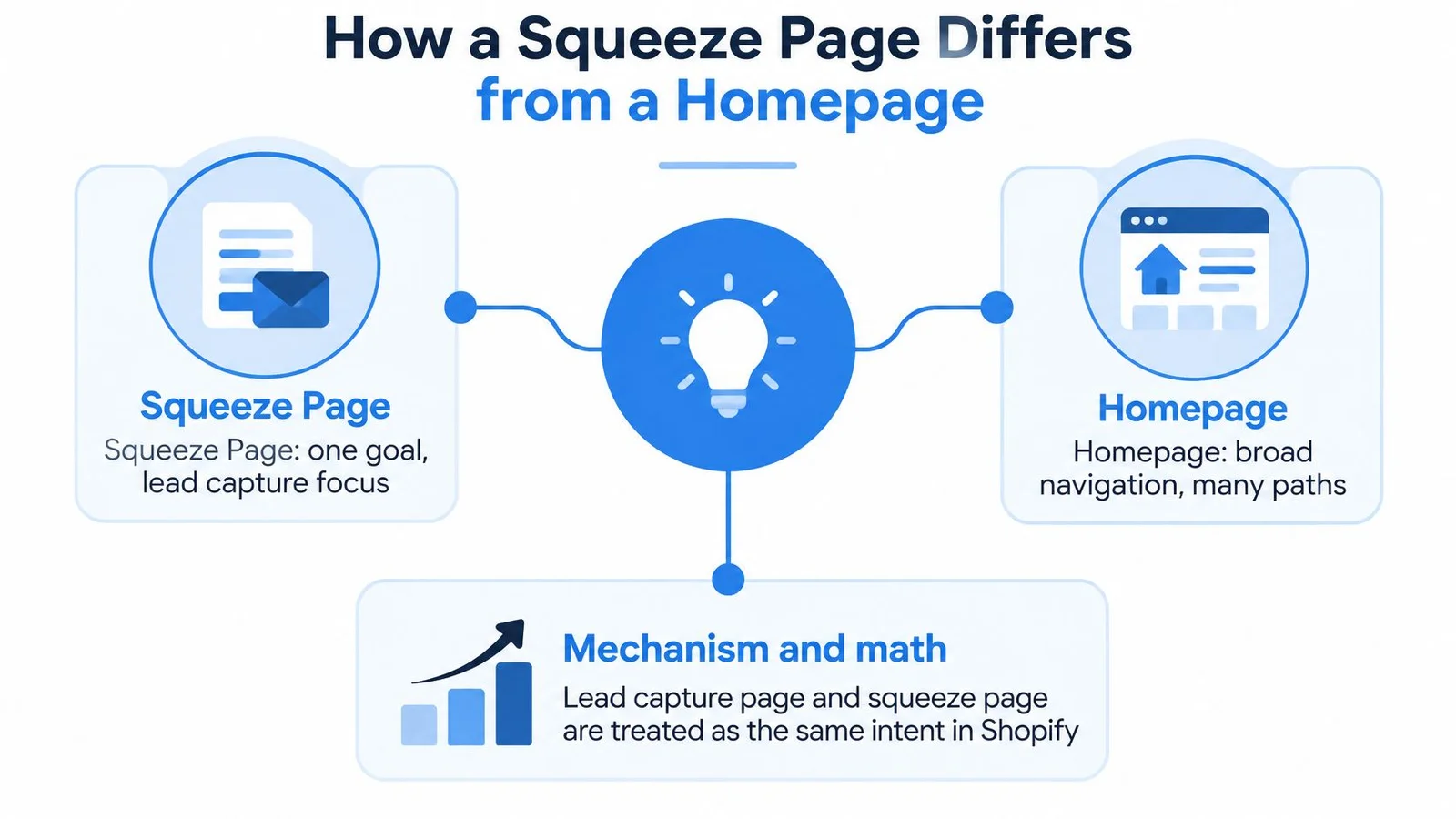
The defining difference is the intended exchange, not the page's appearance. A homepage introduces a business and supports exploration. A squeeze page asks visitors to provide contact information for a stated benefit. If you want a broader toolkit view after this page-level guide, our roundup of website conversion tools is a useful next stop.
Shopify's landing-page guidance treats lead capture page and squeeze page as interchangeable terms, distinguishing them from broader landing pages through their specific data-capture objective. A page promoting a purchase may be a landing page without being a squeeze page.
Different jobs require different choices
A homepage can reasonably offer routes to products, careers, support, and company information. Visitors arrive with different intentions, so navigation helps them choose a path.
A campaign-specific squeeze page starts with a narrower intention. The visitor has already expressed interest in an offer by following the campaign link. Your job is to maintain that connection, not restart the entire discovery process. Product launches and product launch tools often share the same focus: one offer, one next step, fewer exits.
This reduction of choice made the format useful for permission-based email marketing and campaign-specific registrations. The important shift wasn't a particular template or software product. It was the move toward an experience with a defined action that marketers could evaluate.
That doesn't mean removing every route to essential information. Privacy details and relevant terms help visitors assess the exchange. They aren't equivalent to an unrelated product promotion.
Measure the intended action
Use the standard calculation:
Conversion rate = completed conversions ÷ landing-page visitors × 100.
Define the conversion before comparing versions. A successful submission is different from a button click, and a requested demo is different from a confirmed sales meeting. If your reporting mixes those events, you won't know which page performed the intended job.
Use consistent definitions when comparing:
- Traffic sources: Compare visitors with similar campaign promises and intent.
- Page variations: Change a headline, form, or call to action against a clear hypothesis.
- Offer performance: Check whether visitors understood and requested the actual benefit.
For practical testing context, MD TECH TEAM's guidance to test landing pages for better results can accompany your experiment plan.
The exchange works across languages and markets because visitors can assess the same underlying question: is this benefit worth sharing this information? On-page answers can support that assessment without turning the destination back into a general website.
Essential Elements of a Website Squeeze Page
Draft the page in the order a visitor encounters it: headline, offer, form, and trust information. Each part should answer a different question rather than repeat the same sales claim.
Make the outcome and delivery explicit
The headline should identify the outcome and intended audience. For a hypothetical course resource, Plan your first watercolor painting is more concrete than Discover your creative potential. It tells visitors what they'll work toward without promising mastery.
The offer then explains what happens after submission. Will the visitor receive a download, registration confirmation, or response from your team? State any important limit, such as a sample lesson rather than full course access.
When reviewing the opening screen, use this explanation of above-the-fold content to decide which information visitors need before scrolling. Keep the offer and route to action apparent, but don't compress essential qualifications into unreadable text.
Netco Design LLC's guidance to optimize landing page headlines and CTAs is another resource for reviewing how the headline and button describe the same action.
Choose fields with context
BigDelta's form-conversion benchmarks, drawing on 464 million visitors across 41,000 pages measured from mid-2023 to mid-2024, report the following form-length and page-category results.
Form Length and Landing Page Conversion
| Form or page context | Reported conversion |
|---|---|
| Single-field form | About 13% |
| Three-field form | Roughly 10% |
| Five-field form | Approximately 8% |
| Seven-field form | Near 5% |
| Nine or more fields | Around 4% |
| Form landing-page median | 6.6% |
| SaaS pages | Around 4% |
| Event pages | Above 12% |
Treat these as benchmarks, not predictions. The pattern supports testing less demanding forms, but it doesn't establish that removing fields causes improvement in every campaign.
Audience intent, traffic quality, and the value of the offer still matter. A SaaS page shouldn't be judged against an event page as though both ask visitors to make the same commitment.
Finish the form with a primary button that describes the next step. Send me the worksheet sets a clearer expectation than Submit.
Trust information should address the objection someone might have before typing. Name the organization, explain email use, and make relevant agenda, refund, or privacy details accessible. Use authentic customer feedback only when you have permission and can preserve its meaning.
Ask whether each element helps visitors understand the offer, complete the action, or judge whether they trust the exchange. If it does none of those jobs, reconsider it.
Short Forms Versus Qualified Consent
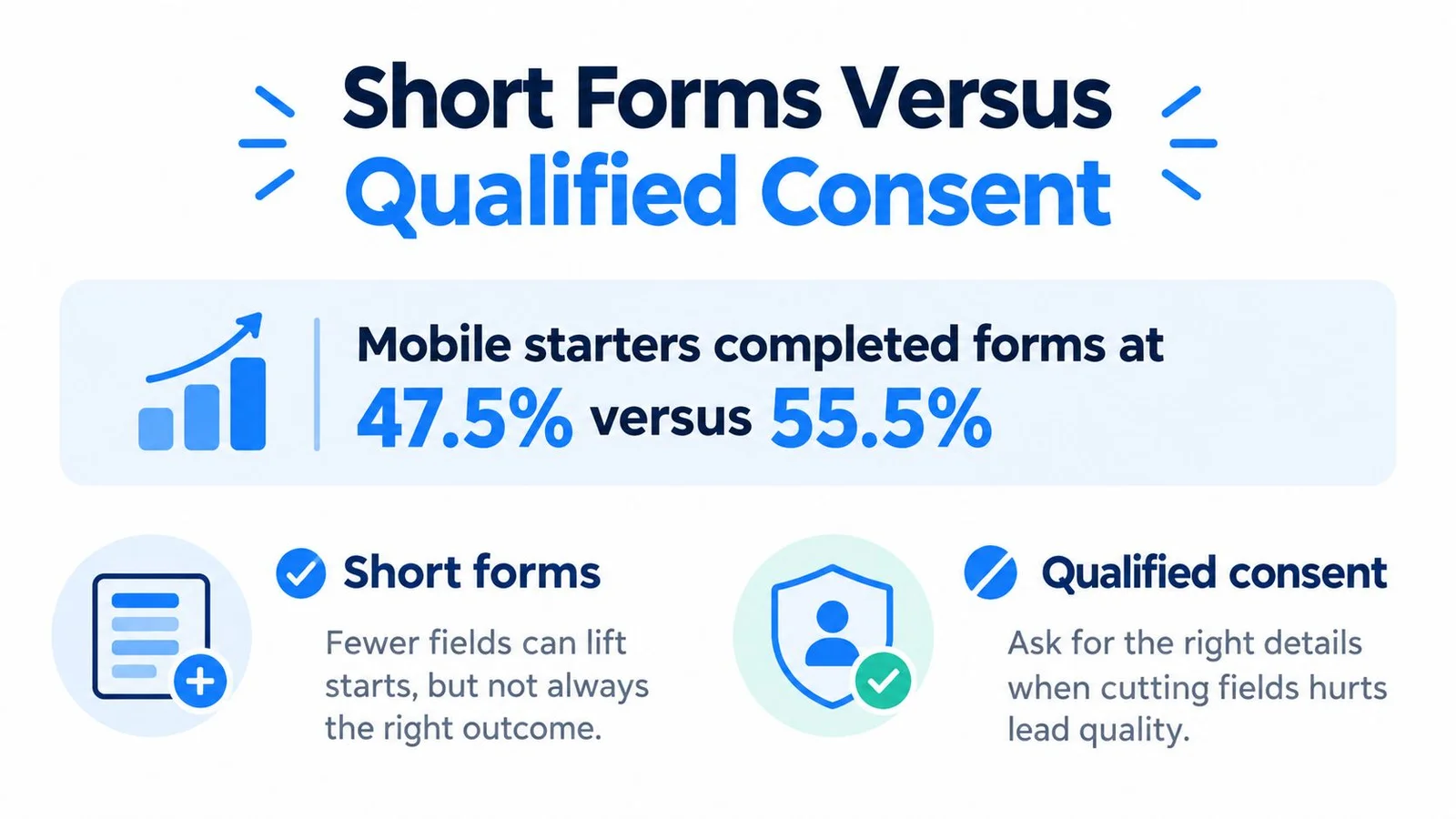
Fewer fields are a starting hypothesis, not the final objective. If removing a field prevents appropriate sales routing or leaves visitors unclear about follow-up, a higher submission rate may not represent a better campaign.
Mobile behavior makes this decision harder. Tools8020's form-statistics summary reports Zuko's 2025 figures of 47.5% completion among mobile form starters versus 55.5% among desktop starters, with 31.3% of mobile viewers completing a form; it also cites the World Health Organization's estimate that roughly 16% of the global population lives with a disability.
Match the request to the business decision
Use the offer and traffic source to decide what's justified. A visitor arriving from a broad educational campaign hasn't necessarily expressed interest in a sales conversation.
| Situation | Suggested initial request | Reason to add information |
|---|---|---|
| Downloadable resource | Email address | Add preferences later if needed |
| SaaS demo request | Work email and relevant qualification details | Route the request appropriately |
| International webinar | Email and clearly explained registration details | Ask location or time zone only if operationally necessary |
| Course interest list | Email and explicit follow-up expectations | Ask about experience when it changes the response |
For list-building campaigns, connect this choice to your broader email-list building approach. Collecting an address and establishing permission for ongoing messages are related decisions, but they aren't interchangeable.
Remove ambiguity before removing useful fields
Keep labels visible after someone starts typing. Mark required and optional inputs explicitly, support keyboard navigation, and ensure errors are announced rather than communicated through color alone.
Baymard's 2024 checkout research found an average of 11.3 fields, with 17% of users abandoning because of checkout complexity, and identified total field count as more important to usability than step count. That's checkout evidence, not a squeeze-page conversion forecast, but it supports scrutinizing unnecessary requests.
Use progressive profiling when you can collect additional details after delivering the initial benefit. Where qualification belongs upfront, explain its purpose.
Consent copy should distinguish registration messages from optional marketing. For international campaigns, have the wording reviewed for the applicable requirements rather than treating a vague checkbox as universal legal coverage. A slightly longer, clearer form may produce fewer submissions that your team can use more responsibly.
Website Squeeze Page Examples to Adapt
The following are illustrative page patterns, not customer case studies. Adapt the structure to what you can deliver.
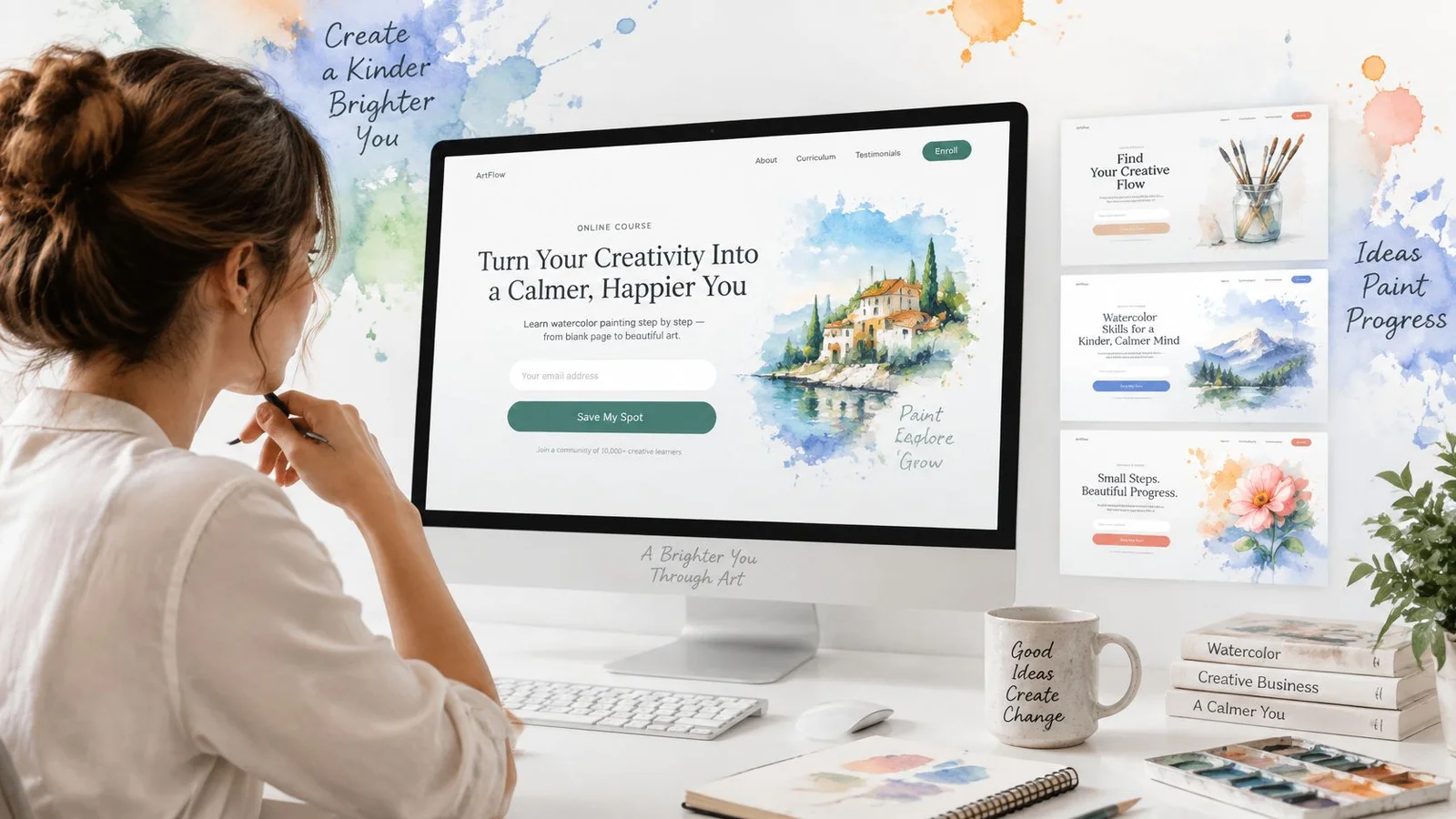
A course preview offers a useful starting point for thinking about the visual hierarchy.
A course sample with a clear boundary
Suppose you teach watercolor painting. Above the fold, place a lesson outcome, a preview of the exercise, a short description of the materials needed, and an email field.
Use Send me the sample lesson as the button. A suitable trust line might explain that the visitor will receive the lesson and separately describe any course-related follow-up. Don't imply that requesting a sample enrolls them in the paid course.
A launch waitlist can use this arrangement with a different delivery promise. Explain that visitors are requesting an announcement or invitation, not receiving immediate access.
A SaaS demo with purposeful qualification
A demo page should describe what the conversation will cover and who it's intended for. Place work email, company, and role near that explanation when your team uses those details to route or prepare the conversation.
The button could say Request a product demo. The trust line should explain who will respond and what happens next, without promising a response time your team can't consistently meet.
Keep relevant pricing and security answers close to the form. Visitors shouldn't need to search a full product site to determine whether a conversation is appropriate.
The video below provides an additional reference alongside these page patterns.
A webinar registration with a defined deliverable
Lead with the topic, actual event date, time zone, and intended learning outcome. Follow with a compact agenda and the registration form.
Use Register for the webinar rather than a generic access claim. Explain how joining instructions arrive and whether a recording will be available, but only promise a recording if you intend to provide it.
Across these examples, preserve the structure while changing the operational detail. Complete this sentence before drafting: After submitting these details, the visitor will receive this specific thing, through this channel, with this follow-up.
Choosing Chat and Social Proof Tools
Visitors may hesitate because they need an answer, not another persuasive headline. Someone considering a course may ask about prerequisites; a SaaS prospect may need clarification about security; a webinar attendee may want to know whether the session fits their experience.
Choose a support method according to that uncertainty.
| Option | Useful when | Main limitation to manage |
|---|---|---|
| Static customer feedback | Visitors need relevant evidence from actual customers | A testimonial may not answer an individual question |
| Human chat | The question needs judgment or clarification | Make availability and response expectations clear |
| AI-assisted chat | Approved website content can answer recurring questions | Disclose its nature and define escalation boundaries |
Make the nature of the interaction clear
In the 2025 Ipsos AI Monitor, covering 30 countries, 79% agreed that companies using AI should disclose that use. Don't assume that a conversational interface makes disclosure unnecessary.
Label an AI representative before the visitor engages. Explain how to contact a person, and don't imply that a human handoff is available when it isn't.
Trust boundary: Generated conversation can demonstrate common questions. It must not masquerade as independent customer testimony.
An answer about curriculum can reference the published course outline. An answer about refunds should follow the actual policy. If the available information doesn't resolve the question, the representative should acknowledge that limitation rather than produce a confident guess.
Evaluate the widget and its presentation separately
FOMOchat is one option for adding a code-light widget with a website-trained AI company representative and group conversations to product, course, launch, and webinar pages. Prefer a short conversation that answers the offer question over another fear-of-missing-out marketing popup that only creates urgency. Its controls include facts, guardrails, confidence qualifiers, branding, optional video-timeline reactions, and analytics on paid plans.
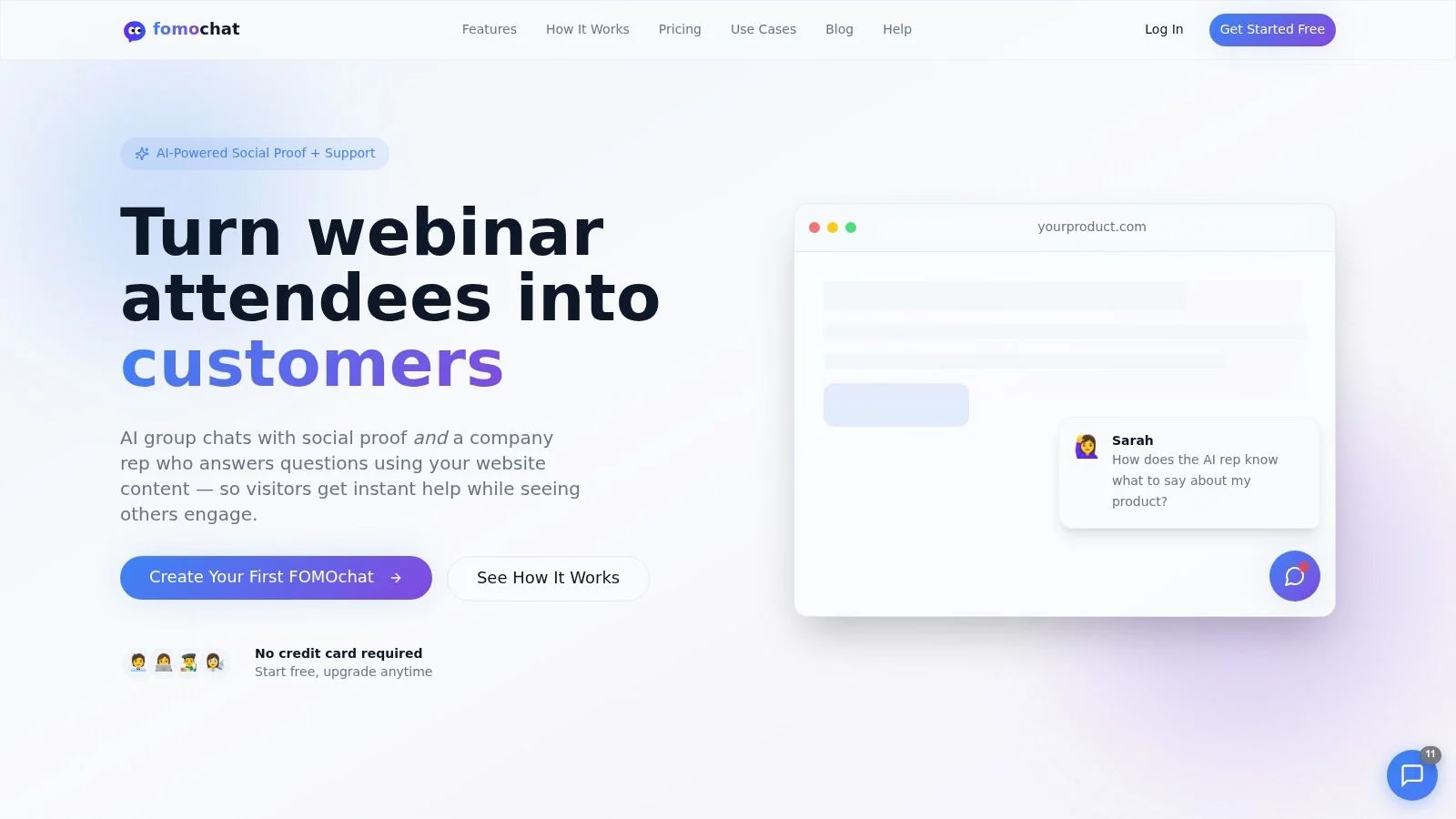
Keep generated discussions visibly distinct from authentic visitor messages and verified customer quotes. A realistic presentation isn't evidence that the people or experiences depicted are real.
When comparing social proof tools, review disclosure controls, source handling, and moderation alongside appearance. Also check whether visitors can dismiss the interface and reach the form without interacting with it.
The right option answers a meaningful objection. If visitors don't need conversational help, static information may be the more appropriate choice.
Measure the Page and Take the Next Step
Judge the website squeeze page by completed registrations and their downstream usefulness. Chat opens, button clicks, and form starts can help diagnose behavior, but they aren't substitutes for the campaign's intended result. For embed patterns that keep the form as the star, see how to embed a chat widget and interactive chatbot setups that answer questions without stealing the CTA.
Compare performance by traffic source and device. Then check whether submitted leads receive the promised resource, reach the appropriate team, and match the qualification criteria you established.
Separate performance problems from persuasion problems
Google's mobile page-speed benchmark used a neural-network model with 90% prediction accuracy and found that increasing load time from 1 second to 10 seconds raised mobile bounce probability by 123%. Treat that as evidence to prioritize loading performance, not as a prediction for your particular campaign.
Make the initial experience lightweight. Prioritize critical HTML and CSS, compress and correctly size the main image, and reserve image dimensions so content doesn't shift while someone is trying to interact.
- Make the form usable first: Defer nonessential chat, analytics, animation, and video libraries.
- Monitor responsiveness: Track Largest Contentful Paint, Interaction to Next Paint, and Cumulative Layout Shift.
- Isolate the change: Test speed improvements separately from revised copy or a different offer.
- Review completion quality: Check whether qualification and consent remain clear after simplification.
Give the next experiment a decision rule
Write a hypothesis before launching a variation. For example, test whether explaining why company information is requested improves useful demo submissions, rather than assuming that deleting the field is the only option.
Use a documented approach to testing landing pages so your team agrees on the conversion event, audience, and downstream checks before interpreting results. Avoid declaring a winner solely because more visitors opened the chat or started typing.
Pick a live or upcoming campaign and write its benefit, necessary fields, and follow-up promise on the same page. Check the mobile experience with keyboard navigation and visible error messages, label any AI assistance, and postpone extra scripts until the signup path works. That gives your team a specific exchange to evaluate instead of another homepage link.
FOMOchat offers a website-trained AI representative and configurable group conversations for answering questions on campaign pages. Visit FOMOchat to explore a setup for your squeeze page, with clear AI labeling and a focus on the questions visitors need answered before signing up.