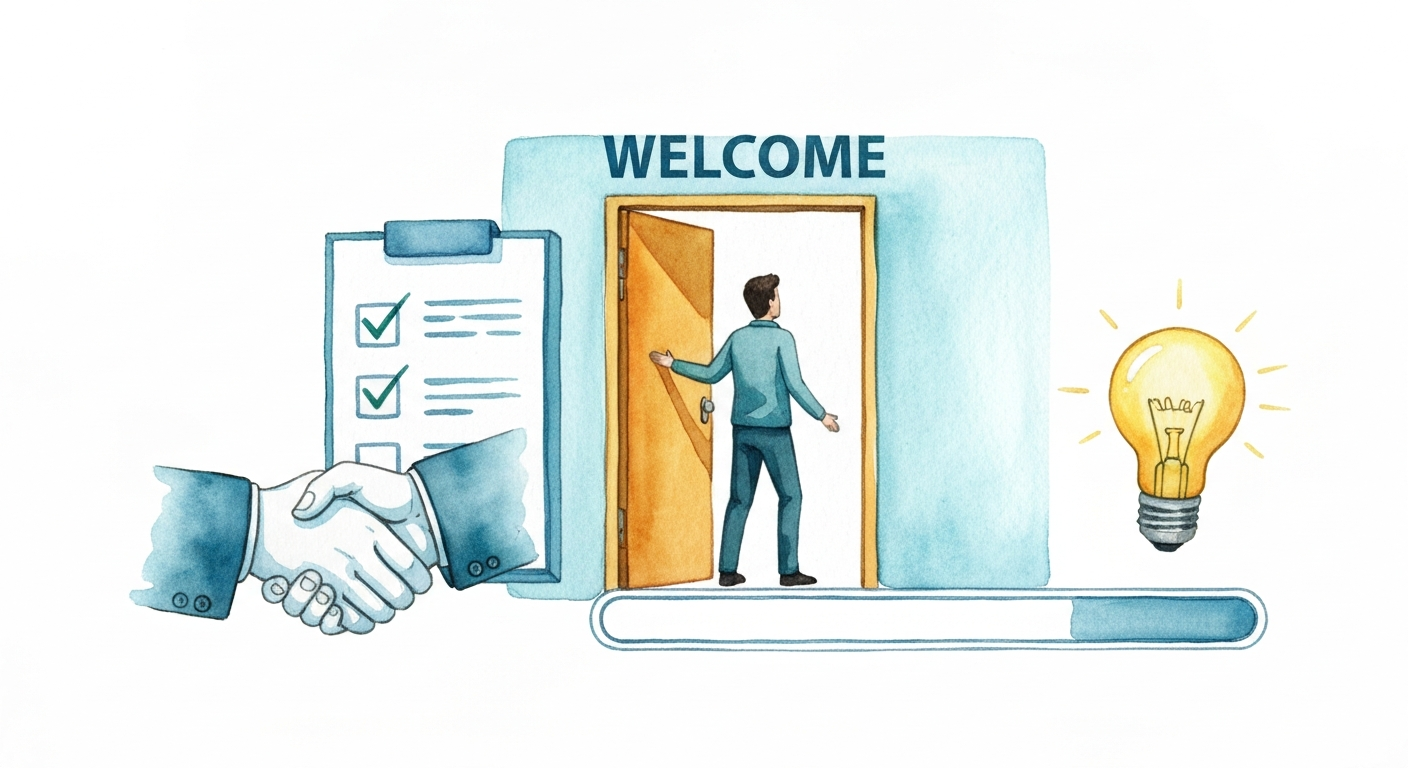

A new user just signed up. Congratulations! But the real work has just begun. The first few interactions a user has with your platform are the most critical, defining the difference between a lifelong customer and a churn statistic. Poor onboarding leads to confusion, frustration, and abandonment. A thoughtful, guided experience, on the other hand, accelerates time-to-value and builds lasting loyalty.
This article moves beyond generic advice to provide 10 actionable SaaS onboarding best practices you can implement today. We will explore specific strategies for everything from structuring interactive product tours and using AI-powered support to segmenting user paths and measuring what truly matters. These modern onboarding strategies often align with a broader approach like Product-Led Growth (PLG), which emphasizes the product itself as the primary driver for user acquisition, conversion, and retention. By focusing on the user’s first-run experience, you put the product at the center of their journey from the very beginning.
This guide is designed for product teams who need to show value fast and reduce early-stage churn. You'll find practical examples, clear implementation details, and fresh perspectives on creating an onboarding flow that sticks. Whether you're refining an existing process or building one from scratch, these strategies will help you turn curious signups into activated, engaged power users. Let’s get started.
1. Interactive Product Tours with Real-Time Engagement Indicators
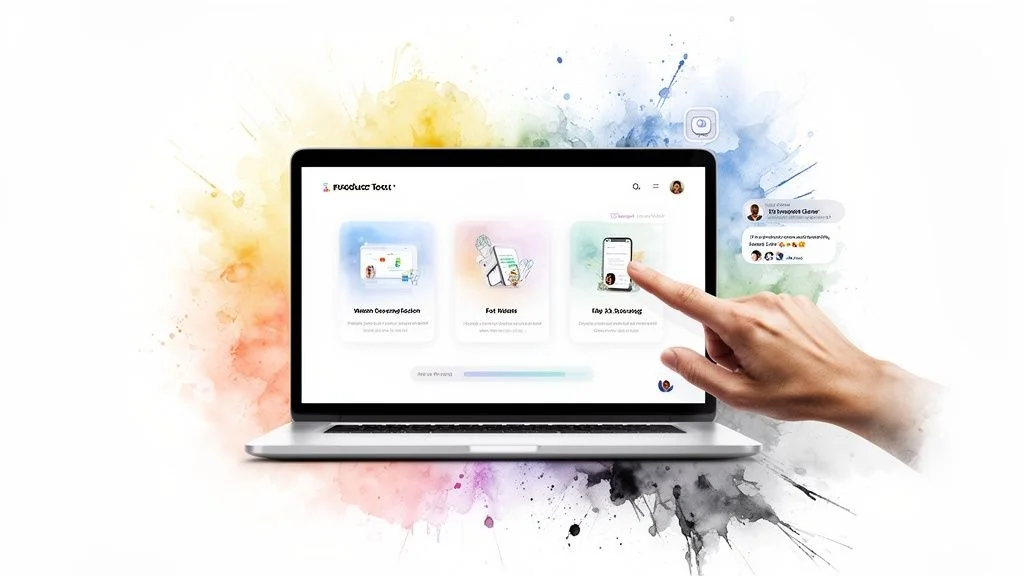
Traditional product tours often feel like a one-way lecture, walking users through features in a vacuum. A more effective approach is to make these tours interactive and alive with social proof. This method combines a guided walkthrough of your product’s key functions with real-time indicators of user activity, such as live conversations, recent sign-ups, or feature usage, to demonstrate value in a dynamic, authentic way.
This practice is one of the most powerful SaaS onboarding best practices because it doesn't just tell new users what your product does; it shows them a thriving community already using it. By integrating a tool like FOMOchat, you can display actual questions new users are asking and the answers they're receiving, right within the tour. This reduces the time it takes for users to discover important features and builds immense confidence by showing the product is active and supported.
How to Implement This Strategy
To put this into action, start by identifying the "Aha!" moments in your product. These are the actions that make users understand your product's core value. Build your tour around these critical milestones.
- Focus on Core Features: Limit your initial tour to the 3-5 most important features that lead to activation. Overwhelming users with a 20-step tour is a recipe for high drop-off rates.
- Integrate Social Proof: Use a tool to display real-time activity. For example, show notifications like "Jane from Acme Corp. just created a new project" or embed a chat window showing live Q&A.
- Keep It Brief and Skippable: Aim for a tour that takes less than five minutes to complete. Always include a clear "skip" or "exit" option to give users control over their experience.
- Trigger Tours Contextually: Instead of launching a tour immediately at sign-up, trigger it when a user navigates to a relevant section of your app for the first time. This makes the guidance timely and more likely to be adopted.
- Test and Refine: A/B test different tour sequences, copywriting, and calls to action. Monitor completion rates and subsequent feature adoption to see what resonates most with your new users.
Platforms like Slack master this by showing users what an active workspace looks like, while Intercom often incorporates examples of real customer conversations into its product education. By adding this layer of real-time engagement, you transform a simple walkthrough into a compelling, trust-building experience.
2. Contextual AI-Powered Chat Support at Point of Confusion
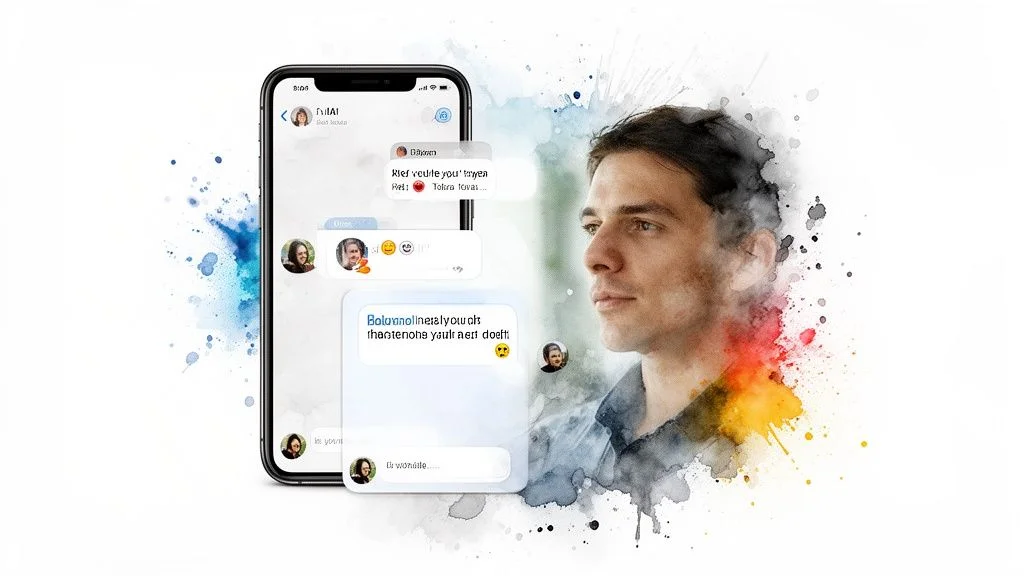
Nothing halts a new user’s momentum faster than hitting a wall of confusion with no immediate help. Instead of forcing them to hunt for a help doc or wait for a support ticket response, you can deploy intelligent, AI-powered chatbots that provide instant answers right where the friction occurs. This approach ensures users get help the moment they need it, preventing frustration and abandonment during critical onboarding stages.
This method is a cornerstone of modern SaaS onboarding best practices because it combines instant gratification with powerful social proof. By using a tool like FOMOchat, you can train an AI on your own knowledge base to answer questions instantly. At the same time, the visible group chat feature shows other users asking and receiving answers, which builds confidence that help is always available and that they aren't alone in their questions. This dual approach dramatically lowers support costs and keeps users moving toward their "Aha!" moment.
How to Implement This Strategy
To get started, identify the most common points of friction in your onboarding flow. Where do users typically get stuck or drop off? These are the perfect places to deploy a contextual chatbot.
- Start with FAQs: Begin by training your AI on your top 20 most frequently asked questions. This immediately addresses the majority of common user queries.
- Use Real Data: Train the AI model using actual customer support transcripts and help documentation. This ensures the bot's tone and answers align with your brand voice. You can learn more about setting up this domain knowledge to get started.
- Set Clear Escalation Paths: Program the AI to escalate to a human agent if its confidence level in an answer is below a set threshold, typically 60-80%. This prevents user frustration from incorrect bot responses.
- Monitor and Improve: Regularly review chat transcripts to identify new questions and areas where the AI struggled. Use these insights to continuously improve your training data and expand your knowledge base.
- Combine AI with Social Proof: Use a tool that not only provides AI answers but also shows a live feed of questions from other users. This reassures new sign-ups that they are part of an active, supported community.
Companies like Calendly use AI to instantly answer scheduling FAQs, while HubSpot deploys its chatbot to handle common product questions across its platform. By providing immediate, contextual help, you turn moments of potential frustration into opportunities for engagement and learning.
3. Progressive Feature Unlock Based on User Progress
Throwing every feature at a new user at once is a common mistake that leads to cognitive overload and quick churn. A more strategic approach is to gradually reveal advanced capabilities as users demonstrate proficiency with basic functions. This method creates natural moments for secondary onboarding and prevents the initial experience from feeling overwhelming.
This technique is one of the most effective SaaS onboarding best practices because it guides users along a learning path that mirrors their own journey. It prevents them from getting lost in a sea of options they don't yet need. By unlocking features contextually, you encourage deeper product engagement over time and build user confidence step by step. A tool like FOMOchat can be used to showcase what these newly unlocked features can do by displaying conversations from other users who are already benefiting from them.
How to Implement This Strategy
To execute this, you must first map out your product's features according to user maturity. Define what a "beginner," "intermediate," and "advanced" user looks like in the context of your tool.
- Map Features to User Maturity: Group your features into tiers. A beginner might only need to see core project creation tools, while an advanced user can handle complex automation and reporting.
- Define Unlock Triggers: Determine what actions signify mastery. This could be completing a certain number of tasks, using a basic feature a set number of times, or simply after a specific time period.
- Celebrate the "Unlock": When a new feature set becomes available, announce it with celebratory in-app messaging. A simple "Congratulations! You've unlocked advanced reporting" makes the user feel accomplished.
- Offer a Bypass for Power Users: Always provide a way for experienced users to skip the progressive unlocking and access all features immediately. This is often found in an "Advanced Settings" menu.
- Test and Adjust: Use analytics to track how users interact with your feature gates. If users aren't reaching the next tier, your "mastery" requirements might be too difficult or your triggers might be misaligned.
Companies like Asana do this by hiding automation rules until a user has successfully set up a few projects. Similarly, Figma waits to introduce complex design system features until a user has mastered basic shape and vector tools. This layered approach ensures the user journey is paced for learning, not for overwhelming.
4. Video-Synchronized Social Proof and Live Reactions
Video content is a cornerstone of SaaS onboarding, but static product demos or pre-recorded webinars can feel disconnected. A powerful technique to bring them to life is by synchronizing video playback with social proof, such as live reactions, questions, and testimonials. This method creates a dynamic viewing experience that simulates a live, interactive event, building credibility and urgency at critical moments.
This approach is one of the most effective SaaS onboarding best practices because it directly addresses user skepticism and potential objections as they arise. By using a tool like FOMOchat with timeline-sync capabilities, you can display authentic group chat reactions that appear at specific points in your video. When a new feature is introduced, viewers see others react with excitement. When a complex point is made, they see real questions being asked and answered, which handles objections before they even fully form.
How to Implement This Strategy
To add this layer of engagement, you need to map out your video's key moments and align them with curated, authentic user interactions. The goal is to make the pre-recorded video feel like a live, shared experience.
- Script Conversation Timing: Identify the key sales points, feature reveals, or potentially confusing parts of your video. Plan to display relevant comments, questions, or testimonials at these exact timestamps to reinforce your message or clarify information.
- Show Genuine Interactions: Don't just show praise. Include a mix of real questions, confirmations, and even objections. Displaying and addressing a genuine objection like, "How does this integrate with Salesforce?" at the exact moment you discuss integrations shows transparency and builds trust.
- Keep Reactions Subtle: The social proof should complement the video, not distract from it. The reactions should feel natural, like a live chat scrolling alongside a webinar. Avoid flashy or intrusive pop-ups that break the viewing flow.
- Test Sync Timing Extensively: Before launching, review the synchronized video multiple times to ensure the timing is perfect. A comment that appears a few seconds too early or late can feel jarring and inauthentic, undermining the entire effect.
- Capture Analytics: Track which synchronized reactions or Q&A moments correlate with higher engagement or conversion actions. This data will help you refine what kind of social proof is most impactful. To better understand the foundations of this technique, you can explore more about what social proof is in marketing.
Teams behind ConvertKit webinars and various SaaS product launches have successfully used this strategy to make their pre-recorded events feel alive and urgent. By adding video-synchronized reactions, you transform passive viewing into an active, confidence-building part of your onboarding process.
5. Segmented Onboarding Paths Based on User Type and Use Case
A one-size-fits-all onboarding flow often fails because different users have different goals. Segmented onboarding addresses this by delivering customized experiences based on user role, industry, or intended use case. This ensures new users see the most relevant features and workflows first, dramatically speeding up their time-to-value.
This approach is one of the most effective SaaS onboarding best practices because it acknowledges that a marketer needs a different introduction than a salesperson, even within the same product. By tailoring the initial experience, you show users that you understand their specific problems. With a tool like FOMOchat, you can even display use-case-specific conversations or AI-powered answers that address the common questions and concerns of each segment, making the guidance feel personal and immediately useful.
How to Implement This Strategy
To begin segmenting your onboarding, identify the primary groups of users your product serves. You can often gather this information directly from your sign-up form.
- Start with 2-3 Major Segments: Don't try to create a dozen unique paths at once. Focus on your most distinct user groups, such as marketers vs. salespeople, or small businesses vs. enterprise clients.
- Auto-Segment at Sign-Up: Use answers from the sign-up form (like "What is your role?") or even the user's email domain to automatically place them into the correct onboarding path.
- Create Role-Specific Guidance: Build distinct product tours, checklists, or in-app messages for each segment. For example, show a marketer how to build a campaign, but guide a developer to the API documentation first.
- Allow Users to Self-Select: Always provide an option for users to change their segment or role preference within the app settings. Their needs might change, or your initial segmentation may have been incorrect.
- Collect Segment-Specific Feedback: Regularly survey users within each segment to understand their unique pain points and refine their onboarding paths. This feedback can also inform your product development priorities. For more ideas, you can learn about personalization of content and how it impacts user experience.
Companies like HubSpot excel at this, offering completely different initial experiences for their Marketing Hub versus their Sales Hub. Similarly, Zapier presents workflow templates based on the apps a user wants to connect, guiding them directly to their desired outcome. By segmenting, you make your product feel like it was built just for them.
6. Milestone-Based Engagement and Gamification Elements
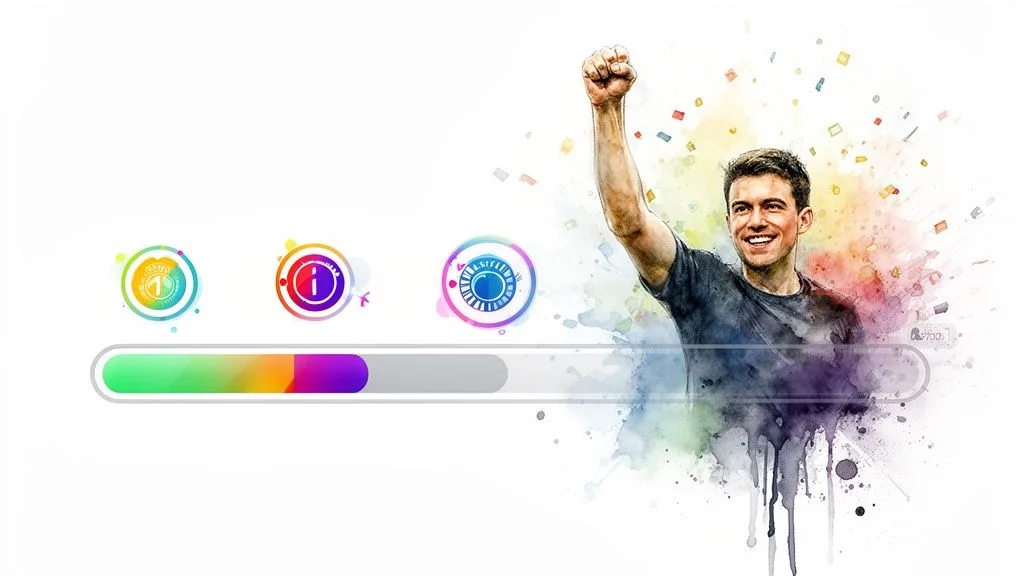
A new user's initial motivation can quickly fade without clear direction or a sense of progress. Milestone-based engagement combats this by breaking down the complex onboarding journey into small, achievable steps. By adding gamification elements like badges, progress bars, and celebratory moments, you create a guided path that encourages users to explore deeper and build habits within your product.
This approach is one of the most effective SaaS onboarding best practices because it taps into our natural desire for achievement and recognition. When a user completes a key action, a small in-app celebration reinforces that behavior and motivates them to tackle the next step. Pairing this with a tool like FOMOchat can amplify the effect by showing notifications like, "Sarah just unlocked the 'Power User' badge!" This social proof shows new users that others are succeeding, creating a positive feedback loop of community engagement.
How to Implement This Strategy
To apply gamification, map out the key actions a user must take to become activated and successful. Turn these actions into a series of rewarding milestones. For additional ideas on applying these concepts, a practical guide to gamification in eLearning offers valuable insights on boosting user motivation.
- Define Clear Milestones: Identify 3-5 critical steps in your onboarding sequence, such as "Create your first project," "Invite a team member," or "Integrate with another app."
- Celebrate Achievements: Use in-app pop-ups, confetti animations, or personalized emails to celebrate when a user completes a milestone. This positive reinforcement is a powerful motivator.
- Make Rewards Visible: Give users tangible rewards like profile badges, points, or access to new features. Displaying these achievements publicly, like GitHub does with its contribution graph, adds a social incentive.
- Encourage Social Sharing: Allow users to share their achievements on social media. This not only makes the user feel proud but also serves as organic marketing for your product.
- Track Milestone Completion: Monitor how many users complete each milestone. If a specific step has a high drop-off rate, it's a clear signal to re-evaluate its difficulty or clarity.
Companies like Duolingo have perfected this with daily streaks and a leveling system that keeps users coming back. Similarly, Codecademy uses progress bars and achievement badges to guide learners through complex coding courses, making the journey feel manageable and rewarding. By turning onboarding into a game, you can significantly increase user engagement and long-term retention.
7. Proactive In-App Help and Contextual Tooltips
Instead of making users hunt for answers in a separate help center, proactive in-app help brings guidance directly into the interface. This approach uses strategically placed tooltips and contextual information that appear based on user behavior, like hovering over an unfamiliar icon or visiting a complex feature for the first time. This method removes friction by answering questions at the exact moment they arise.
This is a critical SaaS onboarding best practice because it anticipates user confusion and solves it before it leads to frustration or abandonment. By integrating a tool like FOMOchat, you can even display questions other new users are asking about a specific feature, normalizing the learning curve and showing that support is readily available. This creates a supportive environment where users feel empowered to explore complex functionality without fear of getting stuck.
How to Implement This Strategy
To effectively implement proactive help, you first need to identify common points of confusion in your user journey. Analyze support tickets, session recordings, and user feedback to pinpoint where users hesitate or drop off.
- Target Unfamiliar Elements: Use tooltips for jargon, complex UI elements, or features with a steeper learning curve. Asana does this well with small “What’s this?” icons that provide quick, clear explanations.
- Keep Copy Concise: Tooltip text should be short and to the point, ideally no more than two or three sentences. The goal is to provide a quick answer, not a detailed manual.
- Trigger Contextually: Don't show all tooltips at once. Trigger them on a user's first interaction with a specific feature or when they pause on a particular section of the page.
- Allow User Control: Always provide an option for users to disable tooltips. Experienced users don't need the extra guidance and may find it distracting.
- Analyze and Refine: Use analytics to track which tooltips users interact with most. A/B test different copy, placements, and triggers to optimize their effectiveness and update them based on recurring themes from support tickets.
Companies like Stripe master this by embedding contextual help directly within their API documentation, explaining parameters and showing code examples right where developers need them. By anticipating user needs with proactive guidance, you make your product feel more intuitive and significantly reduce the support burden.
8. Email Nurture Sequences Tied to Onboarding Checkpoints
Your relationship with a new user shouldn't stop once they close your app. Email nurture sequences are a critical part of a complete onboarding strategy, serving as a bridge between in-app sessions. These automated campaigns are triggered by specific user actions (or inactions) during their initial days, delivering timely guidance, encouragement, and feature discovery right to their inbox.
This practice is one of the most effective SaaS onboarding best practices because it keeps your product top-of-mind and combats user drop-off. By sending targeted messages based on onboarding progress, you can re-engage users who get stuck, celebrate their small wins, and introduce advanced features contextually. Referencing real user activity, such as showing that "other new users are successfully setting up integrations," adds a layer of social proof that motivates them to complete the next step.
How to Implement This Strategy
To build effective nurture sequences, map out your key onboarding milestones and identify common drop-off points. Create specific emails to address each checkpoint, guiding users from one "Aha!" moment to the next.
- Build 3-5 Core Sequences: Focus on a welcome series, a feature education sequence, and a re-engagement campaign for inactive users. Avoid overwhelming users with more than seven total emails in the first few weeks.
- Time Your Emails Thoughtfully: Send the first email within 24 hours of signup. Space subsequent messages 3-5 days apart to stay present without being annoying. Pause the sequence once a user reaches your activation milestone.
- Personalize for Impact: Go beyond just using a first name. Personalize content with the user's company name and include feature examples relevant to their industry or stated goals.
- Show, Don't Just Tell: Instead of just describing a feature, include a short GIF or a link to a help article. Mentioning social proof like, "Join the hundreds of teams who connected their calendar this week," can build momentum.
- Track and Optimize: A/B test subject lines, calls to action, and send times. Monitor open and click-through rates to understand what resonates, and continuously refine your sequences based on performance data.
Companies like Zapier and Calendly excel at this. Zapier sends feature education emails based on the integrations you create, while Calendly confirms your first booked appointment to reinforce the product's value. This consistent, helpful communication outside the app makes users feel supported and more likely to succeed.
9. Live Community and Peer-to-Peer Support Integration
Onboarding shouldn't be a solitary journey. A powerful strategy is to embed peer-to-peer support directly into the user experience, connecting new users with a community of experienced peers from day one. This approach turns your user base into an extension of your support team, providing authentic advice, shared workflows, and a sense of belonging.
This technique is one of the most scalable SaaS onboarding best practices because it builds a self-sustaining ecosystem of support. By integrating forums, Slack channels, or community-generated content, you empower users to learn from each other. For newer products, a tool like FOMOchat can simulate this peer interaction by surfacing common questions and answers, creating the feel of a bustling community even before one is fully established. This reduces support tickets and shows new users they are part of an active, collaborative group.
How to Implement This Strategy
To integrate community into your onboarding, start by identifying where users get stuck and what questions they frequently ask. Use these insights to guide users toward relevant community resources.
- Feature Community Resources Prominently: Don't hide your community link in the footer. Feature it in onboarding emails, within the app's help menu, and as part of the initial user checklist.
- Create 'Getting Started' Guides: Work with community ambassadors to create dedicated guides for new users. These can cover common use cases, setup tips, and answers to frequently asked questions.
- Showcase User-Created Content: Highlight templates, workflows, or designs created by your community. Notion does this brilliantly with its template gallery, showing new users what's possible.
- Monitor and Engage: Actively monitor community discussions to identify common pain points and feature requests. This provides invaluable feedback for product development and future onboarding improvements.
- Incentivize Participation: Encourage expert users to help others by offering recognition, badges, or early access to new features. This fosters a culture of mutual support.
Companies like Figma and Salesforce have built massive moats around their products with their Trailblazer and design communities. By making peer support a core part of the new user experience, you create a powerful network effect that improves retention and builds a loyal user base.
10. Data-Driven Onboarding Optimization Using Analytics and User Research
Even the most thoughtfully designed onboarding flow is just a starting point. Truly effective onboarding is never "finished"; it's a living process that evolves with your users and your product. This requires a commitment to continuously measuring, analyzing, and iterating on the experience using a mix of quantitative analytics and qualitative user research.
This approach is one of the most critical SaaS onboarding best practices because it replaces guesswork with evidence. By tracking user behavior with tools like Amplitude and observing sessions with Hotjar, you can pinpoint exactly where users get stuck, confused, or drop off. This data allows you to make informed changes to your product tours, in-app messages, and even the triggers for tools like FOMOchat, ensuring your guidance is always relevant and effective.
How to Implement This Strategy
To build a data-driven optimization cycle, you need to establish a consistent framework for gathering and acting on user insights. This involves both looking at the big picture through analytics and zooming in on individual experiences.
- Establish Key Metrics: Create a dedicated "onboarding health dashboard." Track core metrics like signup-to-activation rate, time-to-first-success (the "Aha!" moment), feature adoption rates, and the number of support tickets filed by new user cohorts.
- Combine Quantitative and Qualitative Data: Use analytics to identify what is happening, such as a drop-off in your activation funnel. Then, use qualitative tools like session recordings and user interviews to understand why it's happening.
- Implement a Regular Research Cadence: Make research a habit. Commit to reviewing 10-20 new user session recordings each month and conducting live interviews with 5-10 recent signups to gather direct feedback.
- Test Systematically: When you identify a problem and have a hypothesis for a solution, A/B test one variable at a time. Ensure you have a statistically significant sample size (e.g., 1,000+ users per variant) before drawing conclusions.
- Analyze In-App Messaging Performance: Dig into the analytics of your engagement tools. For a platform like FOMOchat, monitor which conversations are opened most, where users abandon a chat, and which triggers lead to the highest engagement. This helps you refine your messaging and improve your website conversion rate by delivering help at the perfect moment.
Companies like Slack and HubSpot are masters of this, constantly experimenting with their signup flows and onboarding tutorials. By setting up alerts for metric drops and sharing findings across the product team, you create a culture of continuous improvement that keeps your onboarding experience sharp and effective.
SaaS Onboarding: 10 Best-Practice Comparison
| Solution | Implementation Complexity 🔄 | Resource Requirements ⚡ | Expected Outcomes 📊 | Ideal Use Cases 💡 | Key Advantages ⭐ |
|---|---|---|---|---|---|
| Interactive Product Tours with Real-Time Engagement Indicators | Moderate–high: scripting, UI overlays and live-chat sync. | Design, content creation, front-end engineering; ongoing updates. | Faster feature discovery, higher adoption, fewer support tickets. | New-user onboarding, feature launches, trial-to-paid conversion. | Contextual demos with visible social proof; improves buyer confidence. |
| Contextual AI-Powered Chat Support at Point of Confusion | High: AI training, NLU tuning, fallback/escalation flows. | Training data, integration engineering, monitoring and human oversight. | 24/7 answers, reduced tickets, better conversion at friction points. | Signup flows, pricing/FAQ handling, high-volume support areas. | Instant scalable support that addresses objections in context. |
| Progressive Feature Unlock Based on User Progress | Medium–high: gating logic, analytics and bypass mechanisms. | Product design, analytics, content for tiers, engineering for gating. | Reduced overwhelm, improved activation, deeper long-term engagement. | Complex tools with steep learning curves or multi-step workflows. | Guides learning path; stages discovery to boost retention. |
| Video-Synchronized Social Proof and Live Reactions | High: timeline sync, real-time overlays, moderation and timing control. | AV engineering, chat moderation, scripted and curated content, QA. | Increased perceived credibility, urgency, and conversions during demos. | Webinars, product launches, recorded demos with CTA moments. | Creates FOMO and handles objections live; differentiates events. |
| Segmented Onboarding Paths Based on User Type and Use Case | Medium–high: segmentation logic and multiple tailored flows. | Multi-segment content creation, detection rules, maintenance effort. | Higher activation and satisfaction per cohort; better adoption. | Products serving distinct roles, industries, or use cases. | Delivers relevant experiences; improves NPS and feature fit. |
| Milestone-Based Engagement and Gamification Elements | Low–medium: UI work and behavioral tuning for rewards. | Design, basic engineering, copy for achievements and notifications. | Increased engagement, motivation, and shareable moments. | Longer onboarding journeys, skills progression, community-driven apps. | Sustains momentum and social proof; measurable engagement lift. |
| Proactive In-App Help and Contextual Tooltips | Low: straightforward triggers and lightweight UI components. | Copywriting, lightweight engineering, UX testing and analytics. | Fewer support tickets, reduced cognitive load, faster task completion. | Complex UI elements or feature-dense interfaces where users need quick help. | Low overhead, immediate context-sensitive assistance. |
| Email Nurture Sequences Tied to Onboarding Checkpoints | Low–medium: automation setup and coordination with product events. | Email templates, automation platform, analytics and copy resources. | Improved re-engagement, activation, and education outside the app. | Inactivity recovery, multi-step education, feature announcements. | Scales outreach and provides richer explanations than in-app alone. |
| Live Community and Peer-to-Peer Support Integration | Medium: embeds, routing and ongoing community management. | Community managers, moderation, integration work and incentives. | Authentic social proof, reduced company support load, higher retention. | Products that benefit from user-generated content and peer advice. | uses users for support; builds belonging and UGC. |
| Data-Driven Onboarding Optimization Using Analytics and User Research | Medium–high: analytics setup, research cadence, and A/B testing. | Analytics tools, researchers/analysts, testing infrastructure and time. | Identifies friction, enables rapid iteration, quantifies onboarding ROI. | Teams scaling onboarding or iterating on conversion funnels. | Objective insights that prioritize improvements and reduce guesswork. |
From Onboarding to Ongoing Success
We’ve explored the critical components that separate a forgettable first impression from a world-class user experience. Moving beyond simple feature walkthroughs is the core principle behind modern SaaS onboarding best practices. The journey from a new signup to a loyal, paying customer is built on a series of carefully crafted moments that prove your product's value, build trust, and create momentum.
The ten practices we've covered, from interactive product tours and contextual AI support to segmented paths and gamification, all share a common DNA. They are all designed to answer the user's unspoken question: "Is this tool worth my time and effort?" A powerful onboarding flow answers with a resounding "Yes!" by guiding users to their first "Aha!" moment as quickly and smoothly as possible. This isn't about showing them everything your product can do; it's about showing them what your product can do for them, right now.
Key Takeaways for Immediate Action
Let's distill our deep dive into a few core principles. True success in onboarding is not a single event but a continuous process of guidance, feedback, and optimization.
- Focus on Outcomes, Not Features: Your user signed up to solve a problem. Your onboarding must guide them directly to that solution. Every tooltip, email, and modal should serve this primary purpose.
- Personalization is Non-Negotiable: A one-size-fits-all approach no longer works. Use signup data and in-app behavior to segment users and deliver a journey that speaks directly to their specific job-to-be-done and skill level.
- Combine Automation with Human Touch: use AI-powered chat and proactive tooltips for instant support, but integrate opportunities for peer-to-peer connection and community engagement. This builds a moat of loyalty around your product.
- Data is Your Compass: You cannot improve what you do not measure. Continuously analyze your onboarding funnel, identify drop-off points, and use A/B testing and user feedback to fix the leaks.
Your Next Steps: From Theory to Practice
Reading about SaaS onboarding best practices is one thing; implementing them is another. The good news is that you don’t need to overhaul your entire system overnight. Small, iterative changes can produce significant results.
Start by choosing just one or two strategies from this list that address your biggest current challenge. Is your activation rate low? Focus on redesigning your first-run experience or implementing milestone-based gamification. Are support tickets overwhelming your team? Implement a proactive, contextual help system.
Actionable Tip: Begin by mapping your current user journey from sign-up to activation. Identify the first key action a user must take to experience value. Now, audit every step leading to that action: Is it clear? Is it simple? Is there any friction you can remove today?
Mastering user onboarding is the single most impactful investment you can make in your product's growth. It directly influences activation, reduces churn, increases customer lifetime value, and turns new users into vocal advocates for your brand. It’s the foundation upon which long-term, sustainable growth is built. Don't view it as a mere checklist to complete, but as the beginning of a valuable, long-lasting relationship with your customers. The work you put in here will pay dividends across the entire customer lifecycle.
Ready to instantly build trust and momentum during your onboarding? With FOMOchat, you can add video-synchronized social proof and live chat directly into your product tours and help guides, showing new users that they're joining an active, thriving community. See how it works and start boosting your activation rates at FOMOchat.