
Navigating the world of artificial intelligence in marketing can feel overwhelming. New tools launch daily, each promising to automate tasks, boost conversions, and deliver unprecedented insights. But which ones actually work? And more importantly, which ones are right for your specific marketing goals, whether you're a SaaS marketer, a course creator, or a demand generation specialist?
This guide cuts through the noise. We've gone beyond the hype to create a practical, curated list of the best AI tools for marketers. Instead of generic descriptions, you'll find an honest assessment of each platform's strengths and weaknesses. We focus on real-world use cases, from generating high-converting ad copy with Jasper and Copy.ai to optimizing your content strategy with Semrush and Surfer SEO.
Our goal is to help you build an effective AI-powered marketing stack without the guesswork. For each tool, we provide:
- A quick summary of what it does best.
- Honest pros and cons based on actual use.
- Clear pricing information and key feature callouts.
- Screenshots and direct links to see the tool in action.
We'll cover everything from AI-driven content creation and SEO to video generation with tools like Synthesia and social media management with Hootsuite's OwlyWriter AI. We also look at specialized platforms like FOMOchat for adding AI-powered social proof and chatbots to your site. While this list focuses specifically on AI-powered solutions, to further explore the broader landscape of essential software for the modern marketer, delve into the 12 Best Tools for Digital Marketers in 2026 from PostOnce. Let’s find the right tools to help you work smarter, not harder.
1. FOMOchat
FOMOchat earns its place as our top pick by masterfully combining social proof with AI-driven support to directly address and overcome visitor hesitation. This isn't just another chatbot; it’s a conversion optimization engine designed to turn on-page curiosity into measurable actions like signups, enrollments, and registrations. It simulates a dynamic group conversation where an AI “company rep,” trained on your specific website content, answers questions alongside believable, AI-generated visitor dialogues.
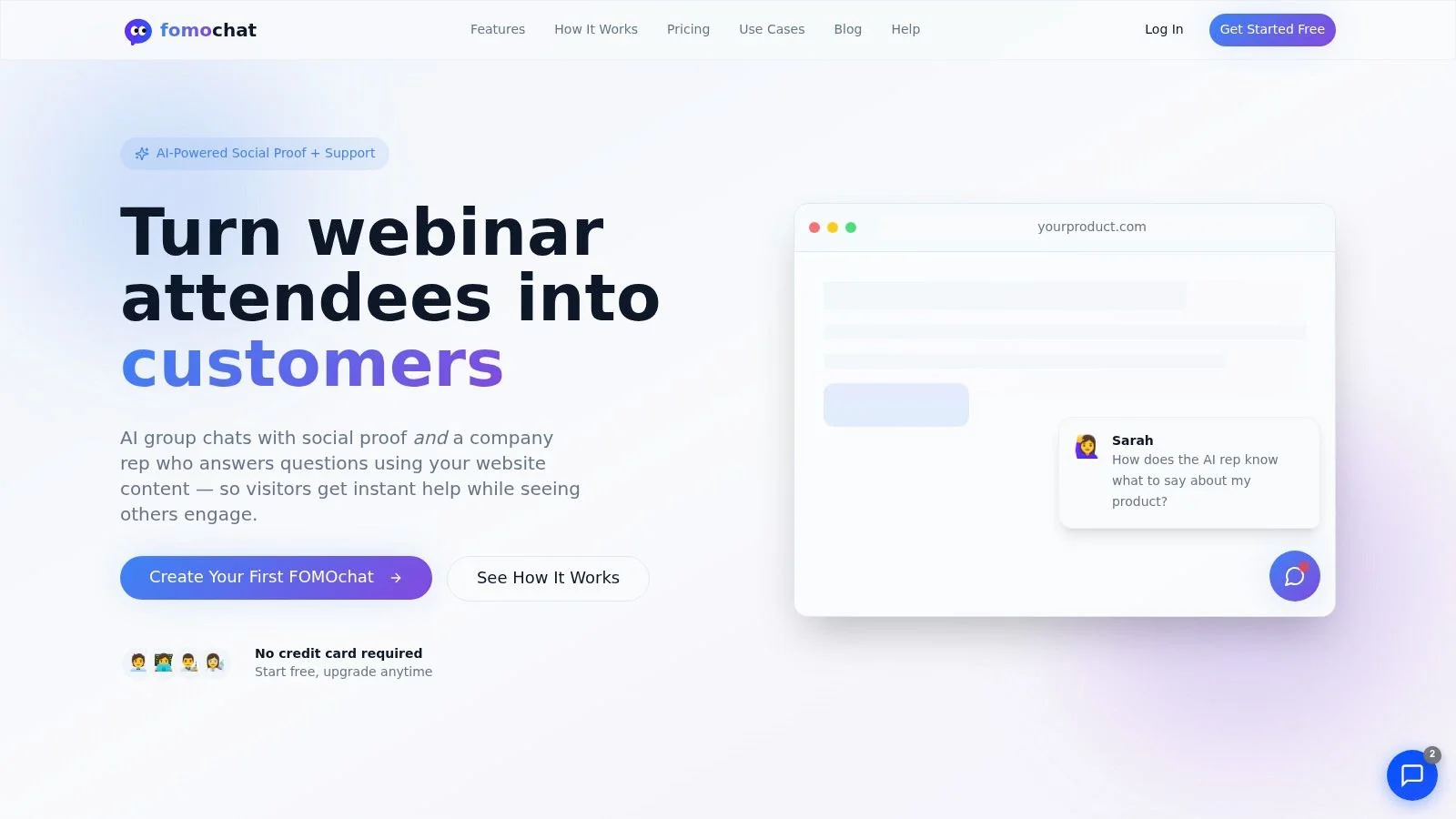
This approach lets prospective customers see their own objections being asked and answered in real time, creating a powerful sense of validation and urgency. For marketers, especially those in SaaS, online education, or managing product launches, this tool offers a unique way to build trust and guide users toward a conversion goal. Setup is remarkably simple, requiring just a small code snippet to go live, making it accessible even for non-technical teams.
Standout Features
FOMOchat’s differentiation is clear in its feature set. The Video Timeline Sync is a particularly strong tool for webinar hosts and course creators, allowing pre-programmed reactions and questions to appear at precise moments during a video pitch. This creates an engaging, live-like atmosphere for on-demand content.
Furthermore, the platform gives you significant control over the AI's behavior. Accuracy guardrails let you set foundational facts and confidence thresholds, which helps prevent the AI from "hallucinating" or inventing incorrect answers. This is a critical feature for maintaining brand credibility. You can learn more about how FOMOchat works and its underlying technology.
Pricing:
- Preview Tier: Free for up to 100 lifetime visitors and 400 AI messages.
- Silver: $29/month for 500 visitors and 2,000 AI messages.
- Gold: $49/month for 1,500 visitors and 5,000 messages.
- Higher tiers scale up to $299/month for 100,000 visitors.
Pros:
- Conversion-Focused: Directly combines social proof with instant support to reduce friction and is credited with significant lifts in signups and enrollments.
- Unique Capabilities: The multi-person dialogues and video timeline sync are not commonly found in other chat widgets.
- Low-Code Setup: Go live in minutes by configuring personas and embedding a small snippet.
- AI Control: Guardrails and fact-setting help maintain response accuracy and brand safety.
Cons:
- Traffic-Based Costs: As your site traffic grows, you will need to upgrade to more expensive tiers to accommodate the visitor and message caps.
- Perception Risk: While effective, some visitors may question the authenticity of the AI-generated conversations, which requires careful implementation.
Visit FOMOchat at: https://fomochat.com
2. Jasper
Jasper is a marketing-focused AI platform designed to create on-brand content at scale. Unlike general-purpose AI writers, Jasper is built from the ground up with a marketer’s workflow in mind, making it one of the best AI tools for marketers who need to produce consistent, high-quality content across multiple channels. It moves beyond simple text generation by incorporating brand governance directly into its engine.
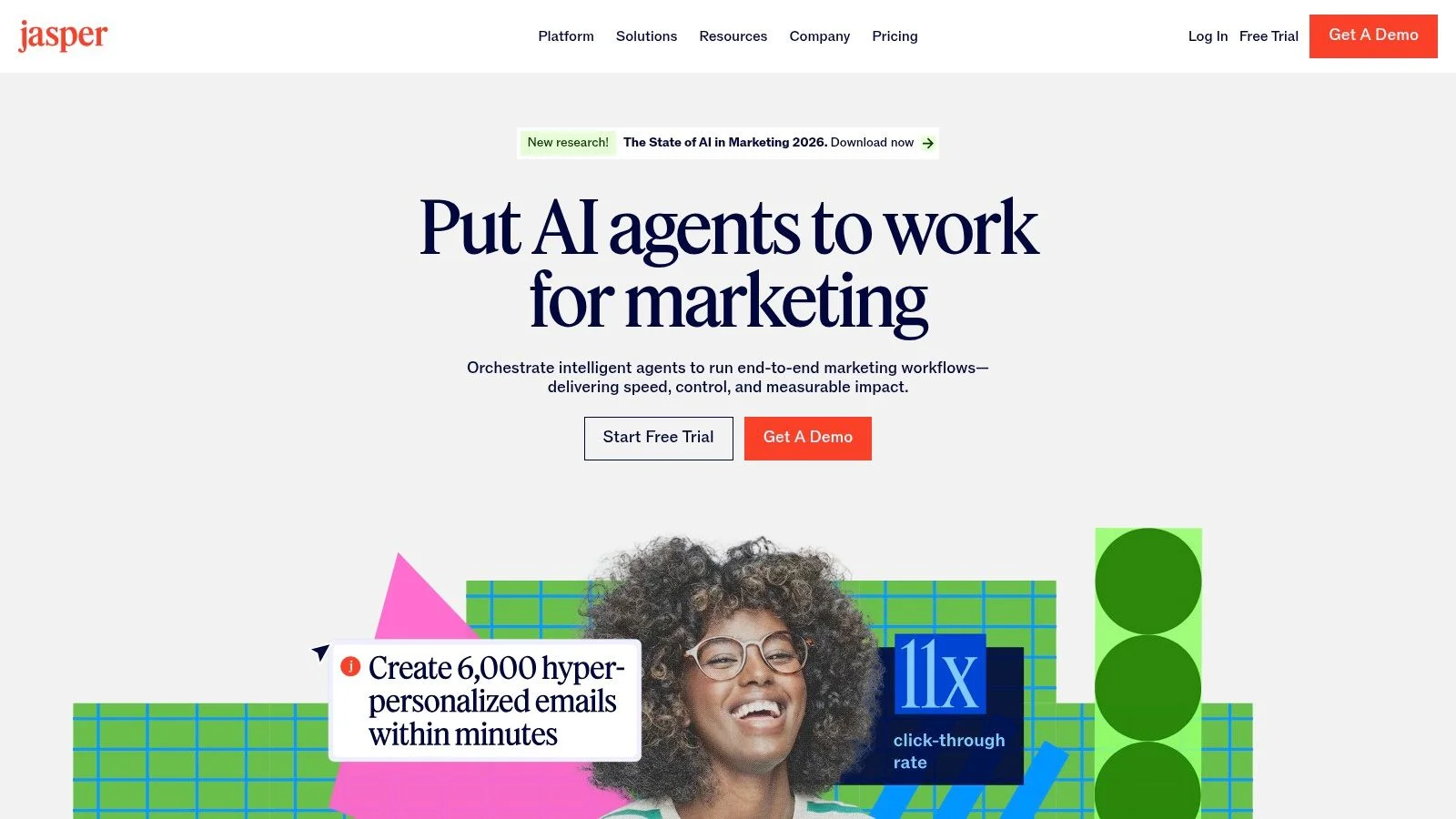
The platform’s strength lies in its Brand Voice and Knowledge Base features. You can upload style guides, product information, and audience personas, which the AI then uses to ensure every piece of content-from an ad headline to a blog post-aligns with your brand identity. This significantly reduces the need for manual edits and keeps your messaging consistent.
Core Features & Use Cases
- Brand Governance: Define your brand’s voice, style, and key facts to guide the AI. This is perfect for teams wanting to maintain consistency without constant oversight.
- AI Agents: Use purpose-built Agents to orchestrate entire campaigns. For example, an agent can take a single brief and generate corresponding social media posts, email copy, and ad variants.
- Content Workspaces: The Canvas and Grid editors allow for both free-form content creation and structured, repeatable workflows, supporting everything from one-off articles to large-scale content pipelines.
Pricing and Access
Jasper offers tiered pricing starting with a Creator plan for individuals. Teams and businesses will need the Pro or Business plan to access advanced features like Brand Voice, Knowledge, and collaborative tools. While the combination of seat and usage-based pricing can become costly for larger teams, the control and efficiency it provides often justifies the investment.
Our Take: Jasper is the go-to solution for marketing teams that prioritize brand integrity and repeatable campaign workflows. Its structured approach to AI content creation helps avoid the generic, off-brand outputs common with other tools.
- Pros: Marketing-first user experience; strong brand controls that reduce off-brand content.
- Cons: Pricing can add up for large teams; advanced features are locked behind higher-tier plans.
Website: https://www.jasper.ai
3. Copy.ai (GTM AI Platform)
Copy.ai is an AI platform built for go-to-market teams, moving beyond basic content creation into automated workflows. It’s designed for marketing, sales, and operations professionals who need to build repeatable, data-enriched processes. Its unique approach makes it one of the best AI tools for marketers focused on account-based marketing (ABM), sales outreach, and operational efficiency.
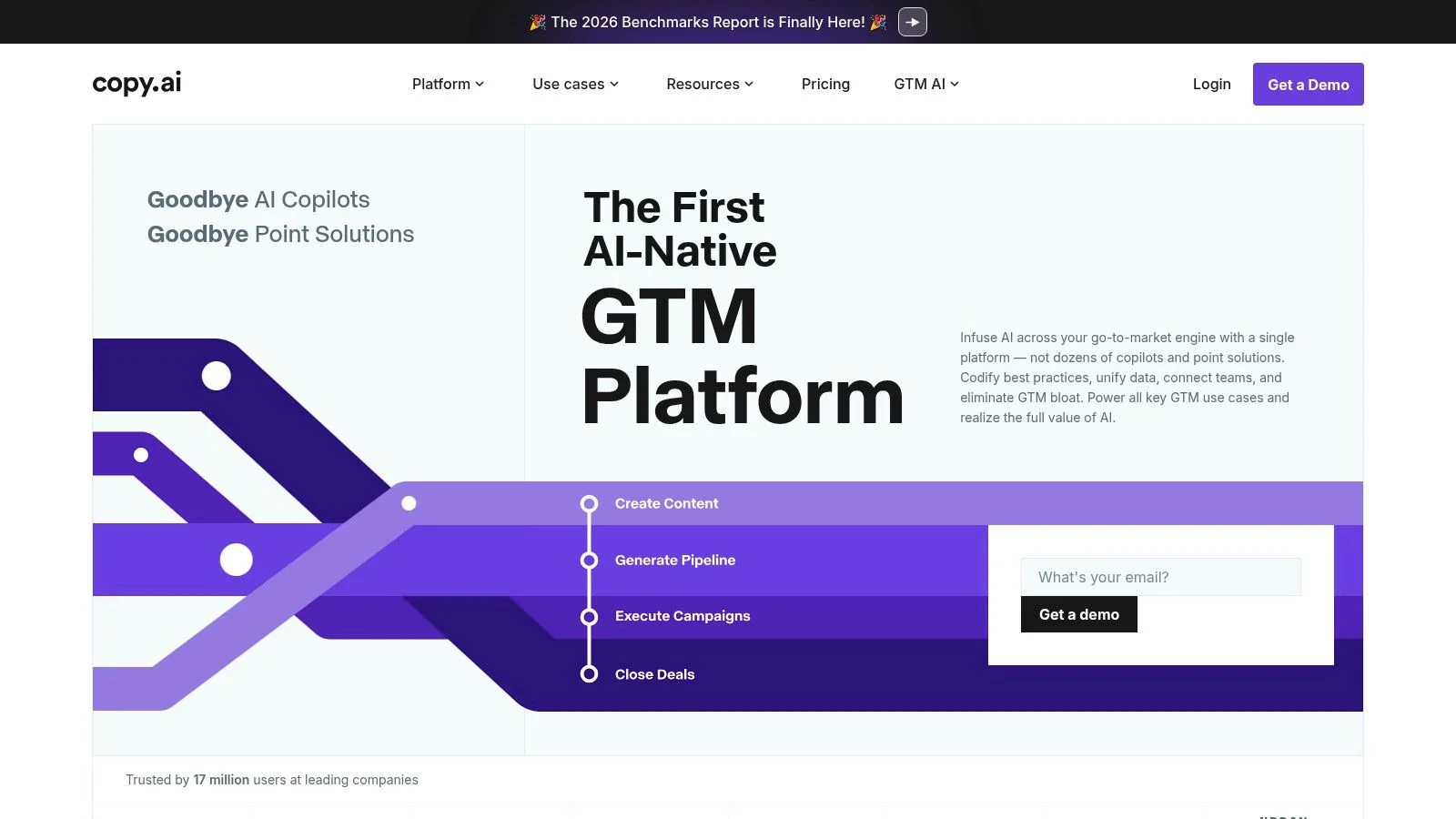
The platform’s power comes from its Automated Workflows and lightweight data layer. Instead of just generating text, you can build multi-step automations that research prospects, enrich data, and then create personalized outreach content. By offering access to multiple AI models (like those from OpenAI, Anthropic, and Google), it allows teams to select the best engine for a specific task.
Core Features & Use Cases
- Automated Workflows: Build repeatable processes for tasks like lead research, personalized email sequences, and content localization. This is ideal for sales and marketing teams looking to scale their GTM motions.
- Multi-Model Access: Choose from a variety of top-tier AI models for any given step in a workflow, ensuring you get the highest quality output for your specific need.
- Brand Voice & Data Layer: Use Tables and Actions to feed the AI specific company data, product details, or target account information, enabling highly contextual and accurate content generation.
Pricing and Access
Copy.ai provides a flexible pricing structure that includes a free tier for individuals and scalable paid plans starting from Pro for small teams. The paid tiers offer unlimited words in the Chat interface. Enterprise plans provide high-seat counts and advanced support. The credit system for Workflows can be a bit opaque at first, but it allows for predictable, usage-based billing for automations.
Our Take: Copy.ai is the right choice for GTM teams that need to automate complex, multi-step processes. Its workflow builder is a powerful tool for scaling everything from prospecting to content localization.
- Pros: Excellent for building automated GTM processes; flexible multi-model access.
- Cons: Workflow credit accounting can be confusing for new teams; realizing enterprise value may require implementation support.
Website: https://www.copy.ai
4. HubSpot Content Hub (AI content + CMS)
HubSpot's Content Hub is a fully integrated solution that combines a powerful CMS with AI-driven content creation tools. It stands out for teams already invested in the HubSpot ecosystem, offering a single source of truth for creating, managing, distributing, and analyzing content. This makes it one of the best AI tools for marketers who want to connect their content strategy directly to their CRM and sales data.
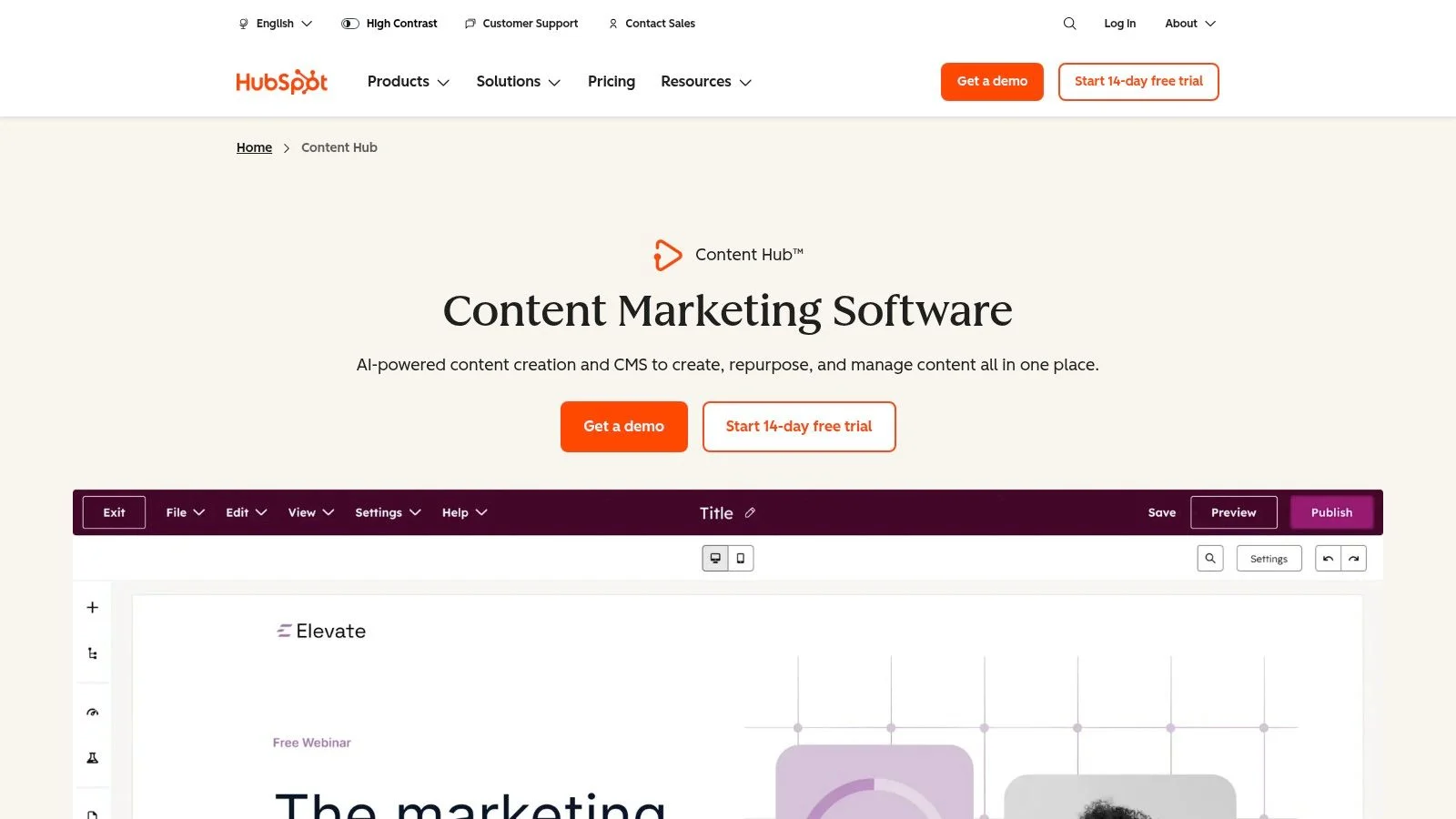
The platform’s major advantage is its native integration. The AI content writer and Brand Voice tools are built directly into the blog, landing page, and social media editors. This allows marketers to generate on-brand copy, scale content for global audiences, and publish it without ever leaving the platform. Its connection to the rest of the HubSpot suite means performance analytics are tied directly to leads and revenue.
Core Features & Use Cases
- AI Content Creation: Generate blog posts, landing page copy, and social media updates directly within the HubSpot editor, guided by your defined brand voice.
- Integrated CMS and Analytics: Manage your website, publish content, and track performance with built-in SEO tools and publishing analytics, all in one place.
- Content Governance: Scale your content operations with tools for managing multi-site and global content, ensuring consistency across different teams and regions.
Pricing and Access
Content Hub is available in tiered plans, often bundled with other HubSpot products like Marketing Hub. While there are entry-level options, the price increases quickly as you add seats or require enterprise-grade features for multi-site management. The total cost can become a significant factor, particularly with seat add-ons.
Our Take: For teams already running their marketing and sales on HubSpot, Content Hub is an obvious choice. It eliminates tool fragmentation and connects content performance directly to business outcomes, though the cost can be high for those not using the full suite.
- Pros: Single platform for website, content, distribution, and analytics; seamless fit for existing HubSpot users.
- Cons: Pricing can grow rapidly with more seats and features; total cost may be prohibitive if not all-in on the HubSpot ecosystem.
Website: https://www.hubspot.com/products/content
5. Semrush
Semrush is a dominant all-in-one SEO and competitive intelligence suite that has integrated powerful AI features directly into its core workflows. While known for its massive keyword and backlink database, its new AI tools make it one of the best AI tools for marketers focused on search visibility. It merges deep market data with content creation, bridging the gap between research and execution.
The platform’s key advantage is connecting AI-driven content ideation with real-time performance data. Tools like ContentShake AI help generate topic ideas and article drafts based on competitive gaps, while the AI Writing Assistant refines copy for SEO. This integrated approach ensures content is not just well-written but also strategically positioned to rank.
Core Features & Use Cases
- AI-Powered Content Tools: Use ContentShake AI for brainstorming data-backed topics and generating outlines. The AI Writing Assistant helps optimize drafts directly within the platform.
- Competitive Intelligence: Analyze competitors' top keywords, ad copy, and content strategies to inform your own AI-driven campaigns.
- AI Visibility Toolkit: A newer feature designed to diagnose and monitor your brand’s presence in emerging AI search surfaces like SGE (Search Generative Experience), helping you adapt your SEO strategy.
Pricing and Access
Semrush operates on a tiered subscription model (Pro, Guru, Business). While some AI writing assistance is included in core plans, more advanced tools like ContentShake AI or expanded AI credits may come as add-ons or require a higher-tier plan. This means the full cost of its AI capabilities can be higher than the base subscription price.
Our Take: Semrush is the ideal choice for SEO-focused marketing teams who want to ground their AI content strategy in hard data. Its ability to combine competitive research with AI-assisted creation offers a distinct advantage over standalone AI writers.
- Pros: Deep competitive dataset integrated with content tools; proactive support for AI search monitoring.
- Cons: True AI-enabled cost can require expensive bundles or add-ons; some AI features are priced separately.
Website: https://www.semrush.com
6. Surfer (Surfer SEO)
Surfer is an AI-assisted content strategy and optimization platform built for SEO-driven content workflows. Rather than just generating text, it provides a data-backed framework to ensure every article is created with the goal of ranking on search engines. This makes it one of the best AI tools for marketers who need a repeatable, scalable process for producing high-visibility blog posts and articles.
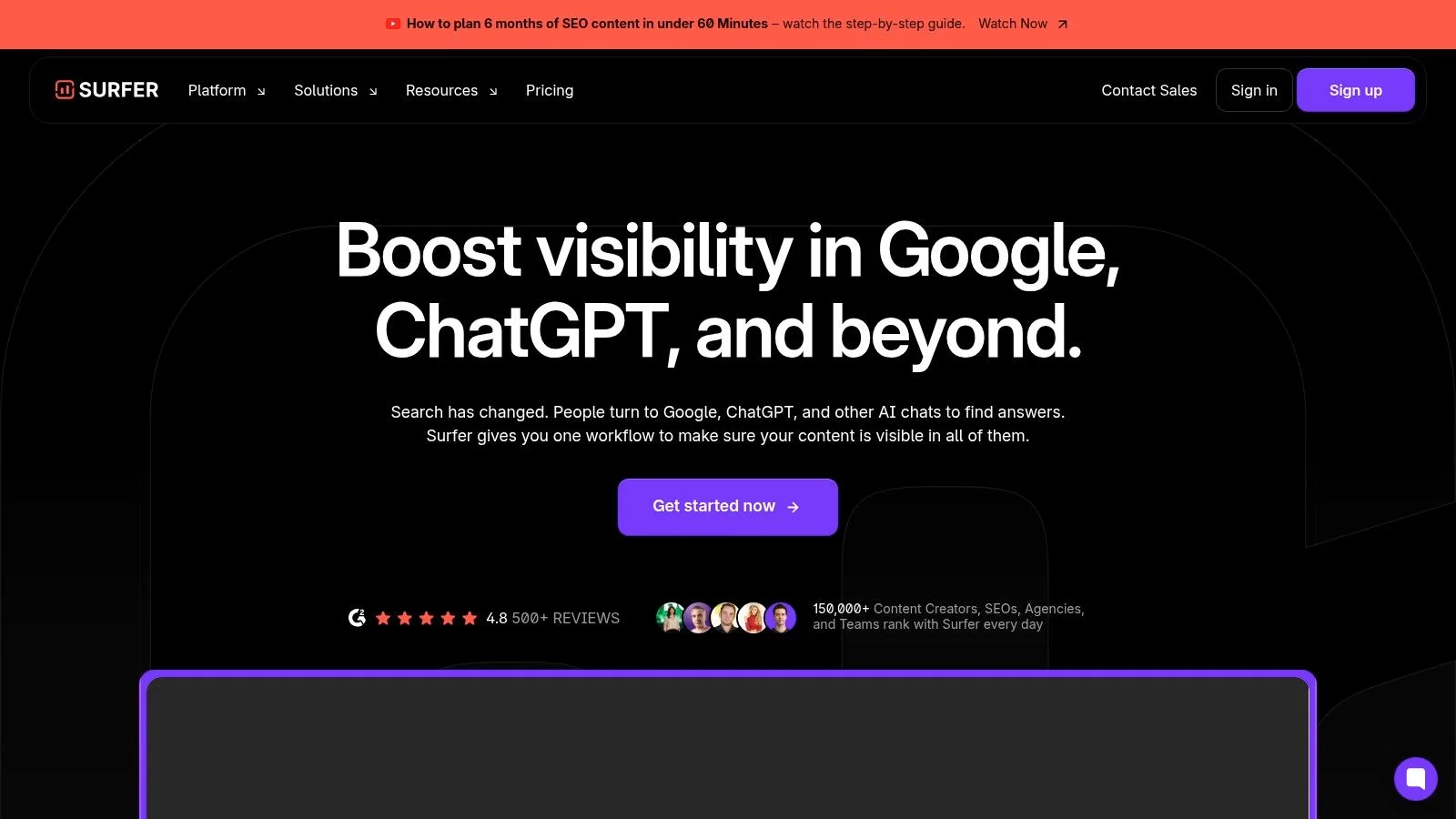
The platform’s power comes from its Content Editor, which analyzes top-ranking pages for a target keyword and generates specific guidelines. It gives writers a real-time score based on factors like word count, keyword density, and structural elements. This turns the subjective process of "good SEO" into a clear, measurable task, perfect for managing freelance writers or in-house content teams.
Core Features & Use Cases
- Content Editor: Provides AI-driven guidelines and a content score to guide writers. Ideal for creating new articles or optimizing existing content to improve its ranking potential.
- AI Writing & Optimization: Use the Surfy AI assistant for one-click article generation, or create content based on custom templates and brand voices. It helps speed up the drafting process significantly.
- Audit and Internal Linking: The Audit feature identifies on-page SEO gaps in published content, while internal link suggestions help build topical authority and distribute page equity.
- Keyword Research & SERP Analyzer: Find content opportunities and analyze the search results page to understand what kind of content Google is rewarding for your target queries.
Pricing and Access
Surfer offers several subscription tiers, with plans designed for individuals, small businesses, and larger content teams. Key features like the number of articles you can write or audit per month are tied to your plan. While there are usage caps on lower tiers, the best value is often found in the annual plans, which provide a significant discount.
Our Take: Surfer is the definitive tool for marketing teams focused on winning with organic search. Its clear, gamified editor and data-first approach remove the guesswork from SEO content creation.
- Pros: Excellent workflow for writers and editors; provides a measurable content score for clear optimization targets.
- Cons: Monthly usage limits on lower-tier plans can be restrictive; most cost-effective on an annual subscription.
Website: https://surferseo.com
7. Canva Magic Studio
Canva Magic Studio integrates a suite of AI-powered tools directly into the familiar Canva design platform. It’s built to help non-designers and busy marketing teams produce a high volume of on-brand creative assets quickly. By embedding AI features within its existing editor, it has become one of the best AI tools for marketers who need to create social media posts, ads, and presentations without a steep learning curve.
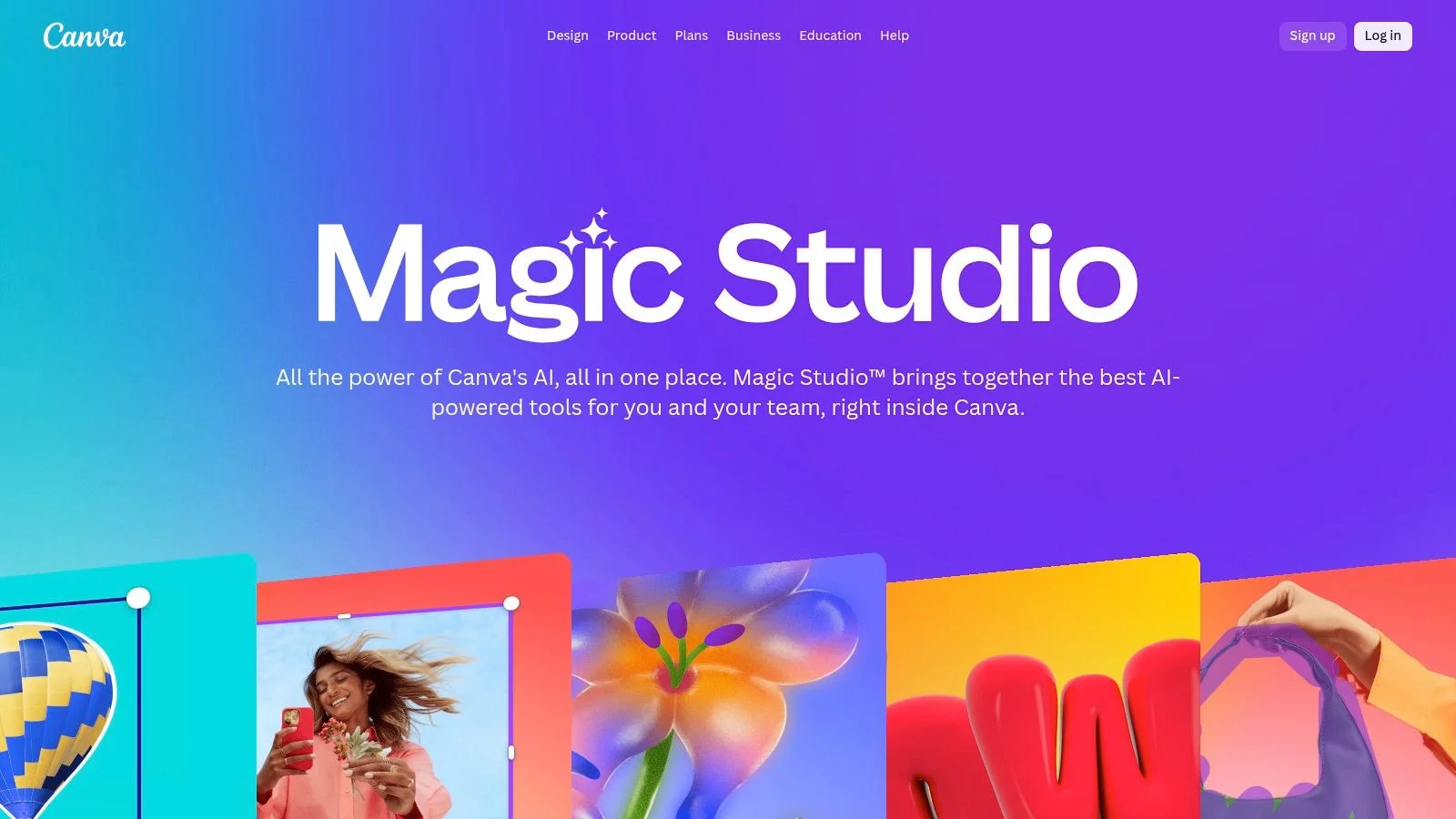
The platform’s key benefit is its accessibility. Features like Magic Design can generate entire presentations or ad variations from a single prompt or image, while Magic Write assists with copywriting directly on the design canvas. This tight integration means marketers can go from an idea to a finished asset in minutes, all within one application.
Core Features & Use Cases
- Magic Design: Instantly generates design variations, presentations, and even short videos from a text prompt or uploaded media. Ideal for brainstorming campaign concepts or creating quick social content.
- AI Image & Video Tools: Includes a text-to-image generator, Magic Expand to resize images, and Magic Edit to alter specific objects. These tools are perfect for producing custom visuals without stock photo limitations.
- Magic Write: An AI writing assistant available inside text boxes for generating or refining headlines, body copy, and calls-to-action on the fly.
- Brand Kit Integration: AI tools can pull from your established Brand Kit, applying your logos, colors, and fonts to maintain brand consistency across all generated assets.
Pricing and Access
Many of Magic Studio’s features are available on the free Canva plan with usage limits. To unlock higher limits and more advanced tools like Brand Kit integration, a Canva Pro or Canva for Teams subscription is required. The pricing model makes it a very affordable entry point into AI-powered design for individuals and small businesses.
Our Take: Canva Magic Studio is the perfect tool for marketers who need speed and volume over complex design control. It’s an exceptional choice for social media managers and small teams needing to produce a constant stream of good-looking assets without a dedicated designer.
- Pros: Very low learning curve for non-designers; high template velocity for social and ad creative.
- Cons: Asset licensing and commercial rules still apply; usage must be verified; capability levels vary by Canva plan.
Website: https://www.canva.com/magic/
8. Adobe Firefly
Adobe Firefly is the company’s family of generative AI models designed for commercially safe creative work. Integrated directly into familiar Adobe applications like Photoshop and Express, Firefly is one of the best AI tools for marketers who already operate within the Adobe ecosystem and need to produce brand-safe visual assets at scale. It’s trained on Adobe Stock’s licensed library, which means the content it generates is designed to be free of intellectual property conflicts.
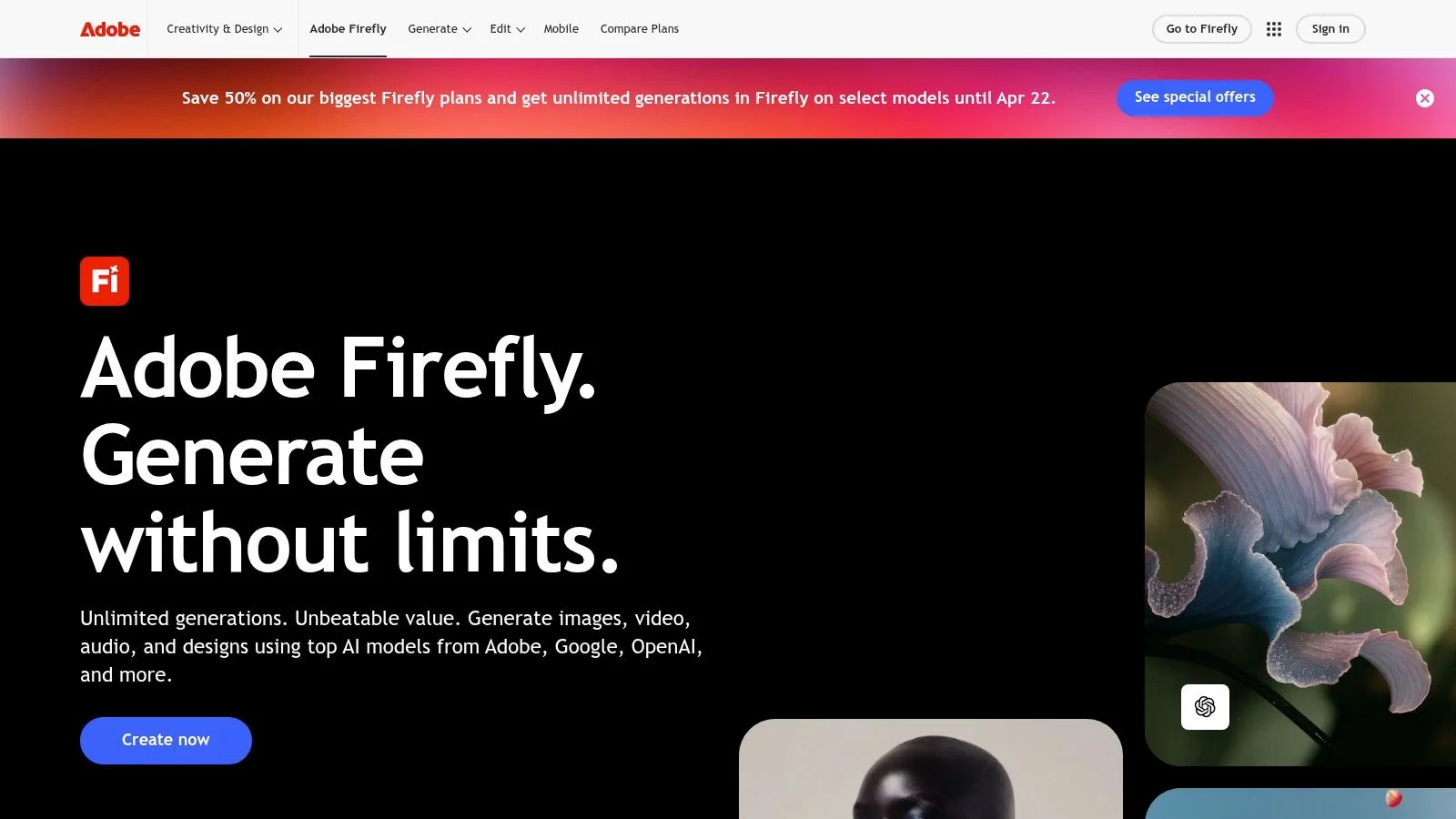
The platform’s key advantage is its deep integration. Instead of exporting and importing assets between different tools, marketers can use features like Generative Fill directly within a Photoshop project to extend backgrounds, remove objects, or add new elements with simple text prompts. This creates a more fluid and efficient workflow for creating ad creatives, social media graphics, and website visuals.
Core Features & Use Cases
- Generative Fill & Expand: Seamlessly add, remove, or expand content in your images directly within Photoshop. This is ideal for quickly adapting a single hero image into multiple formats for different channels.
- Text-to-Image Generation: Create high-quality, commercially viable images from text descriptions in Adobe Express. Marketers can use this to quickly mock up campaign concepts or generate unique visuals without a photoshoot.
- Future Capabilities: Adobe is expanding Firefly to include video, audio, and vector generation, promising a unified AI toolkit for all creative marketing needs.
Pricing and Access
Firefly operates on a generative credit system. Most paid Creative Cloud plans include a monthly allowance of credits. Once depleted, users can purchase additional credit packs. While this model is predictable, teams with high-volume visual production may need to monitor their usage to avoid unexpected costs. The free plan offers a limited number of monthly credits.
Our Take: Adobe Firefly is the clear choice for marketing teams heavily invested in the Adobe Creative Cloud. Its seamless integration and focus on commercial safety remove major barriers to adopting generative AI in a professional workflow.
- Pros: Integrates directly into familiar Adobe workflows; commercially safe model reduces IP risks.
- Cons: The generative credit system requires planning for large-scale use; advanced video features are still in development.
Website: https://www.adobe.com/products/firefly.html
9. Descript
Descript is an AI-assisted video and audio editor that fundamentally changes how marketers produce content. Instead of a traditional timeline, you edit media by editing its transcript, making it one of the best AI tools for marketers who need to repurpose webinars, create social clips, or produce podcasts without a steep learning curve. The platform merges transcription, editing, and AI-powered cleanup into a single, intuitive workflow.
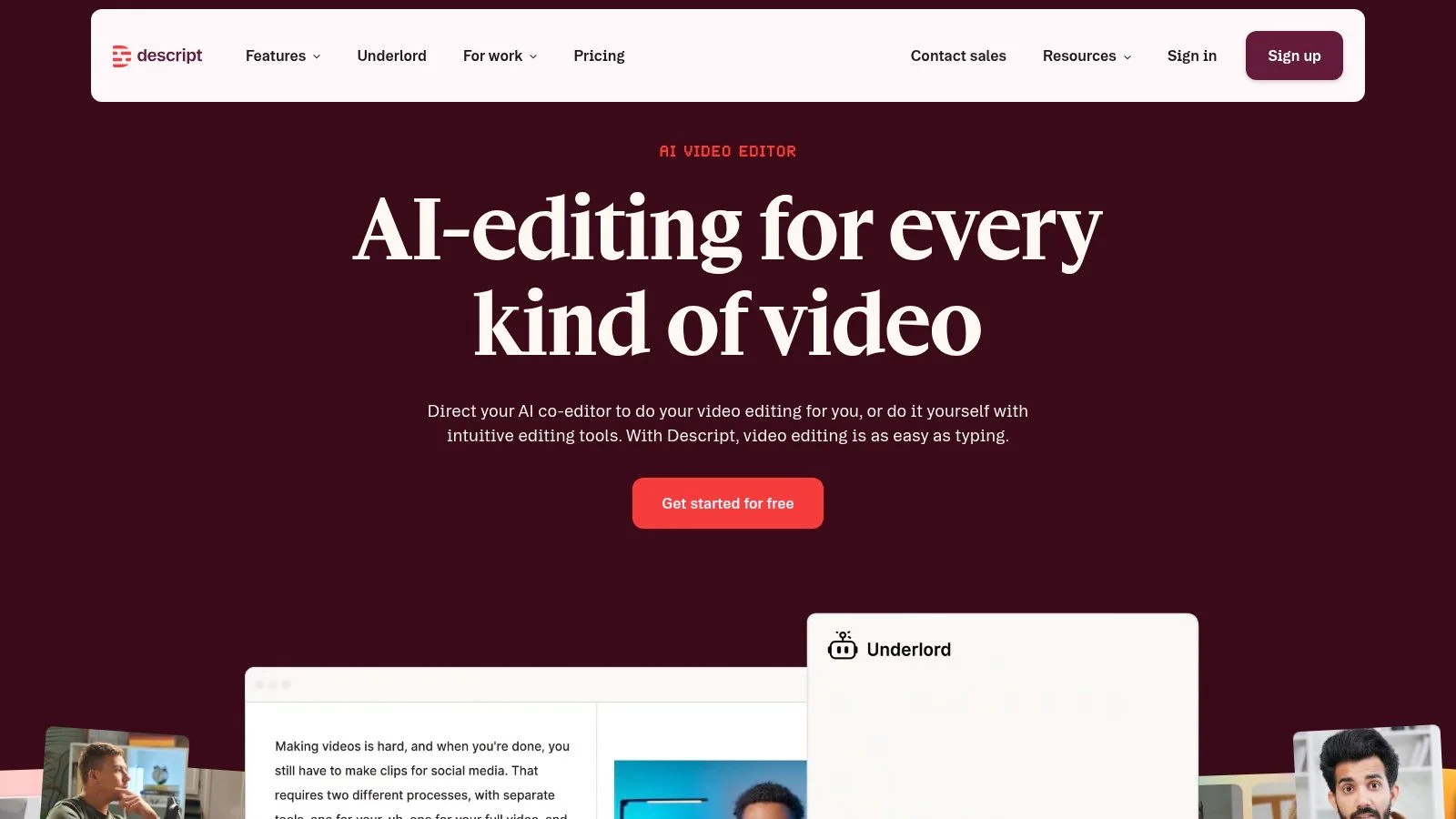
Its core innovation is text-based editing. After transcribing your file, you can cut, copy, paste, and delete words from the text, and the corresponding video or audio is edited automatically. This approach is perfect for content teams tasked with turning long-form recordings into polished, distribution-ready assets quickly and efficiently.
Core Features & Use Cases
- Text-Based Editing: Edit video and audio by simply editing the transcript. Easily remove filler words like "um" and "uh" with a single click, instantly cleaning up interviews and presentations.
- Studio Sound & AI Speech: Enhance voice recordings to studio quality, remove background noise, and even correct misspoken words or add new ones with AI voice cloning.
- Multilingual Dubbing & Clip Generation: Translate and dub your content into multiple languages to expand your reach. Use the AI to automatically find the best highlights and generate shareable social media clips from longer videos.
Pricing and Access
Descript offers a free plan with basic features and limited transcription hours. Paid plans, including Creator and Pro, provide more transcription time, remove watermarks, and unlock advanced AI features like Studio Sound and filler word removal. Business plans add team collaboration tools. Caps on transcription and AI minutes mean you must choose a plan that matches your production volume.
Our Take: Descript is an essential tool for marketers who treat video and audio as a primary content source. It removes technical barriers to media editing, allowing teams to focus on storytelling and repurposing content at scale.
- Pros: Marketer-friendly editing workflow (edit video by editing text); good balance of creation, cleanup, and distribution tools.
- Cons: Usage caps mean higher tiers are needed for heavy media volumes; AI minutes and media-hour limits require selecting the right plan.
Website: https://www.descript.com
10. Synthesia
Synthesia is an AI-powered video generation platform that turns text scripts into professional-quality videos, complete with AI avatars. This tool removes the need for cameras, studios, or live actors, making it one of the best AI tools for marketers tasked with creating training materials, product explainers, or promotional content quickly and at scale. It’s especially powerful for global campaigns requiring video localization.
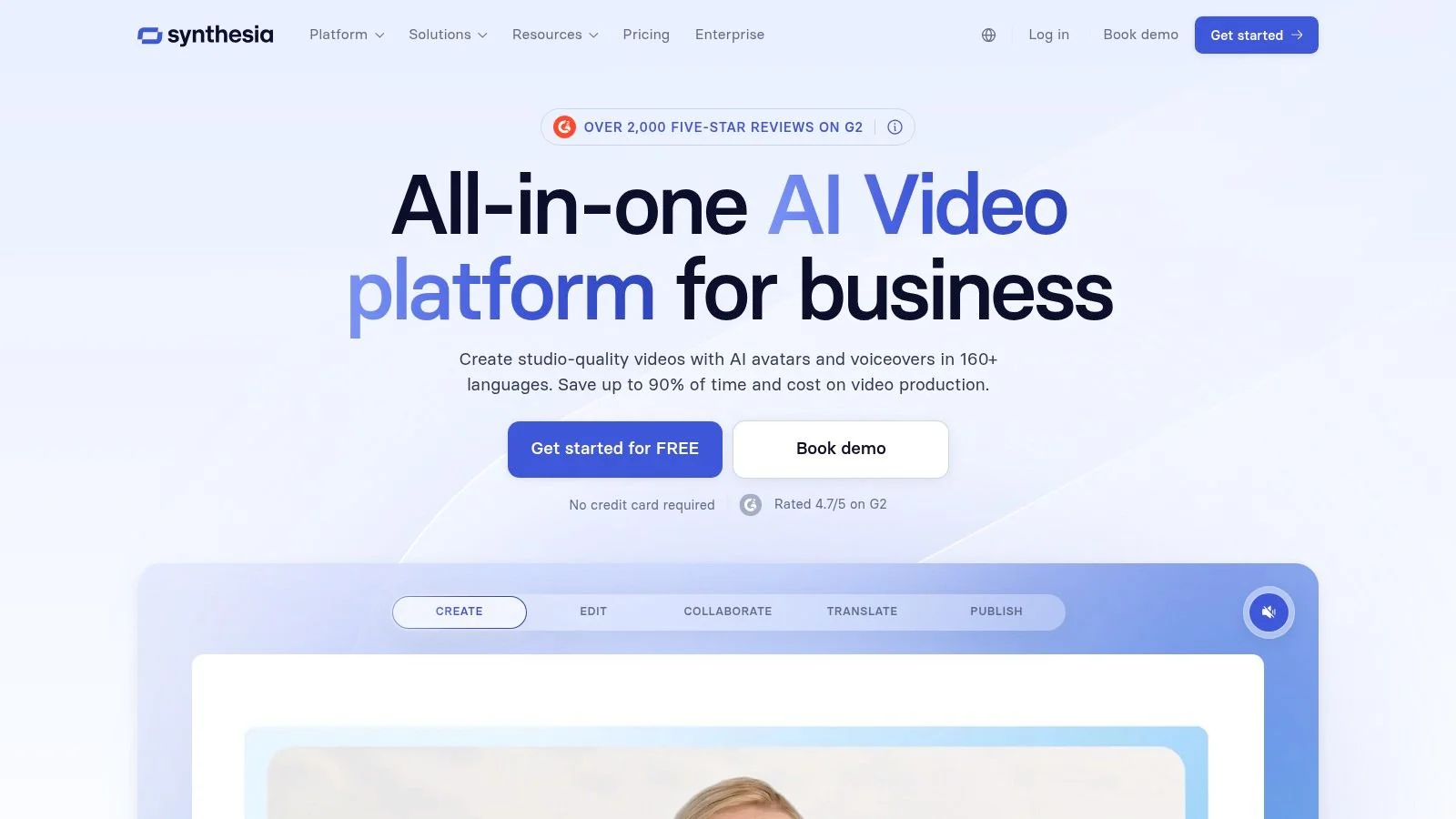
The platform’s key advantage is its ability to produce consistent, branded video content in over 140 languages. Marketers can select from more than 180 stock avatars or create a custom digital twin of a real person for brand consistency. This allows teams to rapidly generate and update videos, such as "how-to" guides or internal onboarding, without costly reshoots.
Core Features & Use Cases
- Script-to-Video Production: Simply paste your script, choose an avatar and background, and the AI generates the video. This is ideal for marketers creating explainer videos, webinar content, or social media clips.
- AI Dubbing & Translation: Instantly translate and dub your video content into multiple languages with a single click, maintaining the same avatar and visual style for global audiences.
- Custom Avatars: Enterprise clients can create a custom AI avatar, ensuring that all video communications feature a consistent, recognizable company presenter for enhanced brand coherence.
Pricing and Access
Synthesia offers several plans, including a Personal plan for individuals and tiered Creator and Enterprise plans for teams. Pricing is based on a credit system where minutes of video generation consume credits. While this model requires careful planning to manage costs, the savings on traditional video production logistics-like talent and studio time-are substantial.
Our Take: Synthesia is a game-changer for producing scalable, multi-language video content. It's the perfect fit for corporate training, product marketing, and any scenario where clear, consistent messaging is more important than the nuance of live-action filming.
- Pros: Dramatically reduces video production time and cost; enables easy localization for global marketing efforts.
- Cons: AI avatars can sometimes lack the authenticity of a human presenter; credit-based pricing requires careful usage monitoring.
Website: https://www.synthesia.io
11. Hootsuite (OwlyWriter AI)
Hootsuite integrates AI directly into its well-established social media management platform with OwlyWriter AI. Instead of being a standalone tool, it functions as a built-in assistant for social media managers who already rely on Hootsuite for scheduling, analytics, and engagement. This makes it one of the best AI tools for marketers looking to add efficiency to their existing social media operations without adopting a completely new workflow.
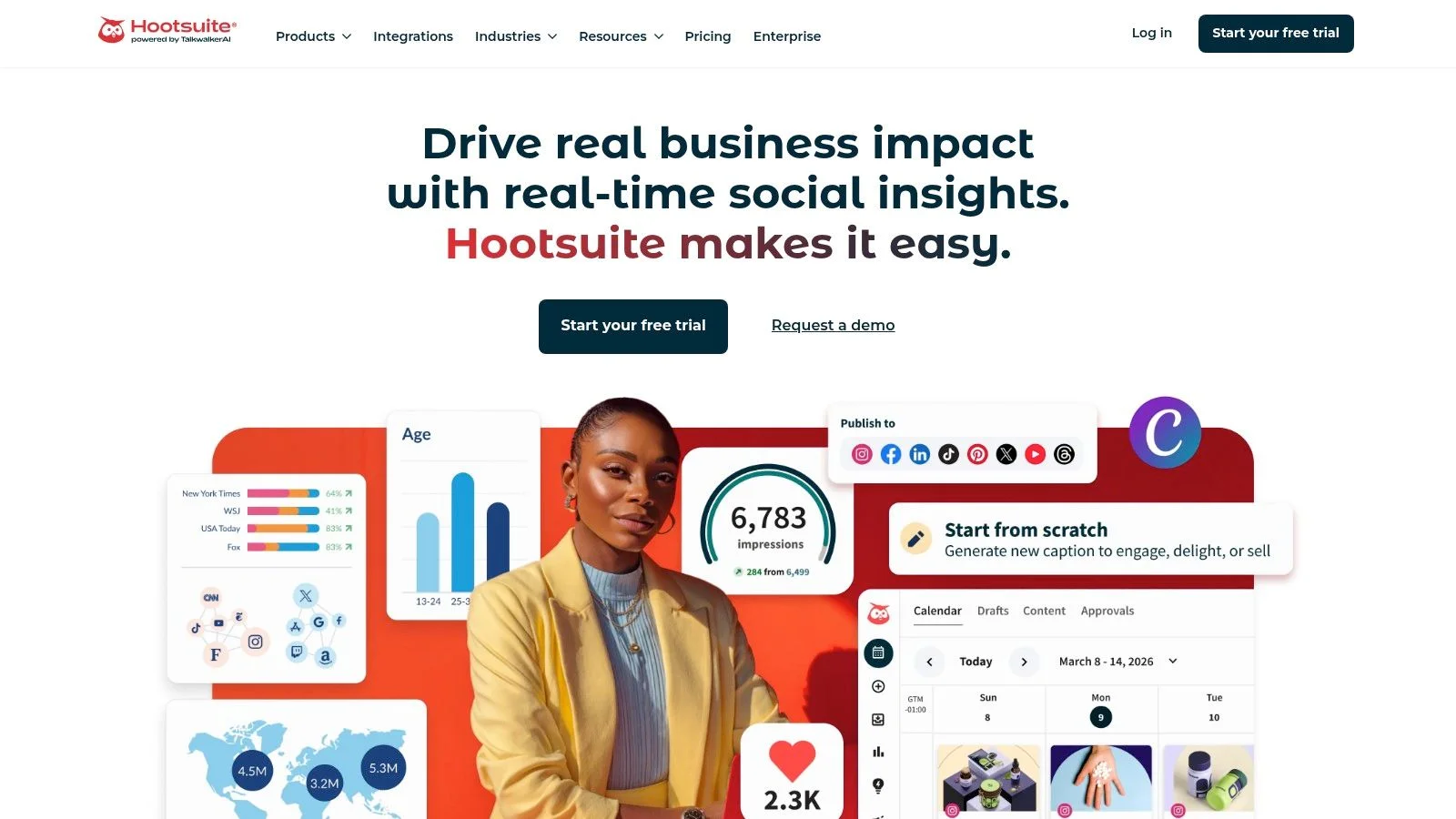
The primary strength of OwlyWriter AI is its tight integration with Hootsuite’s core features. You can generate post ideas, write new captions from a prompt, rewrite existing text, and even repurpose your top-performing content into fresh posts, all from within the composer. The addition of Canva integration further centralizes the content creation process, from ideation to visual design and scheduling.
Core Features & Use Cases
- AI Caption & Idea Generation: Use OwlyWriter AI to overcome writer’s block by creating post ideas and drafting captions for any social network. It's ideal for quickly filling gaps in your content calendar.
- Content Repurposing: Automatically identify your best-performing organic posts and use the AI to create new variations, helping you maximize the reach of proven content.
- All-in-One Workflow: Combine AI-assisted content creation with scheduling, a unified inbox for engagement, and performance analytics without leaving the Hootsuite dashboard.
Pricing and Access
OwlyWriter AI is included in Hootsuite’s paid plans (Professional, Team, and Enterprise), operating on a token-based system. Each plan comes with a set number of tokens that are consumed with AI usage. Pricing can be opaque on US-facing pages and may vary by region, so it’s best to consult their sales team or regional site for exact figures.
Our Take: Hootsuite is the practical choice for marketing teams that need AI to improve their social media efficiency, not overhaul it. OwlyWriter is a powerful assistant that works where you do.
- Pros: All-in-one social media management with built-in AI; established platform with strong support and training.
- Cons: Token limits for OwlyWriter require careful usage planning; plan pricing can be unclear and varies regionally.
Website: https://www.hootsuite.com
12. Zapier
Zapier is the connective tissue for the modern marketing stack, an automation platform that links thousands of apps together without code. While known for its classic "Zaps," its new AI layer makes it one of the best AI tools for marketers by allowing them to build intelligent, autonomous workflows. Instead of just moving data, you can now build AI agents that enrich leads, trigger campaigns, and even interact with customers.
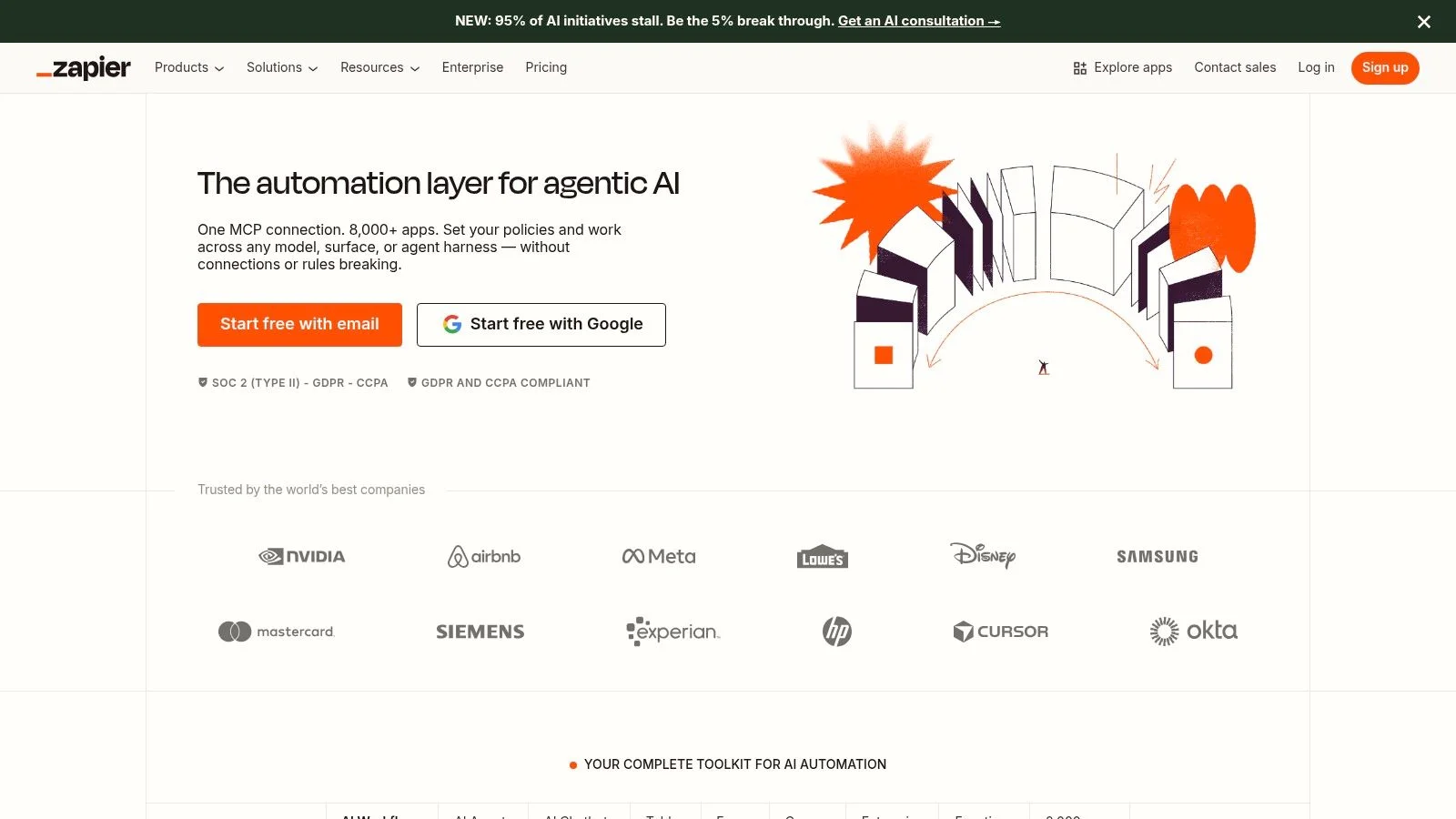
The platform's strength is its ability to orchestrate actions across your entire toolset. For instance, an AI-powered Zap can take a new lead from a form, use AI to research the lead's company, draft a personalized outreach email, and add the contact to your CRM with the enriched data. This moves Zapier from a simple data-pipe to an active marketing assistant.
Core Features & Use Cases
- AI Actions & Agents: Use the AI Copilot to build automations or create Agents that can browse the web, access knowledge, and perform multi-step tasks. This is ideal for automating lead enrichment or content syndication.
- Embeddable AI Chatbots: Build and embed chatbots trained on your own documents directly onto your website. These bots can answer visitor questions and capture leads, feeding them directly into your other marketing tools.
- Massive App Ecosystem: With over 6,000 app integrations, you can connect virtually any part of your marketing stack, from ad platforms and CRMs to email services and analytics tools.
Pricing and Access
Zapier has clear pricing tiers from a Free plan for basic automations to Team and Company plans for more complex needs. AI features like Agents and Chatbots are often add-ons with their own usage-based pricing. The core "task" limits require some planning for high-volume workflows, but the tiered structure lets you scale as your needs grow.
Our Take: Zapier is essential for any marketer looking to automate repetitive tasks and create intelligent, cross-tool workflows. Its AI features turn it from a background utility into a proactive operational hub for your entire marketing strategy.
- Pros: Unmatched app connectivity reduces manual campaign work; clear pricing tiers allow for easy scaling.
- Cons: Complex usage limits (tasks, sources) can be confusing; AI features have separate pricing and configuration.
Website: https://zapier.com
Top 12 AI Marketing Tools Comparison
| Tool | Core features | Unique/Standout ✨ | Target audience 👥 | UX/Quality ★ | Pricing/value 💰 |
|---|---|---|---|---|---|
| FOMOchat 🏆 | AI company‑rep + multi‑person social‑proof chats, webinar timeline sync, guardrails, analytics | ✨ Realistic group dialogues; timeline‑synced reactions; accuracy guardrails | 👥 Marketers, course creators, launch & CRO teams | ★★★★☆ Fast, low‑code, highly customizable | 💰 Free Preview; $29–$299/mo scaling by visitors & AI messages |
| Jasper | Brand governance, purpose‑built Agents, content workspaces, API | ✨ Marketing‑first Agents + strong brand controls | 👥 Marketing teams, agencies, enterprises | ★★★★☆ Polished marketing UX | 💰 Seat + usage pricing; Business tier for advanced features |
| Copy.ai (GTM) | Chat, Automated Workflows, multi‑model access, Brand Voice | ✨ Workflow automation for GTM processes; multi‑model support | 👥 GTM teams, marketers, sales ops | ★★★★☆ Flexible self‑serve → enterprise | 💰 Flexible tiers; workflow credits can be opaque |
| HubSpot Content Hub | CMS + AI writer, SEO tools, brand voice, publishing analytics | ✨ Integrated CMS + creation + analytics in one platform | 👥 Teams standardized on HubSpot/marketing ops | ★★★★☆ Seamless HubSpot integration | 💰 Higher cost as seats & scale grow |
| Semrush | SEO, competitive research, site audits, AI writing, visibility toolkit | ✨ Deep competitive dataset + AI search diagnostics | 👥 SEO teams, agencies, competitive analysts | ★★★★☆ Data‑rich; add‑ons needed for full AI features | 💰 Tiered; AI add‑ons may incur extra cost |
| Surfer (Surfer SEO) | Content Editor, one‑click optimization, internal linking, content scoring | ✨ Measurable content scoring & writer workflow | 👥 SEO writers, content teams | ★★★★☆ Clear editor workflow | 💰 Best value annual; usage caps on lower tiers |
| Canva Magic Studio | Magic Design, Magic Write, image/video gen, templates, brand kits | ✨ Rapid asset creation for non‑designers; high template velocity | 👥 Social teams, non‑designers, small brands | ★★★★☆ Very easy & fast to use | 💰 Capabilities vary by Canva plan |
| Adobe Firefly | Generative image/video/audio, Generative Fill, Photoshop/Express integration | ✨ Commercial‑use focus with predictable credit tiers | 👥 Creative teams, agencies, enterprise designers | ★★★★☆ Familiar Adobe workflows | 💰 Credit‑based; plan & credit needs vary |
| Descript | Transcript‑based video editing, Studio Sound, dubbing, voice cloning | ✨ Edit video by editing text; co‑editor & clip regen tools | 👥 Podcasters, webinar repurposers, video marketers | ★★★★☆ Streamlined for repurposing | 💰 Tiered with media/AI minute caps |
| Synthesia | Script‑to‑video, 180+ avatars, 140+ languages, templates | ✨ Rapid multilingual video without shoots; custom avatars | 👥 Course creators, L&D, product marketing | ★★★☆☆ Great scale; some avatars feel less human | 💰 Credit/minute model; plan dependent |
| Hootsuite (OwlyWriter AI) | OwlyWriter ideation, scheduling, analytics, listening, Canva integration | ✨ All‑in‑one social ops + AI caption assist | 👥 Social managers, agencies | ★★★☆☆ Established workflows; token limits | 💰 Regional pricing; token limits require planning |
| Zapier | Zaps, Tables, Forms, AI Copilot, Agents, massive integrations | ✨ Broad app ecosystem + AI action/agent layer | 👥 Ops, martech integrators, automation teams | ★★★★☆ Powerful but complexity & limits | 💰 Free→Enterprise; task/agent limits affect cost |
Integrating AI into a Human-Centric Marketing Strategy
We've explored a dozen of the best AI tools for marketers, from content creation powerhouses like Jasper and Copy.ai to SEO optimizers like Semrush and Surfer. We looked at how tools like Canva Magic Studio and Adobe Firefly are making design accessible, and how platforms like Synthesia and Descript are changing video production. This isn't just a list of software; it's a map to a more efficient, data-informed, and creative marketing future.
The core lesson is clear: AI is not here to replace marketers. It's here to augment our abilities. These tools handle the repetitive, data-heavy, and time-consuming tasks, freeing up our mental energy for what truly matters: strategy, creativity, and building genuine connections with our audience. An AI can draft ten versions of an ad, but it can't understand a customer's frustration or share in their excitement like a human can.
Your Next Steps: From Reading to Doing
Feeling overwhelmed by the options is normal. The key is to start small and focus on your most significant bottleneck. Don't try to implement five new tools at once. Instead, identify a single, persistent problem in your workflow and choose one tool from this list that directly addresses it.
Here’s a simple framework to guide your decision:
- If you struggle with content volume and speed: Start with a dedicated writing assistant. Jasper is excellent for long-form content and maintaining a consistent brand voice, while Copy.ai's GTM AI Platform is built for sales and marketing teams needing a wide range of output.
- If your SEO is a constant uphill battle: A specialized tool is your best bet. Semrush provides a complete SEO toolkit with powerful AI features, whereas Surfer SEO is laser-focused on creating perfectly optimized articles that rank.
- If you need to create engaging visuals or video without a big budget: Look at creative suites. Canva Magic Studio makes professional-grade design and simple video edits incredibly easy. For more advanced AI image generation or video editing, Adobe Firefly and Descript are your go-to solutions.
- If you want to automate workflows and connect your stack: Zapier is the essential glue. Its AI capabilities can help you build smarter, more complex automations between the tools you already use.
- If you need to build trust and drive conversions on your website: Focus on tools that create social proof. A tool like FOMOchat can turn passive website visitors into an active, trusting community by showing real-time engagement.
A Final Thought on Implementation
Remember that the goal is not to adopt "AI" but to solve a business problem. Before you commit to a subscription, take full advantage of free trials. Test the tool with a real-world project. Does it actually save you time? Is the output high-quality? Does it integrate with your existing software, like your CRM or CMS?
The true value of the best AI tools for marketers is unlocked when they are integrated thoughtfully into a human-centric strategy. Use AI to understand your data, automate your workflows, and generate ideas. Then, use your uniquely human intuition and empathy to connect with your audience, build your brand, and drive meaningful growth.
Ready to turn website traffic into a community and boost conversions with social proof? FOMOchat uses subtle, engaging notifications to show visitors what others are buying, reviewing, and signing up for in real-time. See how our AI-powered widgets can build trust and urgency on your site by visiting FOMOchat to start your free trial.